Prompt
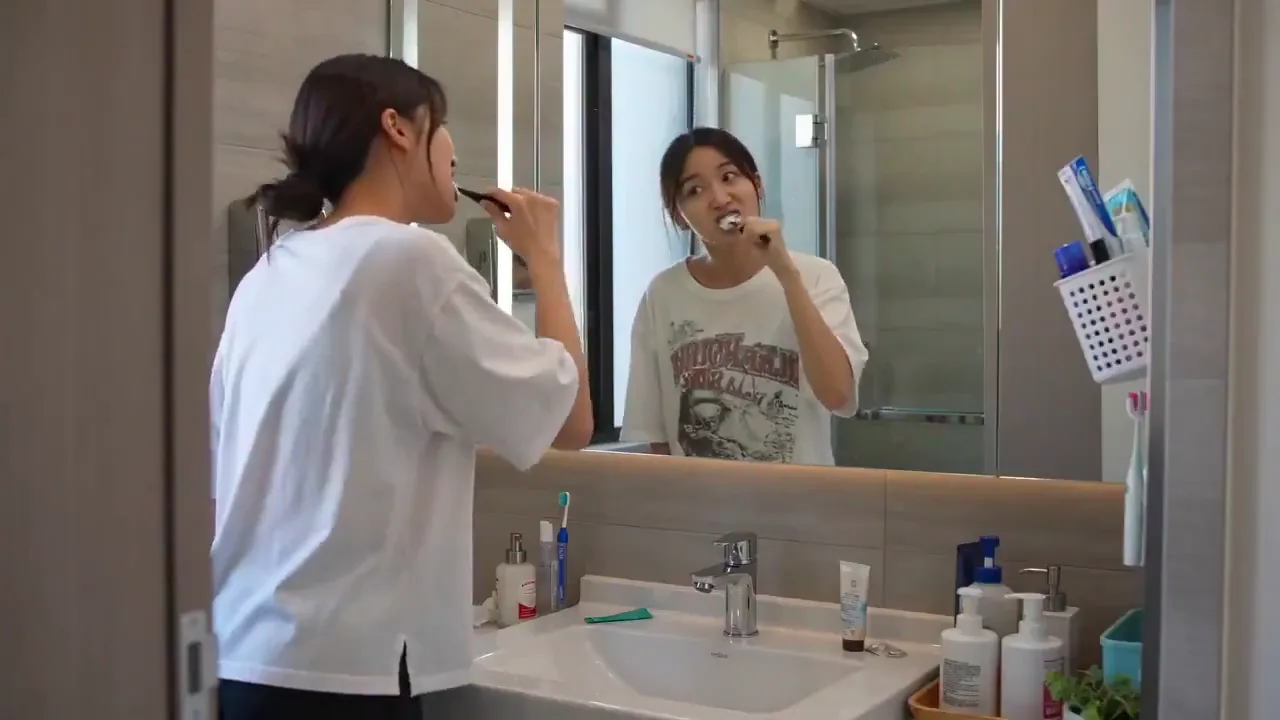
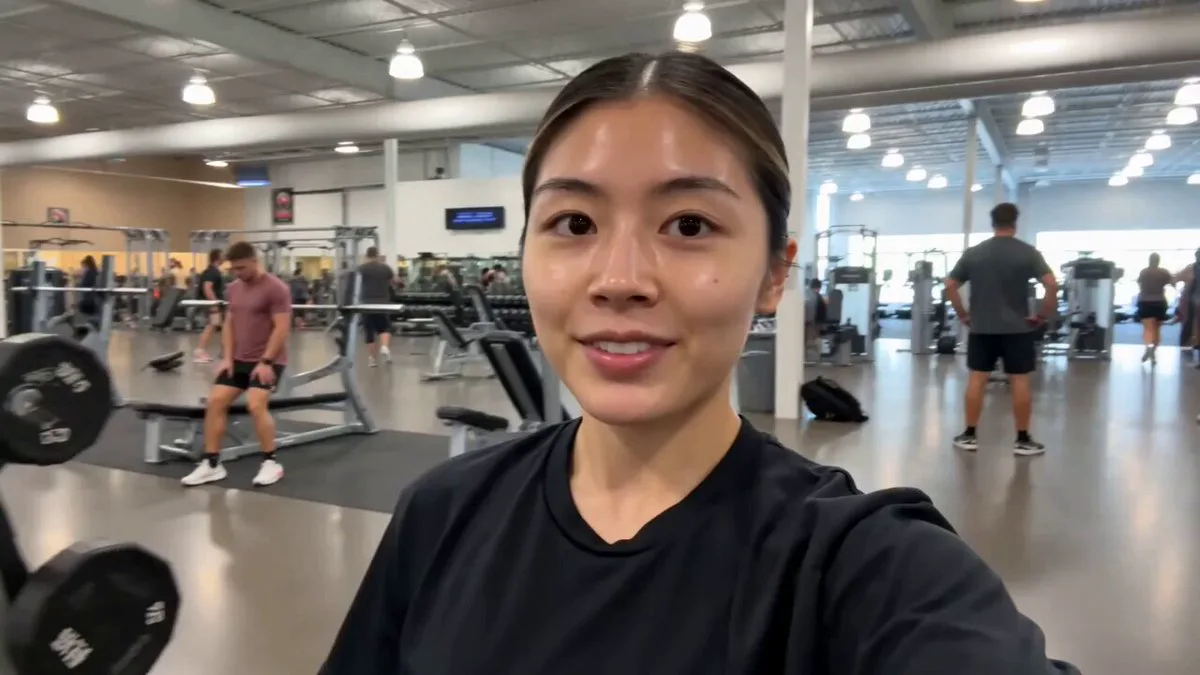
239 wordsSuper casual real smartphone home video footage, evening bonfire gathering in a backyard, natural mobile phone camera with slight authentic handheld shake, normal frame rate with smooth natural motion, rapidfire montage with quick jump cuts every 1-2 seconds like scrolling through phone memories, unpolished authentic phone recording of mixed ages sitting around the fire, roasting snacks and chatting, pure raw home video feel, no cinematic polish. Use the provided reference photo as the strict ONLY visual reference for the main woman. Maintain her exact appearance with zero deviation. Generate a mixed group of family and friends around her near the bonfire, glowing flames visible. 0-2.5s: Shaky rapid cuts main woman laughing near the fire, warm glow lighting her face, quick flashes of sparks rising. 2.5-5s: Abrupt jump cuts close-up of her smiling while roasting a marshmallow, then friends passing snacks around the fire. 5-7.5s: Fast shaky she chats animatedly, firelight flickering, friends and family seated on chairs nearby. 7.5-10s: Quick cut close-up warm smile toward camera, then jump to her laughing with a grandparent by the fire. 10-12.5s: Abrupt edit group gathered close, sharing stories and snacks, casual toast with drinks. 12.5-15s: Final rapid transition main woman relaxed by the fire with the group, soft smile, calm night memory ending with gentle phone sway. Natural smartphone video quality, slight real handheld shake, smooth normal frame rate motion, authentic casual physics, stable main character consistency, no pro stabilization or effects.
About this prompt
Backyard Bonfire Memory Montage is a UGC Seedance 2.0 prompt with 239 words, structured around shot timing, camera direction, motion cues, and remixable scene details.
Use the preview clip when available to understand pacing, then treat the prompt text as a production brief you can adapt for your own subject, brand, or story.
Video prompt structure
Use it for UGC videos
Best for Seedance 2.0 generations that need UGC, Multi-Shot. Replace the subject, setting, product, dialogue, music, and timing before sending it to the generator.
Customize before generating
- Swap the subject. Keep the camera and timing structure, but change the character, product, or environment.
- Tighten the timeline. Shorten or expand shot blocks so they match the duration you want to render.
- Add reference media. Use first frames, last frames, images, video, or audio when the prompt depends on a specific look or rhythm.
More Seedance paths to explore
Browse adjacent styles and techniques from the same Seedance 2.0 prompt library.
How to use it
- Step 1
Copy or start from this prompt
Use the full prompt as a structured draft rather than rewriting the whole video brief.
- Step 2
Open Seedance 2.0
Send the text into the Seedance generator and choose text, image, or reference mode.
- Step 3
Adapt and render
Tune duration, aspect ratio, reference media, camera notes, and dialogue before generating.
Make it a Seedance video
Start from this prompt in the Seedance 2.0 generator, then adjust the scene, duration, aspect ratio, and reference media.