Prompt
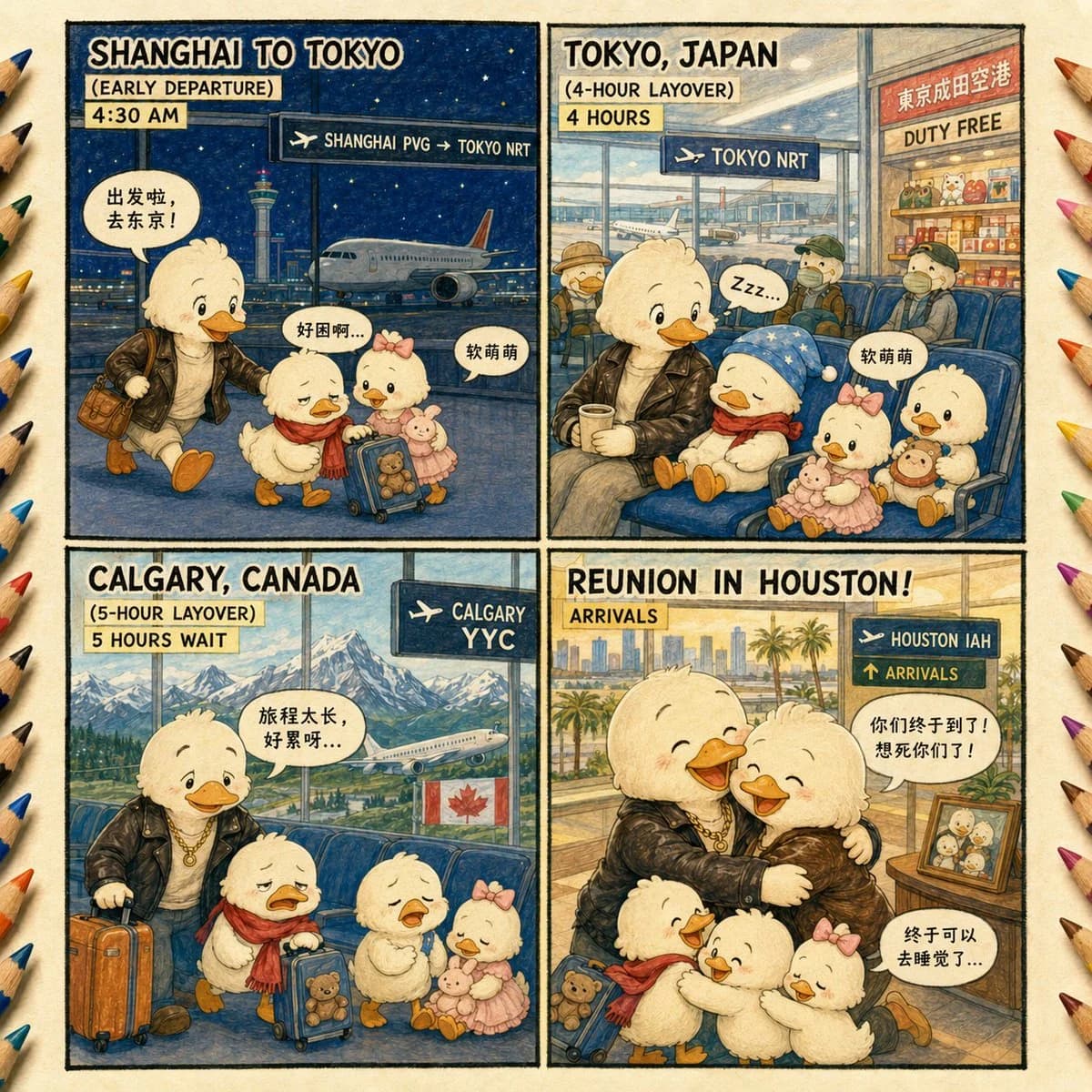
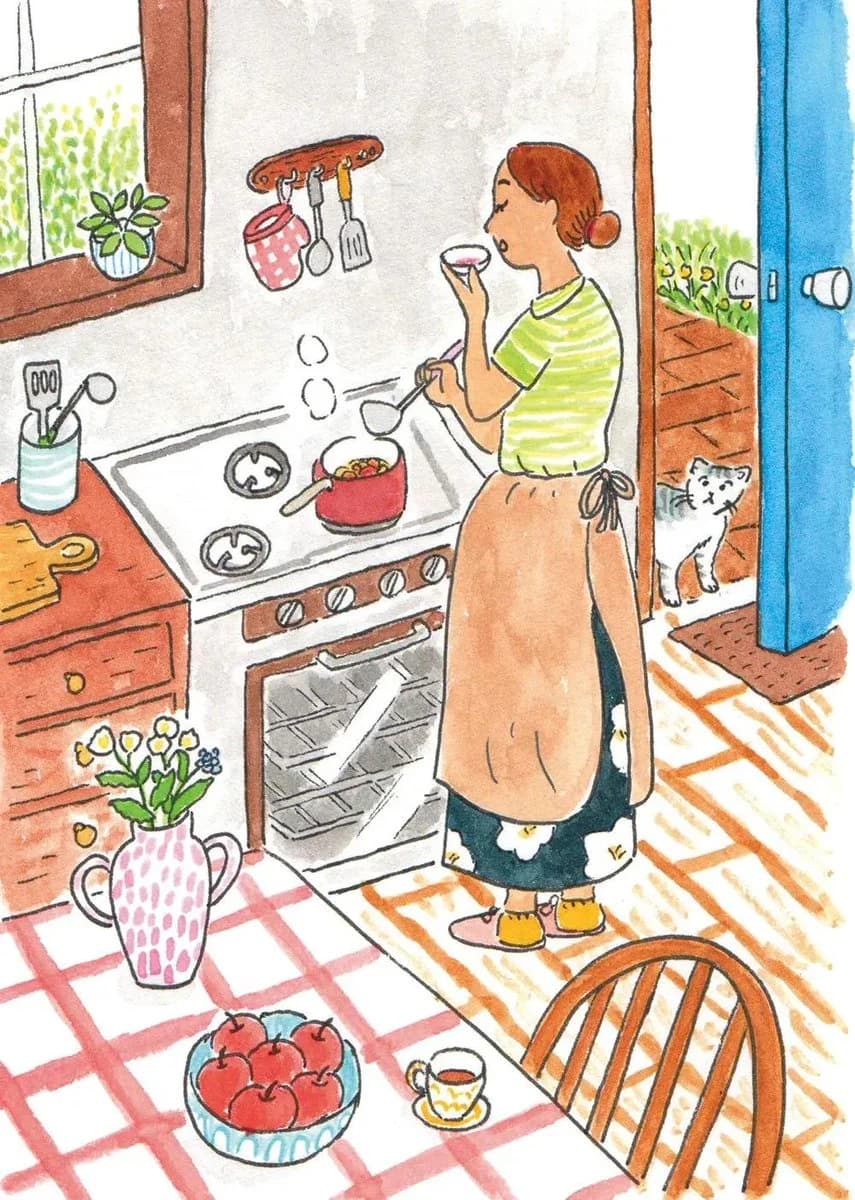
157 wordsWhimsical hand-drawn watercolor and colored-pencil illustration of a peaceful everyday life scene, inspired by a cozy vintage children's picture book. Create a richly detailed, story-filled environment with charming ordinary people {argument name="activities" default="cooking in a warm kitchen, tending a lush garden, sharing tea at a wooden table, working in a quiet neighborhood, or meeting on a countryside path"}. Loose imperfect black ink outlines, naive hand-drawn proportions, visible pencil marks, soft watercolor washes, slightly uneven coloring, warm paper texture, {argument name="color palette" default="gentle muted reds, greens, blues, yellows and earthy oranges"}. Fill the composition with tiny narrative details: {argument name="objects" default="flowers, leafy trees, potted plants, cats or small dogs, birds, cups, kitchen utensils, fruit bowls, old furniture, scattered autumn leaves and cozy household objects"}. Wide storybook composition, playful perspective, calm nostalgic atmosphere, warm human emotion, traditional analog illustration, scanned vintage paper feel, no photorealism, no 3D, no glossy digital art, no text, highly detailed editorial children's book artwork.About this prompt
Watercolor Children's Book Illustration is a ready-to-use storyboard prompt for GPT Image 2 on Image 2. Copy the 157 words below, paste them into the Create form, and you will get a result close to the preview above. Tweak the Comic, Storyboard, 3D tag if you want to push it somewhere new.
Use it as a starting point, then adjust the subject, lighting, or composition to suit your idea. The credit cost stays the same whether you use it as written or customize it.
Use case
A strong starting point for Storyboard
Start here when you want a storyboard image inspired by Watercolor Children's Book Illustration. The prompt already sets the look and composition; replace the subject, product, colors, or scene details to match your project.
Easy places to tweak
- Subject Swap in your person, product, place, or object without changing the overall composition.
- Look and mood Tune the lighting, palette, camera angle, or materials so the image fits your brand.
- Final format Set the aspect ratio, background, text, or layout notes before you generate.
More prompt paths to explore
Find more GPT Image 2 prompts with a similar style, use case, or subject.
How to use it
- Step 1
Copy the prompt
Hit the Copy button above to grab the full text.
- Step 2
Open Image 2 Create
Head to the Create form and paste it in.
- Step 3
Generate
Hit Generate. Your version lands in seconds.
Make it yours
Load the prompt into the Create form with one click, then start tweaking.