Prompt
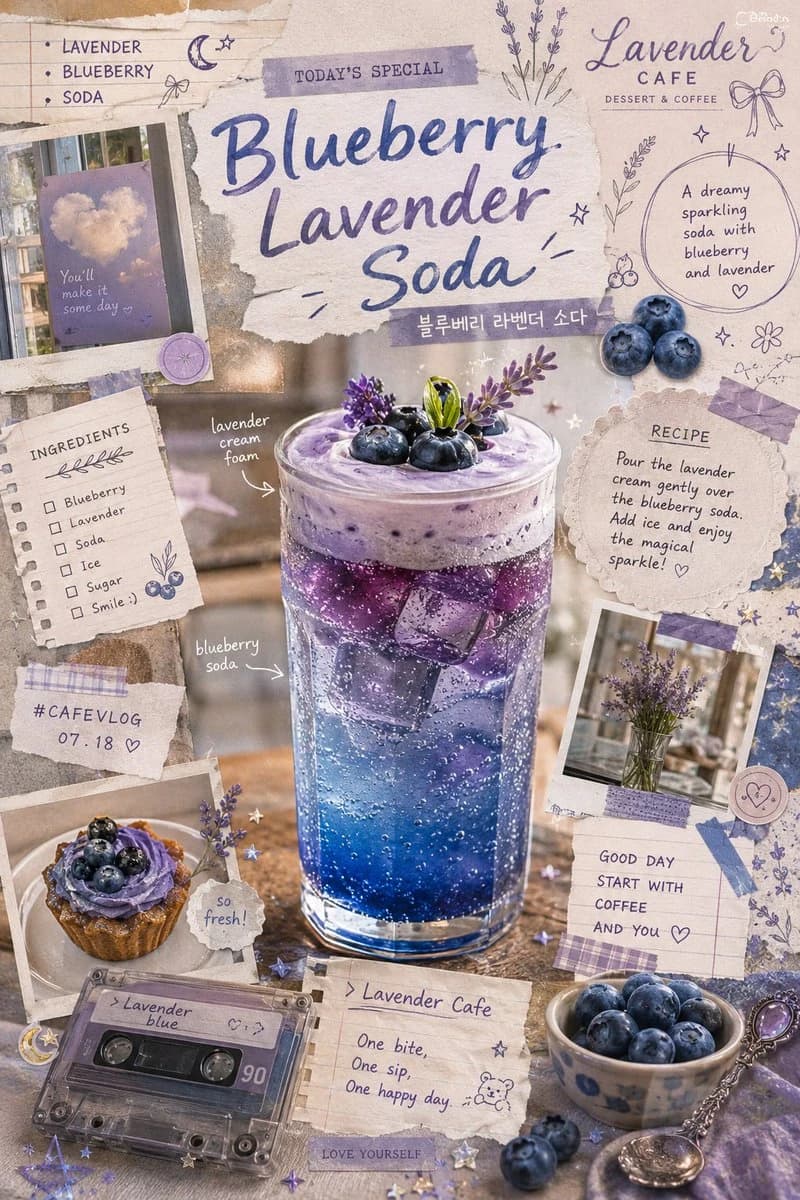
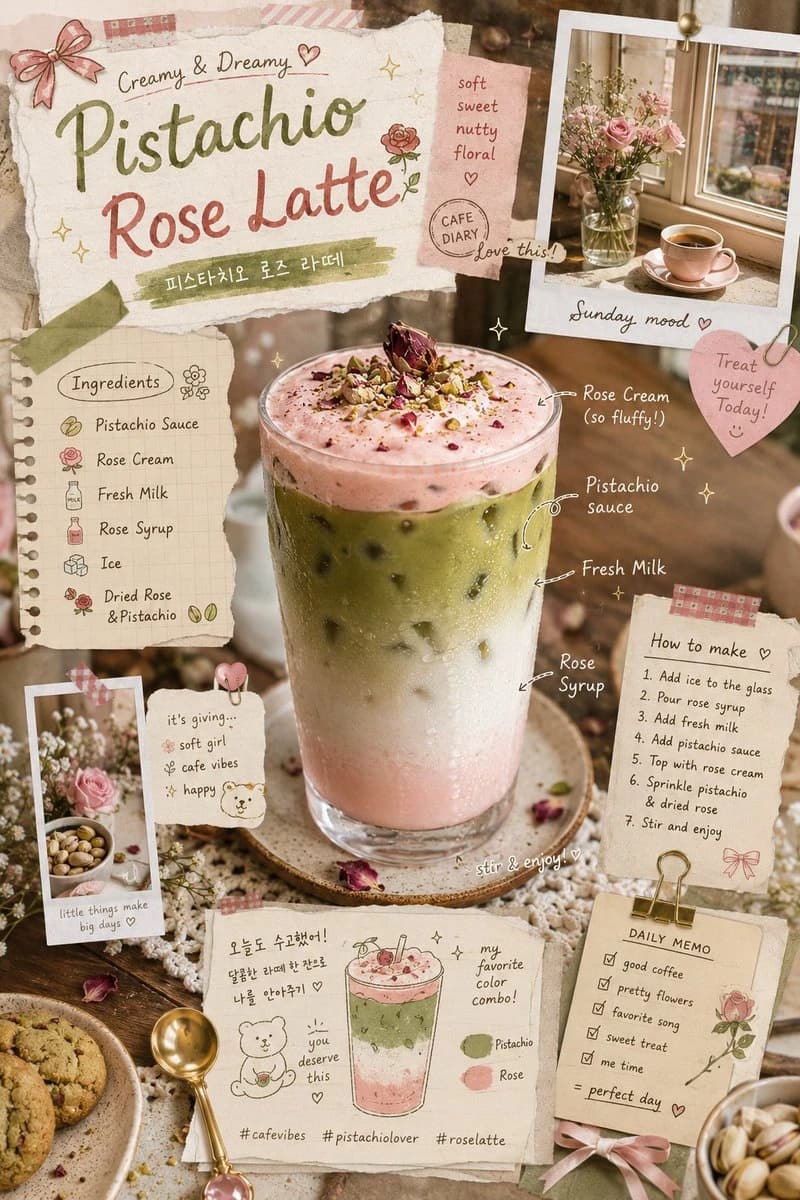
135 wordsWhimsical retro cafe scrapbook poster, dreamy pistachio rose latte aesthetic, layered iced pistachio drink with rose cream foam and milk gradients, ultra-realistic beverage photography blended with hand-drawn journal doodles, soft watercolor marker sketches, playful handwritten cafe notes, tiny arrows and ingredient callouts, sticker-book collage composition, pastel stationery aesthetic, cozy Korean cafe moodboard style, textured paper scraps and washi tape layers, sparkles, bows, cherries, and tiny floral doodles surrounding the drink, trendy Pinterest-inspired cafe branding, warm natural window lighting, creamy foam textures with realistic condensation droplets, rich pistachio green paired with blush pink and cream tones, detailed ice cubes and glass reflections, modern Gen Z dessert-shop aesthetic, artistic flatlay composition with cute props like mini spoons, cookies, flowers, and polaroid snapshots, editorial social-media-ready food poster vibe, ultra detailed, soft dreamy color palette, stylish lifestyle cafe photography.
About this prompt
Retro Cafe Scrapbook Poster is a ready-to-use poster prompt for GPT Image 2 on Image 2. Copy the 135 words below, paste them into the Create form, and you will get a result close to the preview above. Tweak the Poster, Product, Food tag if you want to push it somewhere new.
Use it as a starting point, then adjust the subject, lighting, or composition to suit your idea. The credit cost stays the same whether you use it as written or customize it.
Use case
A strong starting point for Poster
Start here when you want a poster image inspired by Retro Cafe Scrapbook Poster. The prompt already sets the look and composition; replace the subject, product, colors, or scene details to match your project.
Easy places to tweak
- Subject Swap in your person, product, place, or object without changing the overall composition.
- Look and mood Tune the lighting, palette, camera angle, or materials so the image fits your brand.
- Final format Set the aspect ratio, background, text, or layout notes before you generate.
More prompt paths to explore
Find more GPT Image 2 prompts with a similar style, use case, or subject.
How to use it
- Step 1
Copy the prompt
Hit the Copy button above to grab the full text.
- Step 2
Open Image 2 Create
Head to the Create form and paste it in.
- Step 3
Generate
Hit Generate. Your version lands in seconds.
Make it yours
Load the prompt into the Create form with one click, then start tweaking.