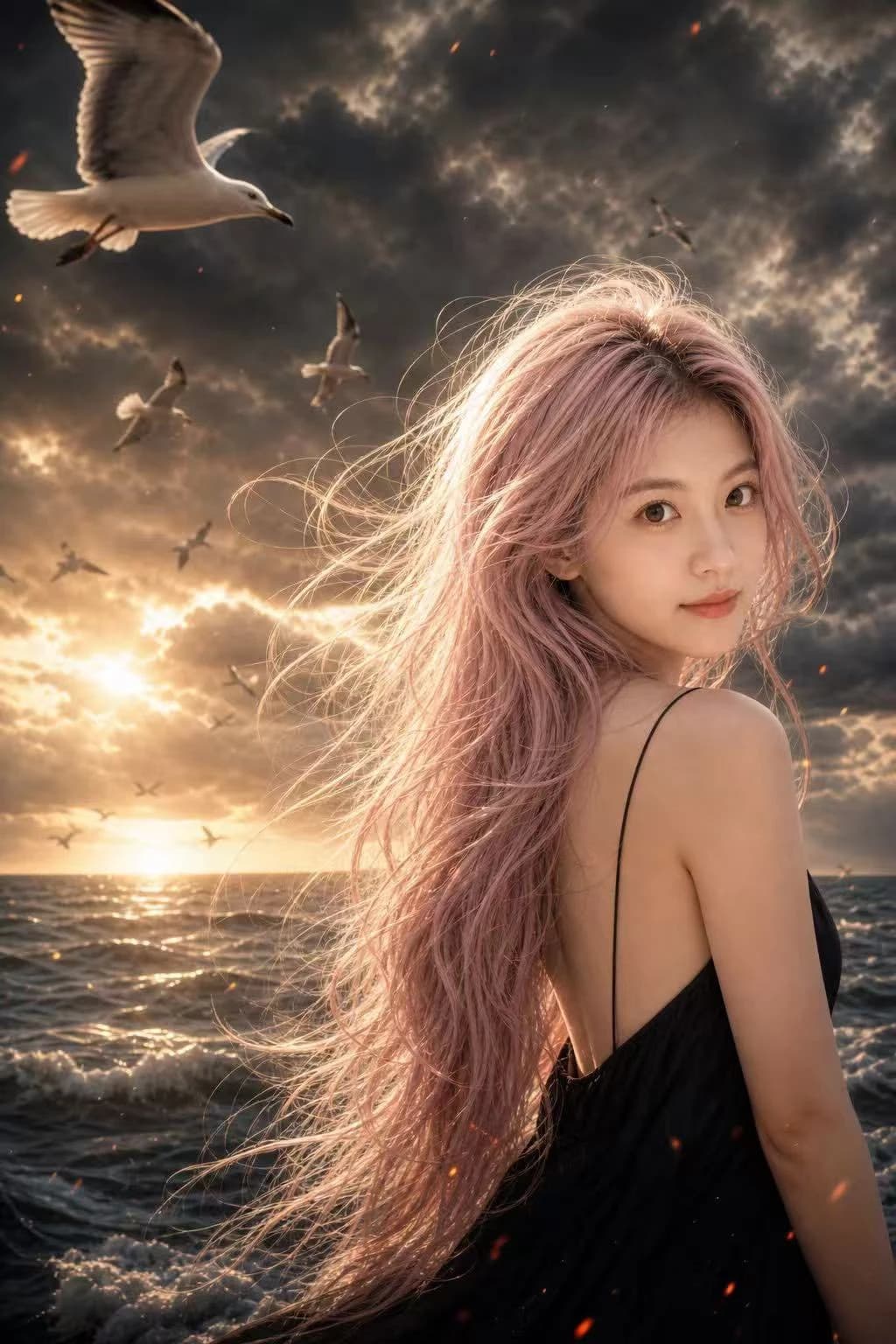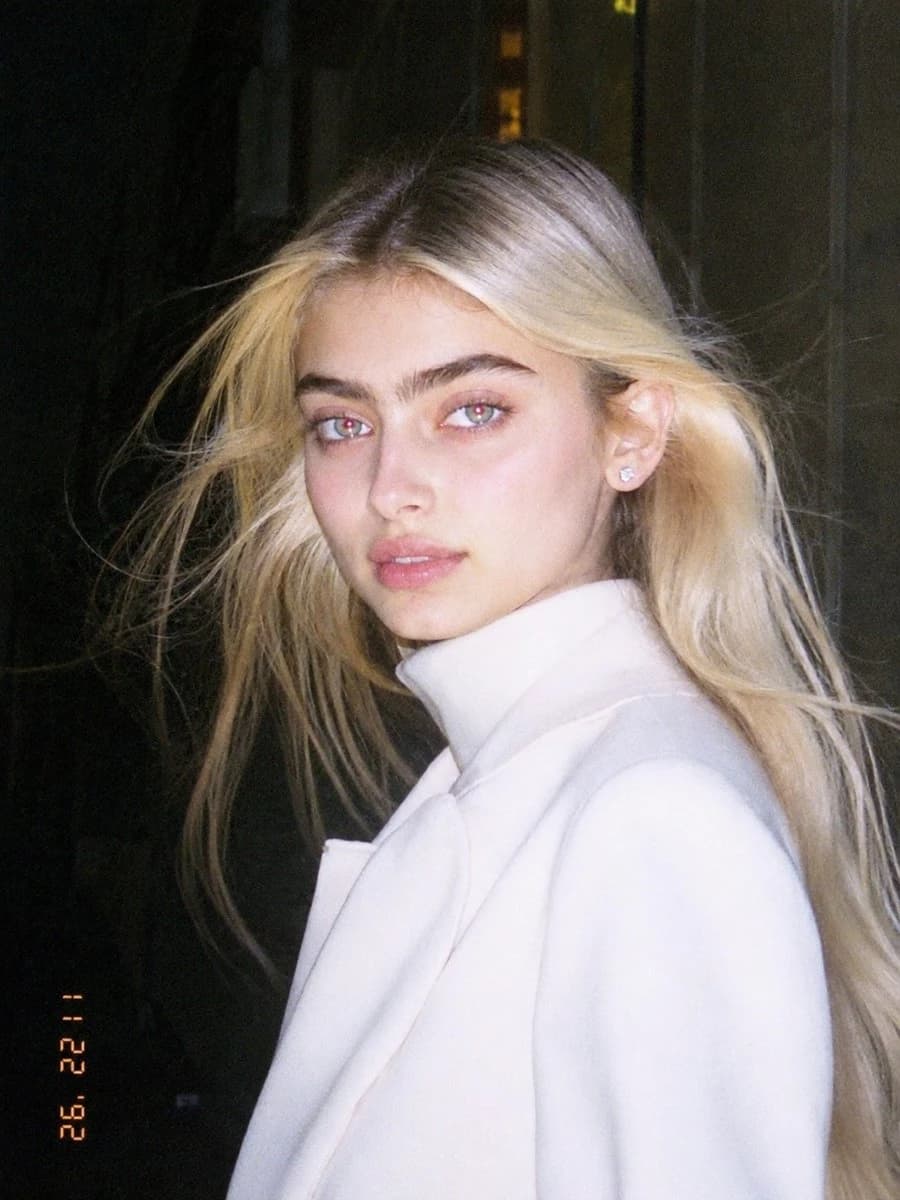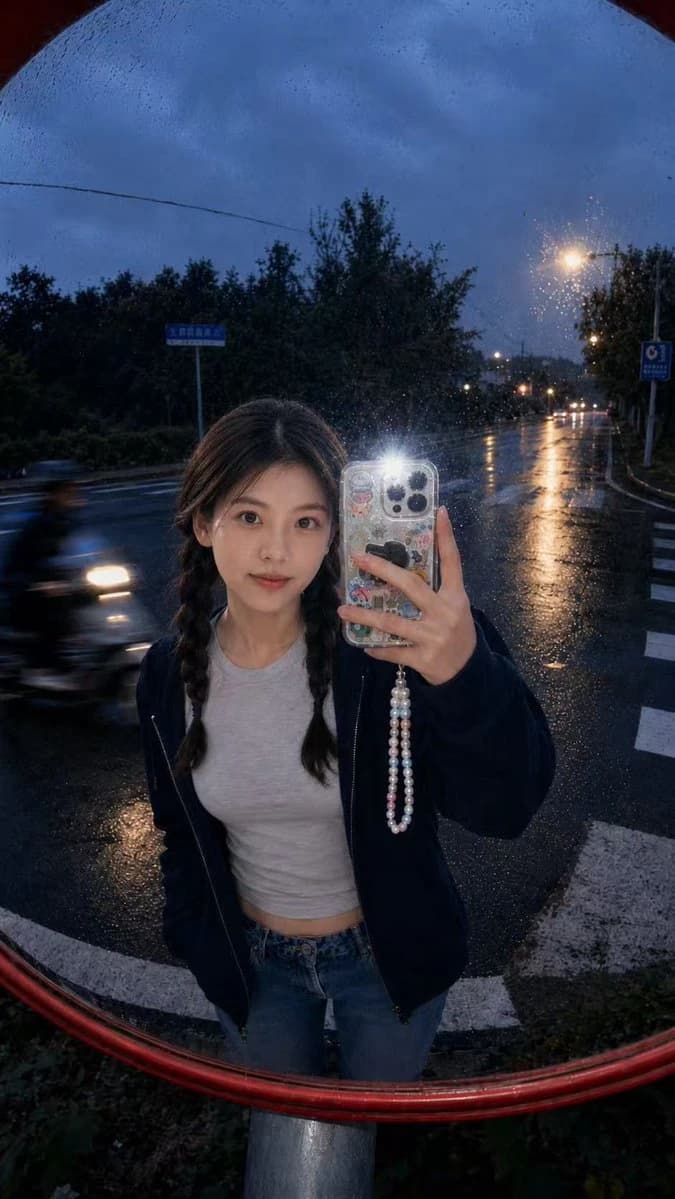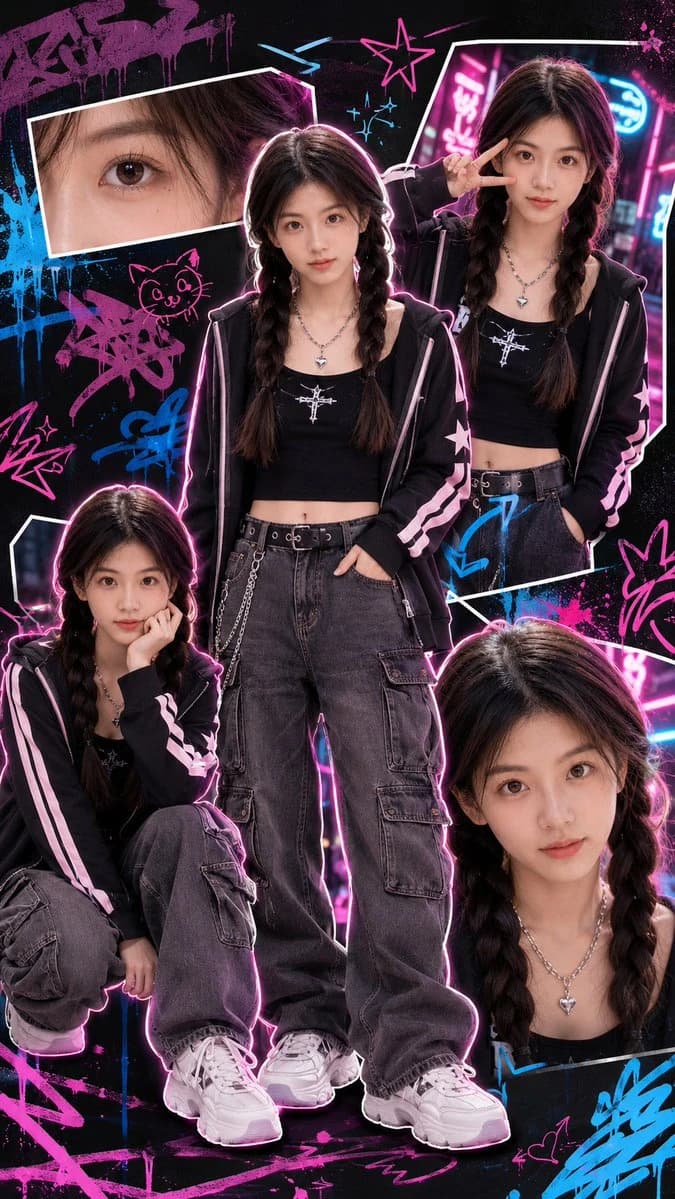
Prompt
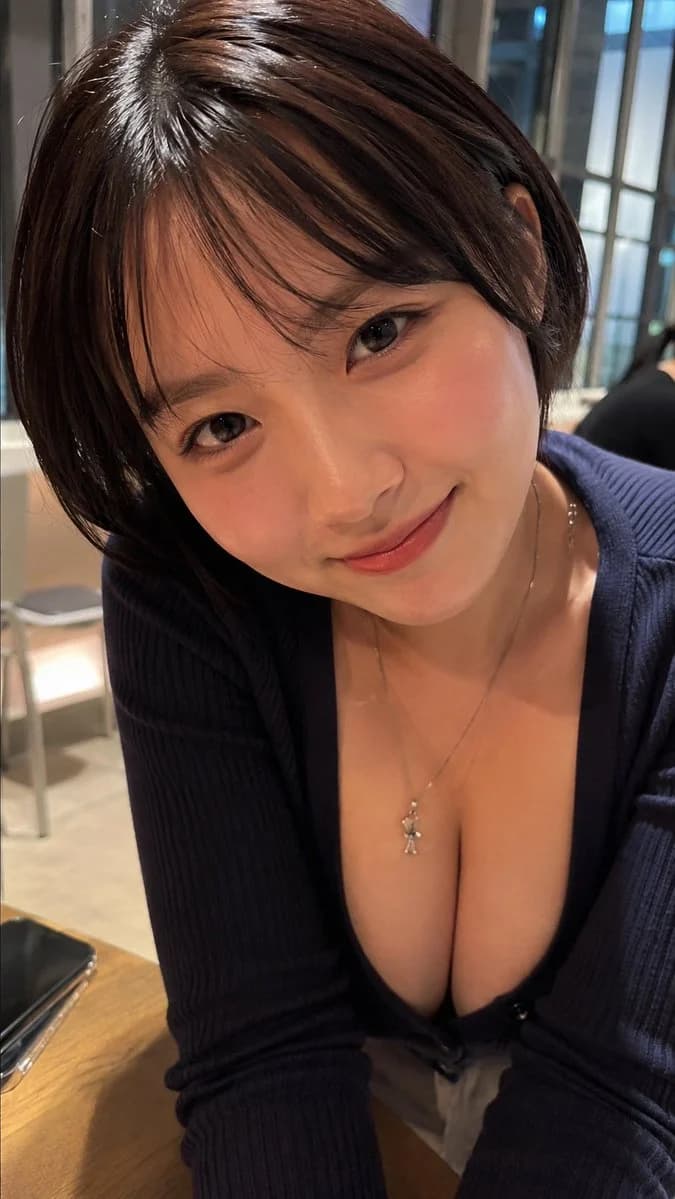
210 wordsCreate an ultra-realistic vertical smartphone portrait photo of an adult East Asian woman in her early 20s, leaning forward across a café table and looking directly into the camera with a soft, friendly closed-mouth smile. She has {argument name="hair color and style" default="short dark brown bob hair with airy bangs and glossy highlights"}, clear warm-toned skin, subtle natural makeup, rosy cheeks, glossy lips, and large expressive brown eyes. She is wearing {argument name="outfit" default="a dark navy ribbed cardigan with a deep V neckline"} and a delicate silver necklace with a small pendant. The camera is very close, slightly above eye level, using a wide smartphone lens that creates an intimate selfie-like perspective; her face fills the upper half of the frame and her torso and arms extend toward the lower half. Place her in {argument name="setting" default="a warmly lit modern café with wooden tables, chairs, window frames, and softly blurred background patrons"}. Add a smartphone lying on the wooden table at the lower left edge, partially cropped. Use warm indoor lighting mixed with cool window light, realistic skin texture, detailed hair strands, shallow depth of field, natural bokeh, candid composition, high dynamic range, and photorealistic detail. Keep the image vertical 9:16, no text, no watermark, no illustration or anime styling.About this prompt
Realistic Café Portrait is a ready-to-use portrait prompt for GPT Image 2 on Image 2. Copy the 210 words below, paste them into the Create form, and you will get a result close to the preview above. Tweak the Portrait, Fashion, Beauty tag if you want to push it somewhere new.
Use it as a starting point, then adjust the subject, lighting, or composition to suit your idea. The credit cost stays the same whether you use it as written or customize it.
Use case
A strong starting point for Portrait
Start here when you want a portrait image inspired by Realistic Café Portrait. The prompt already sets the look and composition; replace the subject, product, colors, or scene details to match your project.
Easy places to tweak
- Subject Swap in your person, product, place, or object without changing the overall composition.
- Look and mood Tune the lighting, palette, camera angle, or materials so the image fits your brand.
- Final format Set the aspect ratio, background, text, or layout notes before you generate.
More prompt paths to explore
Find more GPT Image 2 prompts with a similar style, use case, or subject.
How to use it
- Step 1
Copy the prompt
Hit the Copy button above to grab the full text.
- Step 2
Open Image 2 Create
Head to the Create form and paste it in.
- Step 3
Generate
Hit Generate. Your version lands in seconds.
Make it yours
Load the prompt into the Create form with one click, then start tweaking.