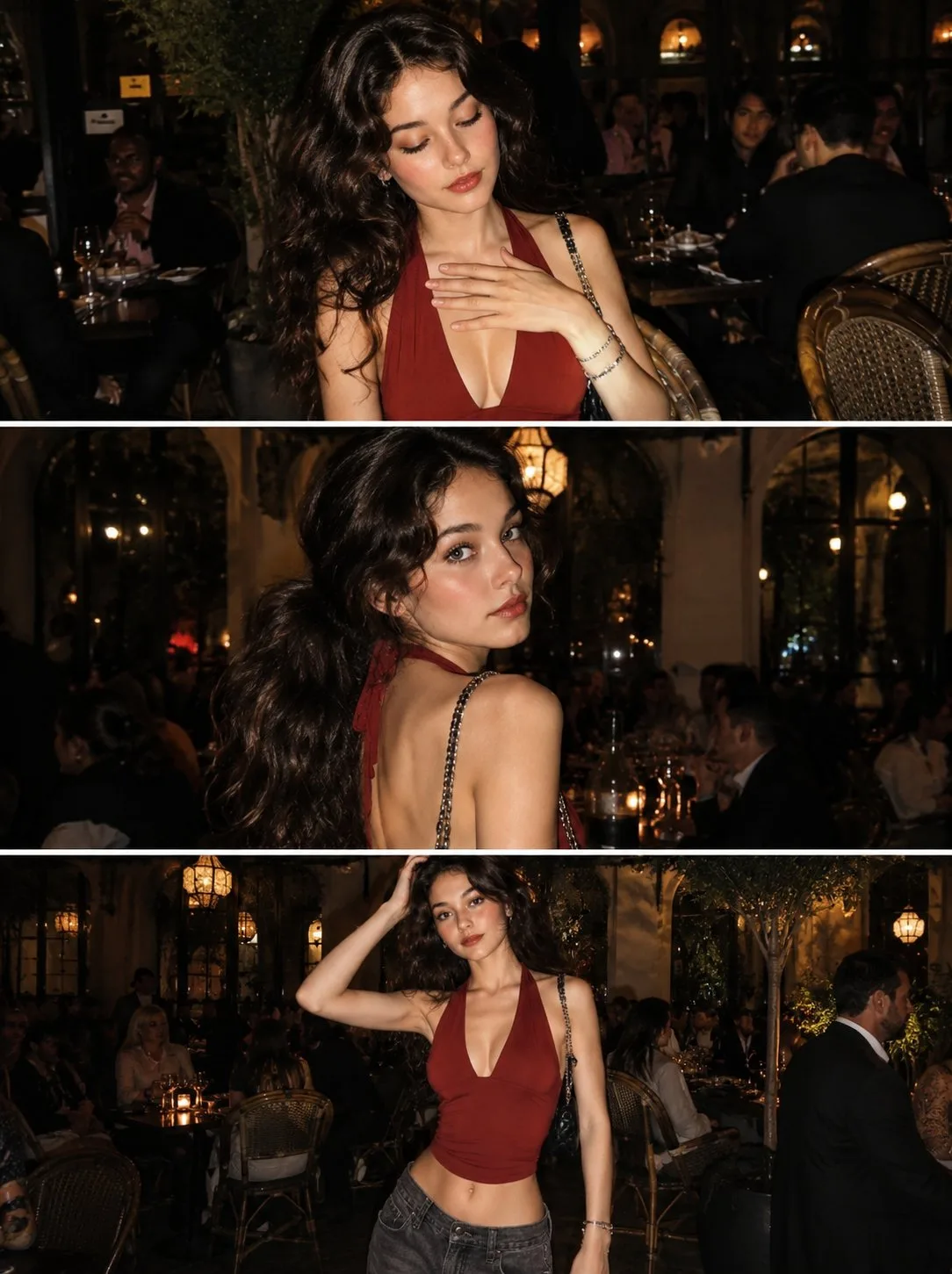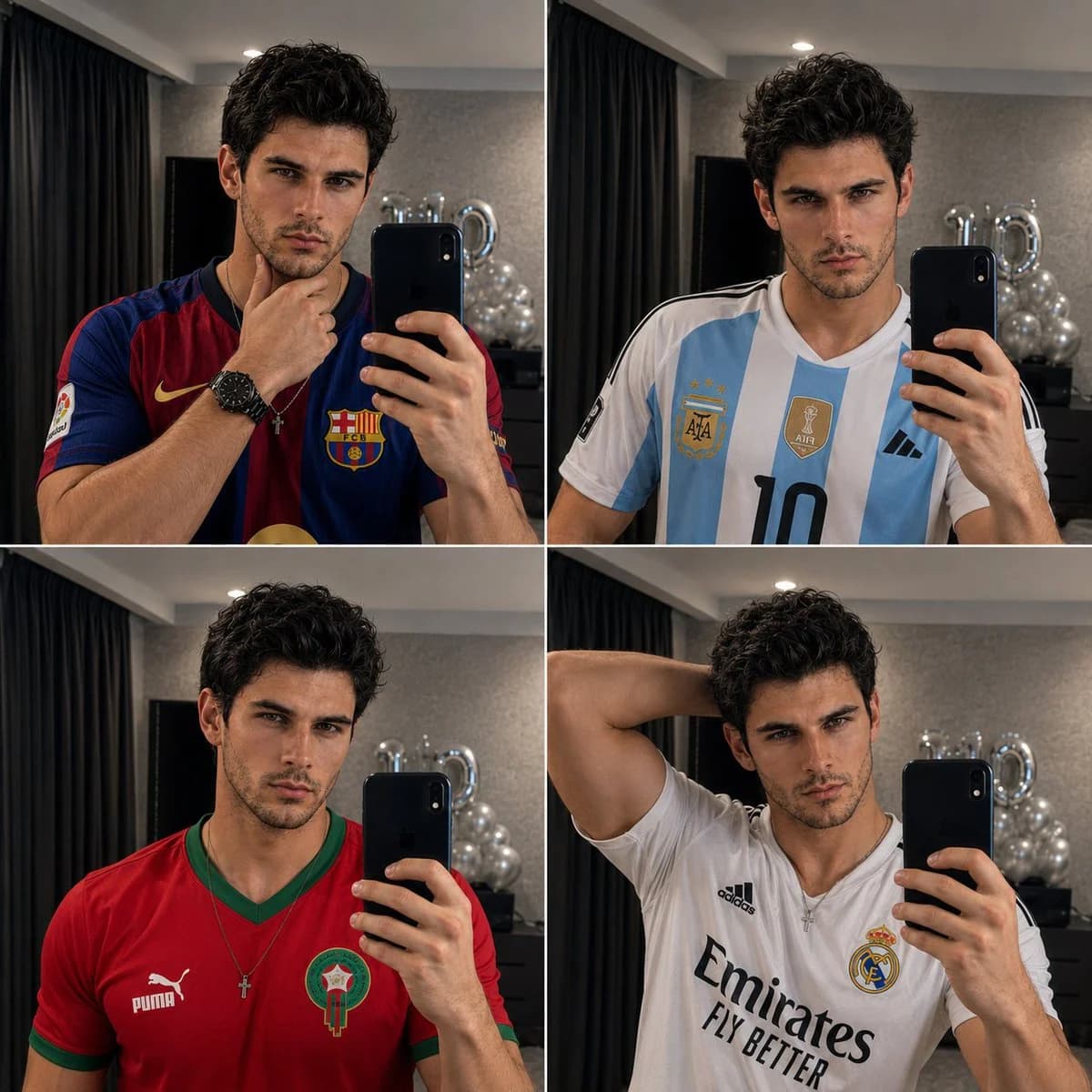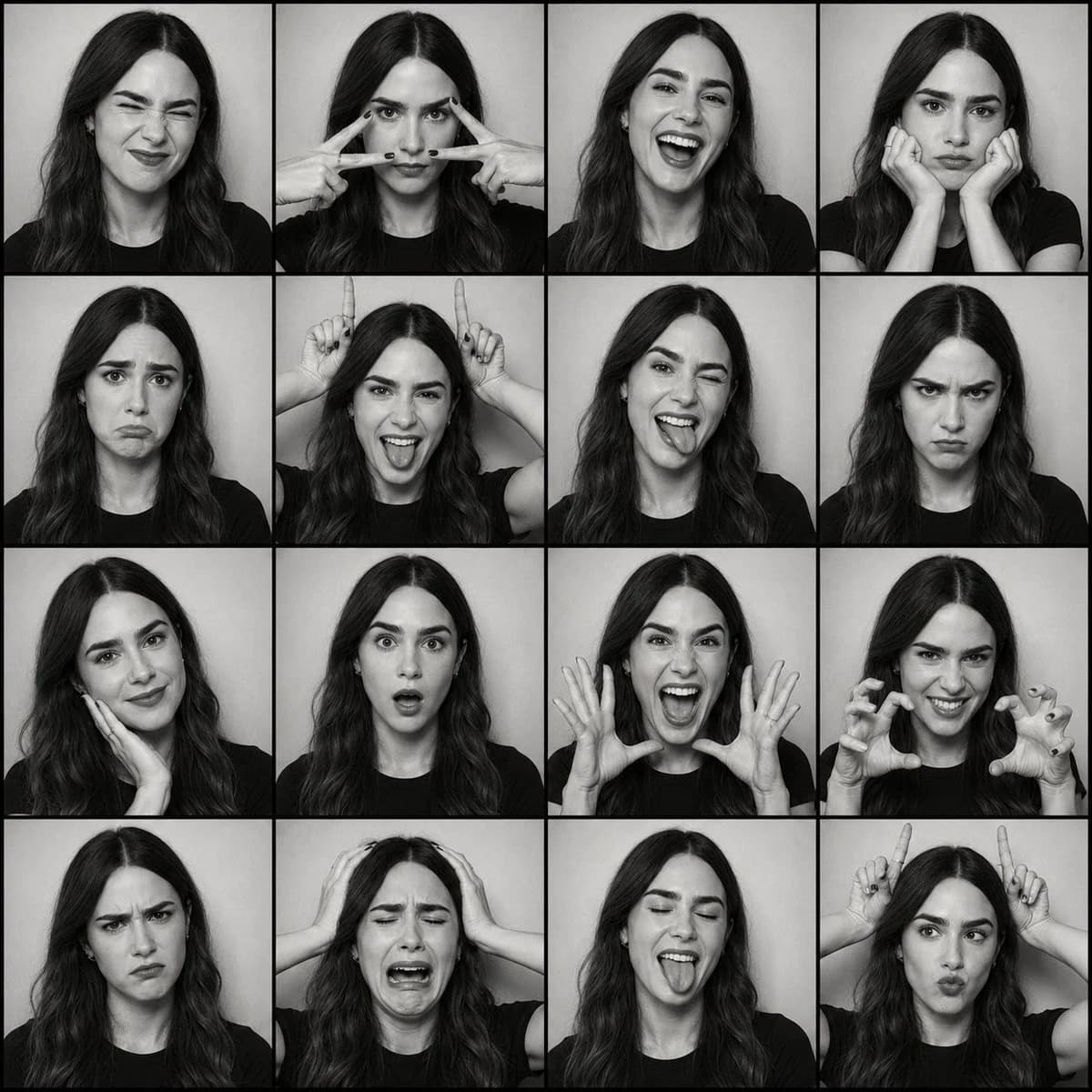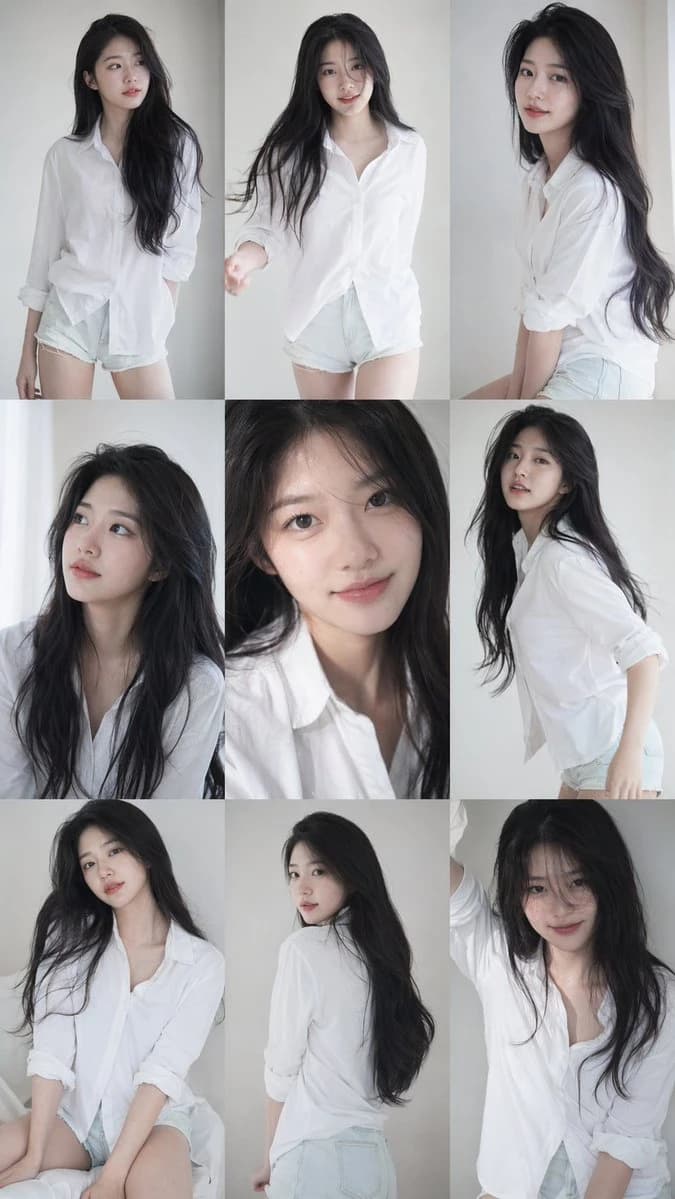
Prompt
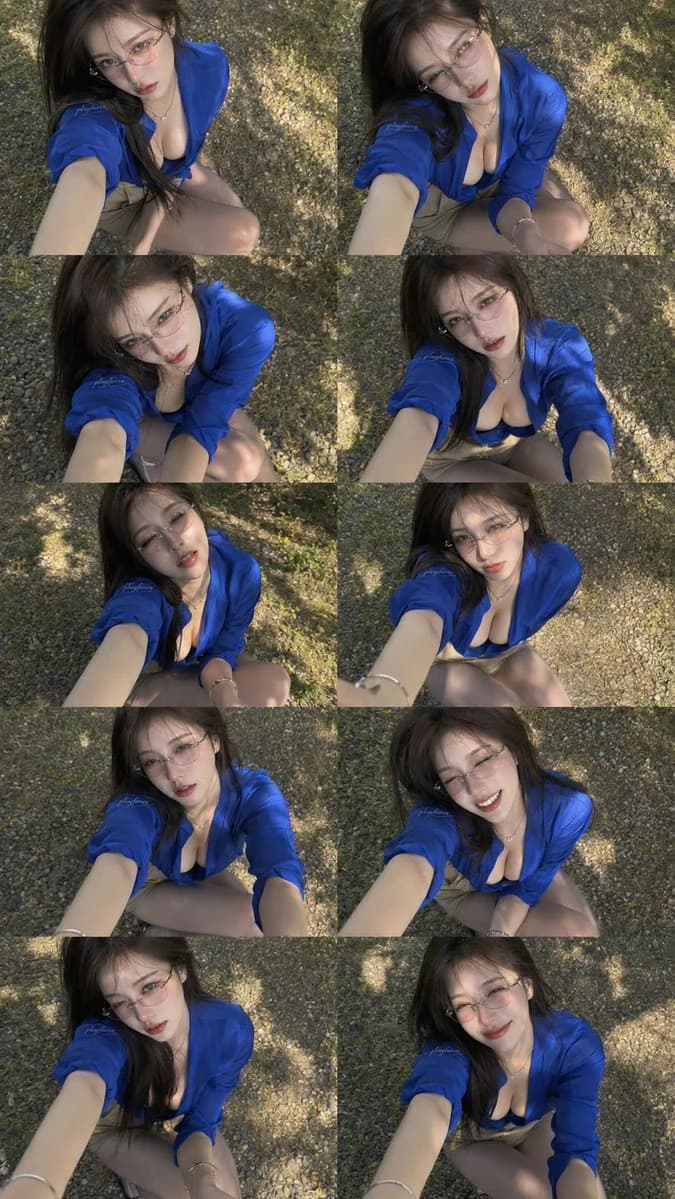
418 wordsGoal: Create a vertical contact-sheet style collage of exactly 10 selfie photos of the same fashionable young adult woman outdoors, arranged as a 2-column by 5-row grid with thin or invisible gutters, like a batch of near-duplicate camera shots.
Canvas: Tall vertical image, approximately 9:16 aspect ratio. Each panel is a high-angle, arm-extended selfie taken from above, looking down at the subject crouching or kneeling on a pebble-covered ground under dappled tree shade.
Subject details: The same {argument name="character description" default="young adult East Asian woman with long dark brown hair, fair skin, soft makeup, glossy red lips, and a slim build"} appears in all 10 panels. She wears thin oval wire-frame glasses, a delicate necklace, bracelets, a vivid {argument name="shirt color" default="royal blue"} open button-up shirt with rolled sleeves over a dark low-cut top, and a beige skirt or shorts. Her hair is slightly windblown across her face in some panels. Keep the look realistic, stylish, and candid rather than posed studio photography.
Layout: Exactly 10 discrete panels total:
1. Top-left: serious expression, looking up at the camera, one arm extended strongly toward the viewer.
2. Top-right: head tilted right, soft parted lips, the same blue shirt catching sunlight.
3. Row 2 left: slightly closer crop, eyes lowered through glasses, hair covering part of her face.
4. Row 2 right: centered crouching pose, both arms visible toward the camera, intense gaze.
5. Row 3 left: gentle open-mouth expression, strong shadows on the ground behind her.
6. Row 3 right: smaller, more centered figure, neutral expression, bright pebble background.
7. Row 4 left: direct gaze with parted lips, knees visible, arm reaching from the lower left.
8. Row 4 right: smiling broadly, eyes squinting slightly, cheerful variation.
9. Bottom-left: calm serious expression, tilted head, strong diagonal arm foreground.
10. Bottom-right: soft closed-mouth smile, relaxed pose, dappled light around her.
Visual style: Photorealistic smartphone selfie aesthetic, slightly soft focus, natural skin texture, realistic shadows, shallow depth of field, warm daylight filtering through leaves, high-angle wide-lens distortion from an outstretched arm. Use consistent identity, outfit, location, and lighting across all panels while varying facial expression and head angle.
Environment: Outdoor ground made of small tan and gray pebbles with scattered patches of sunlight and leaf shadows. No buildings, no furniture, no text overlays.
Constraints: Generate one single collage image containing exactly 10 photos, not separate files. Maintain the same person in every panel. Do not add captions, watermarks, logos, extra people, duplicate rows beyond the 2-by-5 grid, or any explicit nudity.About this prompt
Outdoor Selfie Contact Sheet is a ready-to-use portrait prompt for GPT Image 2 on Image 2. Copy the 418 words below, paste them into the Create form, and you will get a result close to the preview above. Tweak the Social Media, Storyboard, Portrait tag if you want to push it somewhere new.
Use it as a starting point, then adjust the subject, lighting, or composition to suit your idea. The credit cost stays the same whether you use it as written or customize it.
Use case
A strong starting point for Portrait
Start here when you want a portrait image inspired by Outdoor Selfie Contact Sheet. The prompt already sets the look and composition; replace the subject, product, colors, or scene details to match your project.
Easy places to tweak
- Subject Swap in your person, product, place, or object without changing the overall composition.
- Look and mood Tune the lighting, palette, camera angle, or materials so the image fits your brand.
- Final format Set the aspect ratio, background, text, or layout notes before you generate.
More prompt paths to explore
Find more GPT Image 2 prompts with a similar style, use case, or subject.
How to use it
- Step 1
Copy the prompt
Hit the Copy button above to grab the full text.
- Step 2
Open Image 2 Create
Head to the Create form and paste it in.
- Step 3
Generate
Hit Generate. Your version lands in seconds.
Make it yours
Load the prompt into the Create form with one click, then start tweaking.