Prompt
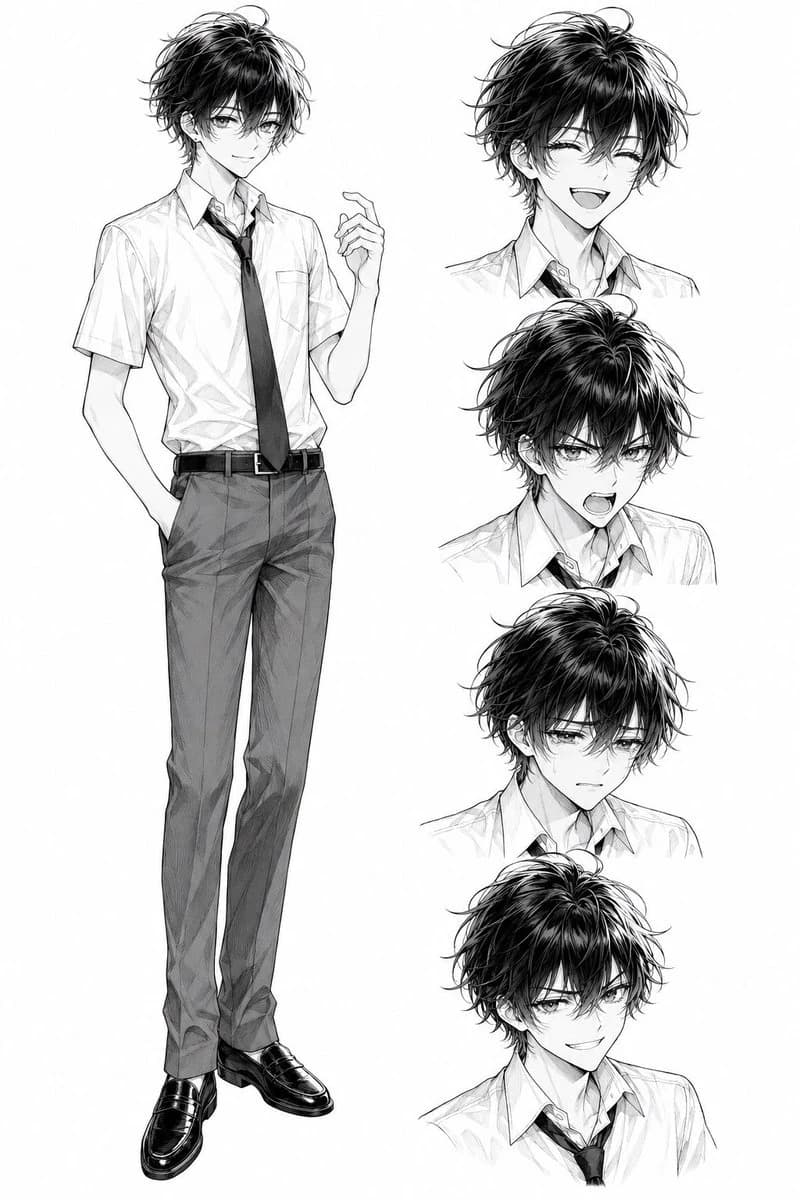
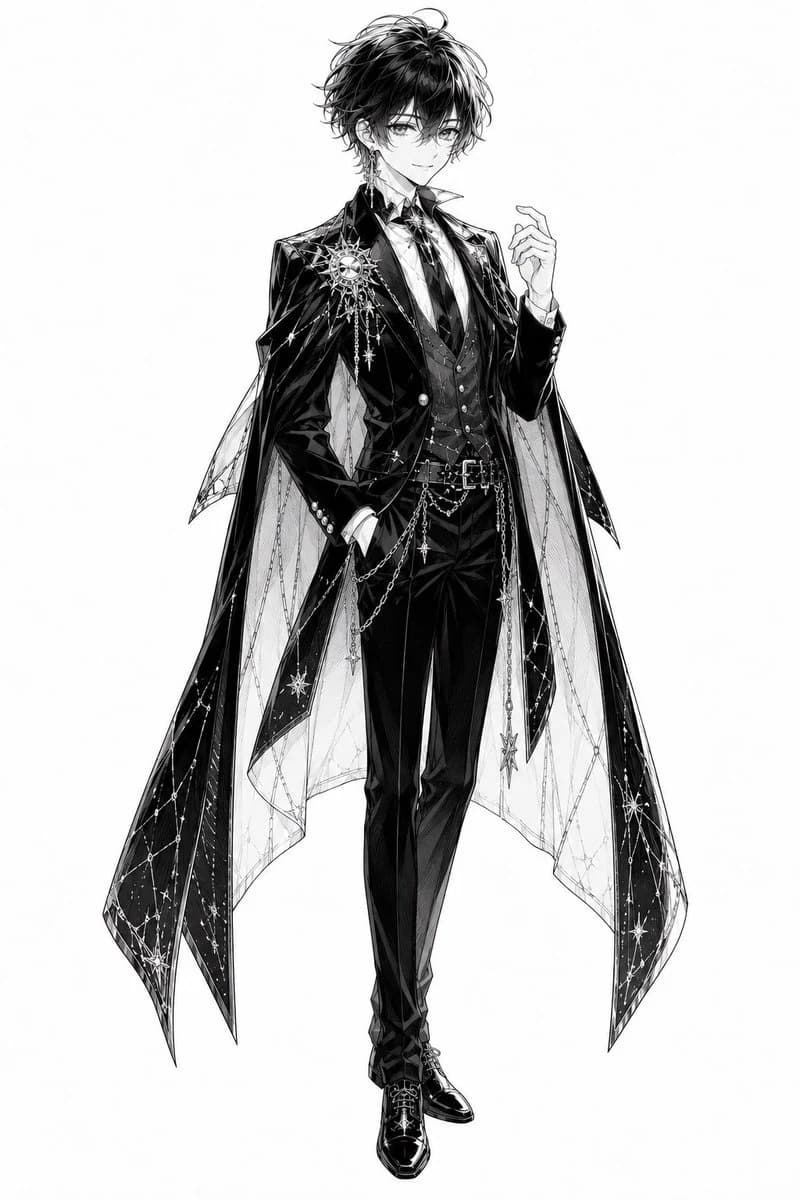
167 wordsCreate a full-body monochrome manga character standing pose on a clean white background: a beautiful young male prince or magician, slim and tall, with tousled short {argument name="hair color" default="black"} hair, soft confident eyes, a faint elegant smile, and delicate bishounen facial features. He wears an ornate black formal suit with a glossy tailcoat, fitted vest, white dress shirt, patterned tie, slim trousers, polished black dress shoes, belt, and decorative chain accessories. Add a dramatic translucent cape or mantle split into long pointed panels, decorated with starry constellation lines, sparkling stars, dangling chains, and celestial charms; include one large sun-and-star brooch on the left chest and long ornate earrings. Pose him facing forward in a relaxed aristocratic stance: one hand in his trouser pocket and the other raised lightly near his chest with graceful fingers. Render as high-detail black-and-white Japanese manga line art with rich ink shading, crosshatching, glossy highlights on fabric, intricate jewelry details, ethereal fantasy fashion, clean silhouette, no color, no text, no background objects.About this prompt
Monochrome Celestial Prince Character is a ready-to-use storyboard prompt for GPT Image 2 on Image 2. Copy the 167 words below, paste them into the Create form, and you will get a result close to the preview above. Tweak the Comic, Storyboard, Product tag if you want to push it somewhere new.
Use it as a starting point, then adjust the subject, lighting, or composition to suit your idea. The credit cost stays the same whether you use it as written or customize it.
Use case
A strong starting point for Storyboard
Start here when you want a storyboard image inspired by Monochrome Celestial Prince Character. The prompt already sets the look and composition; replace the subject, product, colors, or scene details to match your project.
Easy places to tweak
- Subject Swap in your person, product, place, or object without changing the overall composition.
- Look and mood Tune the lighting, palette, camera angle, or materials so the image fits your brand.
- Final format Set the aspect ratio, background, text, or layout notes before you generate.
More prompt paths to explore
Find more GPT Image 2 prompts with a similar style, use case, or subject.
How to use it
- Step 1
Copy the prompt
Hit the Copy button above to grab the full text.
- Step 2
Open Image 2 Create
Head to the Create form and paste it in.
- Step 3
Generate
Hit Generate. Your version lands in seconds.
Make it yours
Load the prompt into the Create form with one click, then start tweaking.