Prompt
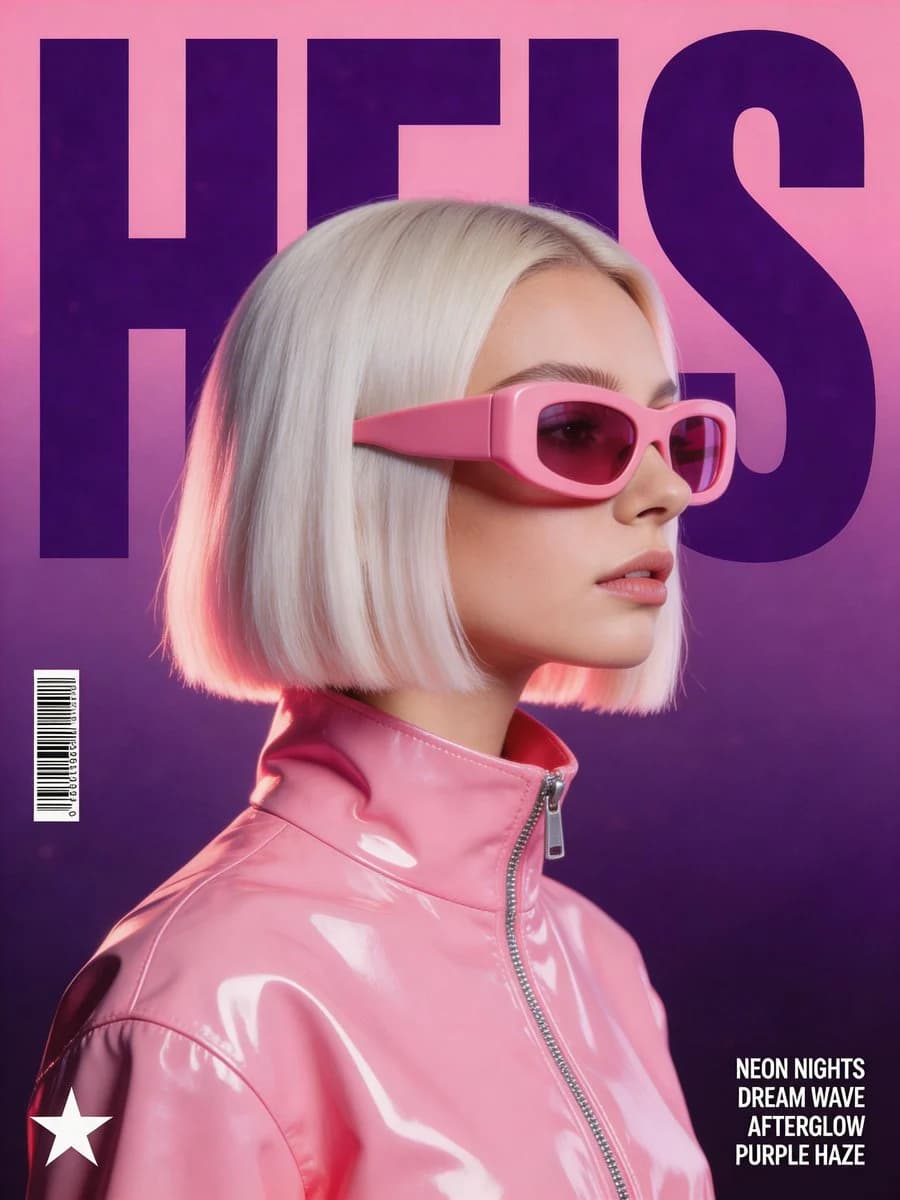
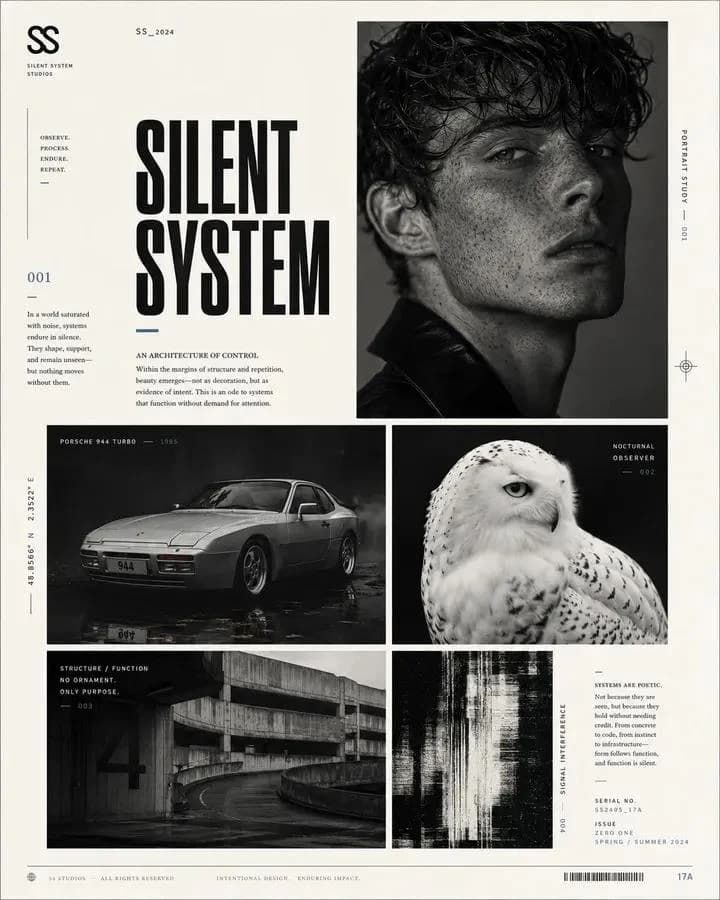
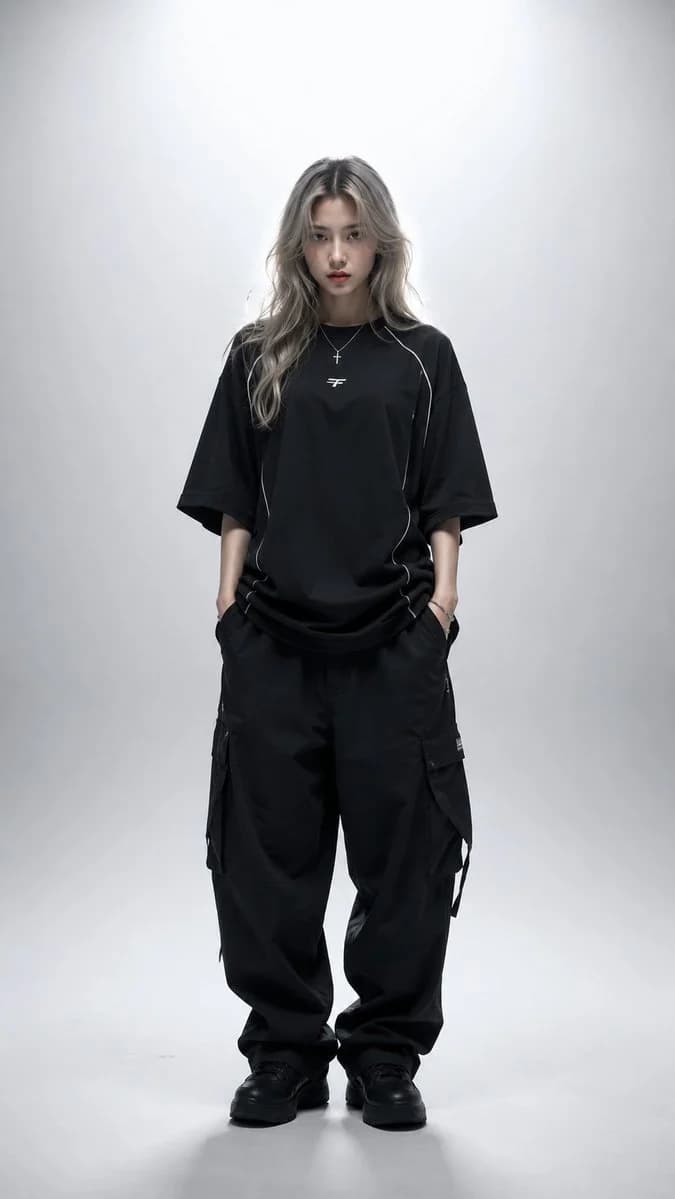
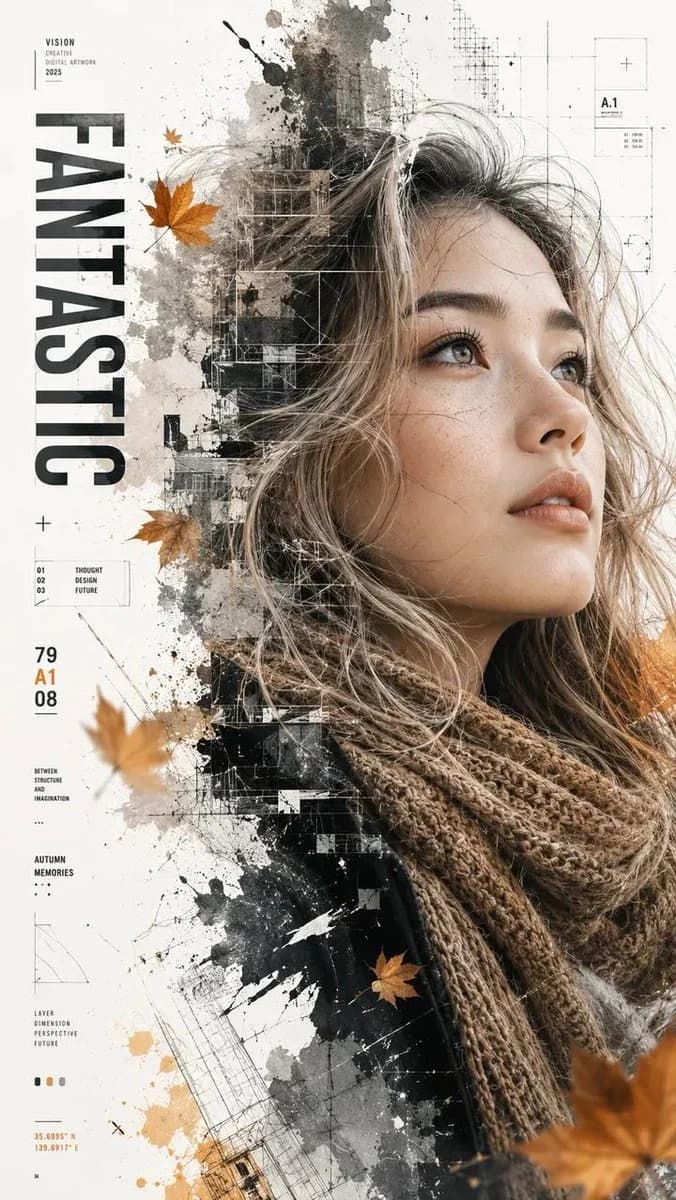
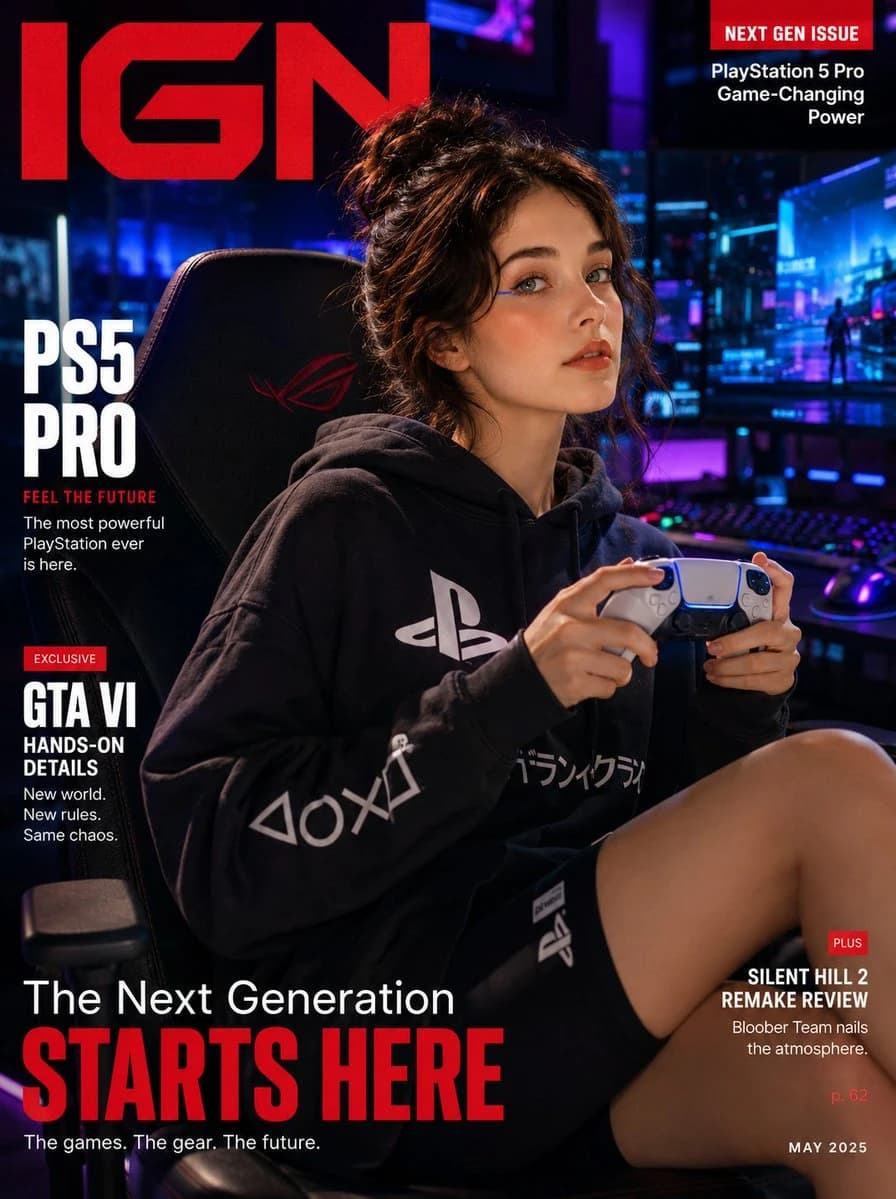
120 wordsUltra-realistic gaming lifestyle magazine cover featuring a {argument name="subject" default="cool Korean woman"} in an {argument name="outfit" default="oversized branded gaming hoodie and biker shorts"}, lounging confidently on a sleek gaming chair, holding a PlayStation 5 Pro DualSense controller with both hands mid-game, intense focused expression with a subtle smirk. Soft glowing skin, minimal gaming-girl makeup, neon eyeliner accent, hair in a messy bun. Background: moody dark gaming setup — multi-monitor RGB battlestation glowing in cyan and purple neon behind her, bokeh RGB light scatter. "{argument name="magazine title" default="IGN"}" masthead in bold red gaming serif with "NEXT GEN ISSUE" callout. 35mm lens, ultra-detailed controller texture and RGB neon skin glow, 8K cinematic gaming editorial.
Negative: cartoon, anime, blurry, watermark, fake controller design.About this prompt
Gaming Lifestyle Magazine Cover is a ready-to-use ad creative prompt for GPT Image 2 on Image 2. Copy the 120 words below, paste them into the Create form, and you will get a result close to the preview above. Tweak the Product Ad, Ad Creative, Poster tag if you want to push it somewhere new.
Use it as a starting point, then adjust the subject, lighting, or composition to suit your idea. The credit cost stays the same whether you use it as written or customize it.
Use case
A strong starting point for Ad Creative
Start here when you want a ad creative image inspired by Gaming Lifestyle Magazine Cover. The prompt already sets the look and composition; replace the subject, product, colors, or scene details to match your project.
Easy places to tweak
- Subject Swap in your person, product, place, or object without changing the overall composition.
- Look and mood Tune the lighting, palette, camera angle, or materials so the image fits your brand.
- Final format Set the aspect ratio, background, text, or layout notes before you generate.
More prompt paths to explore
Find more GPT Image 2 prompts with a similar style, use case, or subject.
How to use it
- Step 1
Copy the prompt
Hit the Copy button above to grab the full text.
- Step 2
Open Image 2 Create
Head to the Create form and paste it in.
- Step 3
Generate
Hit Generate. Your version lands in seconds.
Make it yours
Load the prompt into the Create form with one click, then start tweaking.