Prompt
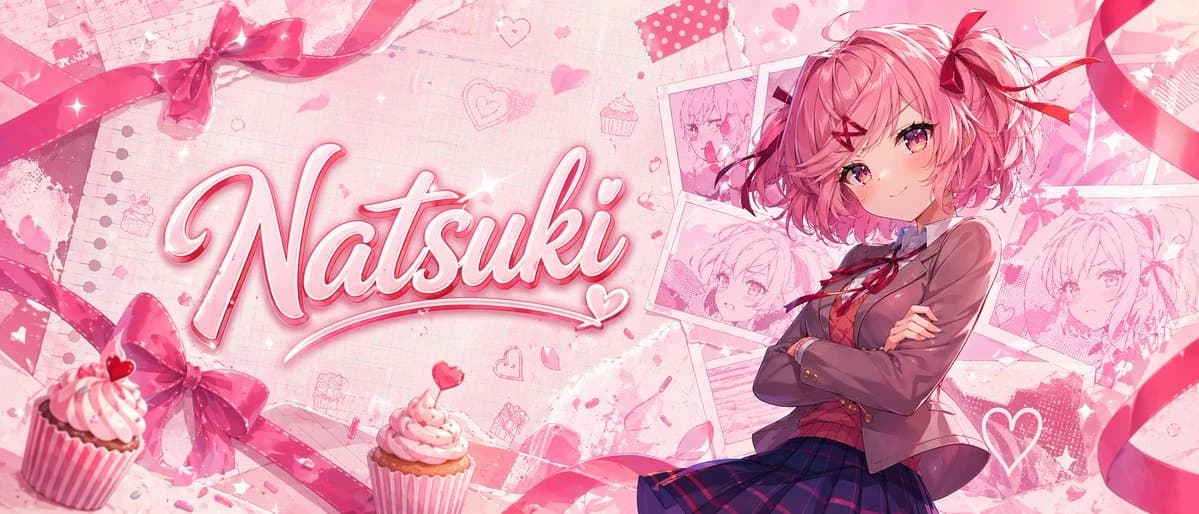
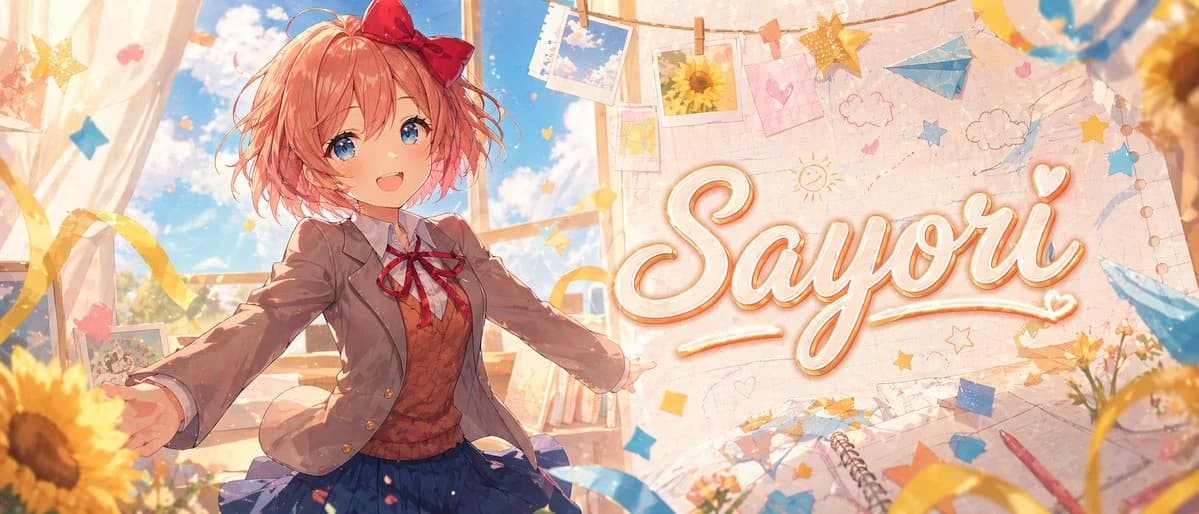
265 wordsA wide anime banner illustration of {argument name="character name" default="Sayori"} in a bright dreamy classroom, rendered in a polished, high-end visual novel style with soft painterly lighting, warm pastel colors, and sparkling atmosphere. Show a cheerful teenage schoolgirl with short fluffy coral-pink hair, messy bob layers, and a large red bow on the right side of her head, wearing a Japanese school uniform with a light brown blazer, white shirt, red ribbon tie, brown sweater vest, and pleated navy skirt. She stands slightly left of center with arms open wide in an inviting, joyful pose, as if welcoming the viewer, with dynamic perspective and gentle motion in her hair and clothes. Her face is intentionally obscured by a flat rectangular skin-tone censor block. Behind her, tall classroom windows reveal a vivid blue sky with soft white clouds and warm sunlight streaming in. The right half of the image features a large decorative handwritten script reading {argument name="headline text" default="Sayori"}, cream-white lettering with a soft orange-gold outline and glow, integrated into a scrapbook-like wall background. Surround the scene with hanging photo prints clipped to string, including sky photos and a sunflower photo, plus hand-drawn doodles of clouds, stars, hearts, and a sun. Add blue and yellow paper stars, ribbons, floating confetti, a blue paper airplane, notebook pages, a spiral sketchbook, and scattered stationery elements. Place sunflowers prominently in the foreground and edges, with warm golden bokeh and soft depth of field. Make the composition energetic, cute, nostalgic, and emotionally uplifting, like a premium anime-themed YouTube banner or character tribute header, ultra-detailed, clean, stylish, luminous, and impact-focused.About this prompt
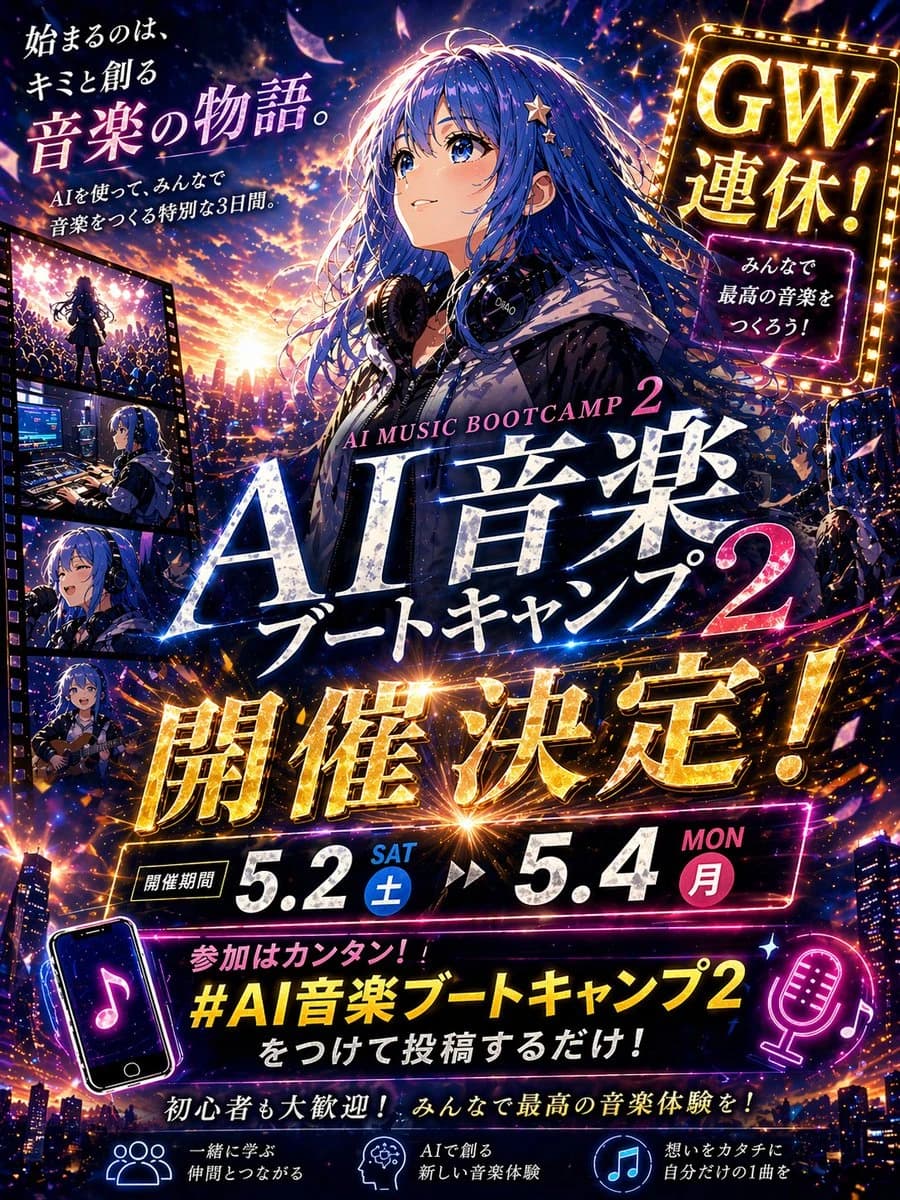
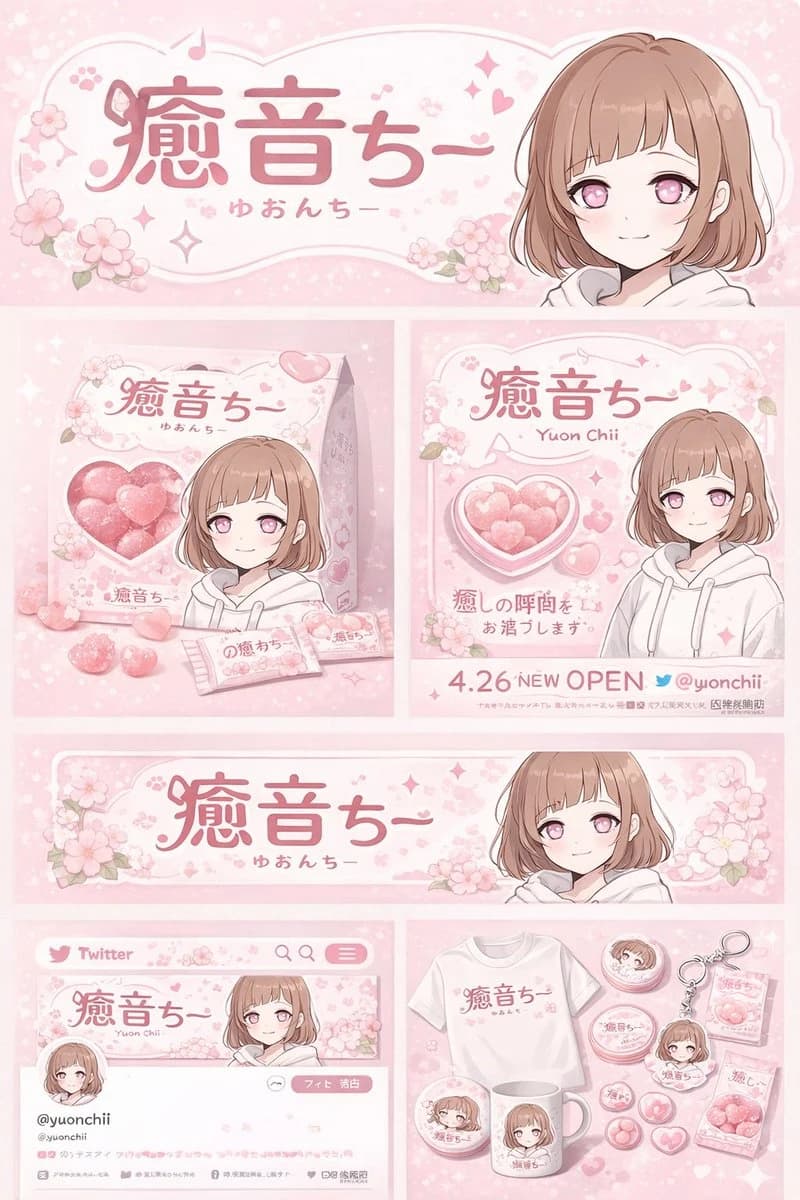
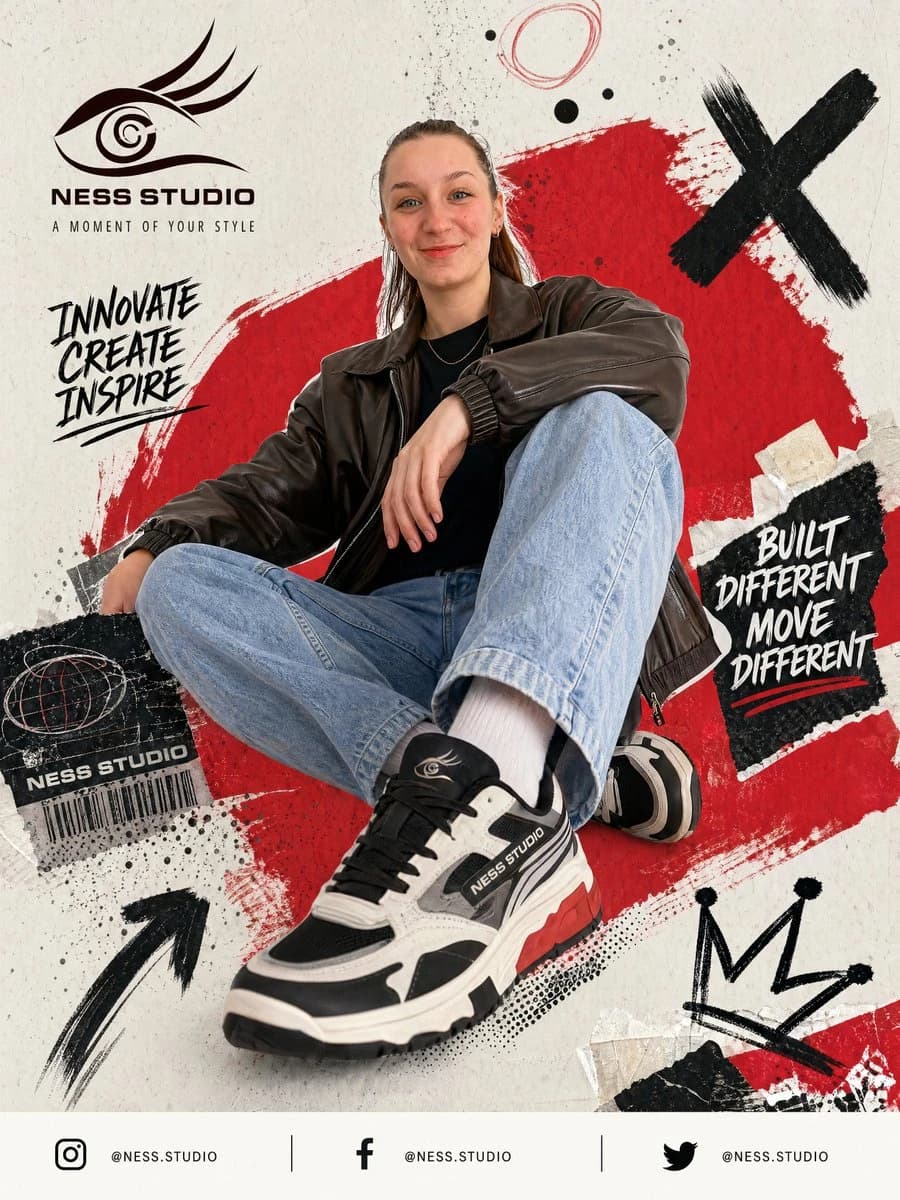
Dreamy Anime Sayori Banner is a ready-to-use ad creative prompt for GPT Image 2 on Image 2. Copy the 265 words below, paste them into the Create form, and you will get a result close to the preview above. Tweak the Product Ad, Ad Creative, Social Media tag if you want to push it somewhere new.
Use it as a starting point, then adjust the subject, lighting, or composition to suit your idea. The credit cost stays the same whether you use it as written or customize it.
Use case
A strong starting point for Ad Creative
Start here when you want a ad creative image inspired by Dreamy Anime Sayori Banner. The prompt already sets the look and composition; replace the subject, product, colors, or scene details to match your project.
Easy places to tweak
- Subject Swap in your person, product, place, or object without changing the overall composition.
- Look and mood Tune the lighting, palette, camera angle, or materials so the image fits your brand.
- Final format Set the aspect ratio, background, text, or layout notes before you generate.
More prompt paths to explore
Find more GPT Image 2 prompts with a similar style, use case, or subject.
How to use it
- Step 1
Copy the prompt
Hit the Copy button above to grab the full text.
- Step 2
Open Image 2 Create
Head to the Create form and paste it in.
- Step 3
Generate
Hit Generate. Your version lands in seconds.
Make it yours
Load the prompt into the Create form with one click, then start tweaking.