Prompt
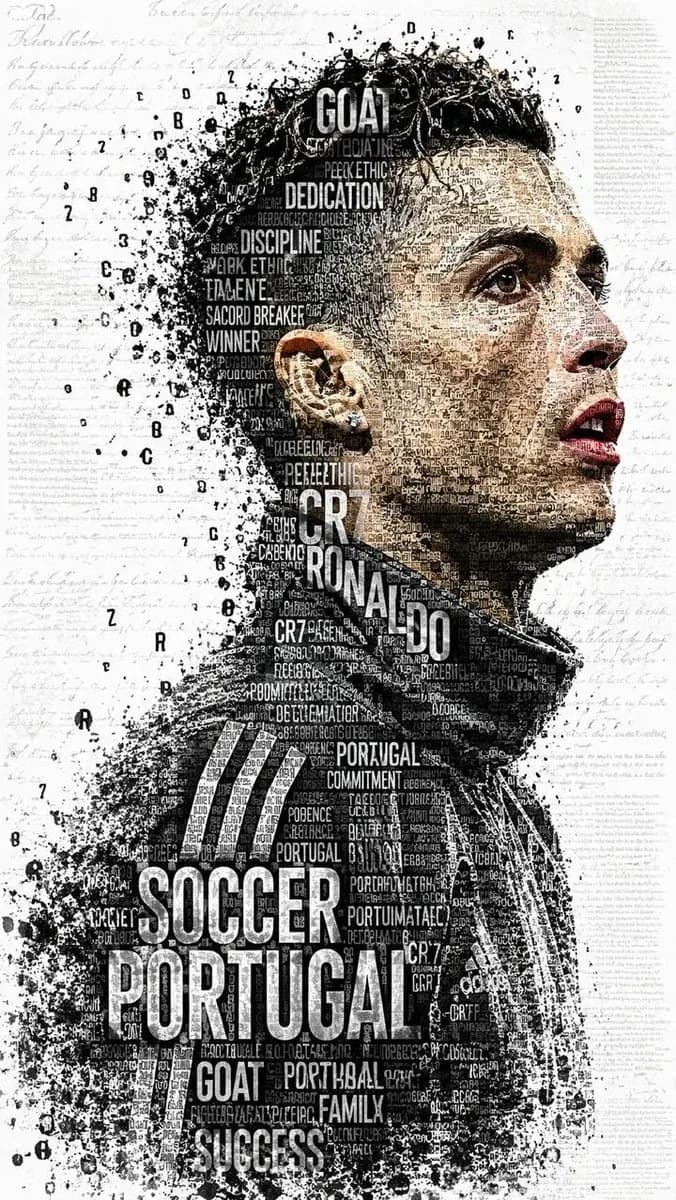
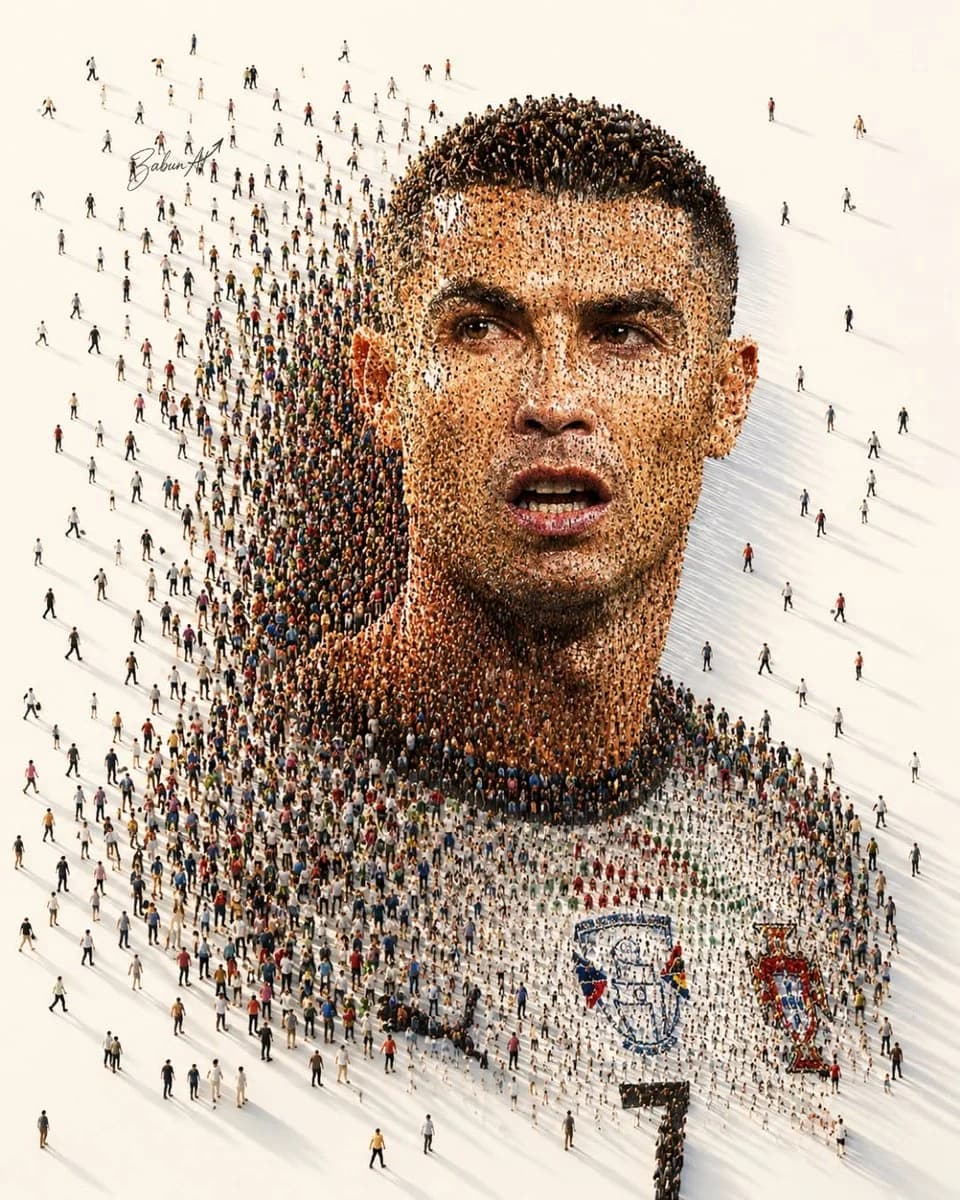
105 wordsUltra-detailed crowd mosaic portrait of a legendary football player, created entirely from thousands of tiny people standing and walking on a vast white surface. From a distance, the crowd forms a hyper-realistic giant face and upper body portrait; up close, every individual person is clearly visible. Long cinematic shadows, aerial top-down perspective, massive scale, intricate human arrangement, photorealistic details, high contrast lighting, clean minimalist background, depth and dimension, masterpiece composition, ultra-sharp focus, 8K resolution, social art installation, human mosaic effect, volumetric lighting, realistic skin tones formed by crowd density, award-winning conceptual photography, breathtaking visual illusion, drone photography, highly detailed faces, premium quality, modern generative art.
About this prompt
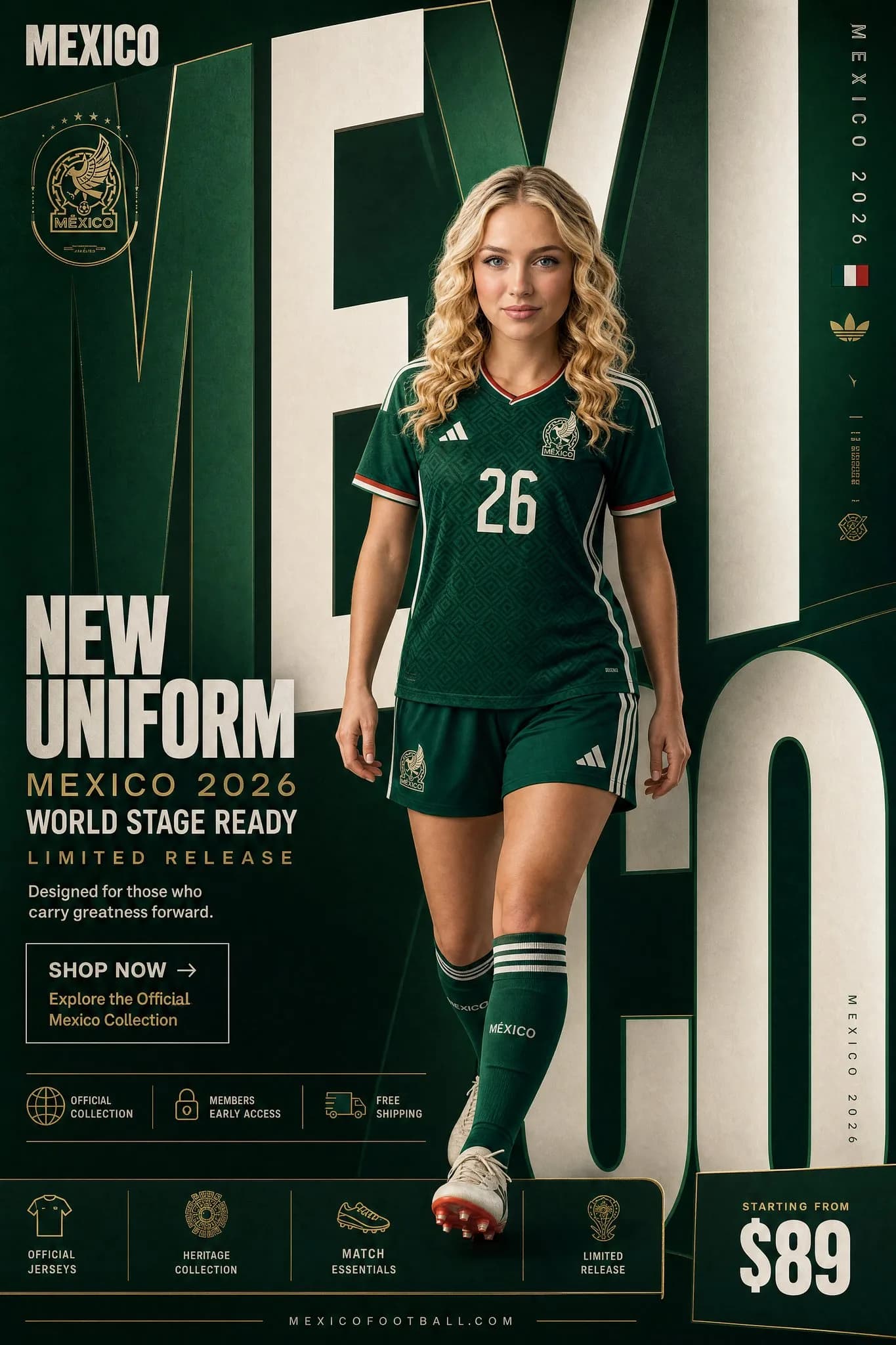
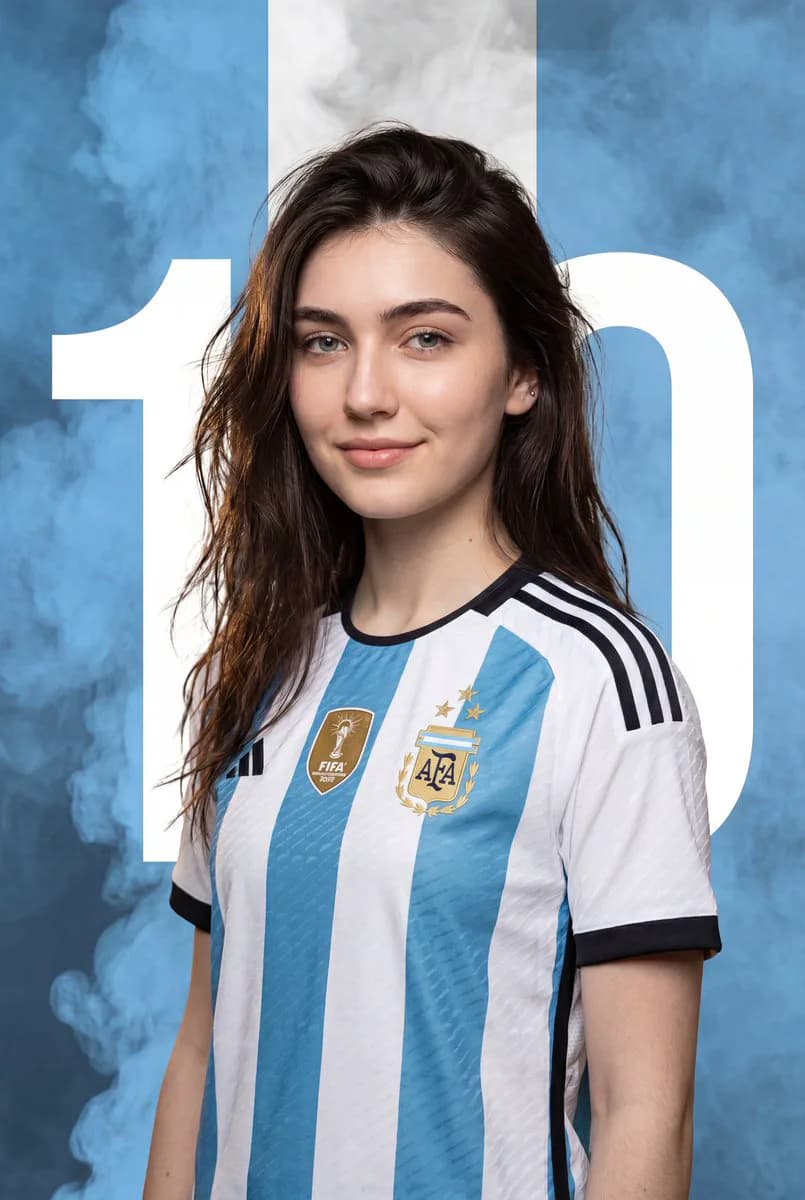
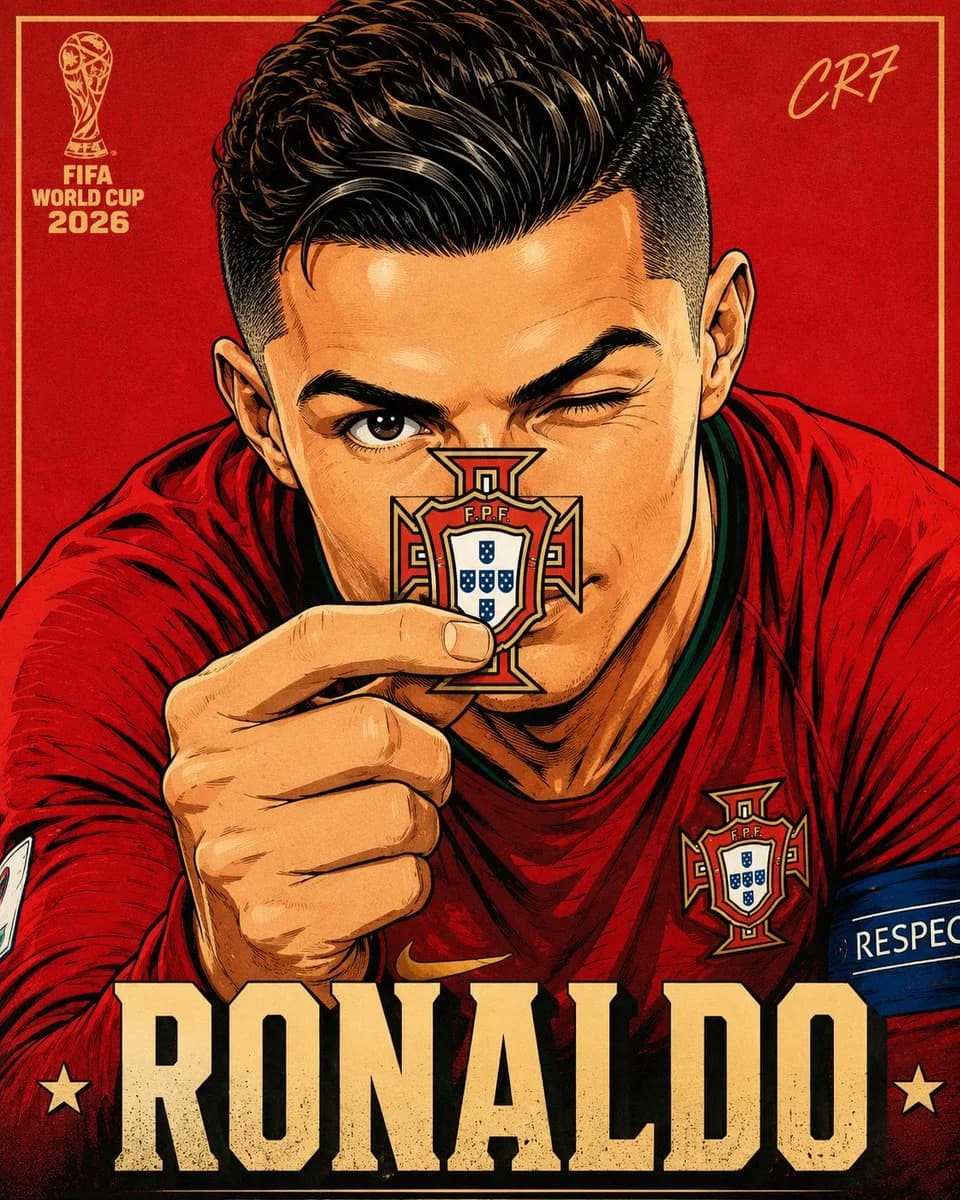
Crowd Mosaic Football Portrait is a ready-to-use poster prompt for GPT Image 2 on Image 2. Copy the 105 words below, paste them into the Create form, and you will get a result close to the preview above. Tweak the Poster, Portrait, Sports tag if you want to push it somewhere new.
Use it as a starting point and keep iterating: change the subject, lighting, or composition until it looks right. The credit cost stays the same whether you run it as-is or remix it.
Use case
A strong starting point for Poster
Start here when you want a poster image in the same direction as Crowd Mosaic Football Portrait. The prompt already sets the look and structure; swap in your own subject, product, colors, or scene details for the brief you have in mind.
Easy places to tweak
- Subject Swap in your person, product, place, or object without changing the overall composition.
- Look and mood Tune the lighting, palette, camera angle, or materials so the image fits your brand.
- Final format Set the aspect ratio, background, text, or layout notes before you generate.
More prompt paths to explore
Find more GPT Image 2 prompts with a similar style, use case, or subject.
How to use it
- Step 1
Copy the prompt
Hit the Copy button above to grab the full text.
- Step 2
Open Image 2 Create
Head to the Create form and paste it in.
- Step 3
Generate
Hit Generate. Your version lands in seconds.
Make it yours
Load the prompt into the Create form with one click, then start tweaking.