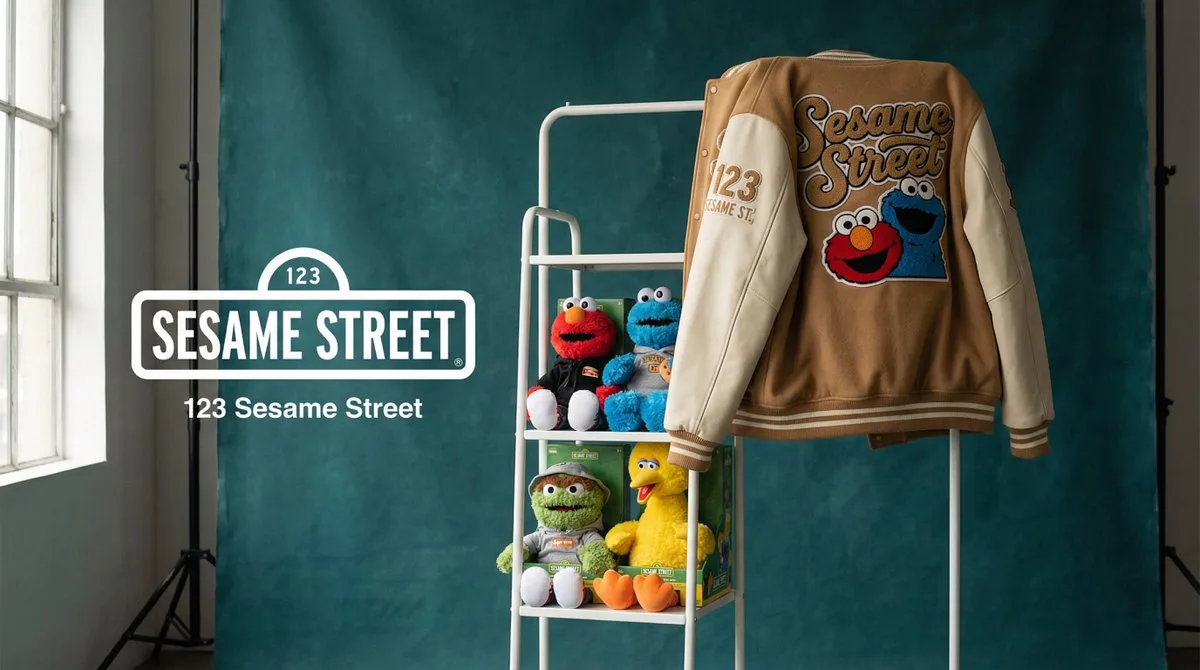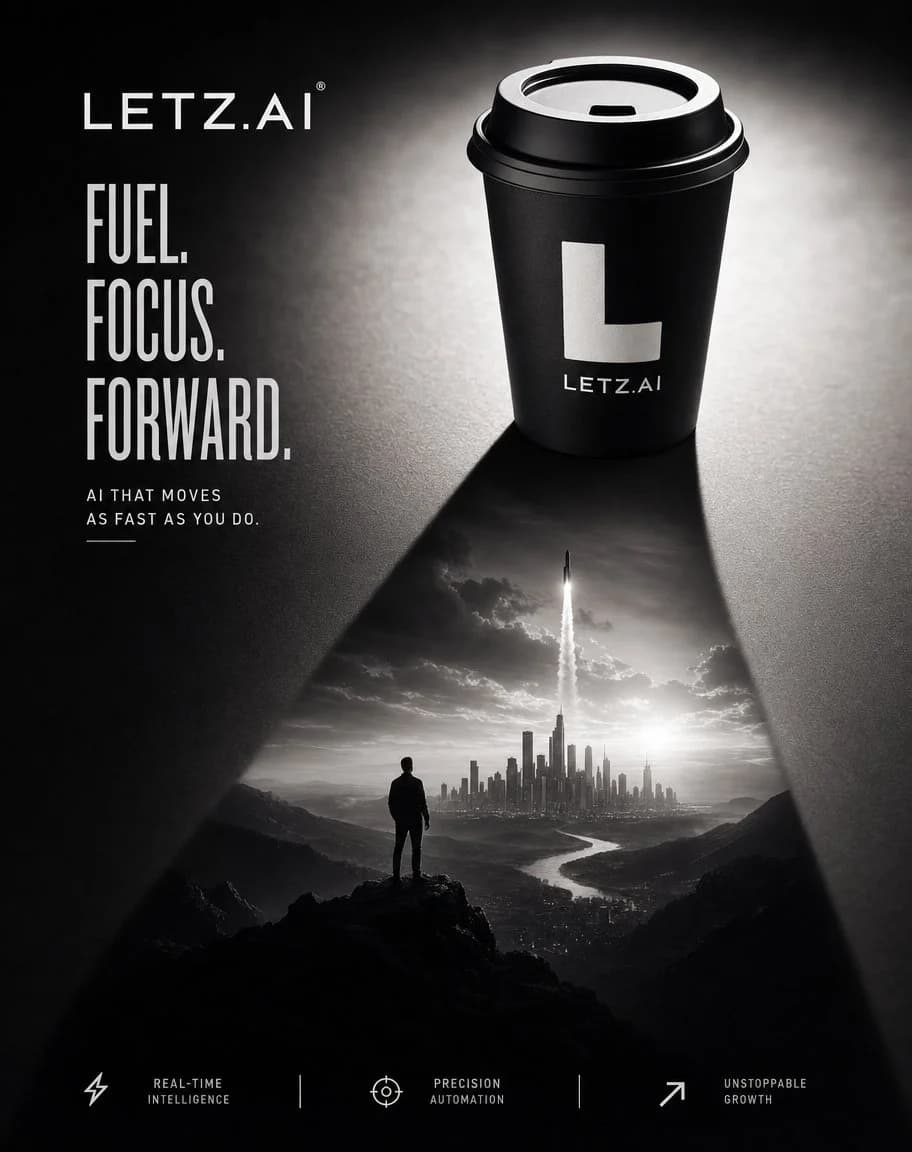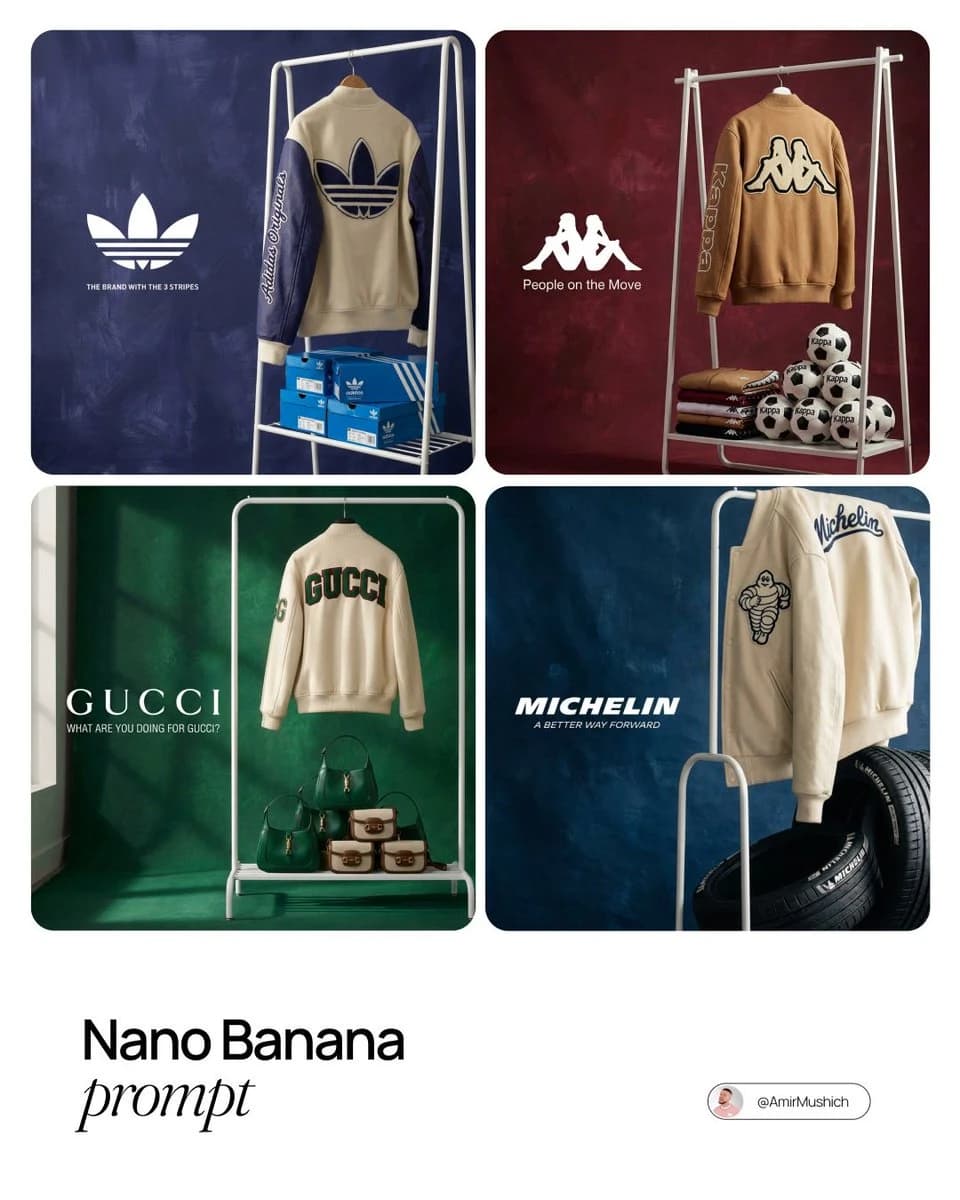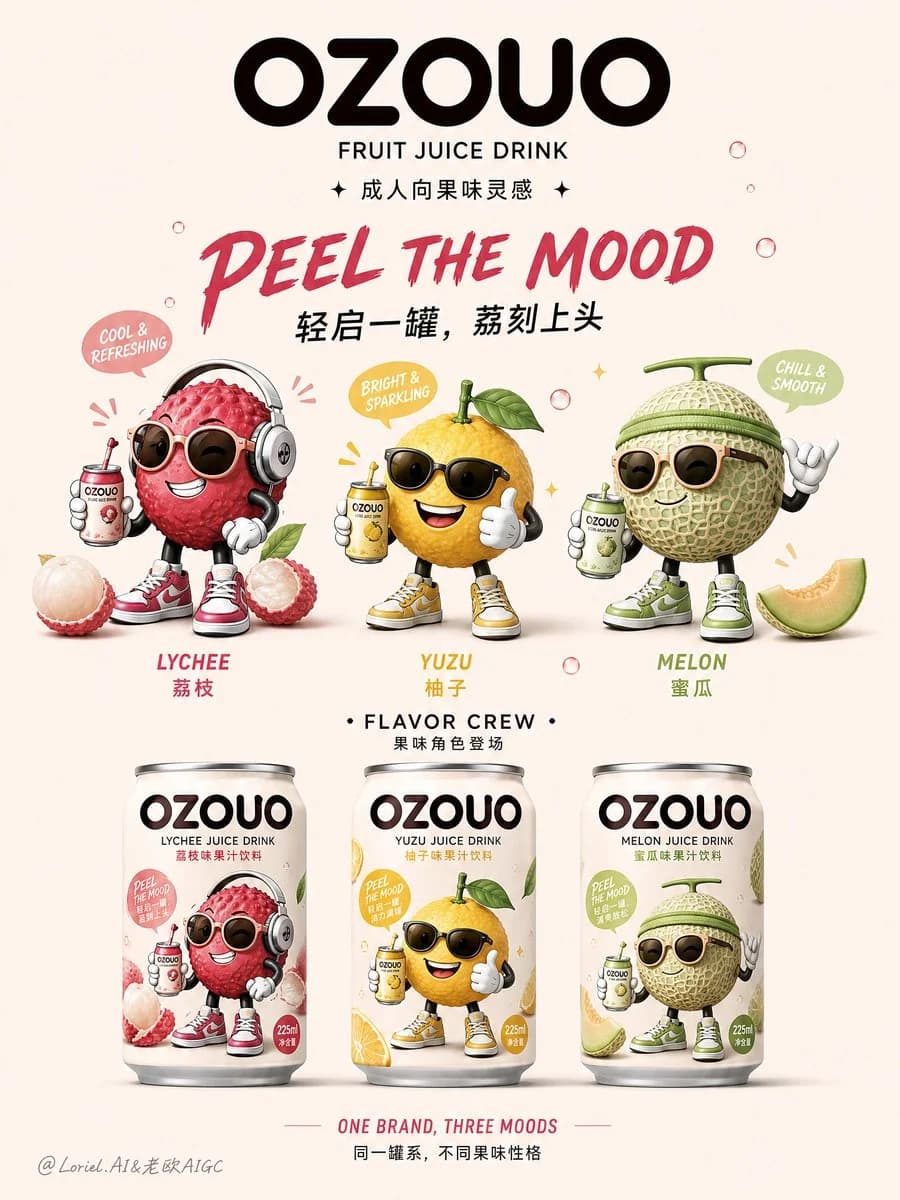
Prompt
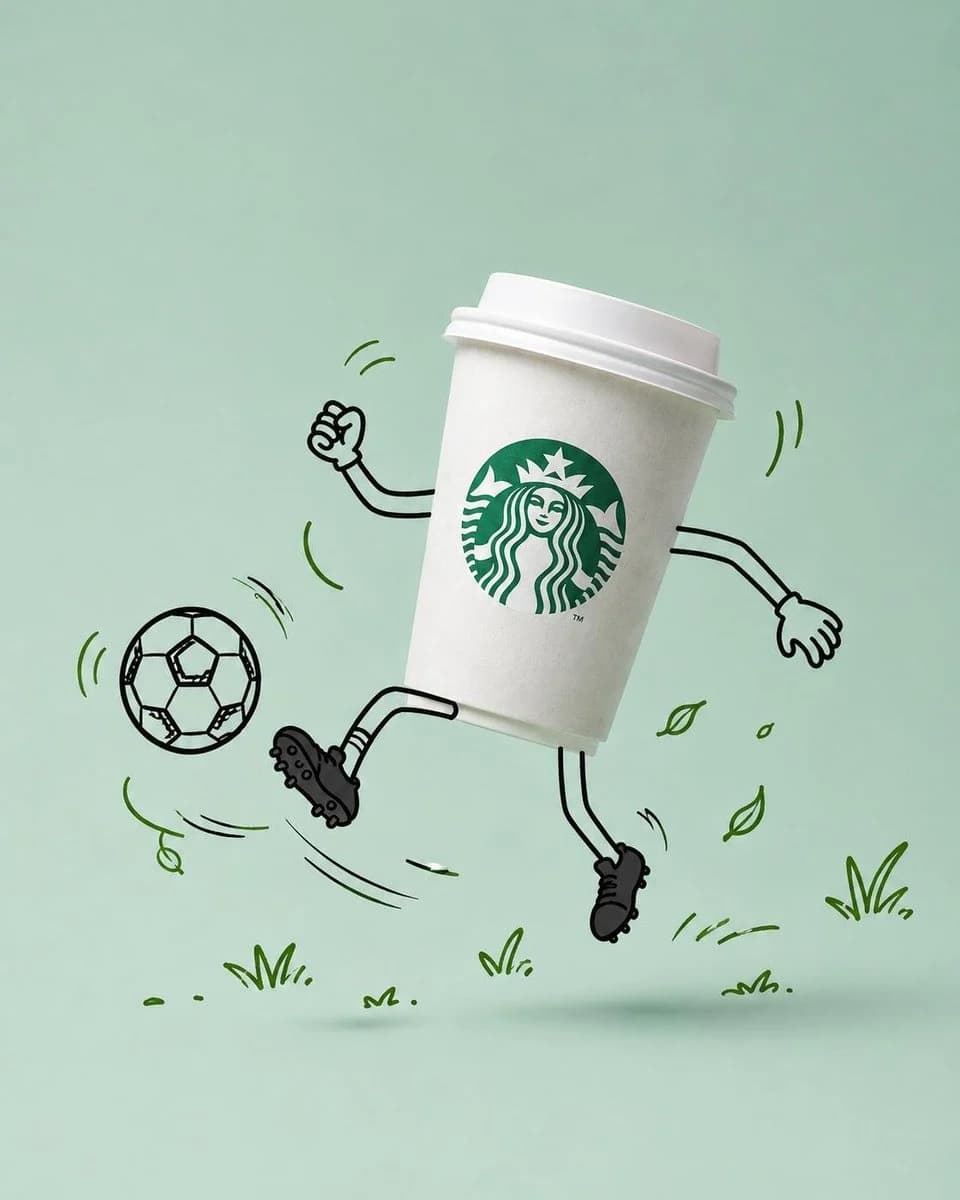
366 wordsUse the uploaded product image as the primary reference. Preserve the original product exactly as shown, including its packaging design, logo placement, typography, branding elements, colors, proportions, materials, textures, reflections, shadows, product shape, food appearance, beverage appearance, ingredients, label details, and overall brand identity. DO NOT redesign, simplify, reinterpret, replace, crop, distort, recolor, or modify any packaging, logos, branding, structural details, or label elements. The product must remain 100% photorealistic and completely unchanged. Transform the product into the hero of a premium commercial advertising campaign while keeping the product itself entirely realistic. Before generating the scene, intelligently analyze the product's category, purpose, flavor, ingredients, packaging style, brand personality, color palette, and emotional appeal. Based on that analysis, automatically develop a fun, playful, visually engaging concept that feels naturally connected to the product. Choose an activity that authentically reinforces the product's identity, usage occasion, lifestyle, season, flavor, or personality—never something random or disconnected. Automatically generate matching doodle props that support the chosen activity and strengthen the visual storytelling. Select a clean {argument name="background" default="pastel studio background"} inspired by the dominant colors of the product packaging and branding, ensuring strong visual harmony while maintaining enough contrast for the product to remain the clear focal point. Position the product in a dynamic tilted pose that conveys movement, energy, and personality. Surround the product with playful hand-drawn doodle illustrations created using {argument name="doodle style" default="loose black marker lines"}. Illustrate ONLY the following as doodles: Arms, Hands, Legs, Shoes, Facial expression (only if appropriate), Activity props, Motion lines, Speed lines, Swirls, Impact effects, Decorative doodles. Keep the product itself completely photorealistic. All doodles must share the same hand-drawn black marker style with consistent line weight, slightly imperfect strokes, expressive energy, and a fun mascot-like personality. Generate additional decorative doodles that naturally complement the chosen concept, such as leaves, stars, bubbles, sparkles, confetti, splashes, crumbs, petals, clouds, geometric shapes, or other relevant elements. Add realistic, soft floating shadows beneath the product to create convincing depth. Use premium commercial product photography lighting with soft diffused studio illumination, realistic reflections, subtle shadows, shallow depth of field, premium retouching, and luxury advertising quality. Leave generous negative space suitable for marketing headlines, branding, or promotional copy.About this prompt
Commercial Product Advertising with Doodles is a ready-to-use ad creative prompt for GPT Image 2 on Image 2. Copy the 366 words below, paste them into the Create form, and you will get a result close to the preview above. Tweak the Product Ad, Ad Creative, Product tag if you want to push it somewhere new.
Use it as a starting point, then adjust the subject, lighting, or composition to suit your idea. The credit cost stays the same whether you use it as written or customize it.
Use case
A strong starting point for Ad Creative
Start here when you want a ad creative image inspired by Commercial Product Advertising with Doodles. The prompt already sets the look and composition; replace the subject, product, colors, or scene details to match your project.
Easy places to tweak
- Subject Swap in your person, product, place, or object without changing the overall composition.
- Look and mood Tune the lighting, palette, camera angle, or materials so the image fits your brand.
- Final format Set the aspect ratio, background, text, or layout notes before you generate.
More prompt paths to explore
Find more GPT Image 2 prompts with a similar style, use case, or subject.
How to use it
- Step 1
Copy the prompt
Hit the Copy button above to grab the full text.
- Step 2
Open Image 2 Create
Head to the Create form and paste it in.
- Step 3
Generate
Hit Generate. Your version lands in seconds.
Make it yours
Load the prompt into the Create form with one click, then start tweaking.