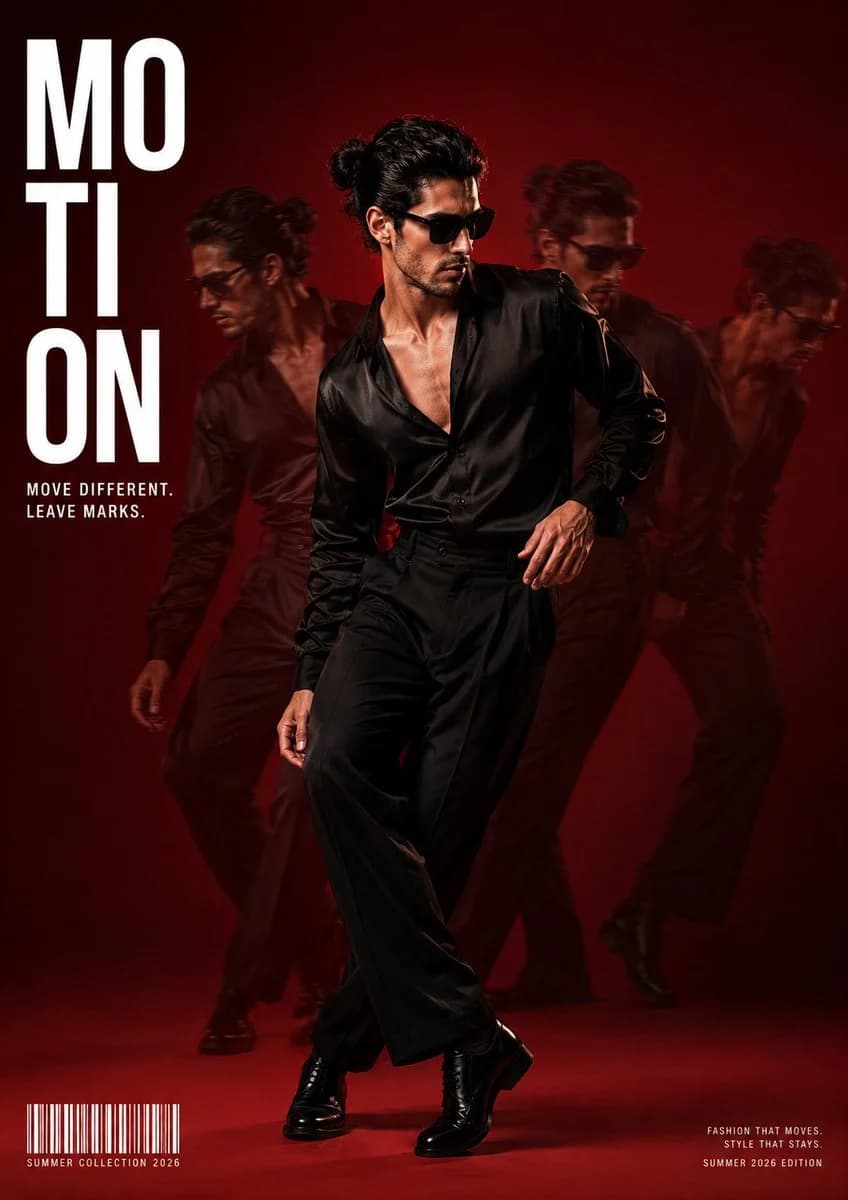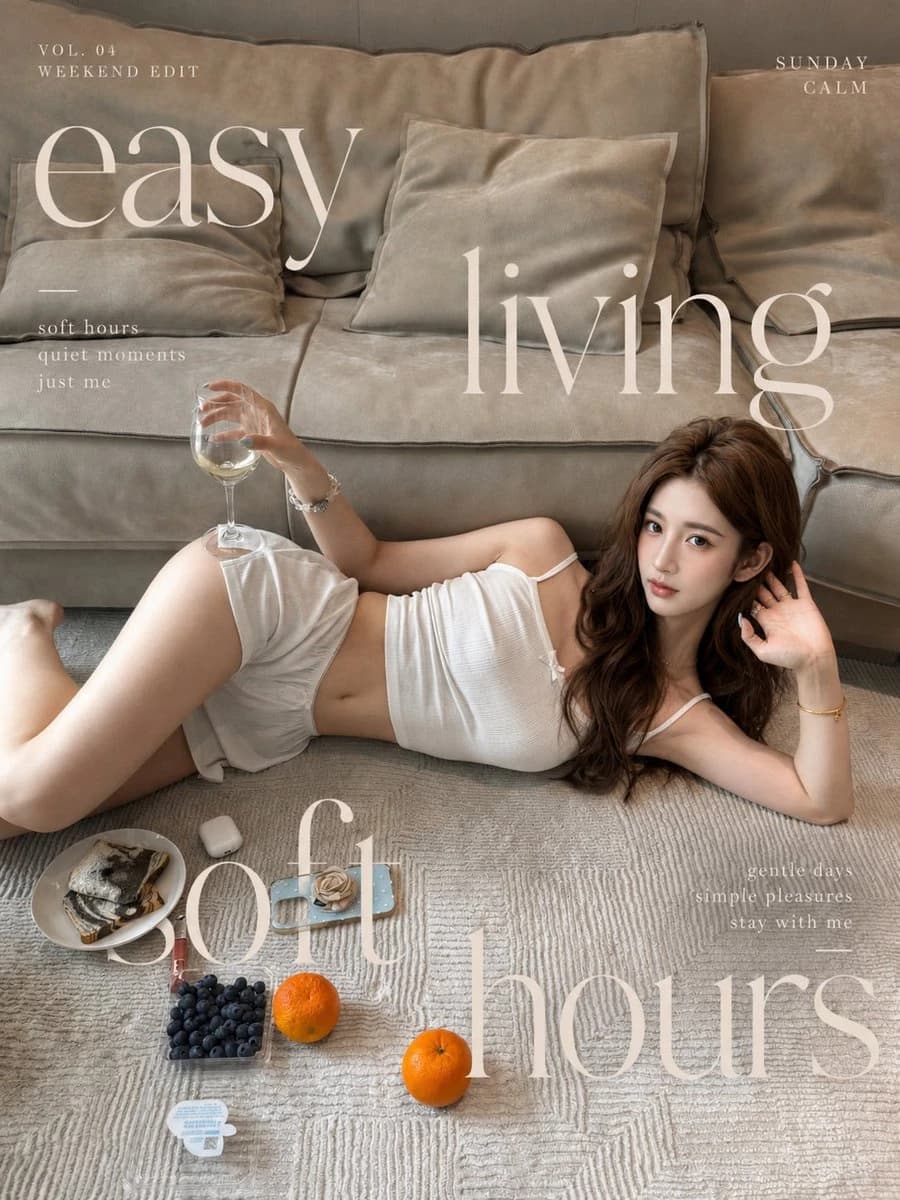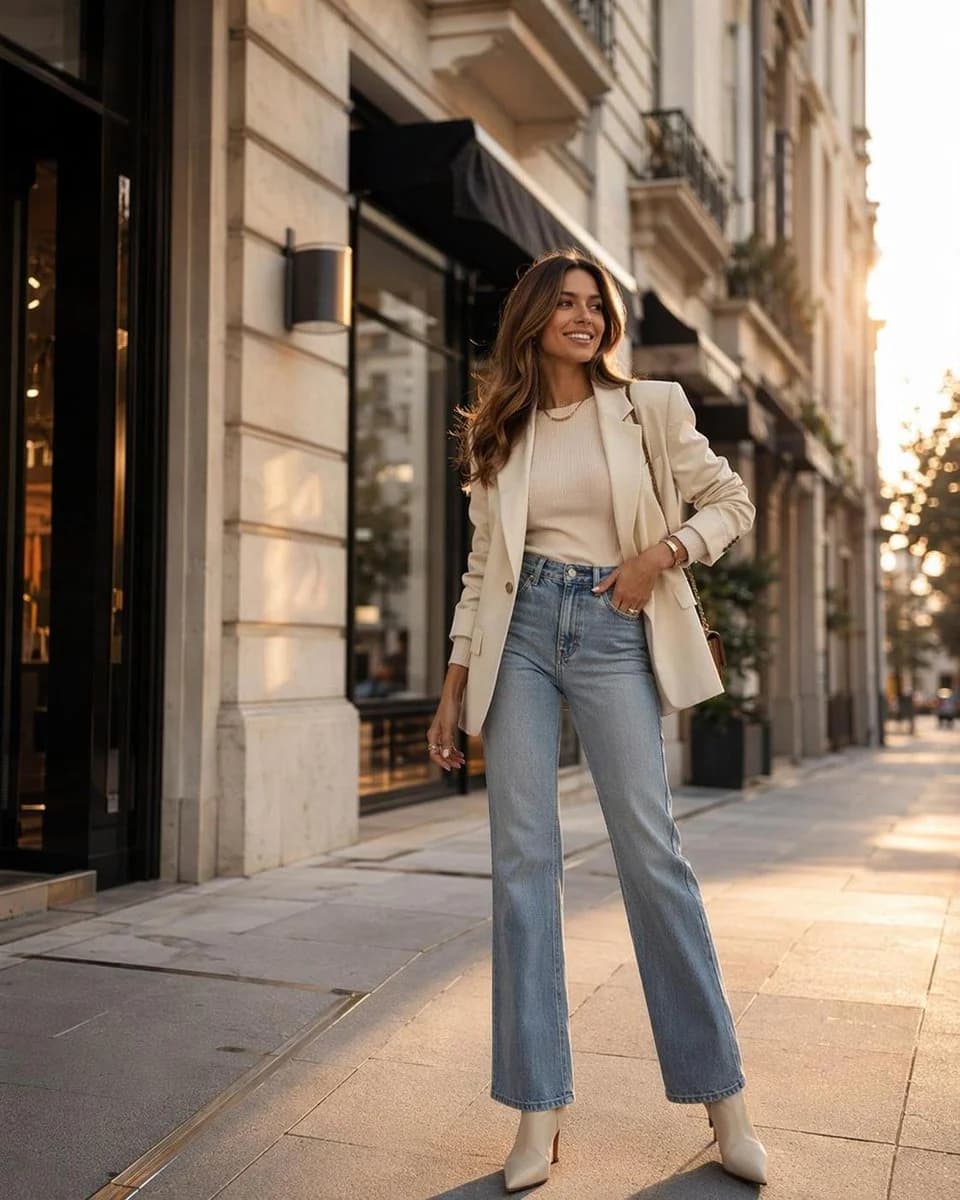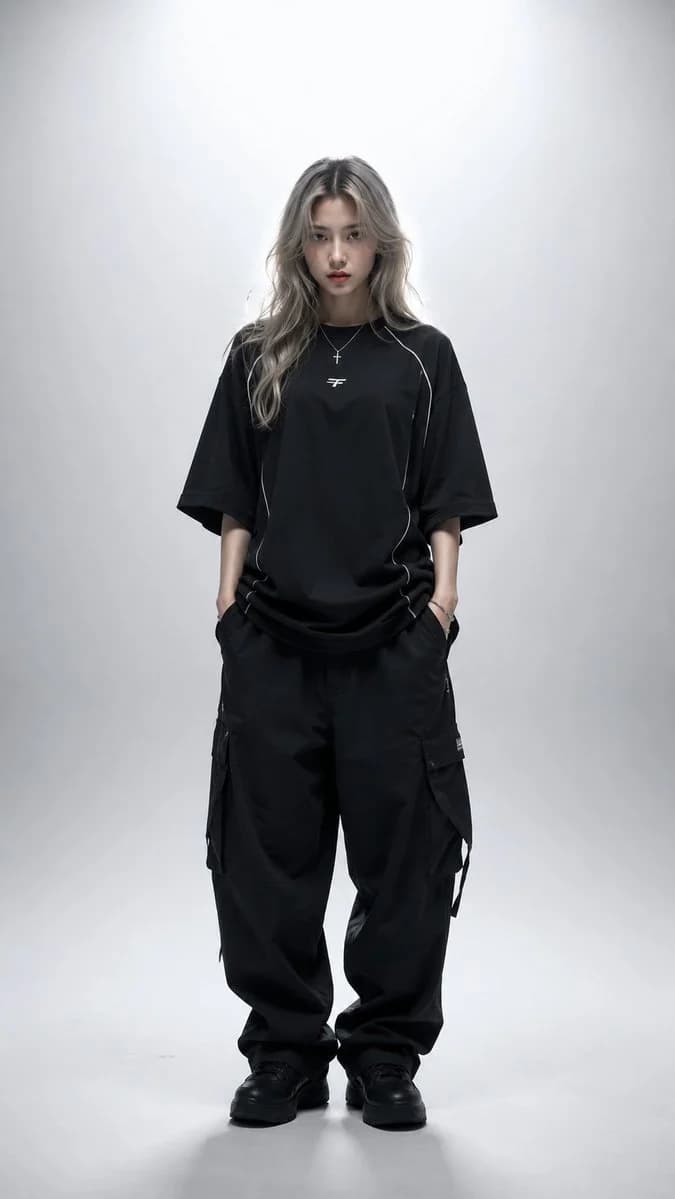
Prompt
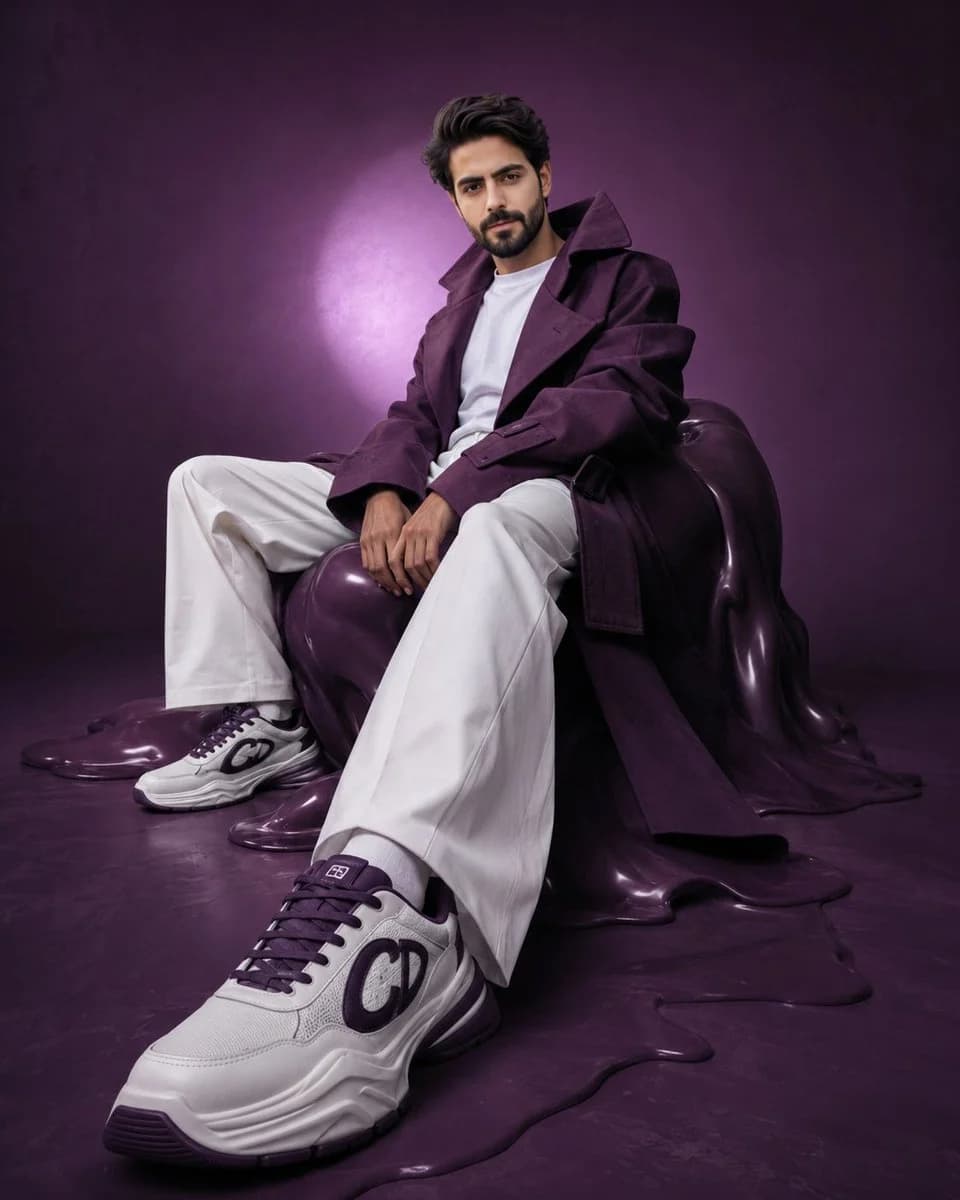
389 wordsHyper-realistic avant-garde fashion editorial of the {argument name="subject" default="uploaded person"}, preserving exact facial identity, proportions, and skin tone with absolute accuracy. The subject is seated on a distorted, sculptural {argument name="accent color" default="deep-purple"} form resembling a melted bean bag, partially blending into the floor. The pose is intentionally constructed to emphasize perspective: one leg extends forward toward the camera, with the foot closest to the lens appearing larger due to perspective distortion, while the other leg remains bent and grounded. The forward shoe becomes a dominant visual anchor in the frame. The torso leans slightly backward with a subtle curve, shoulders relaxed but controlled. Hands rest loosely between the thighs, maintaining an editorial stiffness. The overall posture feels deliberate, asymmetrical, and slightly surreal. Wardrobe remains avant-garde: an oversized {argument name="accent color" default="deep-purple"} {argument name="clothing" default="trench coat"} with exaggerated proportions—elongated sleeves, sculptural collar, and strong silhouette. The coat is worn slightly off-shoulder to break symmetry. White wide-leg trousers maintain sharp, architectural folds. Footwear becomes a key focal point: chunky luxury sneakers in white with deep purple accents, positioned prominently toward the camera. The front shoe is closest to the lens, appearing visually larger with crisp detail, sharp texture, and strong lighting emphasis. Sole thickness is slightly exaggerated for a surreal, high-fashion effect. The second shoe remains slightly behind, partially de-emphasized. Set design is a surreal monochromatic purple cyclorama with subtle tonal inconsistencies. The seating form appears partially melted into the floor, enhancing the avant-garde mood. Lighting is directional and experimental: a strong off-center spotlight creates a halo behind the subject, while the foreground (especially the forward shoe) catches sharper highlights. A soft rim light separates the silhouette. Shadows are slightly stretched and imperfect, enhancing the surreal editorial tone. Camera setup is critical: low-angle shot combined with a slightly wide lens (35mm–50mm) to exaggerate perspective. The camera is positioned closer to the forward foot, making the shoe visually dominant while the face remains sharp and recognizable. Slight Dutch tilt adds tension. Expression is calm, detached, and editorial—minimal emotion, distant gaze. Color grading: deep, moody purples with controlled variation, clean but slightly muted whites, natural skin tones with subtle desaturation. Maintain high contrast but allow slight imperfection in gradients. Final output: ultra-detailed, 8K, photorealistic yet surreal, vertical 4:5 aspect ratio, high-fashion avant-garde editorial quality, strong depth perspective with foreground emphasis on footwear.About this prompt
Avant-Garde Purple Fashion Editorial is a ready-to-use ad creative prompt for GPT Image 2 on Image 2. Copy the 389 words below, paste them into the Create form, and you will get a result close to the preview above. Tweak the Product Ad, Ad Creative, Portrait tag if you want to push it somewhere new.
Use it as a starting point, then adjust the subject, lighting, or composition to suit your idea. The credit cost stays the same whether you use it as written or customize it.
Use case
A strong starting point for Ad Creative
Start here when you want a ad creative image inspired by Avant-Garde Purple Fashion Editorial. The prompt already sets the look and composition; replace the subject, product, colors, or scene details to match your project.
Easy places to tweak
- Subject Swap in your person, product, place, or object without changing the overall composition.
- Look and mood Tune the lighting, palette, camera angle, or materials so the image fits your brand.
- Final format Set the aspect ratio, background, text, or layout notes before you generate.
More prompt paths to explore
Find more GPT Image 2 prompts with a similar style, use case, or subject.
How to use it
- Step 1
Copy the prompt
Hit the Copy button above to grab the full text.
- Step 2
Open Image 2 Create
Head to the Create form and paste it in.
- Step 3
Generate
Hit Generate. Your version lands in seconds.
Make it yours
Load the prompt into the Create form with one click, then start tweaking.