Prompt
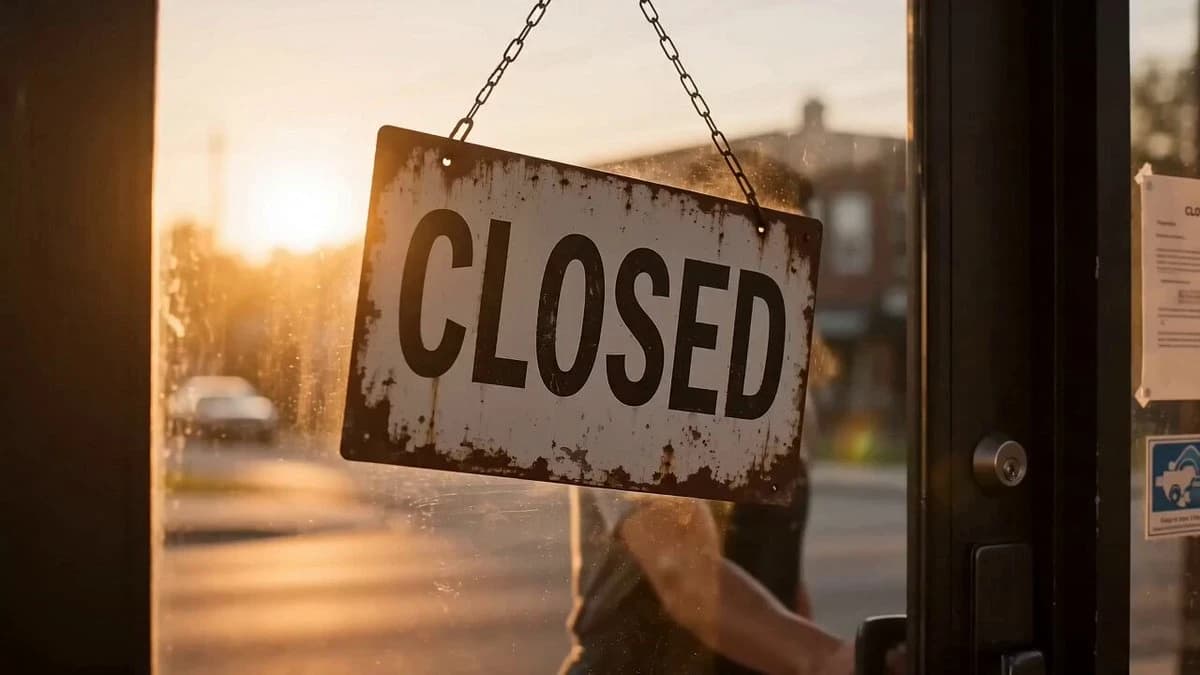
201 wordsDuration: 15 seconds Style: Ultra-realistic, cinematic, photorealistic, 4K HDR, 9:16 vertical, emotional storytelling, natural lighting, realistic facial expressions, shallow depth of field, smooth camera movement. 0–3s A young barber flips the "CLOSED" sign on his shop door before sunset. As he steps outside, he notices an elderly homeless man sitting alone on the sidewalk with messy hair and a long beard. The barber smiles warmly and invites him inside. 3–7s Inside the cozy barbershop, the barber carefully trims the man's hair and beard with kindness and respect. Close-up shots of scissors, falling hair, and the homeless man's emotional eyes in the mirror. Soft cinematic music plays. 7–11s The man looks at his reflection—clean haircut, neatly trimmed beard, wearing donated clean clothes. His expression changes from hopeless to confident. He quietly thanks the barber with a heartfelt smile. 11–15s The next morning, the transformed man confidently walks into a modern office for a job interview. He shakes hands with the interviewer, smiling with confidence. Final shot: he walks past the barbershop, making eye contact with the barber through the window. They exchange a grateful smile as the screen fades to black with the message: "One act of kindness can change a life."
About this prompt
The Street Barber Emotional Story is a Short Drama Seedance 2.0 prompt with 201 words, structured around shot timing, camera direction, motion cues, and remixable scene details.
Use the visual preview, when available, to understand the composition, then treat the prompt text as a production brief you can adapt for your own subject, brand, or story.
Video prompt structure
Use it for Short Drama videos
Best for Seedance 2.0 generations that need Short Drama, Multi-Shot, Dialogue. Replace the subject, setting, product, dialogue, music, and timing before sending it to the generator.
Customize before generating
- Swap the subject. Keep the camera and timing structure, but change the character, product, or environment.
- Tighten the timeline. Shorten or expand shot blocks so they match the duration you want to render.
- Add reference media. Use first frames, last frames, images, video, or audio when the prompt depends on a specific look or rhythm.
More Seedance paths to explore
Browse adjacent styles and techniques from the same Seedance 2.0 prompt library.
How to use it
- Step 1
Copy or start from this prompt
Use the full prompt as a structured draft rather than rewriting the whole video brief.
- Step 2
Open Seedance 2.0
Send the text into the Seedance generator and choose text, image, or reference mode.
- Step 3
Adapt and render
Tune duration, aspect ratio, reference media, camera notes, and dialogue before generating.
Make it a Seedance video
Start from this prompt in the Seedance 2.0 generator, then adjust the scene, duration, aspect ratio, and reference media.