Prompt
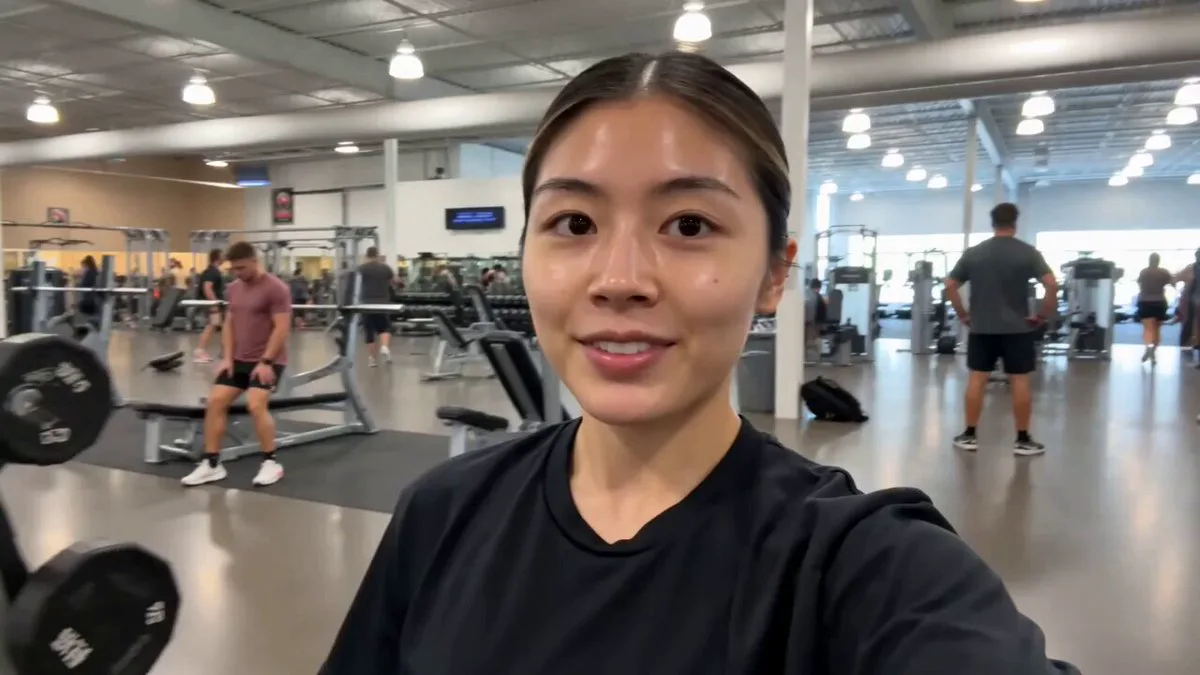
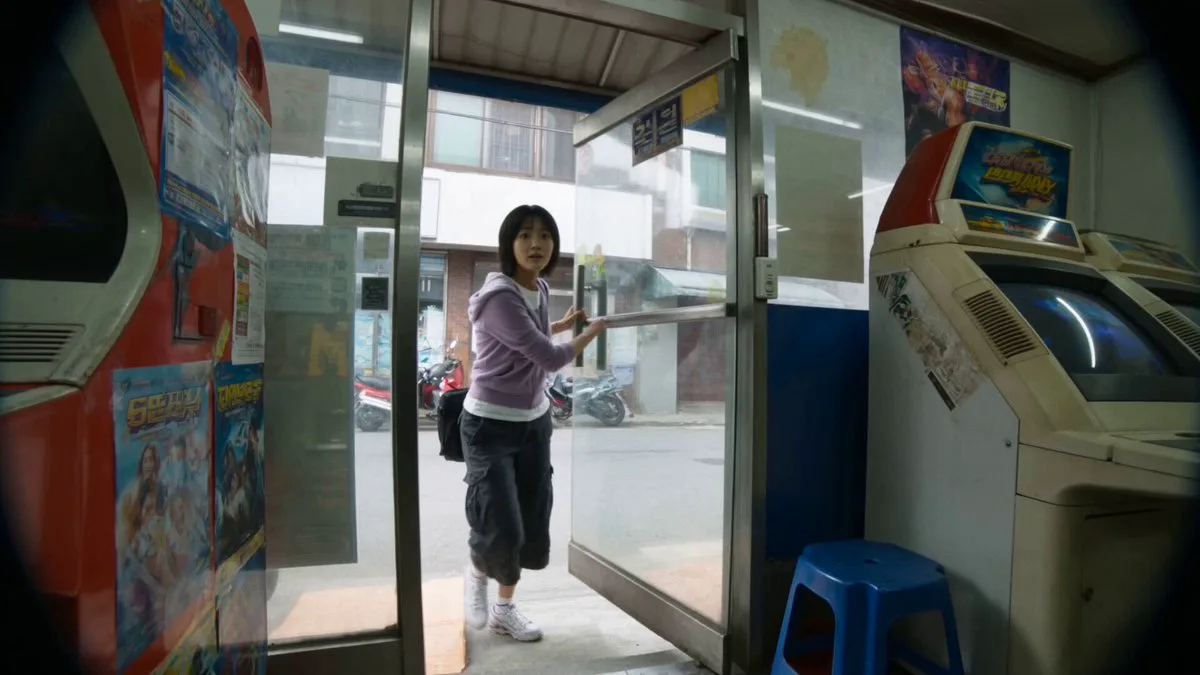
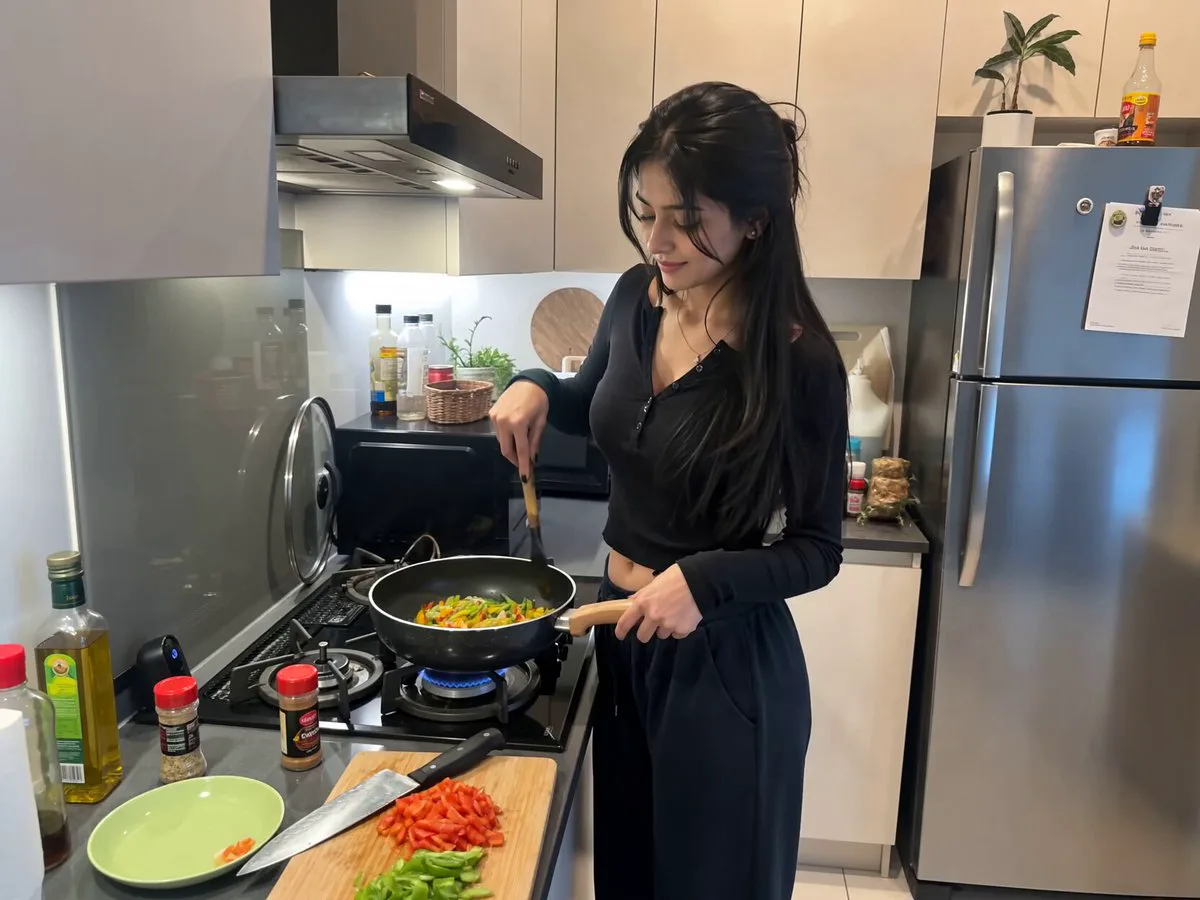
216 wordsCreate a realistic 15-second vertical (9:16) handheld smartphone vlog . The video begins outside a modern supermarket in bright daylight. She holds the phone in selfie mode, smiles, and says, "Come grocery shopping with me!" She walks inside while pushing a shopping cart, naturally filming herself. She picks fresh strawberries, bananas, vegetables, milk, bread, cereal, and snacks, occasionally turning the camera to show what's going into the cart. Include close-up shots of products, authentic aisle lighting, and realistic interactions with the environment. She laughs after finding her favorite snack, then films herself using the self-checkout. The final scene shows her walking out of the supermarket carrying grocery bags and an iced coffee, smiling at the camera and saying, "Shopping done! See you in my next vlog!" Ultra-realistic, cinematic smartphone footage, natural facial expressions, smooth handheld camera movement, realistic lighting, 4K quality, shallow depth of field, no AI artifacts, lifestyle influencer aesthetic. Voiceover: > "Come grocery shopping with me! Today I'm picking up fresh fruits, snacks, and a few essentials. I even found my favorite treats! That's everything for today—see you in my next vlog!" Sound Design: Natural supermarket ambience Shopping cart rolling Footsteps Soft conversations in the background Product handling sounds Barcode scanner beeps Checkout bag rustling Outdoor city ambience at the end No background music
About this prompt
Realistic Lifestyle Supermarket Vlog is a UGC Seedance 2.0 prompt with 216 words, structured around shot timing, camera direction, motion cues, and remixable scene details.
Use the preview clip when available to understand pacing, then treat the prompt text as a production brief you can adapt for your own subject, brand, or story.
Video prompt structure
Use it for UGC videos
Best for Seedance 2.0 generations that need UGC, Dialogue, Audio. Replace the subject, setting, product, dialogue, music, and timing before sending it to the generator.
Customize before generating
- Swap the subject. Keep the camera and timing structure, but change the character, product, or environment.
- Tighten the timeline. Shorten or expand shot blocks so they match the duration you want to render.
- Add reference media. Use first frames, last frames, images, video, or audio when the prompt depends on a specific look or rhythm.
More Seedance paths to explore
Browse adjacent styles and techniques from the same Seedance 2.0 prompt library.
How to use it
- Step 1
Copy or start from this prompt
Use the full prompt as a structured draft rather than rewriting the whole video brief.
- Step 2
Open Seedance 2.0
Send the text into the Seedance generator and choose text, image, or reference mode.
- Step 3
Adapt and render
Tune duration, aspect ratio, reference media, camera notes, and dialogue before generating.
Make it a Seedance video
Start from this prompt in the Seedance 2.0 generator, then adjust the scene, duration, aspect ratio, and reference media.