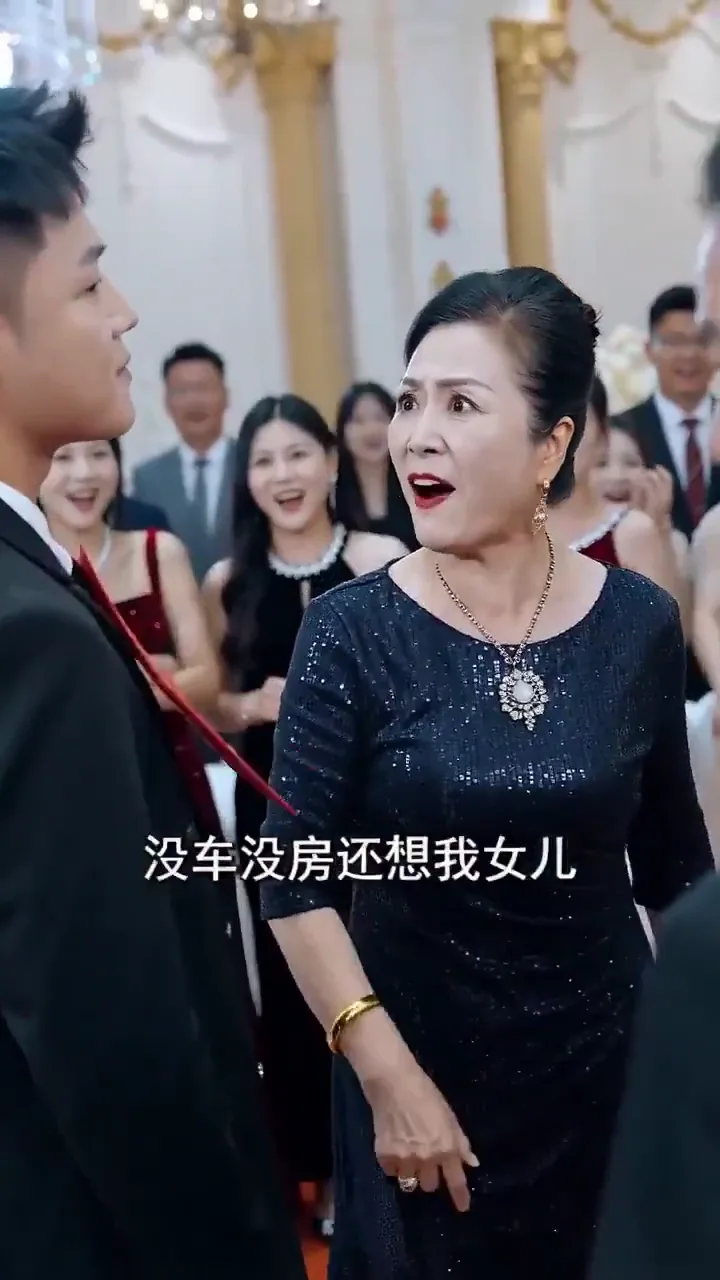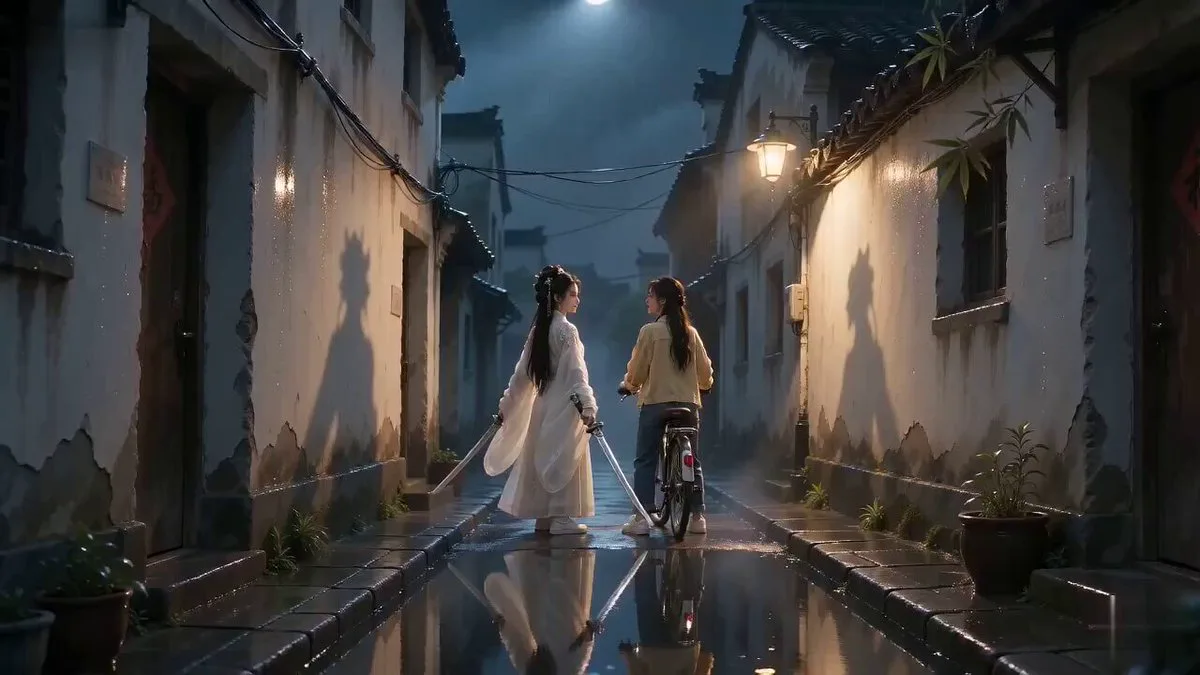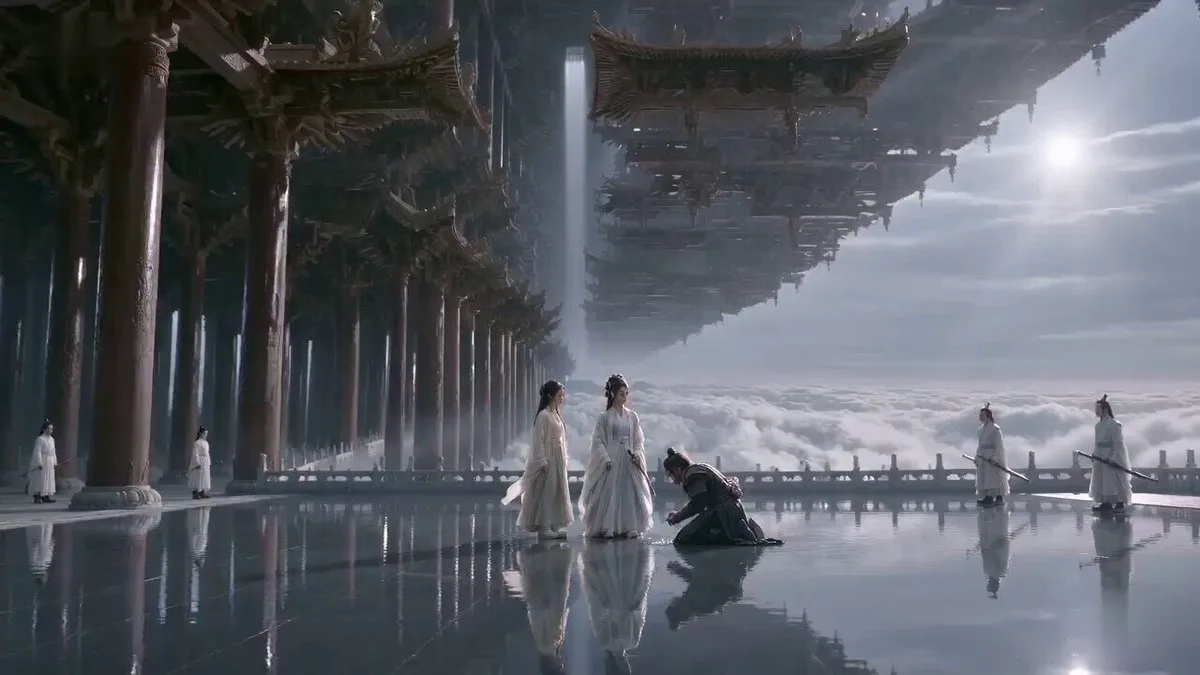
Prompt
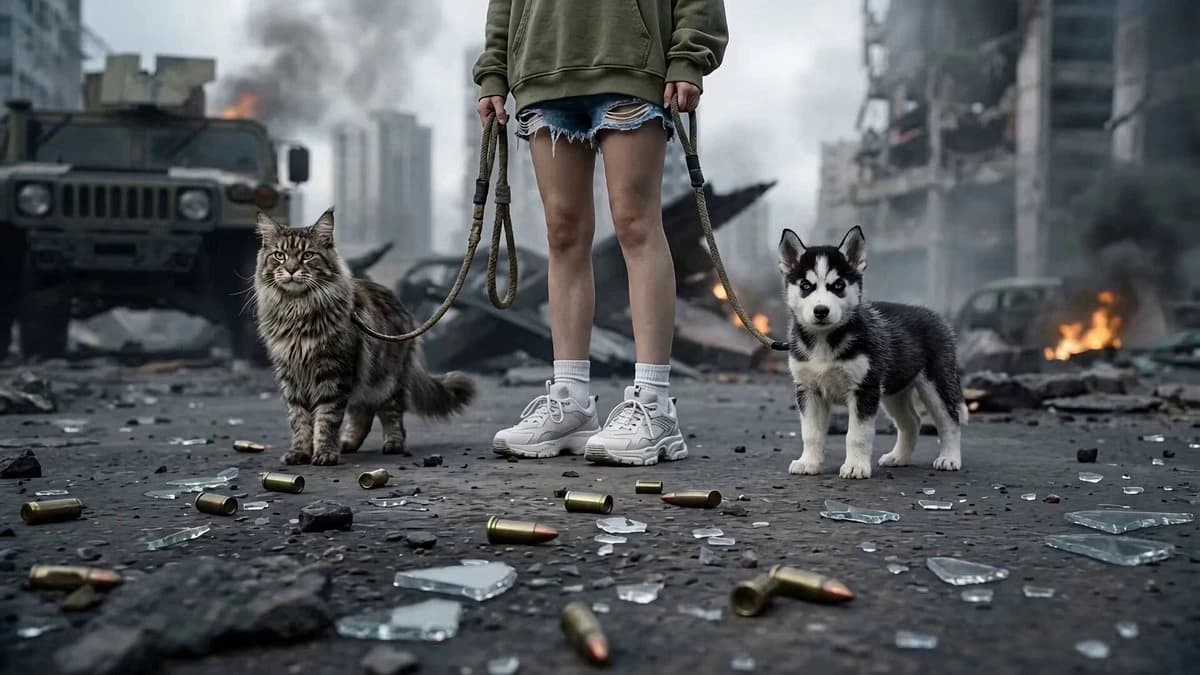
120 wordsDark post-apocalyptic battlefield, ruined city, collapsing buildings, burning wreckage, sparks, dust storms, cinematic volumetric lighting, ultra high detail, dramatic contrast. Camera aggressively spirals upward around her body, fast orbit rise from legs to torso, cloth and hair whipping in the wind, debris lifting into the air from energy pressure. During the camera rise, the white dog and orange kitten undergo explosive mechanical transformation into cybernetic beasts. Character transforms with black smoke, red glowing cracks, red hair, dark visor, gothic black dress, and giant black wings. She raises a massive energy staff and slams it down, causing a radial explosion, shattered ground, glowing cracks, and a pixelated energy shockwave. Then the mechanical wolf and feline charge toward camera with extreme force.
About this prompt
Post-Apocalyptic Cybernetic Transformation is a Short Drama Seedance 2.0 prompt with 120 words, structured around shot timing, camera direction, motion cues, and remixable scene details.
Use the visual preview, when available, to understand the composition, then treat the prompt text as a production brief you can adapt for your own subject, brand, or story.
Video prompt structure
Use it for Short Drama videos
Best for Seedance 2.0 generations that need Short Drama. Replace the subject, setting, product, dialogue, music, and timing before sending it to the generator.
Customize before generating
- Swap the subject. Keep the camera and timing structure, but change the character, product, or environment.
- Tighten the timeline. Shorten or expand shot blocks so they match the duration you want to render.
- Add reference media. Use first frames, last frames, images, video, or audio when the prompt depends on a specific look or rhythm.
More Seedance paths to explore
Browse adjacent styles and techniques from the same Seedance 2.0 prompt library.
How to use it
- Step 1
Copy or start from this prompt
Use the full prompt as a structured draft rather than rewriting the whole video brief.
- Step 2
Open Seedance 2.0
Send the text into the Seedance generator and choose text, image, or reference mode.
- Step 3
Adapt and render
Tune duration, aspect ratio, reference media, camera notes, and dialogue before generating.
Make it a Seedance video
Start from this prompt in the Seedance 2.0 generator, then adjust the scene, duration, aspect ratio, and reference media.