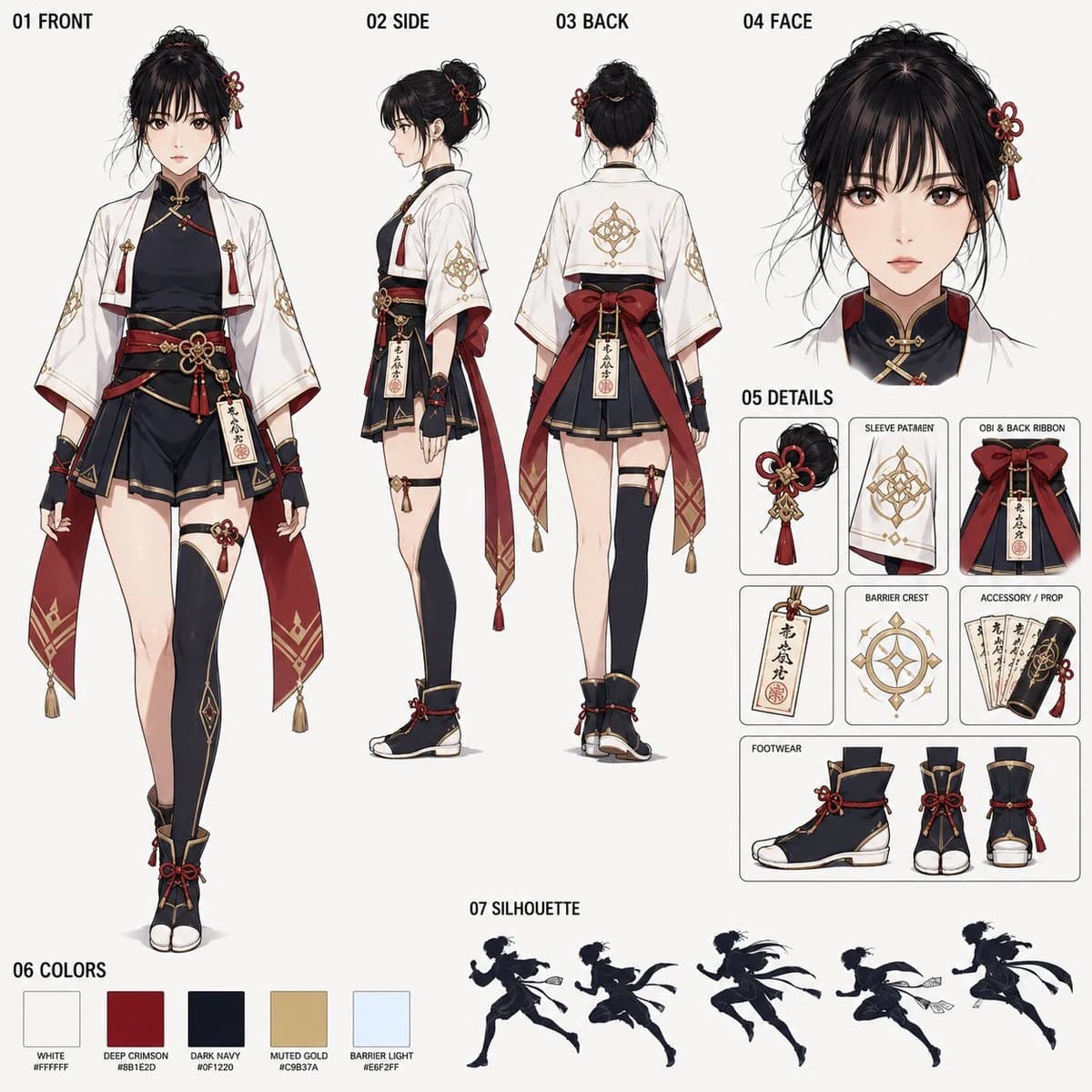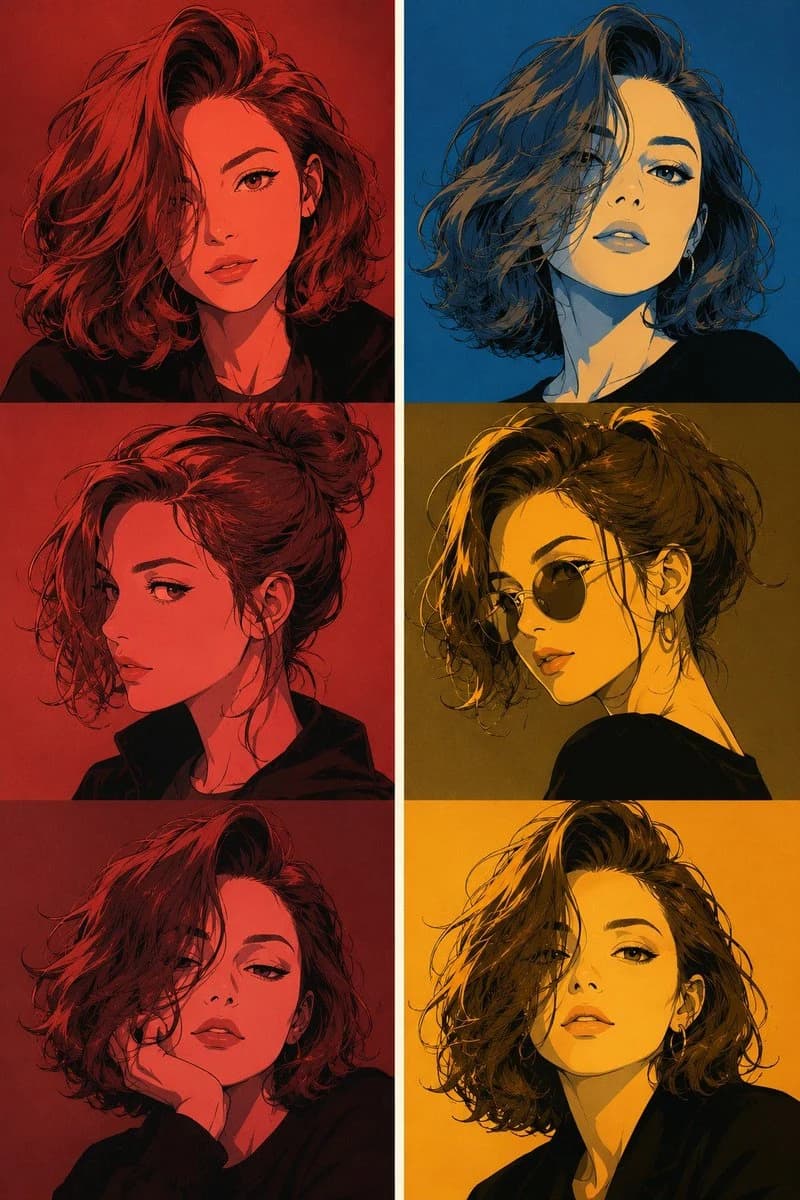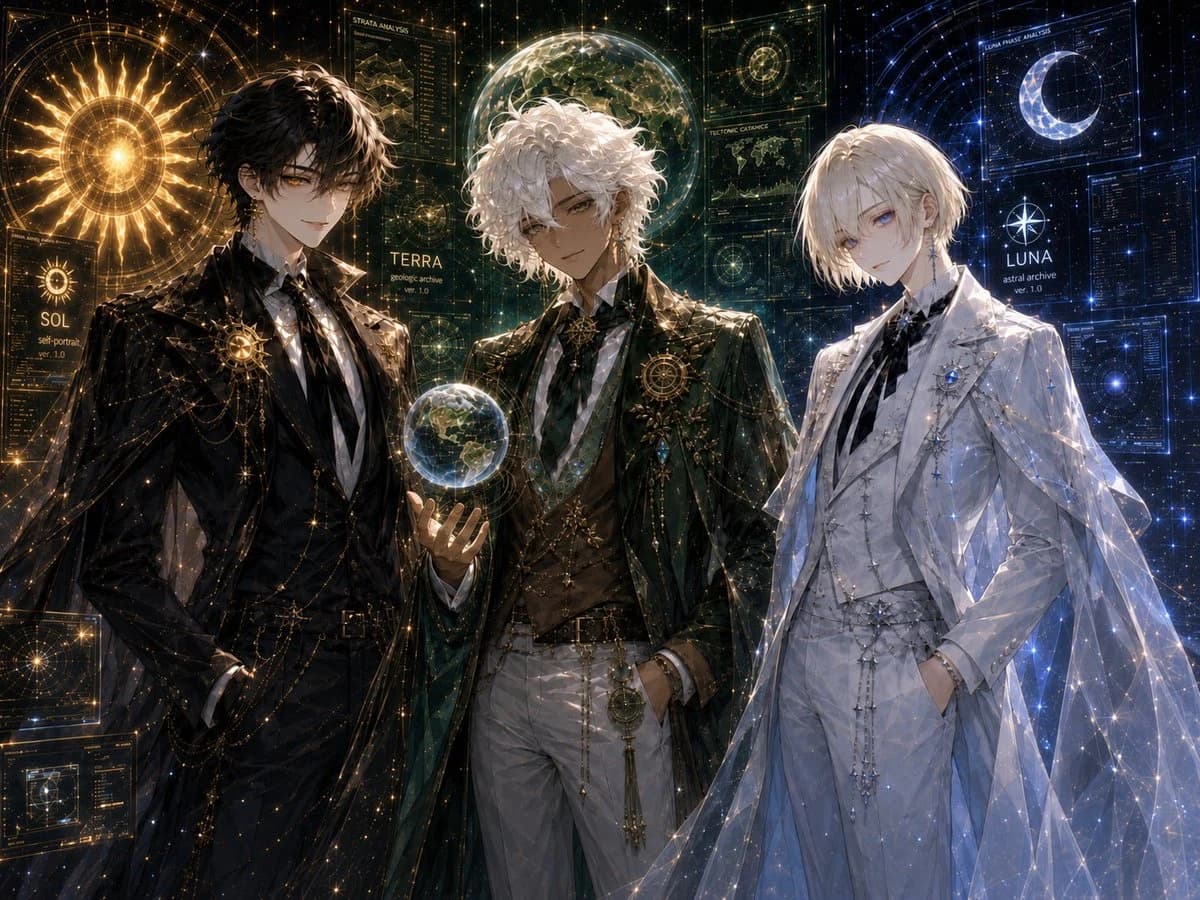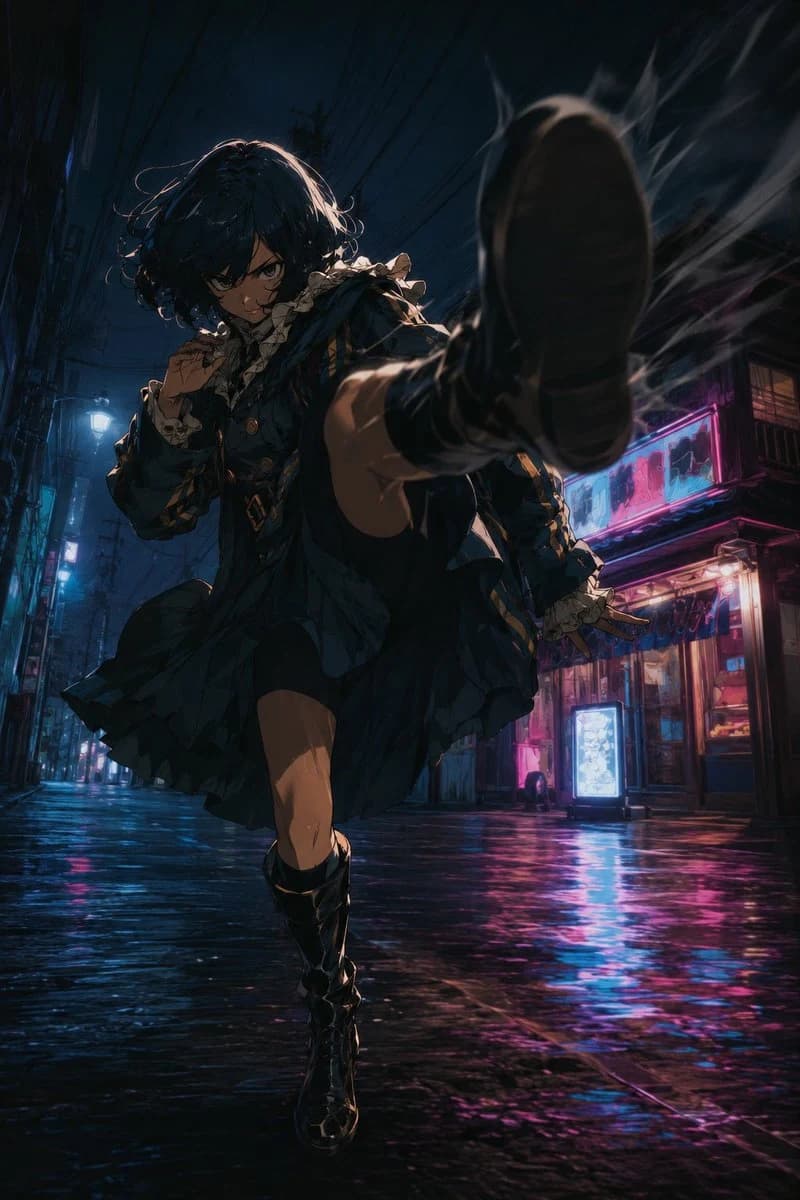
Prompt
640 wordsReference @image1 Personal portrait image
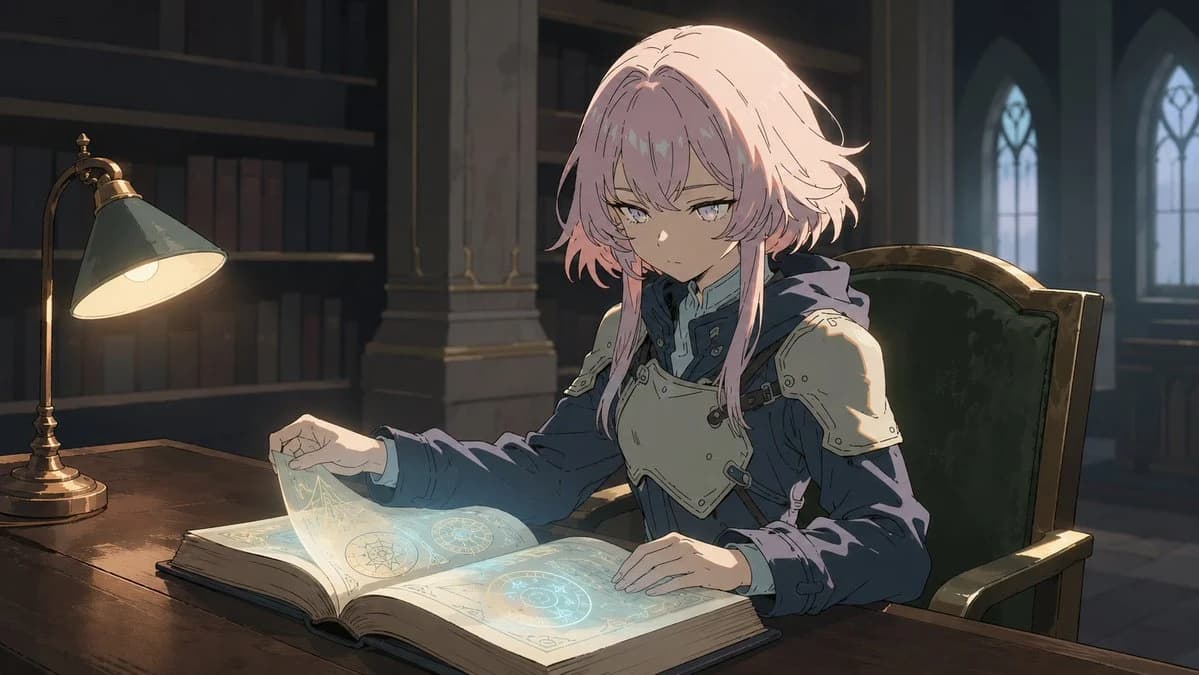
*The reference image is used for facial features, hairstyle, age perception, and atmosphere only; clothing, background, pose, and art style are not referenced.
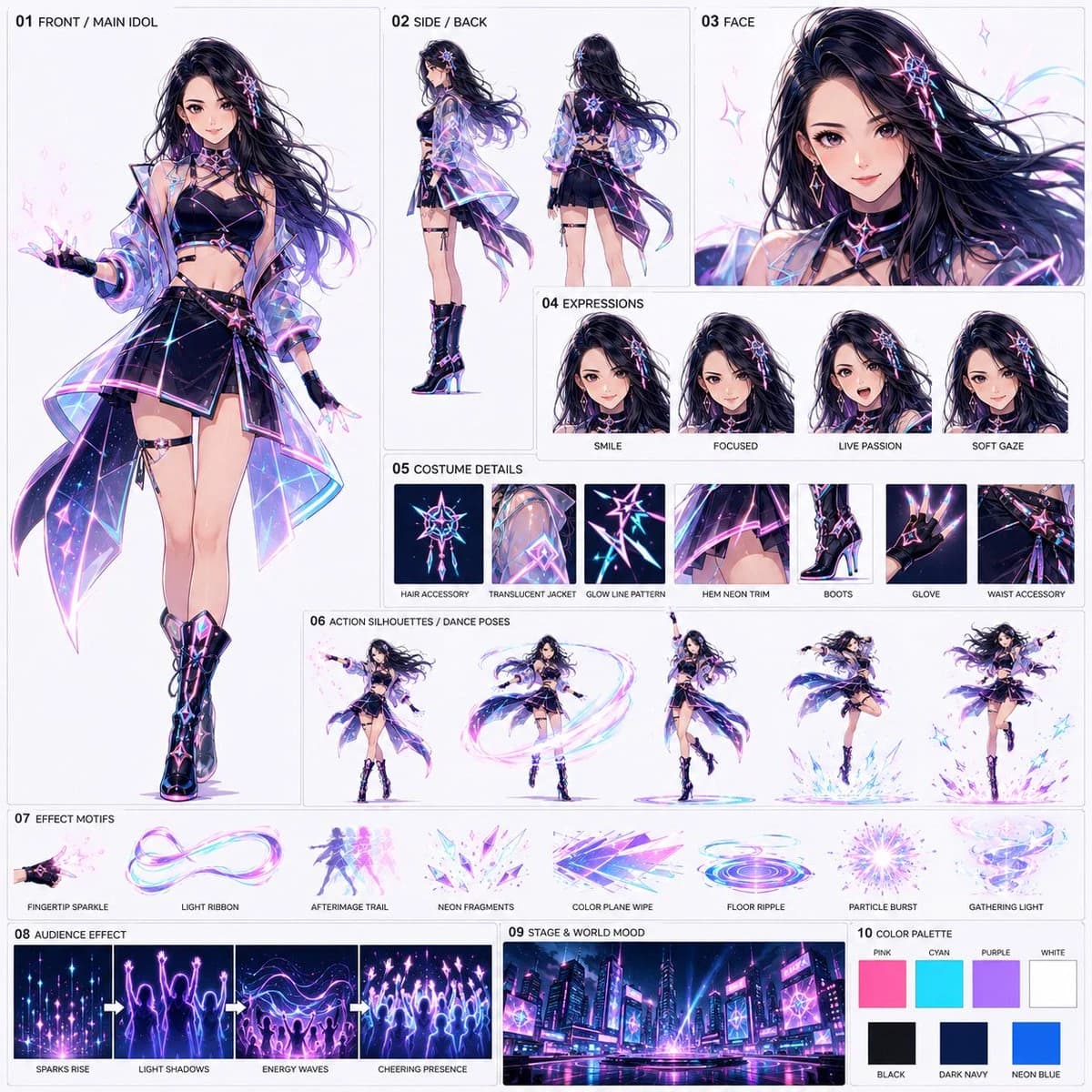
Create a structured style sheet for a 1:1 square sharing format. The objective is to create a reference sheet for {argument name="theme" default="a 15-second anime video titled 'Solo Idol Effect Live in Neon City'"}. Using the same logic as the previous sharing style sheet, organize character, costume, expression, movement, effects, audience representation, background world-view, and color design into a single sheet. Do not re-output or replicate the layout of previous neon idol sheets. Design from scratch.
{argument name="style" default="High-quality anime style, theatrical anime grade"}. The background should be a bright off-white or light gray. Thin borders and short English labels are permitted. No long descriptions, logos, or watermarks.
Composition:
01 FRONT / MAIN IDOL
Place a large full-body front view of the main idol. Reflect the facial features and hairstyle impression from the reference image, and design a new idol costume for the neon city live performance. {argument name="costume colors" default="Black or dark navy base with pink, cyan, purple, and white luminous lines"}. Includes a translucent short jacket, dynamic skirt or stage outfit, and performance boots. Design to easily emit light particles from fingertips, sleeves, hair ends, and hems.
02 SIDE / BACK
Include smaller side and back views to show the costume structure, hair length, back design, and luminous lines.
03 FACE
Include a large facial close-up. Emphasize clarity, eye power, stage presence, and a confident expression.
04 EXPRESSIONS
3-4 expression variations. E.g., SMILE, FOCUSED, LIVE PASSION, SOFT GAZE.
05 COSTUME DETAILS
Organize and include impressive details easily identifiable in the video, such as hair accessories, translucent jacket material, luminous lines, neon decorations on the hem, boots, gloves, and waist decorations.
06 ACTION SILHOUETTES / DANCE POSES
3-5 poses during dance. E.g., emitting light particles from fingertips, creating light ribbons while spinning, a finishing pose with one arm raised, steps spreading luminous ripples at the feet, jumps with hair and costume billowing greatly. Present these as movement samples of the same person.
07 EFFECT MOTIFS
Organize and include samples of main effects. E.g., FINGERTIP SPARKLE, LIGHT RIBBON, AFTERIMAGE TRAIL, NEON FRAGMENTS, COLOR PLANE WIPE, FLOOR RIPPLE, PARTICLE BURST, GATHERING LIGHT. Colors mainly pink, cyan, purple, and white.
08 AUDIENCE EFFECT
Include expressions where effects transform into an audience. Do not over-draw normal human crowds; represent them as clusters of light particles, luminous silhouettes, light shadows raising hands, and waves of cheering particles.
09 STAGE & WORLD MOOD
Include a background sample merging the neon city and live stage. Skyscrapers, LEDs, neon signs, wet reflective floors, stage lighting, and luminous lines in the sky. A night view where the entire city looks like a live venue.
10 COLOR PALETTE
Include color samples. Primary colors: PINK, CYAN, PURPLE, WHITE. Secondary colors: BLACK, DARK NAVY, NEON BLUE.
General Policy:
- Maintain the sharing style sheet format.
- One solo idol is the protagonist.
- Effects are born from fingertips and body trajectories every time she dances.
- Those effects multiply into audience-like entities.
- Emphasize lighting, afterimages, particles, and color plane expressions unique to anime.
- Do not lean towards magical girls, wands, weapons, or large magic circles.
- Do not use the same composition or placement as existing neon idol sheets.
Prohibited Items:
- Reproduction of existing sheets.
- Single-image anchoring.
- Long descriptions, logos, watermarks.
- Real-life style, cheap TV anime style.
- Over-drawing normal human audiences.
- Compositions that look like multiple different characters exist.
- Weaponized action.
Finally, complete as a high-quality anime sharing style sheet with a new design, following the same format as the previous style sheet operation, organizing character, costume structure, expression, details, dance moves, effects, audience representation, neon city stage, and color design into one image.About this prompt
Neon Idol Style Sheet Generator is a ready-to-use storyboard prompt for GPT Image 2 on Image 2. Copy the 640 words below, paste them into the Create form, and you will get a result close to the preview above. Tweak the Comic, Storyboard, Fashion tag if you want to push it somewhere new.
Use it as a starting point, then adjust the subject, lighting, or composition to suit your idea. The credit cost stays the same whether you use it as written or customize it.
Use case
A strong starting point for Storyboard
Start here when you want a storyboard image inspired by Neon Idol Style Sheet Generator. The prompt already sets the look and composition; replace the subject, product, colors, or scene details to match your project.
Easy places to tweak
- Subject Swap in your person, product, place, or object without changing the overall composition.
- Look and mood Tune the lighting, palette, camera angle, or materials so the image fits your brand.
- Final format Set the aspect ratio, background, text, or layout notes before you generate.
More prompt paths to explore
Find more GPT Image 2 prompts with a similar style, use case, or subject.
How to use it
- Step 1
Copy the prompt
Hit the Copy button above to grab the full text.
- Step 2
Open Image 2 Create
Head to the Create form and paste it in.
- Step 3
Generate
Hit Generate. Your version lands in seconds.
Make it yours
Load the prompt into the Create form with one click, then start tweaking.