Prompt
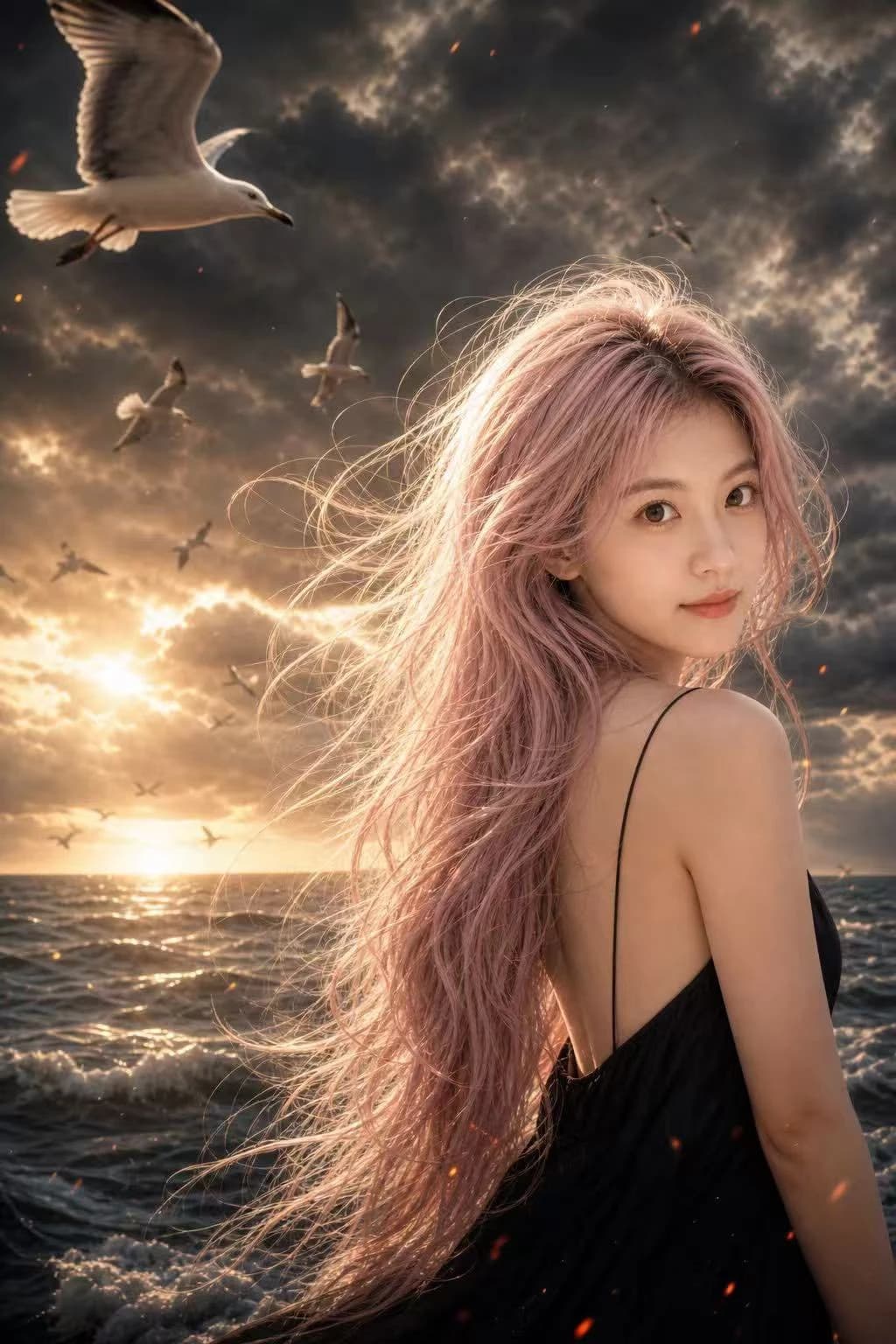
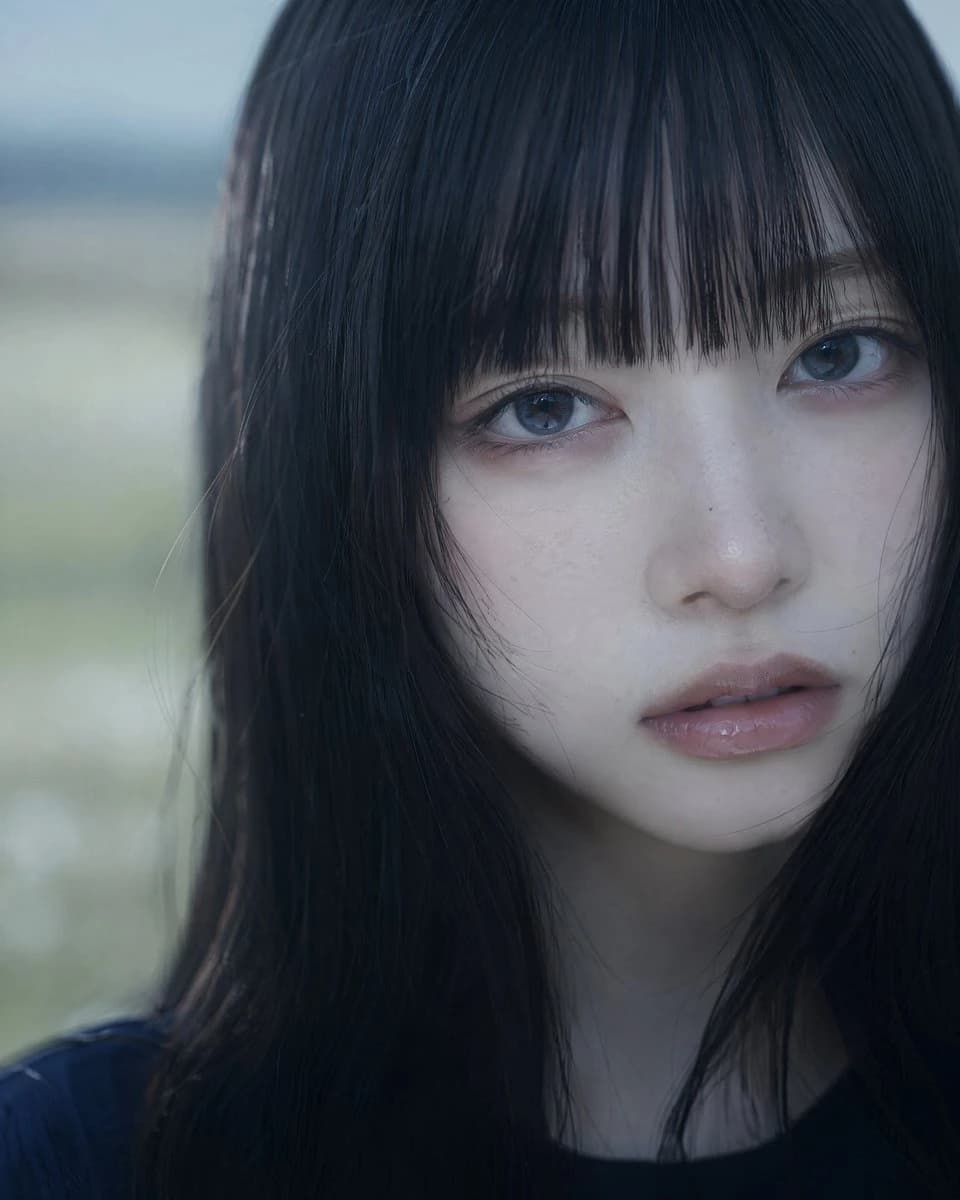
163 wordsExtreme close-up vertical portrait, beautiful {argument name="ethnicity" default="East Asian woman"}, early 20s. Soft oval face, faint freckles, small mole on right cheek, delicate jawline, thin nose. Long straight {argument name="hair style" default="jet-black hair"}, thick blunt full bangs, glossy with cool-lit highlights. Large blue-toned eyes looking straight at camera, dreamy/melancholic expression, lips slightly parted with natural pink gloss.
Cinematic cool-toned lighting, teal-cyan color grading, soft volumetric light, subtle rim light on hair, gentle facial shadows. Background: vast blurred {argument name="background" default="Japanese meadow"}, soft daylight, heavy bokeh, dreamlike. Subject slightly right of center, shoulders/hair cut off at frame bottom.
85mm lens, f/1.8, full-frame, cinematic film grain, ultra-high-res, sharp focus on eyes/face, realistic skin pores and peach fuzz, moist lips, detailed hair strands. Cool tones, skin still looks alive, soft contrast. Mood: melancholic, ethereal, introspective, high-budget film still.
Exclude: over-retouching, plastic skin, body distortion, text, logos, watermarks, cartoon style, artificial studio lighting. Static moment, slight tousled bang tips/temple hair for realism, faint sky/field reflections in eyes.About this prompt
Cinematic Asian Woman Portrait is a ready-to-use portrait prompt for GPT Image 2 on Image 2. Copy the 163 words below, paste them into the Create form, and you will get a result close to the preview above. Tweak the Portrait, Cinematic tag if you want to push it somewhere new.
Use it as a starting point, then adjust the subject, lighting, or composition to suit your idea. The credit cost stays the same whether you use it as written or customize it.
Use case
A strong starting point for Portrait
Start here when you want a portrait image inspired by Cinematic Asian Woman Portrait. The prompt already sets the look and composition; replace the subject, product, colors, or scene details to match your project.
Easy places to tweak
- Subject Swap in your person, product, place, or object without changing the overall composition.
- Look and mood Tune the lighting, palette, camera angle, or materials so the image fits your brand.
- Final format Set the aspect ratio, background, text, or layout notes before you generate.
More prompt paths to explore
Find more GPT Image 2 prompts with a similar style, use case, or subject.
How to use it
- Step 1
Copy the prompt
Hit the Copy button above to grab the full text.
- Step 2
Open Image 2 Create
Head to the Create form and paste it in.
- Step 3
Generate
Hit Generate. Your version lands in seconds.
Make it yours
Load the prompt into the Create form with one click, then start tweaking.