Prompt
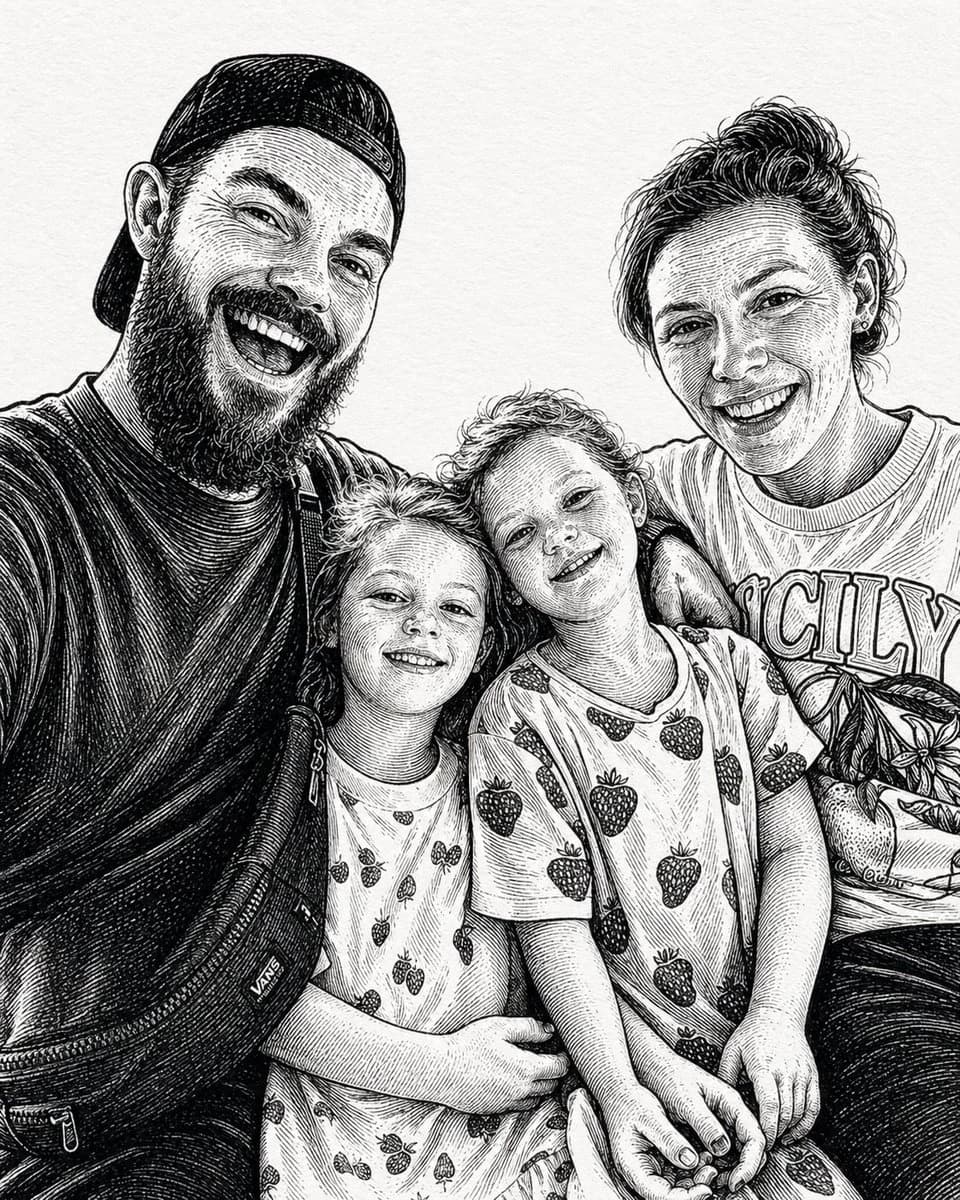
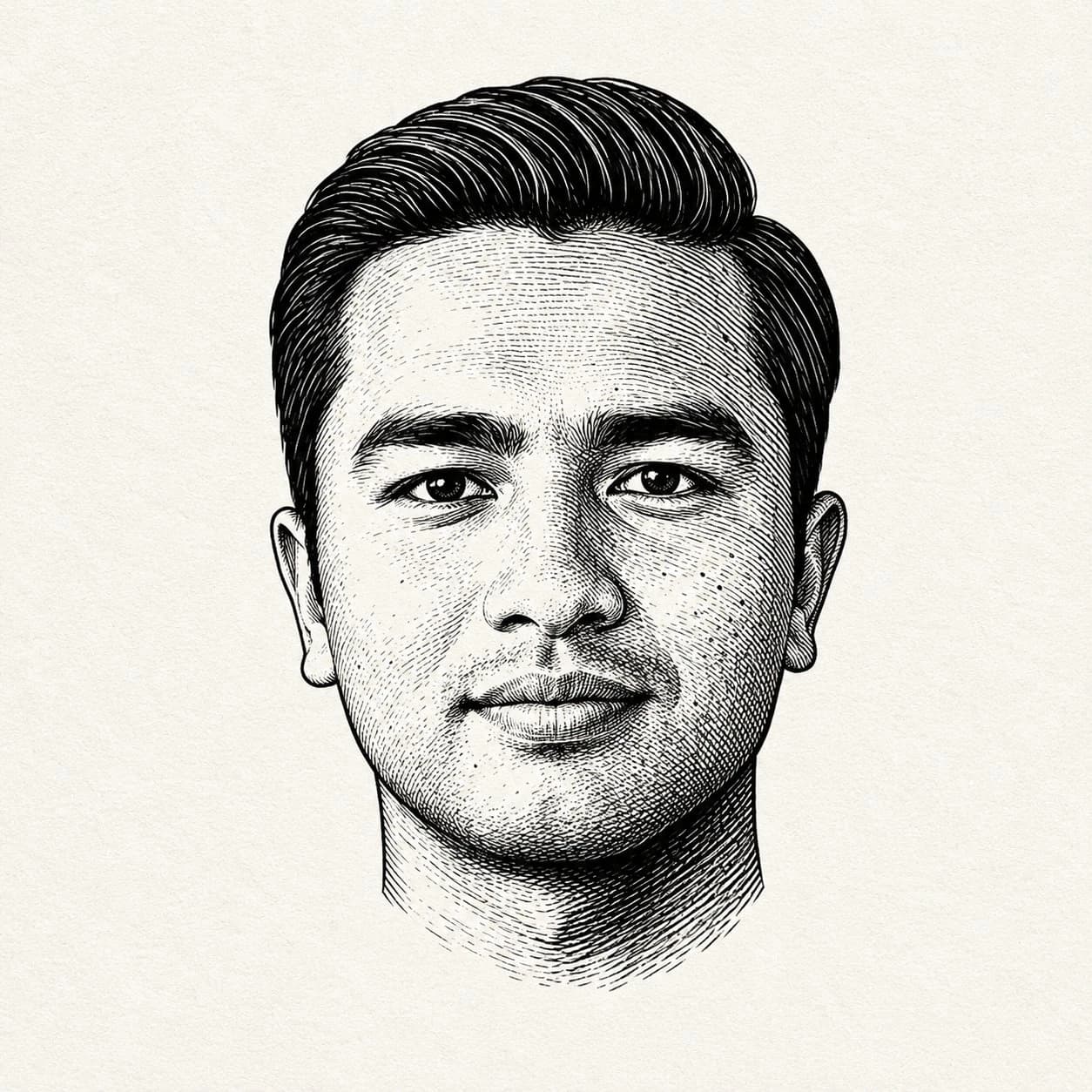
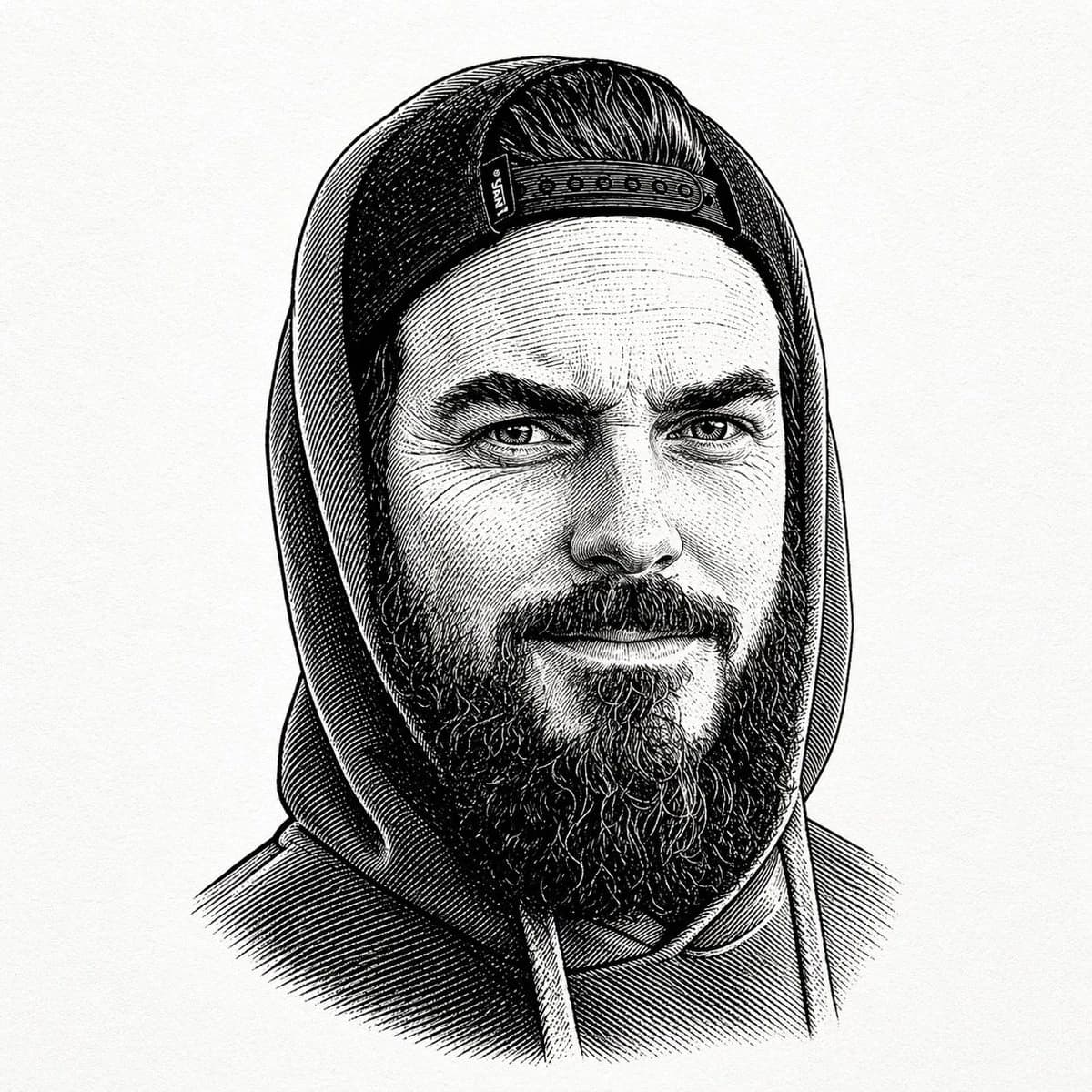
132 wordsA centered black-and-white vintage engraved portrait of a bearded man wearing a hooded sweatshirt with the hood up and a backward snapback cap visible under the hood. Show only the upper torso and head against a plain off-white paper background with subtle texture. Render the image in detailed pen-and-ink etching style with dense cross-hatching, fine parallel lines, and old book illustration shading. The figure faces forward in a calm, neutral pose. The cap has a visible snap closure band across the forehead area, slicked-back hair is visible above it, and a thick full beard extends below the face. The hoodie has two drawstrings hanging down at the chest. Keep the composition symmetrical and tightly framed like a classic engraved bust portrait, with no color, no modern graphic elements, and no background objects.
About this prompt
Vintage Engraved Hoodie Portrait is a ready-to-use portrait prompt for GPT Image 2 on Image 2. Copy the 132 words below, paste them into the Create form, and you will get a result close to the preview above. Tweak the Portrait, 3D, Vintage tag if you want to push it somewhere new.
Use it as a starting point, then adjust the subject, lighting, or composition to suit your idea. The credit cost stays the same whether you use it as written or customize it.
Use case
A strong starting point for Portrait
Start here when you want a portrait image inspired by Vintage Engraved Hoodie Portrait. The prompt already sets the look and composition; replace the subject, product, colors, or scene details to match your project.
Easy places to tweak
- Subject Swap in your person, product, place, or object without changing the overall composition.
- Look and mood Tune the lighting, palette, camera angle, or materials so the image fits your brand.
- Final format Set the aspect ratio, background, text, or layout notes before you generate.
More prompt paths to explore
Find more GPT Image 2 prompts with a similar style, use case, or subject.
How to use it
- Step 1
Copy the prompt
Hit the Copy button above to grab the full text.
- Step 2
Open Image 2 Create
Head to the Create form and paste it in.
- Step 3
Generate
Hit Generate. Your version lands in seconds.
Make it yours
Load the prompt into the Create form with one click, then start tweaking.