Prompt
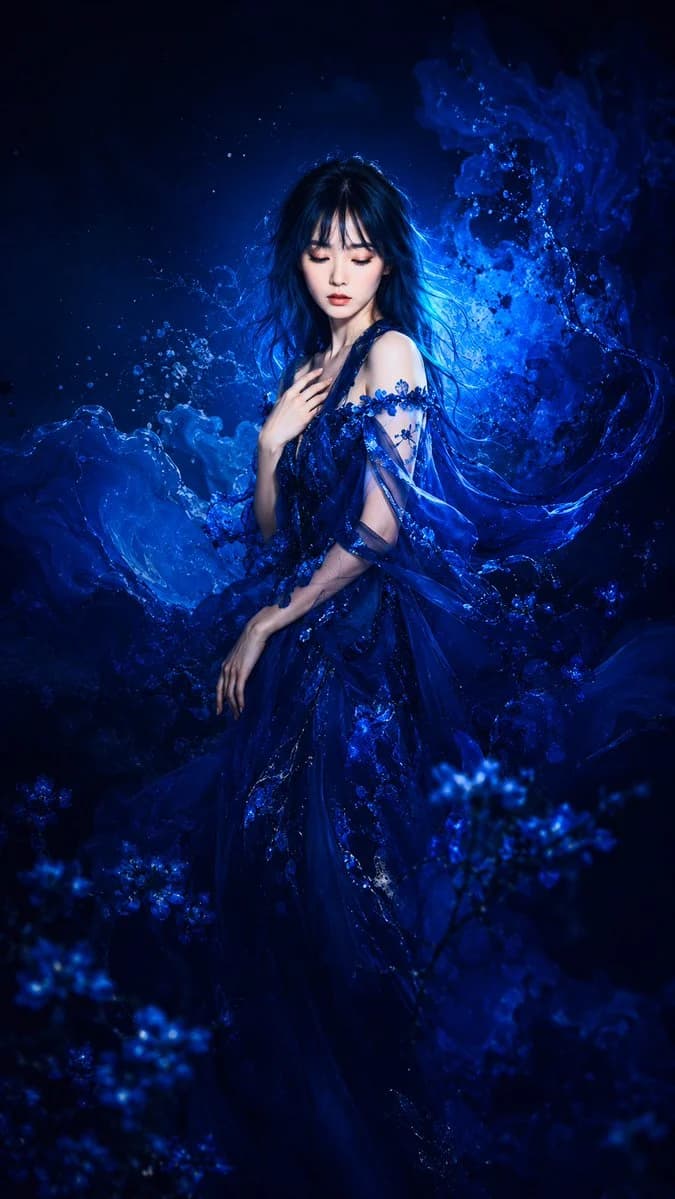
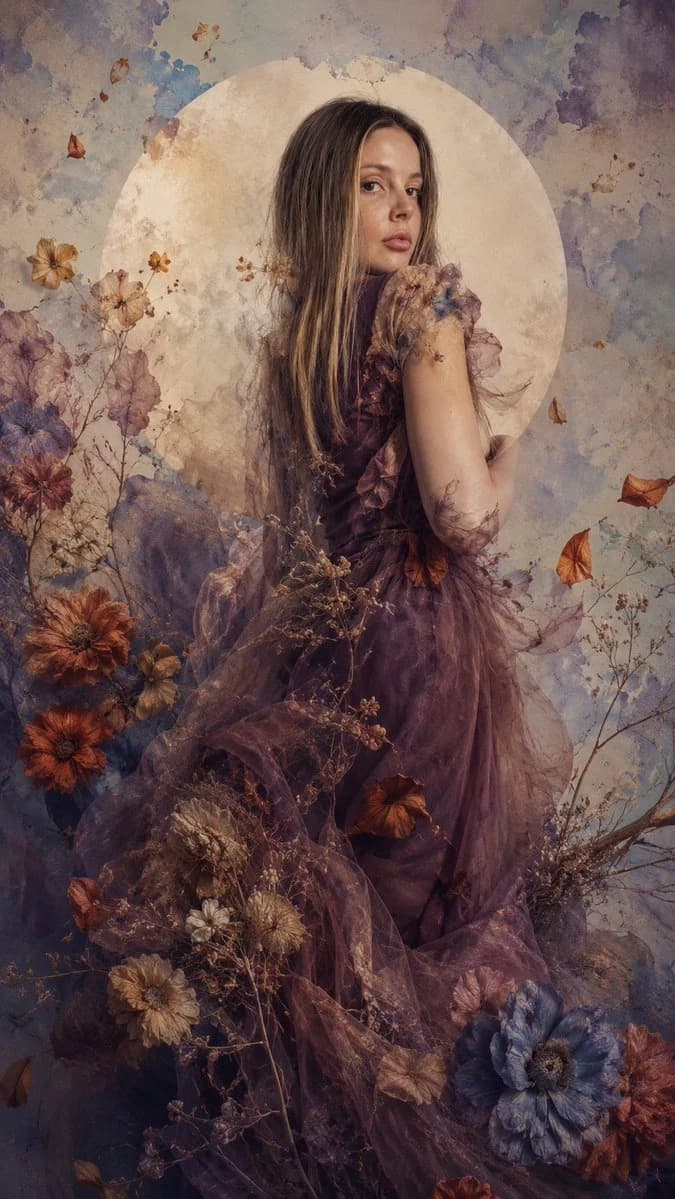
86 wordsCreate an image. High-fashion photography, surreal and ethereal style. {argument name="subject" default="The model in the attached image"}. In the background, a large, perfect circle of pale beige moon color over an abstract watercolor texture in pastel blue and cream tones. Dried flowers, autumnal petals in terracotta, burnt orange, and muted blue tones float around and blend with her dress through a double exposure effect. Soft, diffused lighting, melancholic, poetic, and dark fantasy atmosphere, cinematic level of detail, mixed textures of painting and photography, 8k. --ar 9:16About this prompt
Surreal Double Exposure High Fashion Photography is a ready-to-use social media prompt for GPT Image 2 on Image 2. Copy the 86 words below, paste them into the Create form, and you will get a result close to the preview above. Tweak the Social Media, Fashion, Watercolor tag if you want to push it somewhere new.
Use it as a starting point, then adjust the subject, lighting, or composition to suit your idea. The credit cost stays the same whether you use it as written or customize it.
Use case
A strong starting point for Social Media
Start here when you want a social media image inspired by Surreal Double Exposure High Fashion Photography. The prompt already sets the look and composition; replace the subject, product, colors, or scene details to match your project.
Easy places to tweak
- Subject Swap in your person, product, place, or object without changing the overall composition.
- Look and mood Tune the lighting, palette, camera angle, or materials so the image fits your brand.
- Final format Set the aspect ratio, background, text, or layout notes before you generate.
More prompt paths to explore
Find more GPT Image 2 prompts with a similar style, use case, or subject.
How to use it
- Step 1
Copy the prompt
Hit the Copy button above to grab the full text.
- Step 2
Open Image 2 Create
Head to the Create form and paste it in.
- Step 3
Generate
Hit Generate. Your version lands in seconds.
Make it yours
Load the prompt into the Create form with one click, then start tweaking.