Prompt
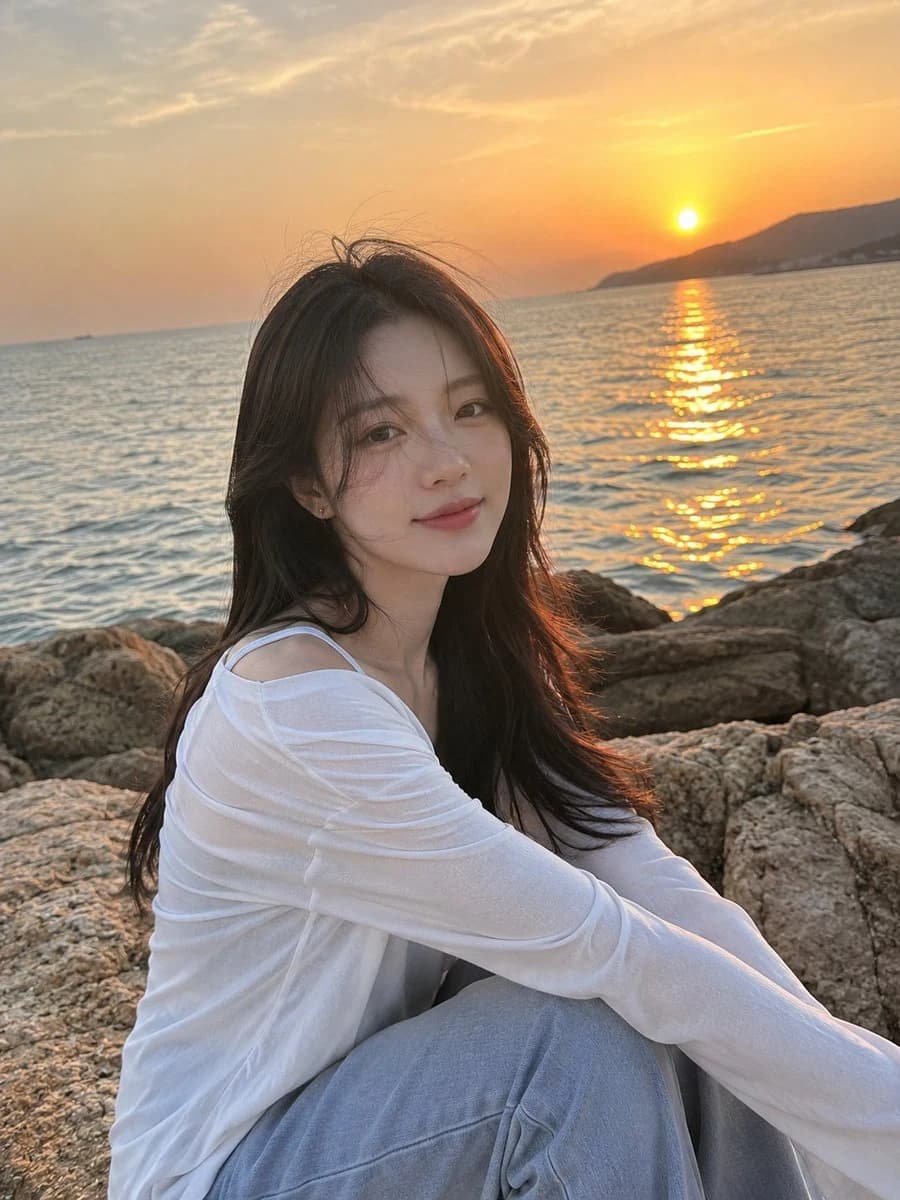
205 wordsUltra-realistic iPhone photograph taken by the {argument name="setting" default="seaside during sunset"}. A {argument name="subject" default="handsome Korean young man"} is sitting naturally on a large coastal rock, captured from slightly to the side in a waist-up composition. His soft dark hair reaches his ears and gently blows in the ocean breeze, with a few strands falling across his face. He has smooth light warm-toned skin, delicate Korean facial features, straight brows, soft lips, and a calm, peaceful expression with a subtle smile. He is wearing a {argument name="clothing" default="relaxed white linen button-up shirt"} with a few top buttons undone, loose light gray-blue wide-leg trousers, and gray Nike Dunk sneakers. His physique is lean and athletic with broad shoulders and a slim waist. Around his neck is a delicate silver necklace with the letter "N" surrounded by small diamonds. The background features a calm gray-blue sea and a glowing golden sunset reflecting softly on the water. He is looking slightly toward the camera instead of directly at it, creating a candid atmosphere. His face is perfectly visible and sharply focused. Natural skin texture, realistic details, soft cinematic lighting, gentle wind movement, authentic iPhone photography aesthetic, ultra-photorealistic, high detail, serene mood, shallow depth of field, editorial lifestyle photography.About this prompt
Seaside Sunset Editorial Portrait is a ready-to-use portrait prompt for GPT Image 2 on Image 2. Copy the 205 words below, paste them into the Create form, and you will get a result close to the preview above. Tweak the Portrait, Product, Fashion tag if you want to push it somewhere new.
Use it as a starting point, then adjust the subject, lighting, or composition to suit your idea. The credit cost stays the same whether you use it as written or customize it.
Use case
A strong starting point for Portrait
Start here when you want a portrait image inspired by Seaside Sunset Editorial Portrait. The prompt already sets the look and composition; replace the subject, product, colors, or scene details to match your project.
Easy places to tweak
- Subject Swap in your person, product, place, or object without changing the overall composition.
- Look and mood Tune the lighting, palette, camera angle, or materials so the image fits your brand.
- Final format Set the aspect ratio, background, text, or layout notes before you generate.
More prompt paths to explore
Find more GPT Image 2 prompts with a similar style, use case, or subject.
How to use it
- Step 1
Copy the prompt
Hit the Copy button above to grab the full text.
- Step 2
Open Image 2 Create
Head to the Create form and paste it in.
- Step 3
Generate
Hit Generate. Your version lands in seconds.
Make it yours
Load the prompt into the Create form with one click, then start tweaking.