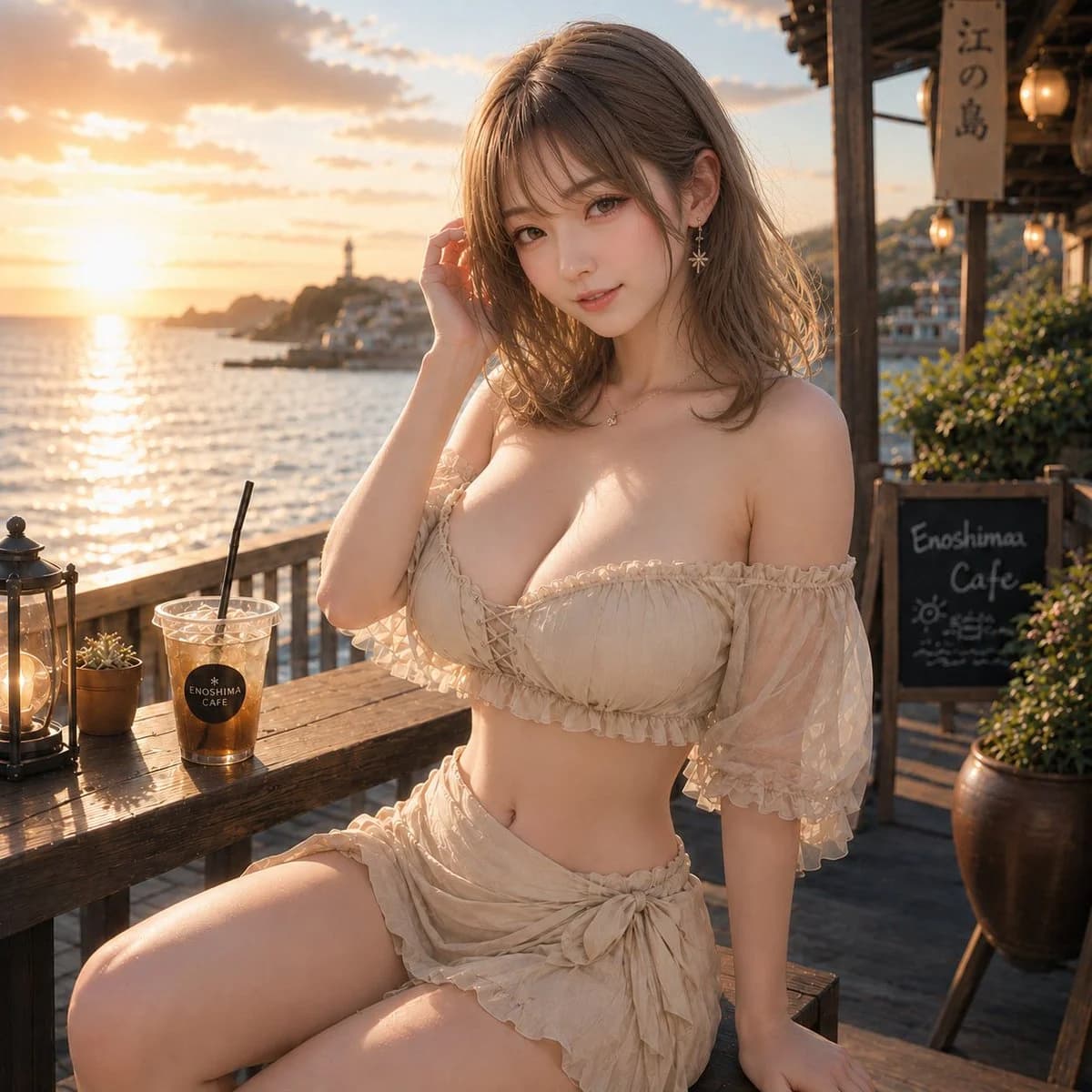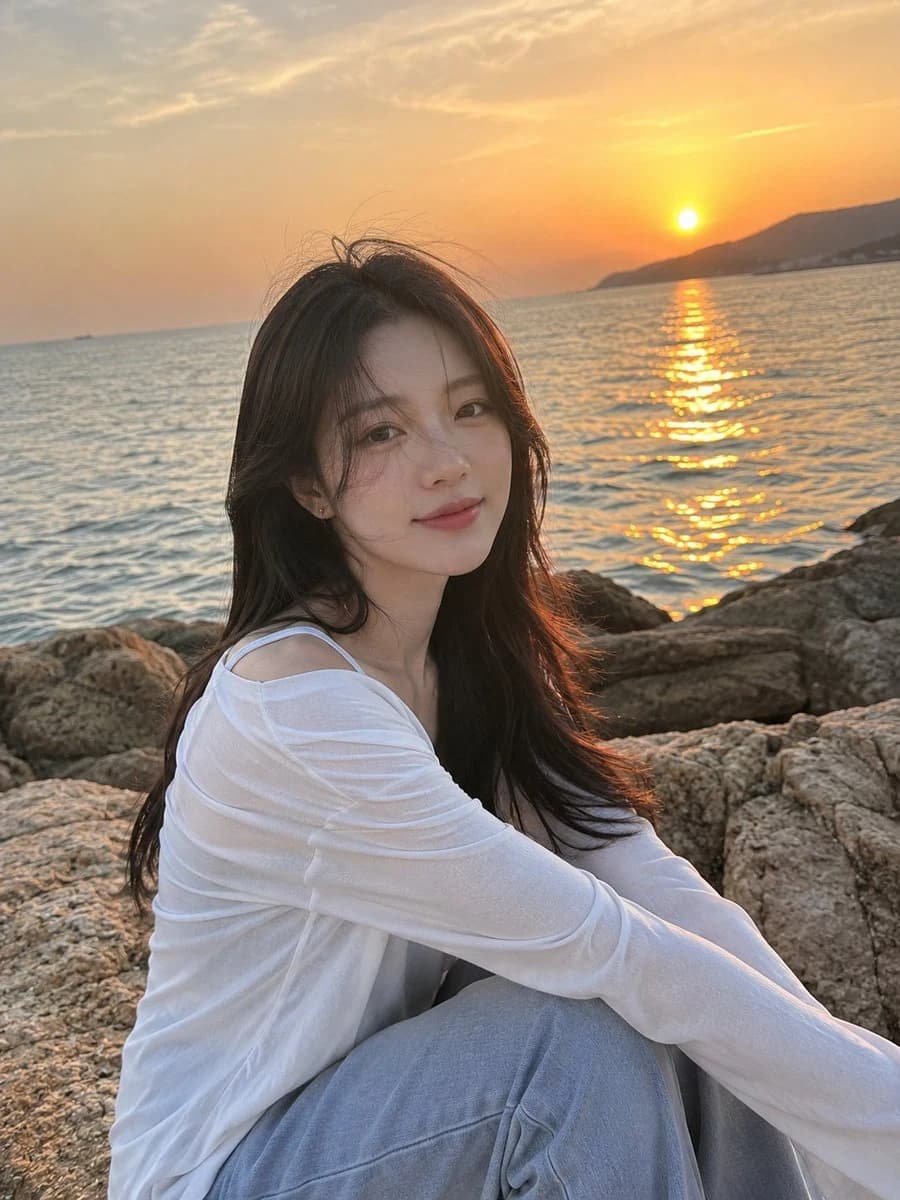
프롬프트
1156자Ultra-realistic iPhone photograph taken by the {argument name="setting" default="seaside during sunset"}. A {argument name="subject" default="잘생긴 한국의 젊은 남자"} is sitting naturally on a large coastal rock, captured from slightly to the side in a waist-up composition. His soft dark hair reaches his ears and gently blows in the ocean breeze, with a few strands falling across his face. He has smooth light warm-toned skin, delicate Korean facial features, straight brows, soft lips, and a calm, peaceful expression with a subtle smile. He is wearing a {argument name="clothing" default="편안한 흰색 린넨 버튼업 셔츠"} with a few top buttons undone, loose light gray-blue wide-leg trousers, and gray Nike Dunk sneakers. His physique is lean and athletic with broad shoulders and a slim waist. Around his neck is a delicate silver necklace with the letter "N" surrounded by small diamonds. The background features a calm gray-blue sea and a glowing golden sunset reflecting softly on the water. He is looking slightly toward the camera instead of directly at it, creating a candid atmosphere. His face is perfectly visible and sharply focused. Natural skin texture, realistic details, soft cinematic lighting, gentle wind movement, authentic iPhone photography aesthetic, ultra-photorealistic, high detail, serene mood, shallow depth of field, editorial lifestyle photography.이 프롬프트 소개
Image 2에서 GPT Image 2에 바로 사용할 수 있는 인물 프롬프트 ‘해변 석양 에디토리얼 초상화’입니다. 아래 1156자를 복사해 Create 폼에 붙여 넣으면 위 미리보기와 비슷한 이미지를 만들 수 있습니다. 인물, 제품, 패션 태그를 조정하면 새로운 방향으로 확장할 수 있습니다.
먼저 그대로 사용해 본 뒤 피사체, 조명, 구도를 작업에 맞게 조정해 보세요. 원문을 그대로 쓰거나 수정해도 생성 비용은 같습니다.
사용 사례
인물 작업의 좋은 출발점
‘해변 석양 에디토리얼 초상화’처럼 표현한 인물 이미지를 만들고 싶다면 이 GPT Image 2 프롬프트로 시작해 보세요. 스타일과 구도는 이미 잡혀 있으므로 인물, 제품, 색상, 장면 요소만 작업에 맞게 바꾸면 됩니다.
먼저 손보기 좋은 부분
- 피사체 인물, 제품, 장소, 오브젝트를 내 내용으로 바꾸고 전체 구도는 유지합니다.
- 분위기 조명, 색감, 카메라 각도, 소재 디테일을 브랜드나 용도에 맞춥니다.
- 결과 형식 생성 전에 비율, 배경, 텍스트, 레이아웃 지시를 정리합니다.
비슷한 프롬프트 더 보기
스타일, 용도, 피사체가 가까운 GPT Image 2 프롬프트를 이어서 확인해 보세요.
사용 방법
- 1단계
프롬프트 복사
위의 복사 버튼을 눌러 전체 텍스트를 가져옵니다.
- 2단계
Image 2 Create 열기
Create 폼으로 이동해 붙여 넣습니다.
- 3단계
생성
Generate를 누르면 몇 초 안에 내 버전이 완성됩니다.
내 버전으로 만들기
한 번의 클릭으로 Create 폼에 불러오고 바로 조정하세요.