Prompt
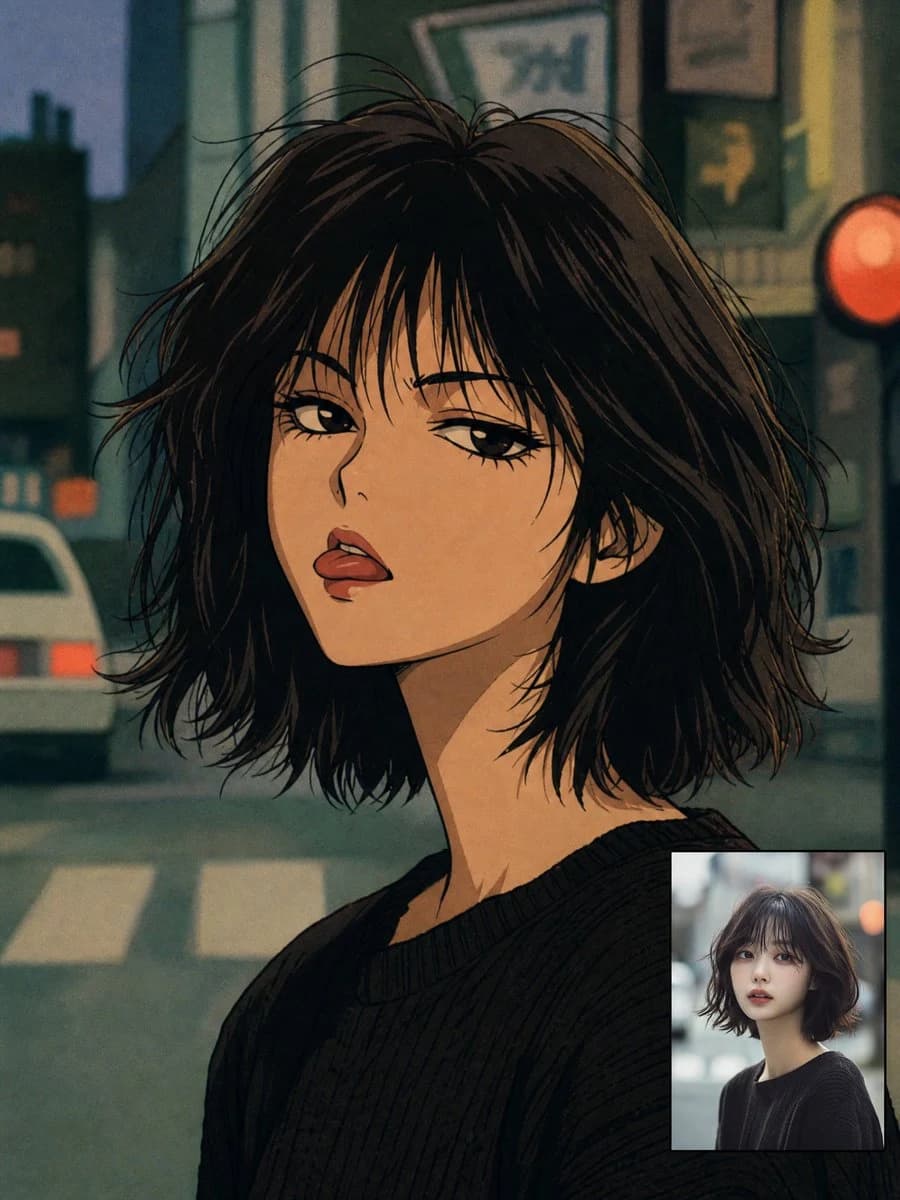
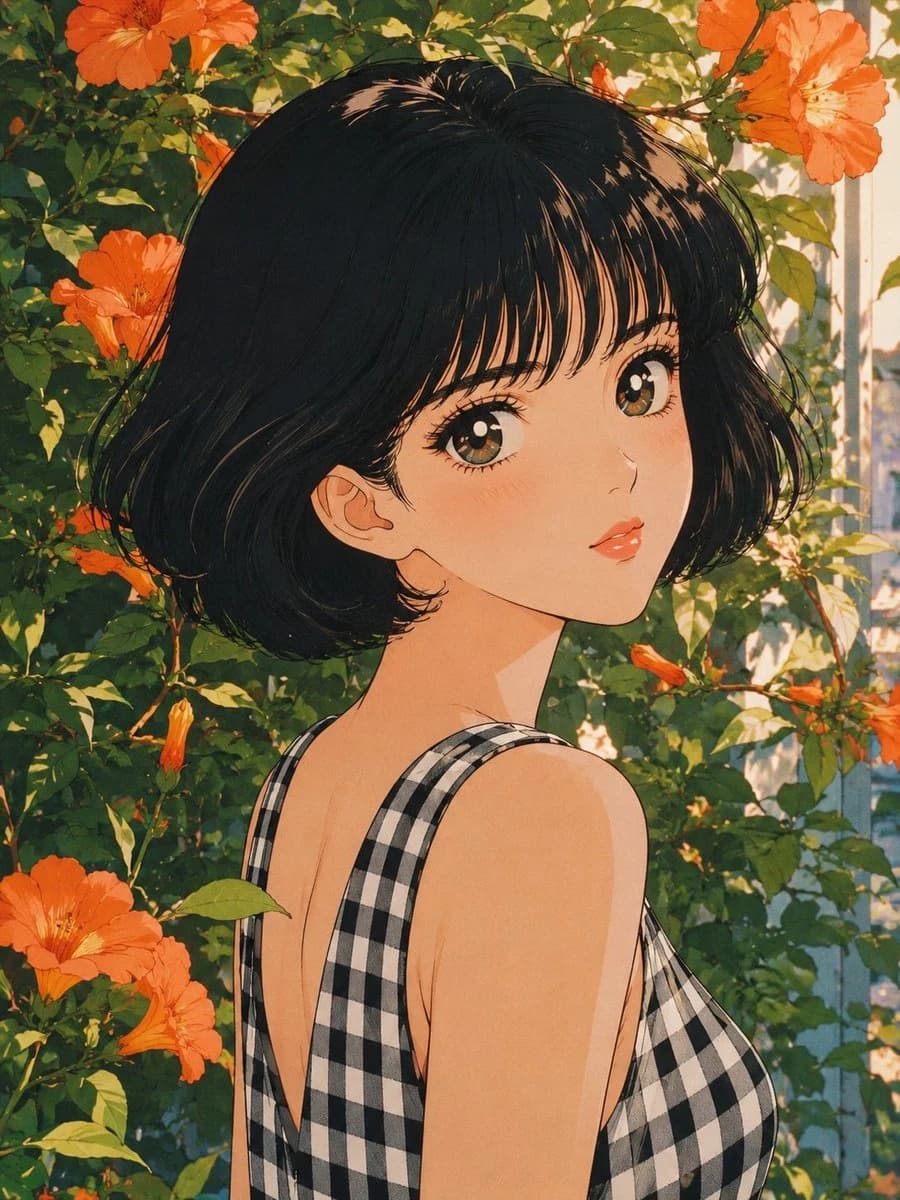
139 wordsCreate an ultra-detailed retro Japanese anime portrait inspired by authentic late-1980s and early-1990s shoujo cel animation. Illustrate a graceful young woman with porcelain skin, large warm taupe-brown eyes, soft peach blush, glossy coral lips, and a {argument name="hair style" default="silky jet-black chin-length bob with wispy bangs and rounded volume"}. Dress her in a {argument name="outfit" default="sleeveless black-and-white gingham cotton dress"}. Pose her in a gentle three-quarter portrait, looking back over her shoulder with a calm, dreamy expression while standing among lush emerald foliage overflowing with {argument name="flower type" default="vibrant orange trumpet flowers"} that naturally frame her face and hair. Illuminate the scene with soft diffused morning sunlight filtering through the leaves, creating delicate highlights, subtle nostalgic bloom, crisp vintage ink linework, authentic cel shading, fine paper grain, rich botanical colors, and beautifully restored ultra-detailed 8K classic shoujo anime quality.About this prompt
Retro 80s Anime Shoujo Portrait is a ready-to-use portrait prompt for GPT Image 2 on Image 2. Copy the 139 words below, paste them into the Create form, and you will get a result close to the preview above. Tweak the Portrait, Fashion, Vintage tag if you want to push it somewhere new.
Use it as a starting point, then adjust the subject, lighting, or composition to suit your idea. The credit cost stays the same whether you use it as written or customize it.
Use case
A strong starting point for Portrait
Start here when you want a portrait image inspired by Retro 80s Anime Shoujo Portrait. The prompt already sets the look and composition; replace the subject, product, colors, or scene details to match your project.
Easy places to tweak
- Subject Swap in your person, product, place, or object without changing the overall composition.
- Look and mood Tune the lighting, palette, camera angle, or materials so the image fits your brand.
- Final format Set the aspect ratio, background, text, or layout notes before you generate.
More prompt paths to explore
Find more GPT Image 2 prompts with a similar style, use case, or subject.
How to use it
- Step 1
Copy the prompt
Hit the Copy button above to grab the full text.
- Step 2
Open Image 2 Create
Head to the Create form and paste it in.
- Step 3
Generate
Hit Generate. Your version lands in seconds.
Make it yours
Load the prompt into the Create form with one click, then start tweaking.