Prompt
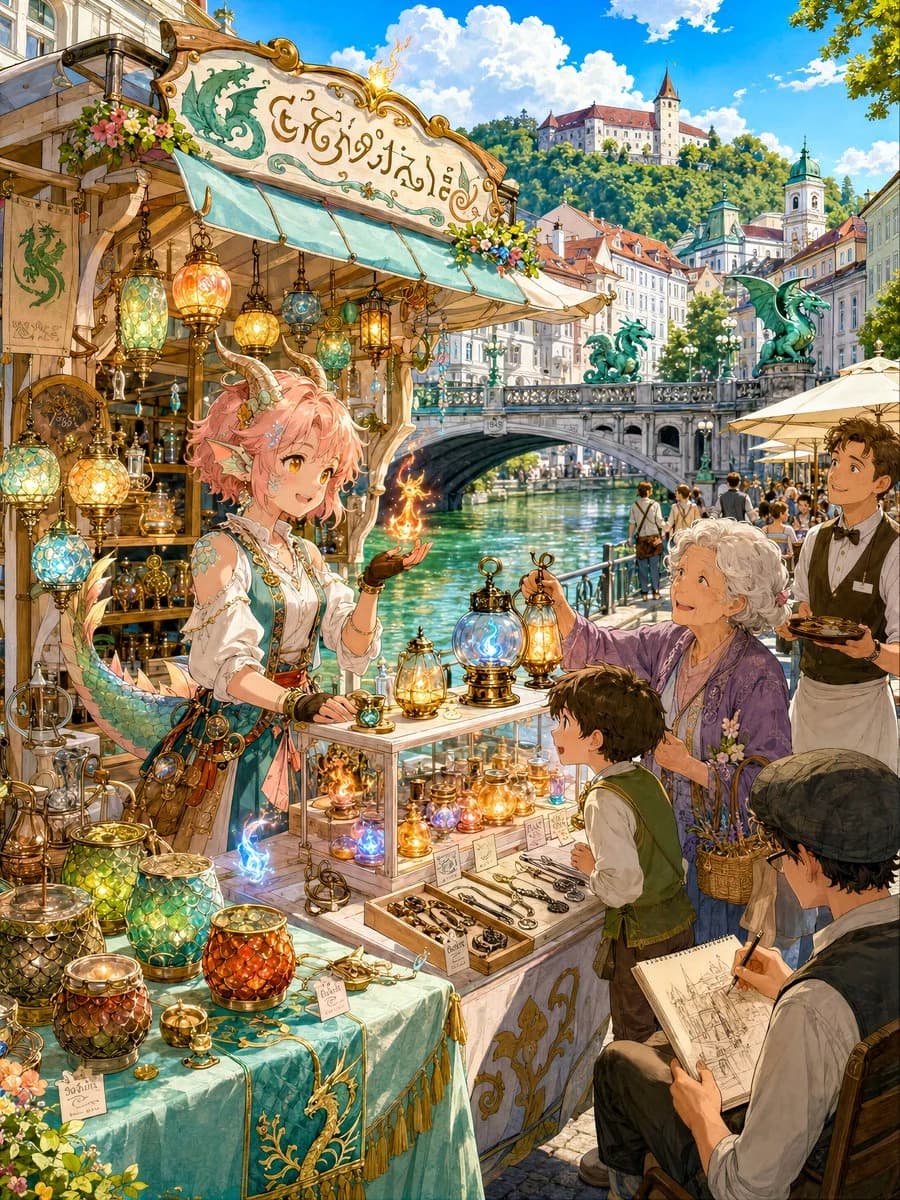
135 words[The Shopkeeper from Another World]
A fire that cannot return, lit in the capital of Slovenia.
{argument name="protagonist" default="Mireia, a dragon-tribe girl from the land of flame scales, Nevia"}.
While escaping from a crumbling volcanic temple, she was sucked into a burning mirror and transported to {argument name="location" default="the riverside of Ljubljana, the capital of Slovenia"}.
Although she hasn't found a way back yet, she has hands that can handle fire.
On the shelves are:
{argument name="product" default="Magic lamps that don't cool down even at night"},
small fire bottles that glow blue when touched,
glass candle holders that mimic dragon scales,
and tinderboxes shaped like old keys.
The old lady, the boy, and the passing painter all smile a little when they see the light.
So today, she opens her shop in this city again.About this prompt
Otherworldly Dragon Girl Fire Shop is a ready-to-use poster prompt for GPT Image 2 on Image 2. Copy the 135 words below, paste them into the Create form, and you will get a result close to the preview above. Tweak the Poster, Comic, Storyboard tag if you want to push it somewhere new.
Use it as a starting point, then adjust the subject, lighting, or composition to suit your idea. The credit cost stays the same whether you use it as written or customize it.
Use case
A strong starting point for Poster
Start here when you want a poster image inspired by Otherworldly Dragon Girl Fire Shop. The prompt already sets the look and composition; replace the subject, product, colors, or scene details to match your project.
Easy places to tweak
- Subject Swap in your person, product, place, or object without changing the overall composition.
- Look and mood Tune the lighting, palette, camera angle, or materials so the image fits your brand.
- Final format Set the aspect ratio, background, text, or layout notes before you generate.
More prompt paths to explore
Find more GPT Image 2 prompts with a similar style, use case, or subject.
How to use it
- Step 1
Copy the prompt
Hit the Copy button above to grab the full text.
- Step 2
Open Image 2 Create
Head to the Create form and paste it in.
- Step 3
Generate
Hit Generate. Your version lands in seconds.
Make it yours
Load the prompt into the Create form with one click, then start tweaking.