Prompt
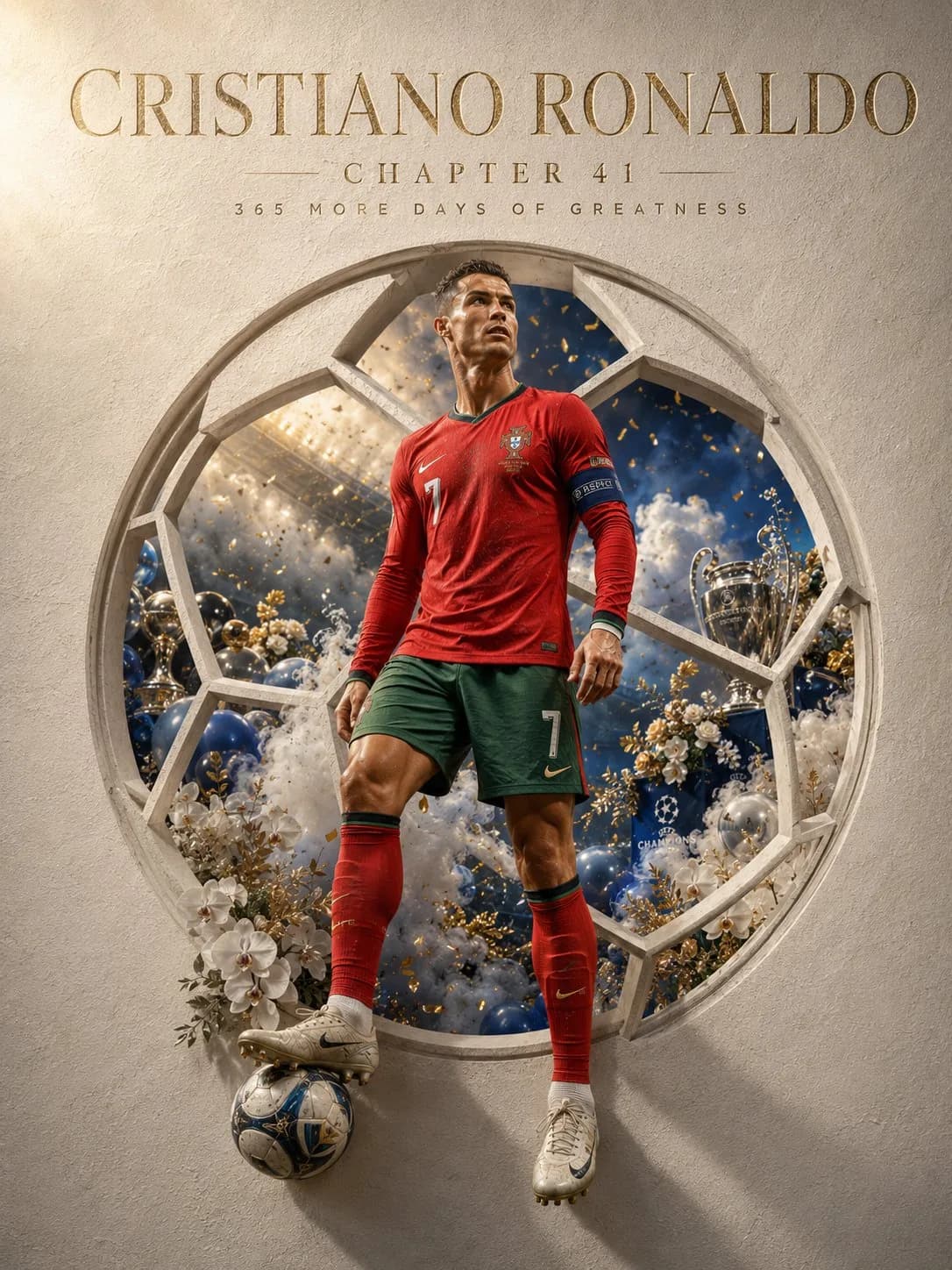
137 wordsHigh-end modern art magazine cover style illustration. Use the uploaded portrait as your sole reference.
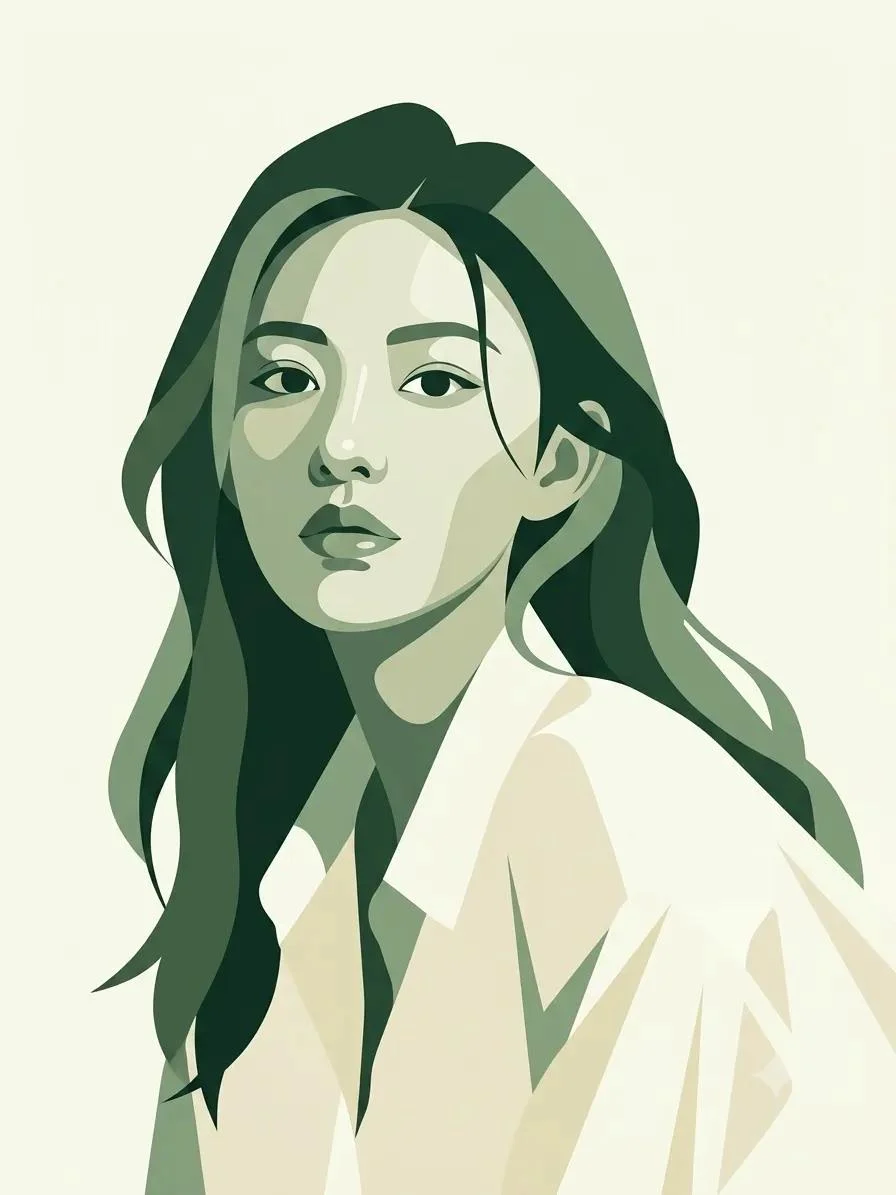
Minimalist modern digital art style.
Use {argument name="color palette" default="forest green, sage green, moss green, and cream"} as the core color palette.
Extensive use of negative space and white space design. Soft natural light from above creates clean and unique blocks of light and shadow.
Shape the subject with simple geometric planes and smooth contours. Highly Summaried details, yet with accurate and elegant forms. The composition maintains a high degree of unity and order.
The background is clean and pure, without complex environments.
The overall style blends the essence of international art magazine covers, Nordic design annuals, premium lifestyle brand advertisements, and modern art museum posters.
Calm, restrained, sophisticated, and full of breathing space.
No text, no logos, no watermarks.
First-class aesthetics.About this prompt
Modern Art Magazine Cover Style is a ready-to-use ad creative prompt for GPT Image 2 on Image 2. Copy the 137 words below, paste them into the Create form, and you will get a result close to the preview above. Tweak the Product Ad, Ad Creative, Editorial tag if you want to push it somewhere new.
Use it as a starting point, then adjust the subject, lighting, or composition to suit your idea. The credit cost stays the same whether you use it as written or customize it.
Use case
A strong starting point for Ad Creative
Start here when you want a ad creative image inspired by Modern Art Magazine Cover Style. The prompt already sets the look and composition; replace the subject, product, colors, or scene details to match your project.
Easy places to tweak
- Subject Swap in your person, product, place, or object without changing the overall composition.
- Look and mood Tune the lighting, palette, camera angle, or materials so the image fits your brand.
- Final format Set the aspect ratio, background, text, or layout notes before you generate.
More prompt paths to explore
Find more GPT Image 2 prompts with a similar style, use case, or subject.
How to use it
- Step 1
Copy the prompt
Hit the Copy button above to grab the full text.
- Step 2
Open Image 2 Create
Head to the Create form and paste it in.
- Step 3
Generate
Hit Generate. Your version lands in seconds.
Make it yours
Load the prompt into the Create form with one click, then start tweaking.