Prompt
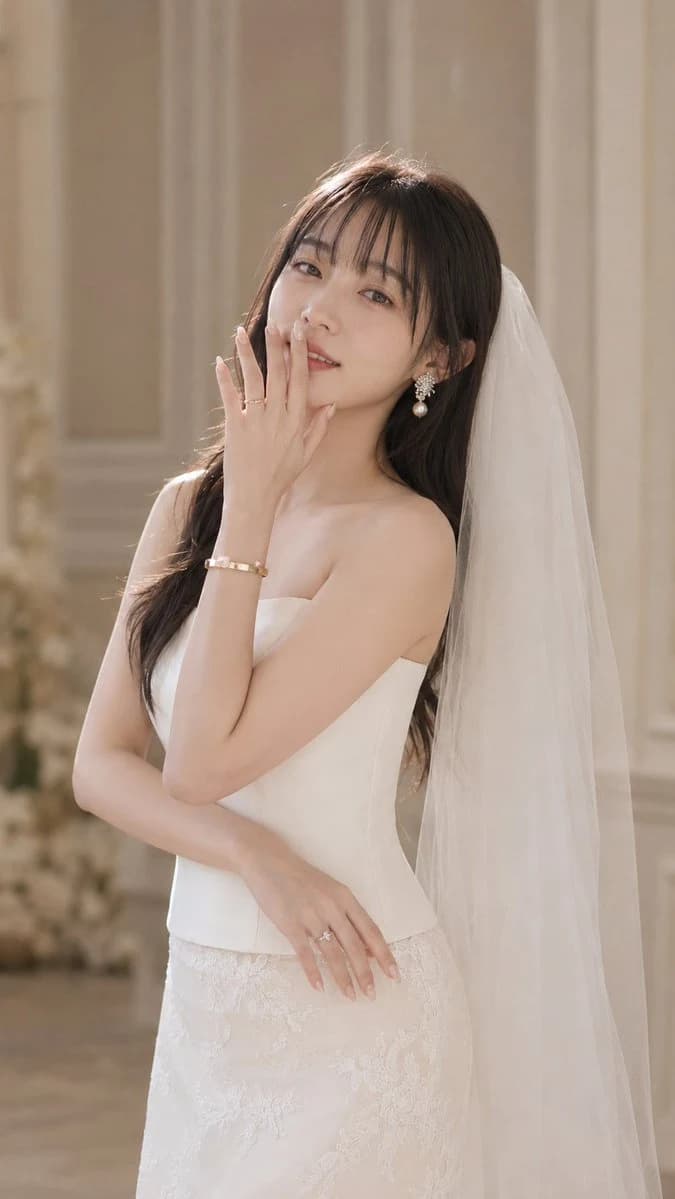
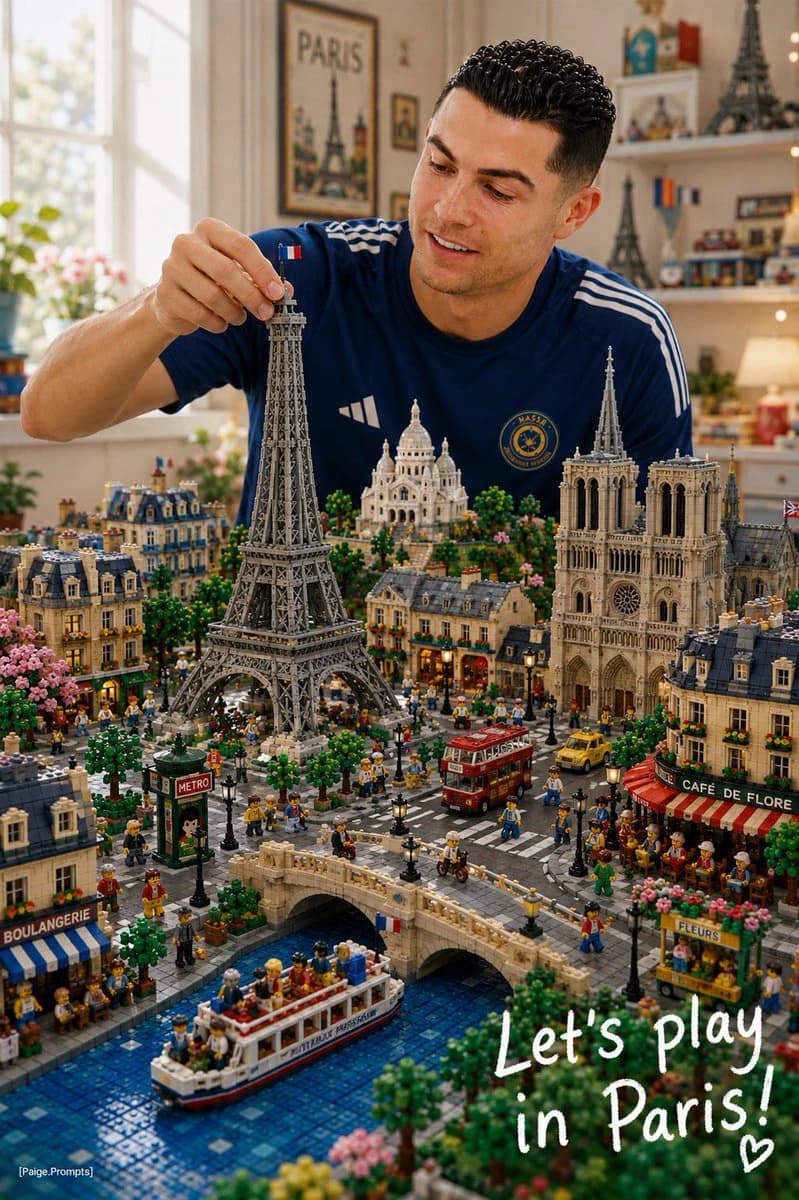
73 wordsUse the uploaded reference image as the primary character reference. Create a premium vertical 4:5 editorial illustration of the same character from the reference image, sitting at a cozy craft table and building a LEGO-style miniature diorama of [CITY NAME]. Only the character remains organic and natural. Everything else must be built entirely from visible LEGO-style bricks: landmarks, streets, bridges, rivers, lakes, trees, vehicles, trains, people, cafés, shops, food stalls, parks, signs, boa
About this prompt
LEGO Miniature City Editorial is a ready-to-use portrait prompt for GPT Image 2 on Image 2. Copy the 73 words below, paste them into the Create form, and you will get a result close to the preview above. Tweak the Portrait, Food, Architecture tag if you want to push it somewhere new.
Use it as a starting point, then adjust the subject, lighting, or composition to suit your idea. The credit cost stays the same whether you use it as written or customize it.
Use case
A strong starting point for Portrait
Start here when you want a portrait image inspired by LEGO Miniature City Editorial. The prompt already sets the look and composition; replace the subject, product, colors, or scene details to match your project.
Easy places to tweak
- Subject Swap in your person, product, place, or object without changing the overall composition.
- Look and mood Tune the lighting, palette, camera angle, or materials so the image fits your brand.
- Final format Set the aspect ratio, background, text, or layout notes before you generate.
More prompt paths to explore
Find more GPT Image 2 prompts with a similar style, use case, or subject.
How to use it
- Step 1
Copy the prompt
Hit the Copy button above to grab the full text.
- Step 2
Open Image 2 Create
Head to the Create form and paste it in.
- Step 3
Generate
Hit Generate. Your version lands in seconds.
Make it yours
Load the prompt into the Create form with one click, then start tweaking.