Prompt
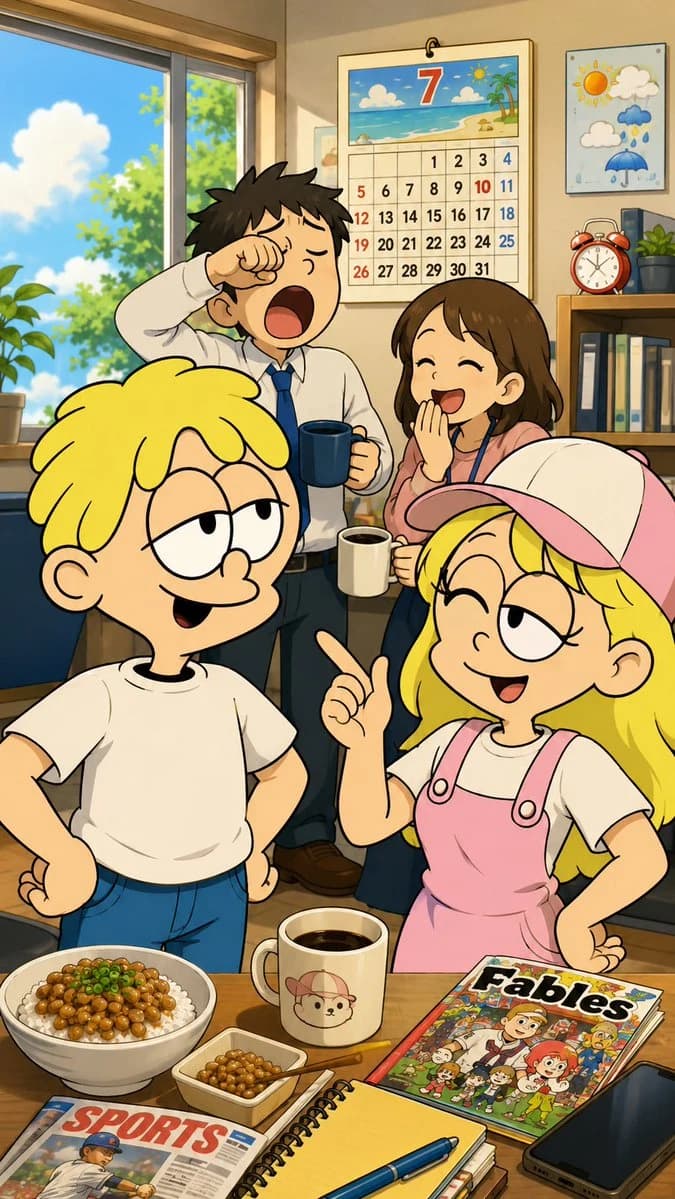
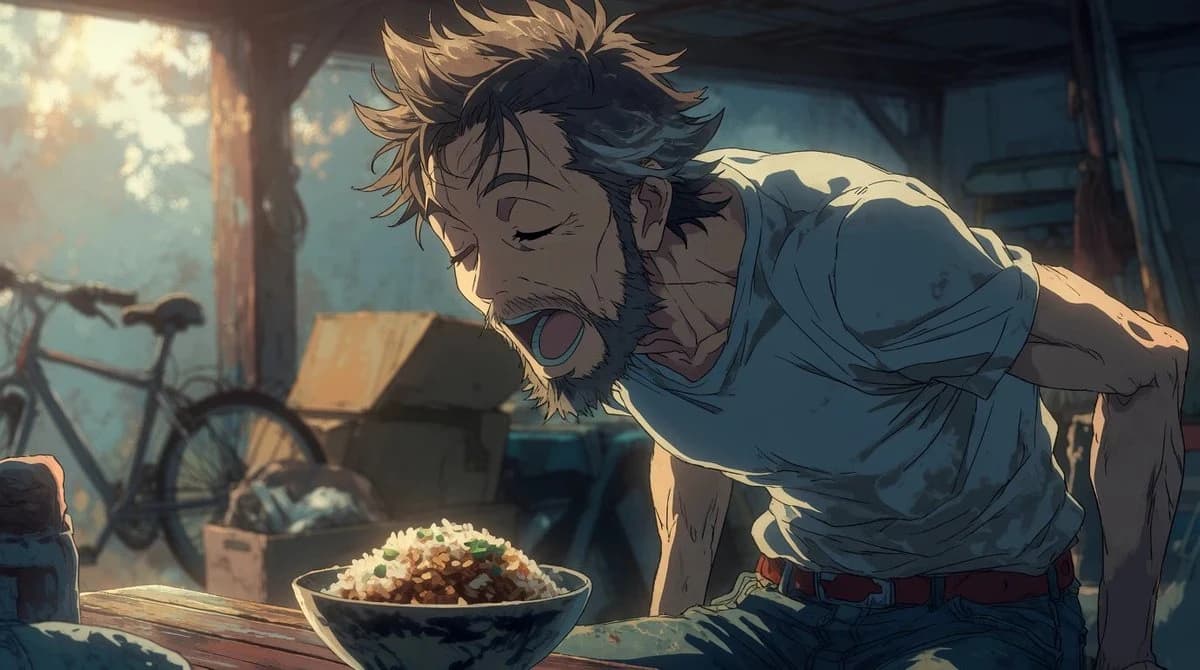
177 wordsCreate a cinematic widescreen anime illustration of a scruffy middle-aged man leaning forward toward a large bowl of rice on a table, as if yawning, shouting, or reacting hungrily. The man has messy spiky {argument name="hair color" default="brown hair with lighter sunlit tips"}, rough stubble and short beard, tired closed eyes, an open mouth, and a wiry expressive body. He wears a loose worn {argument name="shirt color" default="pale gray-blue"} T-shirt with rolled sleeves, blue jeans, and a red belt. Place him in a cluttered old shed or garage interior at golden-hour morning light, with a dusty bicycle silhouette on the left, cardboard boxes and miscellaneous junk in the background, wooden beams, and soft haze through a bright window. In the foreground, show exactly 1 ceramic bowl filled with white rice topped with dark sauce and small green garnish on a worn wooden tabletop. Use dramatic backlighting from the upper left, warm amber highlights, cool teal-blue shadows, detailed hand-drawn linework, rough painterly anime texture, shallow depth of field, film still composition, expressive exaggerated pose, no text, no watermark.About this prompt
Hungry Man in Sunlit Garage is a ready-to-use storyboard prompt for GPT Image 2 on Image 2. Copy the 177 words below, paste them into the Create form, and you will get a result close to the preview above. Tweak the Comic, Storyboard, Architecture tag if you want to push it somewhere new.
Use it as a starting point, then adjust the subject, lighting, or composition to suit your idea. The credit cost stays the same whether you use it as written or customize it.
Use case
A strong starting point for Storyboard
Start here when you want a storyboard image inspired by Hungry Man in Sunlit Garage. The prompt already sets the look and composition; replace the subject, product, colors, or scene details to match your project.
Easy places to tweak
- Subject Swap in your person, product, place, or object without changing the overall composition.
- Look and mood Tune the lighting, palette, camera angle, or materials so the image fits your brand.
- Final format Set the aspect ratio, background, text, or layout notes before you generate.
More prompt paths to explore
Find more GPT Image 2 prompts with a similar style, use case, or subject.
How to use it
- Step 1
Copy the prompt
Hit the Copy button above to grab the full text.
- Step 2
Open Image 2 Create
Head to the Create form and paste it in.
- Step 3
Generate
Hit Generate. Your version lands in seconds.
Make it yours
Load the prompt into the Create form with one click, then start tweaking.