Prompt
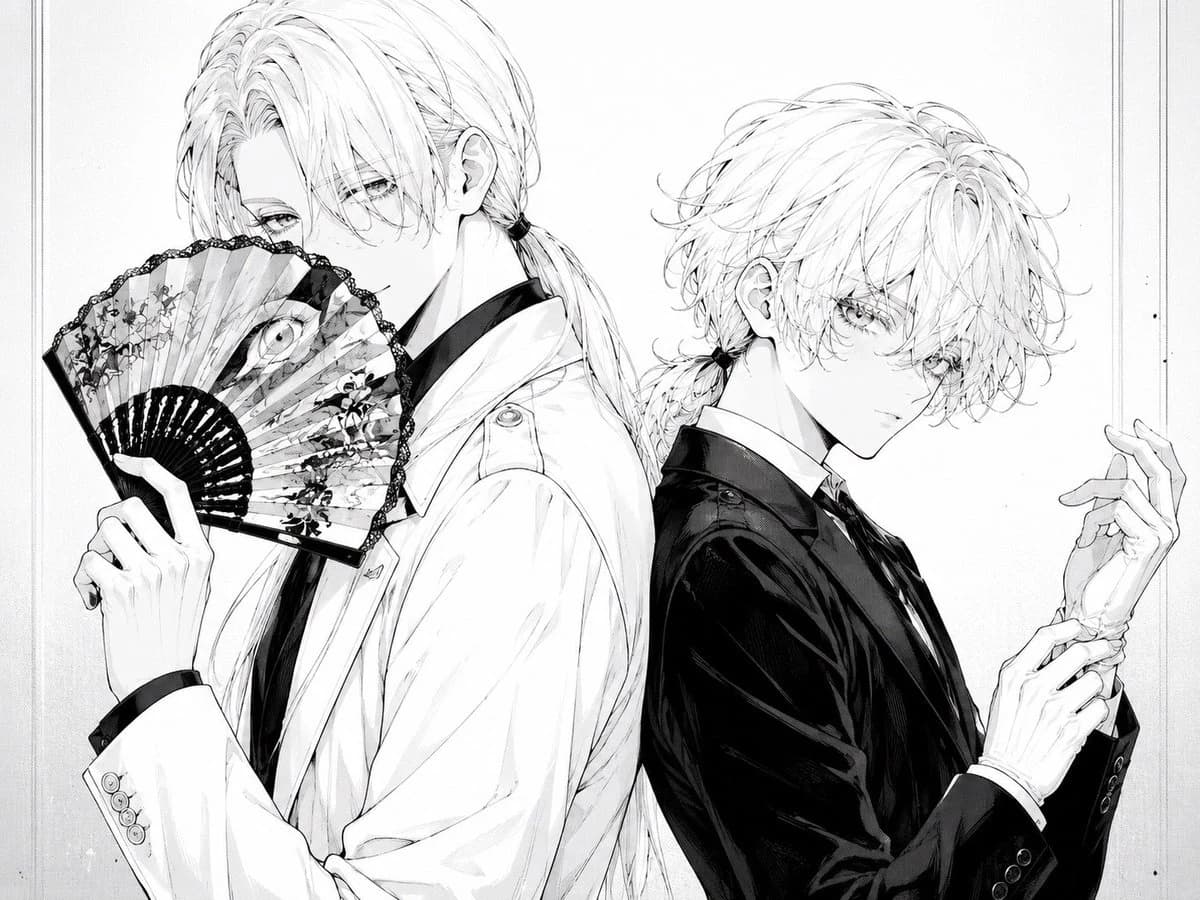
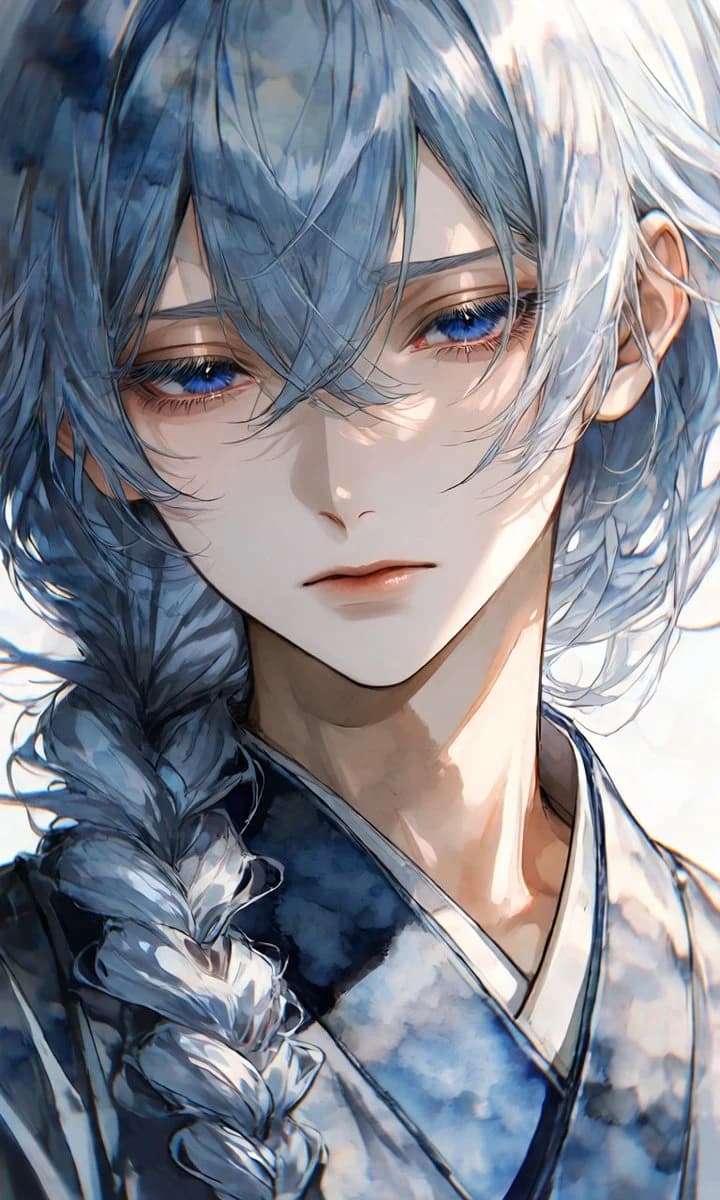
198 wordsCreate a highly detailed vertical anime-style close-up portrait of an androgynous, ethereal young person with {argument name="hair color" default="silvery blue-gray"} long hair, loose wind-tossed bangs covering part of the face, and one thick side braid falling over the left shoulder. The character has pale porcelain skin, a slim delicate face, soft neutral lips, long lashes, and striking {argument name="eye color" default="deep sapphire blue"} eyes with a calm, melancholic, slightly distant expression. Dress them in a traditional layered {argument name="outfit" default="blue and white kimono"} with soft watercolor-like floral or cloud patterns and dark indigo trim. Compose the image as an intimate bust portrait, face filling most of the frame, head slightly tilted, visible ear on the right, neck and upper chest included, braid prominent in the lower left. Use luminous high-key lighting from the upper right, strong glossy highlights on the hair, soft shadows across the face, subtle rim light, and a dreamy overexposed white background. Render in a rich painterly Japanese illustration style with delicate linework, translucent watercolor textures, cinematic depth, fine hair strands, expressive eyes, and soft atmospheric bloom. Keep the mood elegant, quiet, and fragile; avoid text, accessories, extra characters, harsh outlines, or a busy background.About this prompt
Ethereal Blue-Haired Kimono Portrait is a ready-to-use portrait prompt for GPT Image 2 on Image 2. Copy the 198 words below, paste them into the Create form, and you will get a result close to the preview above. Tweak the Portrait, Fashion, 3D tag if you want to push it somewhere new.
Use it as a starting point, then adjust the subject, lighting, or composition to suit your idea. The credit cost stays the same whether you use it as written or customize it.
Use case
A strong starting point for Portrait
Start here when you want a portrait image inspired by Ethereal Blue-Haired Kimono Portrait. The prompt already sets the look and composition; replace the subject, product, colors, or scene details to match your project.
Easy places to tweak
- Subject Swap in your person, product, place, or object without changing the overall composition.
- Look and mood Tune the lighting, palette, camera angle, or materials so the image fits your brand.
- Final format Set the aspect ratio, background, text, or layout notes before you generate.
More prompt paths to explore
Find more GPT Image 2 prompts with a similar style, use case, or subject.
How to use it
- Step 1
Copy the prompt
Hit the Copy button above to grab the full text.
- Step 2
Open Image 2 Create
Head to the Create form and paste it in.
- Step 3
Generate
Hit Generate. Your version lands in seconds.
Make it yours
Load the prompt into the Create form with one click, then start tweaking.