Prompt
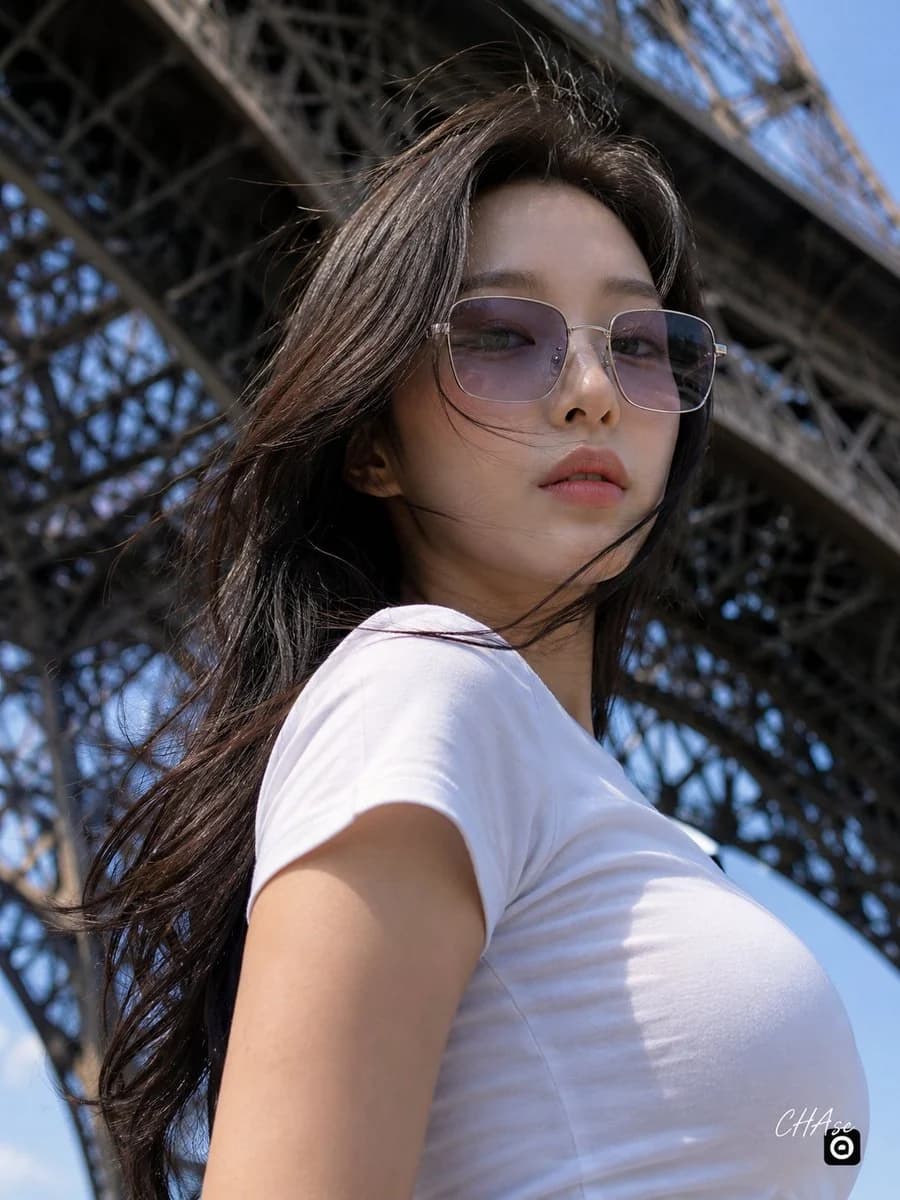
117 words에펠탑 중앙 하단에서 카메라를 아래로 당당하게 내려다보는 로우 앵글 포즈입니다. 상체는 프레임 우측을 향해 45도 틀어져 있고, 고개를 돌려 카메라를 내려다 보고 있습니다. 바람에 날리는 머리카락 사이로 세련되고 쿨한 표정을 짓고 있으며, 카메라를 아련하면서도 자신감 넘치는 눈빛으로 가만히 응시하고 있습니다. 몸에 부드럽게 밀착되는 정갈하고 심플한 화이트 반소매 라운드넥 티셔츠를 입고 있습니다. 머리카락은 바람을 맞아 자연스럽게 볼륨감이 살아서 얼굴 주변으로 흩날리고 있습니다. 실버 금속 테에 은은한 보랏빛이 도는 반투명 렌즈의 스퀘어 선글라스를 착용했으며, 촉촉한 연분홍색 립글로스를 바른 내추럴하고 깨끗한 메이크업입니다. 인물에 대한 직접 조명은 전혀 없으며 에펠탑 아래에서 은은하게 자연광이 있을 뿐입니다. 바닥에서 하늘을 수직에 가깝게 올려다보는 극단적인 로우 앵글(웜즈 아이 뷰)로 촬영되었습니다. 화면 전체를 거대하게 감싸며 가로지르는 파리 에펠탑의 정교하고 거대한 짙은 회색 철골 격자 구조물이 배경입니다.
About this prompt
Eiffel Tower Low Angle Fashion Portrait is a ready-to-use portrait prompt for GPT Image 2 on Image 2. Copy the 117 words below, paste them into the Create form, and you will get a result close to the preview above. Tweak the Portrait, Fashion, Travel tag if you want to push it somewhere new.
Use it as a starting point, then adjust the subject, lighting, or composition to suit your idea. The credit cost stays the same whether you use it as written or customize it.
Use case
A strong starting point for Portrait
Start here when you want a portrait image inspired by Eiffel Tower Low Angle Fashion Portrait. The prompt already sets the look and composition; replace the subject, product, colors, or scene details to match your project.
Easy places to tweak
- Subject Swap in your person, product, place, or object without changing the overall composition.
- Look and mood Tune the lighting, palette, camera angle, or materials so the image fits your brand.
- Final format Set the aspect ratio, background, text, or layout notes before you generate.
More prompt paths to explore
Find more GPT Image 2 prompts with a similar style, use case, or subject.
How to use it
- Step 1
Copy the prompt
Hit the Copy button above to grab the full text.
- Step 2
Open Image 2 Create
Head to the Create form and paste it in.
- Step 3
Generate
Hit Generate. Your version lands in seconds.
Make it yours
Load the prompt into the Create form with one click, then start tweaking.