Prompt
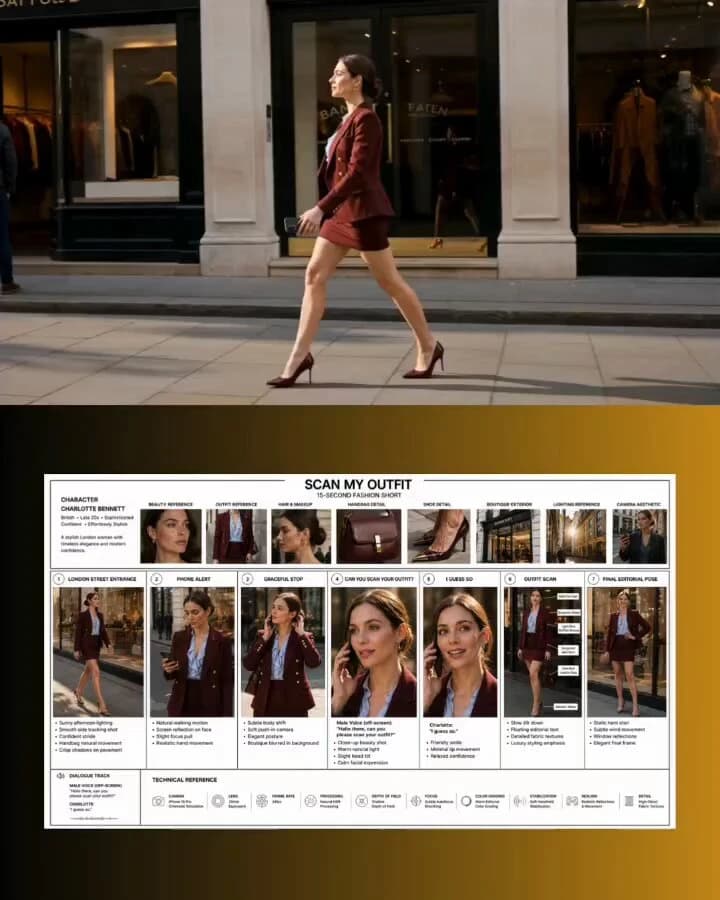
152 wordsPhotorealistic cinematic fashion video set on an elegant London shopping street inspired by Bond Street. A stylish British woman in her late 20s walks confidently past a luxury boutique. She wears gold earrings, a burgundy double-breasted blazer, matching mini skirt, a light blue ruffled silk blouse, a structured dark red leather shoulder bag, and metallic pointed heels. Her chestnut hair is styled in a sleek low bun. Her phone rings. She glances at the screen, stops gracefully, and answers. A male voice asks, “Hello there, can you please scan your outfit?” She smiles and replies in a soft British accent, “I guess so.” The camera performs a smooth head-to-toe scan, displaying elegant text labels for each outfit item, then ends on a confident editorial pose in front of the boutique window. Bright natural sunlight, shallow depth of field, smooth gimbal movement, luxury editorial aesthetic, polished and sophisticated mood, 9:16 vertical, 15 seconds.
About this prompt
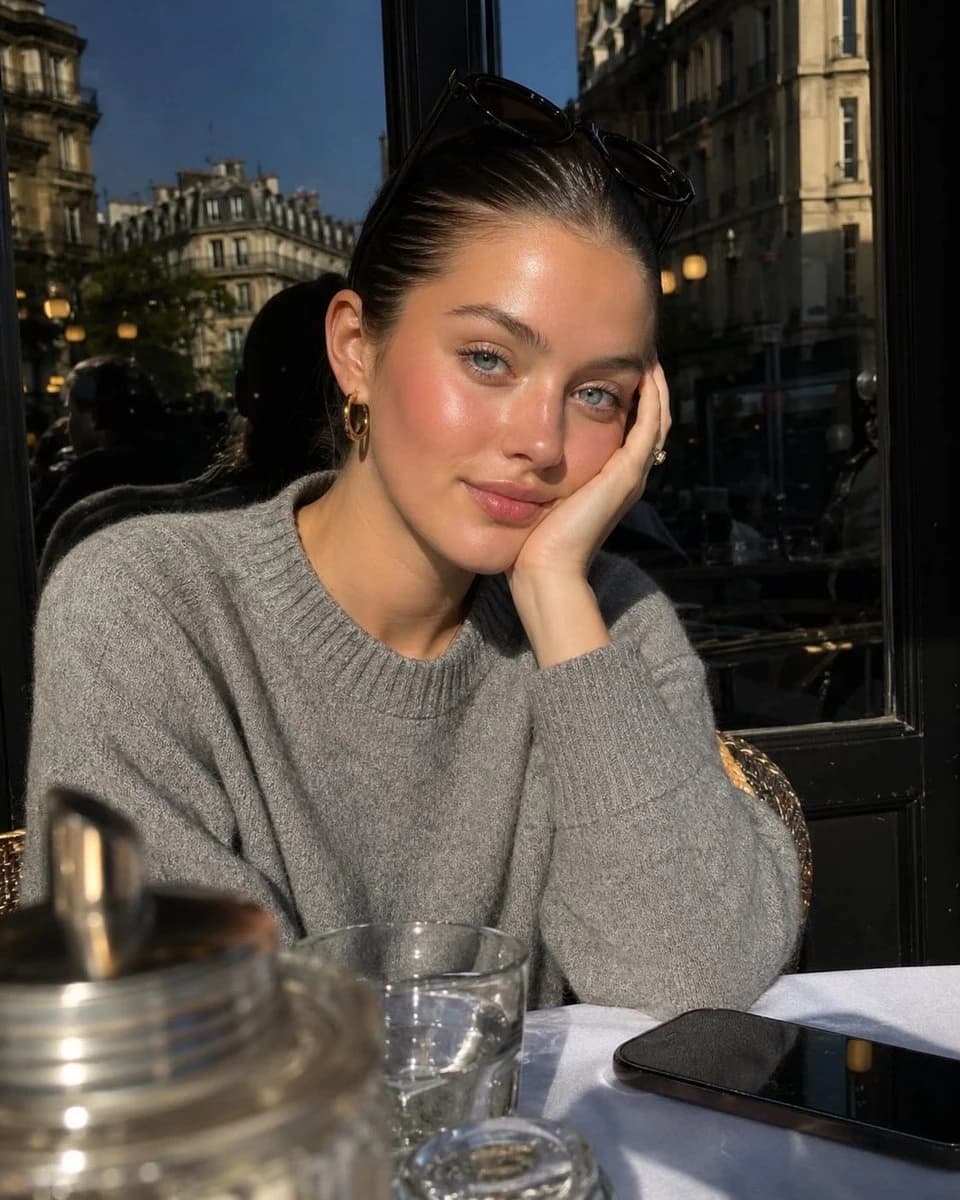
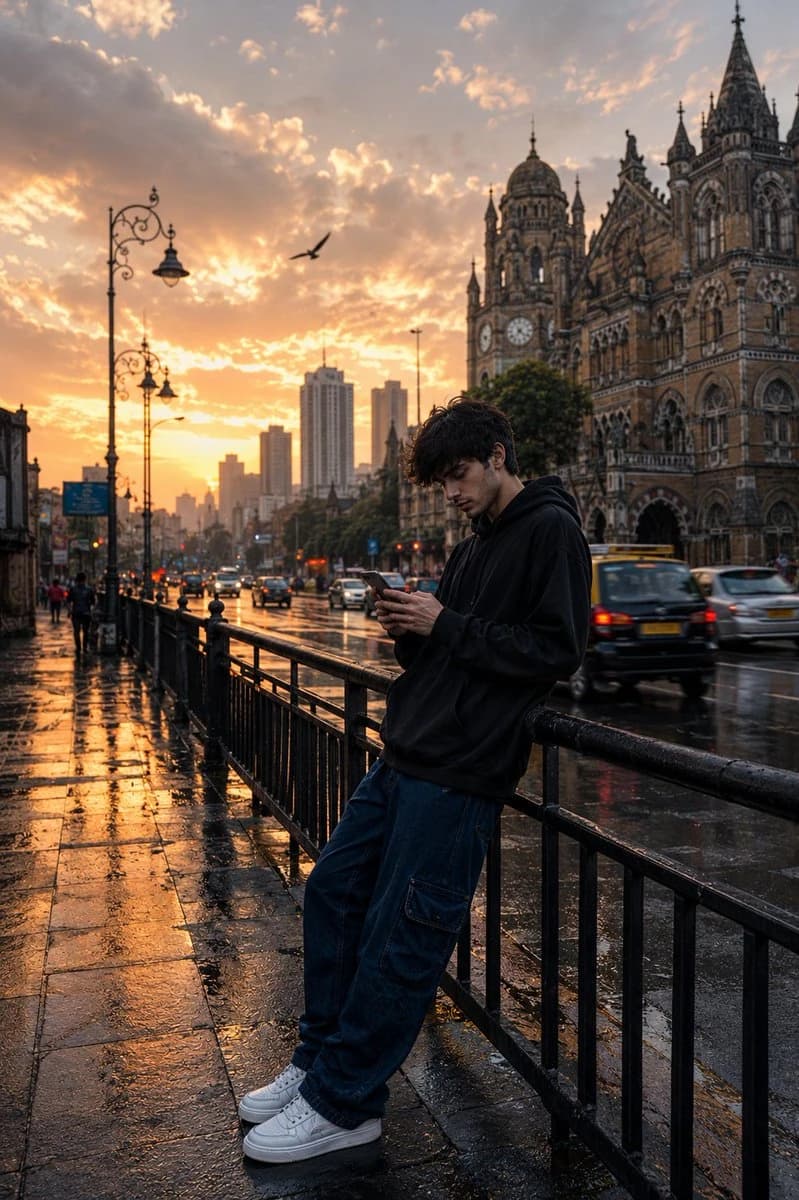
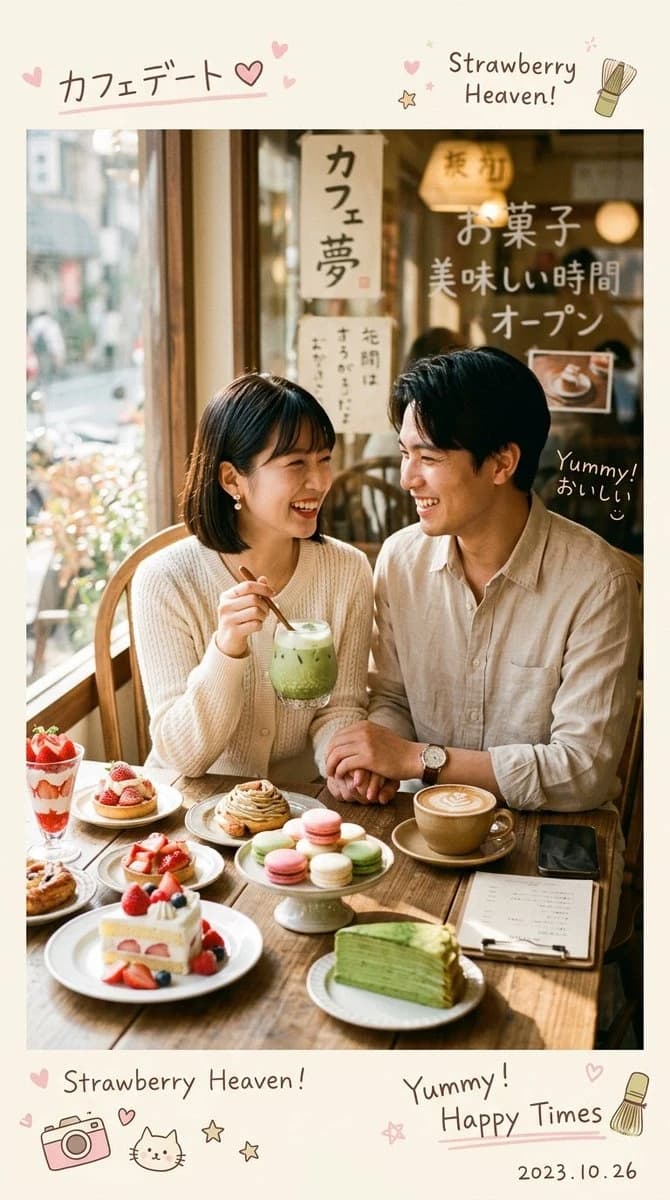
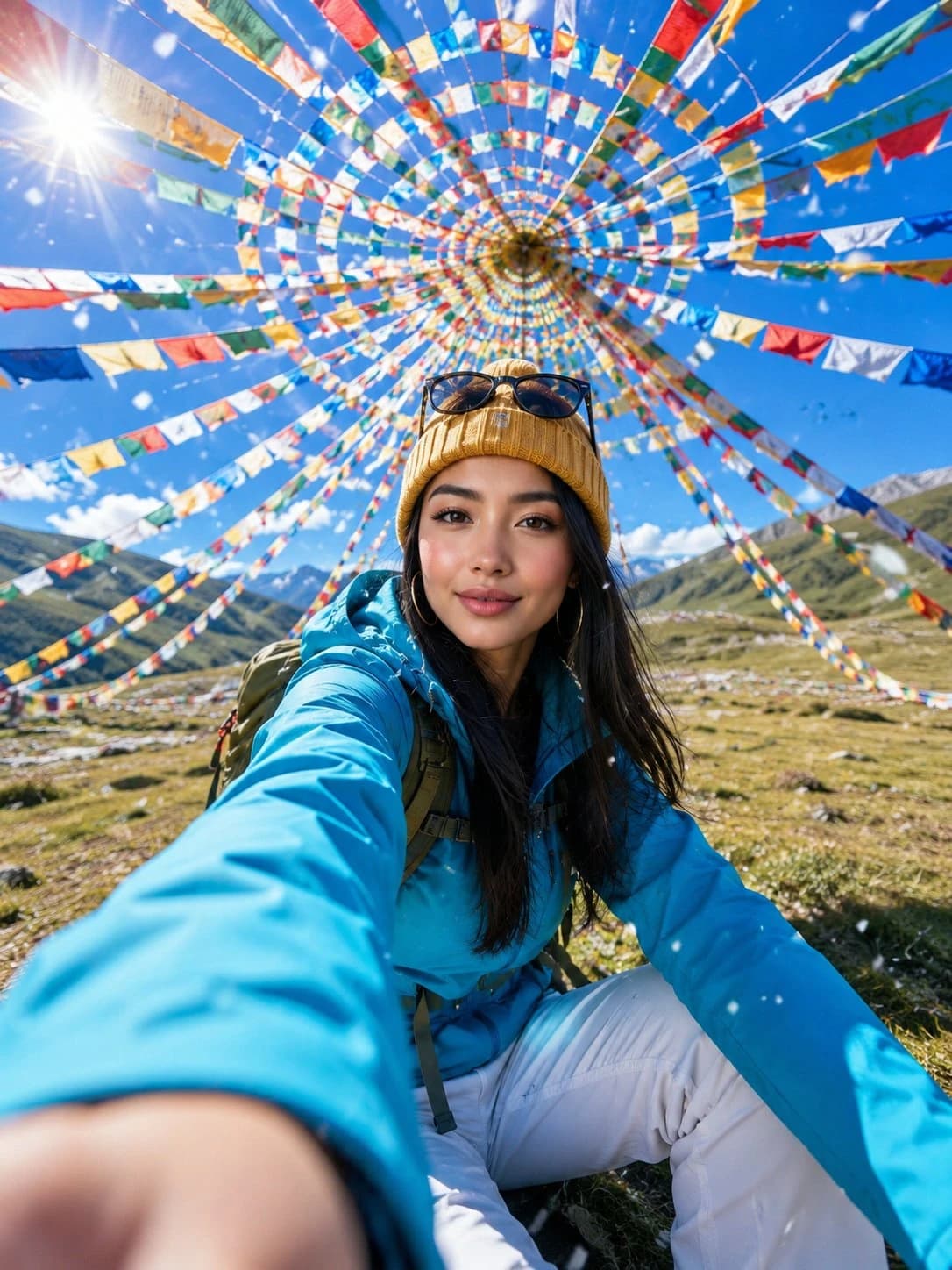
London Fashion Street Portrait is a ready-to-use portrait prompt for GPT Image 2 on Image 2. Copy the 152 words below, paste them into the Create form, and you will get a result close to the preview above. Tweak the Portrait, Fashion, Travel tag if you want to push it somewhere new.
Use it as a starting point, then adjust the subject, lighting, or composition to suit your idea. The credit cost stays the same whether you use it as written or customize it.
Use case
A strong starting point for Portrait
Start here when you want a portrait image inspired by London Fashion Street Portrait. The prompt already sets the look and composition; replace the subject, product, colors, or scene details to match your project.
Easy places to tweak
- Subject Swap in your person, product, place, or object without changing the overall composition.
- Look and mood Tune the lighting, palette, camera angle, or materials so the image fits your brand.
- Final format Set the aspect ratio, background, text, or layout notes before you generate.
More prompt paths to explore
Find more GPT Image 2 prompts with a similar style, use case, or subject.
How to use it
- Step 1
Copy the prompt
Hit the Copy button above to grab the full text.
- Step 2
Open Image 2 Create
Head to the Create form and paste it in.
- Step 3
Generate
Hit Generate. Your version lands in seconds.
Make it yours
Load the prompt into the Create form with one click, then start tweaking.