Prompt
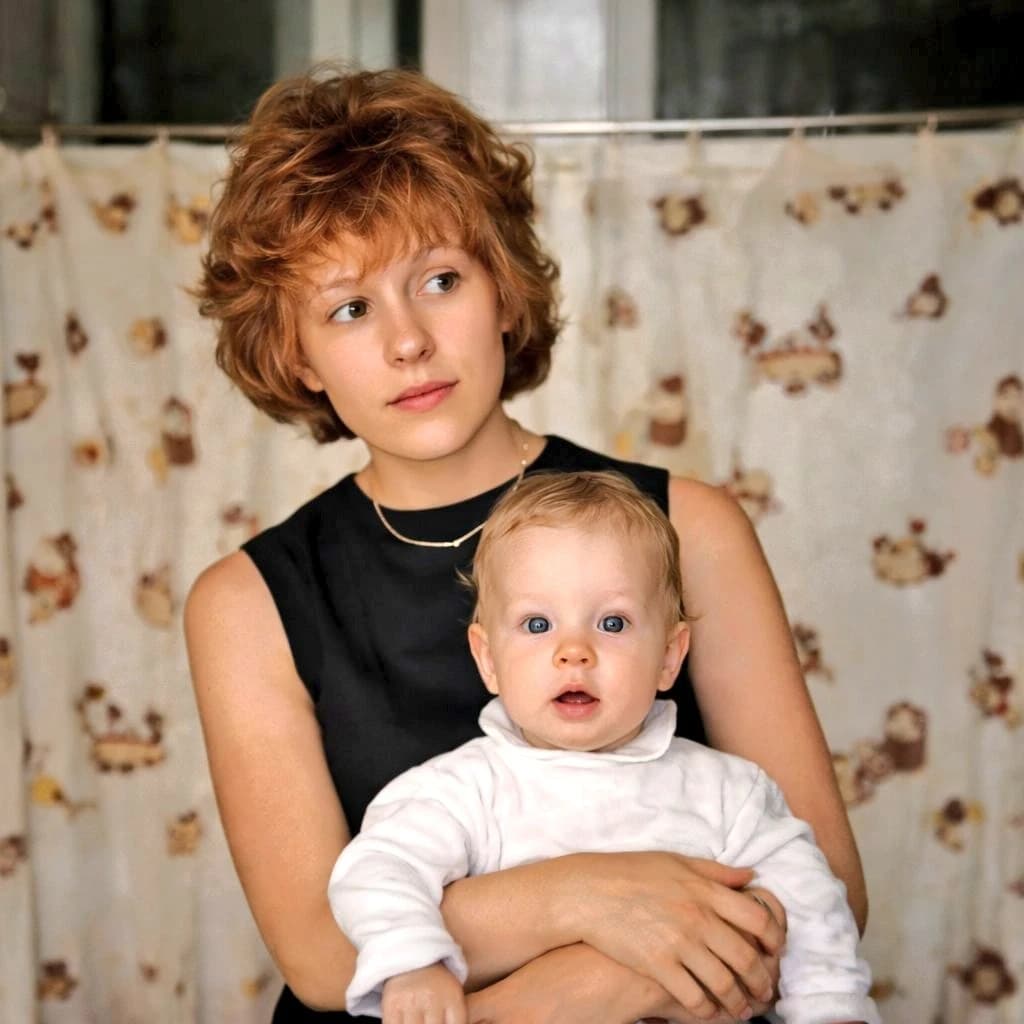
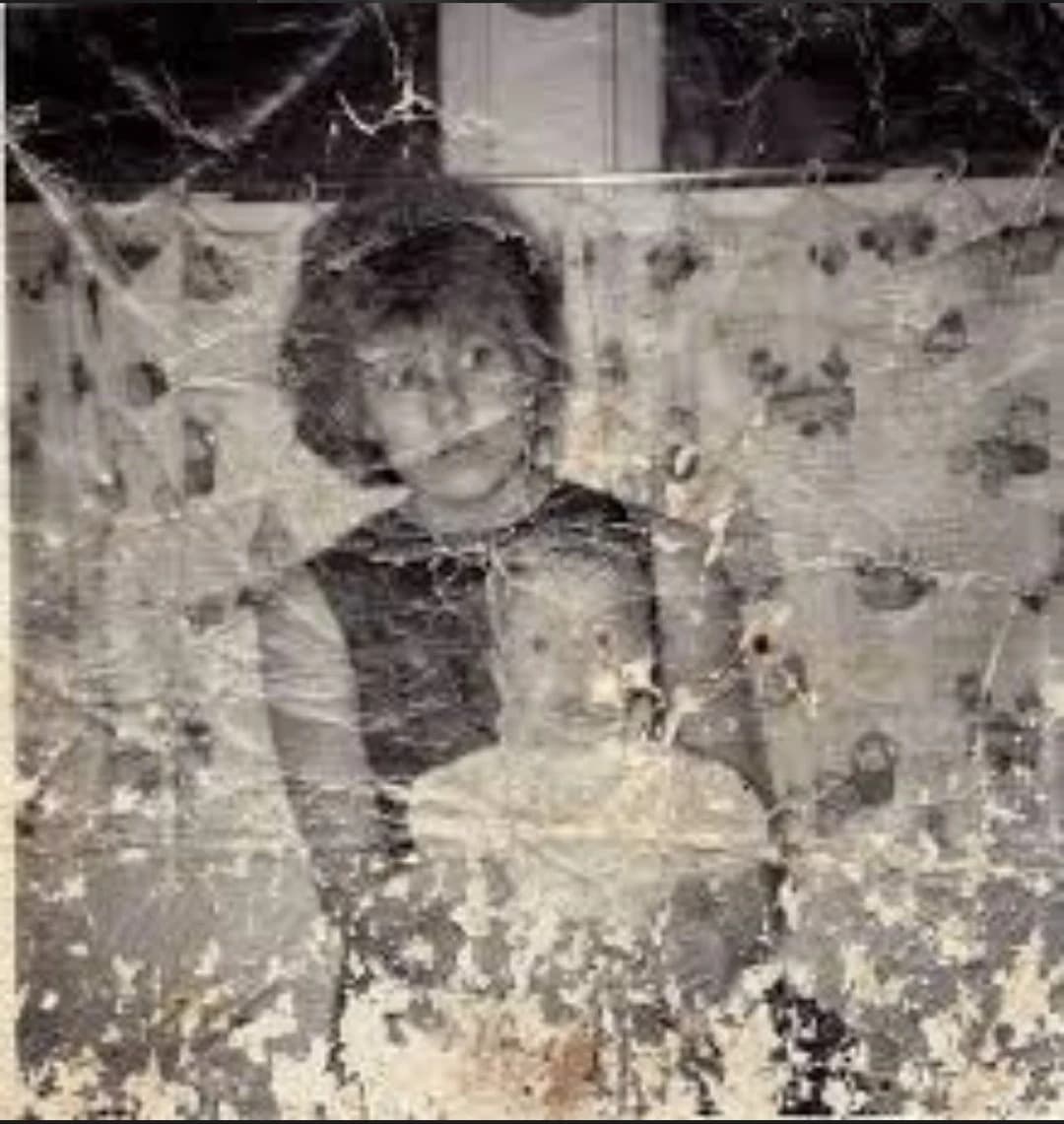
209 wordsA heavily damaged old family snapshot in faded black and white with a slight sepia cast, shown as a worn physical photograph scanned straight-on. The image depicts a seated woman holding a small child on her lap indoors, both centered in a simple portrait composition. The woman has short dark wavy hair and wears a dark sleeveless dress or pinafore layered over a lighter short-sleeved blouse. The child appears to be a toddler with very short light hair, wearing a light-colored outfit, facing the camera while sitting against the woman’s chest and arm. Behind them is a patterned curtain with small floral or leaf motifs, and above it a dark window area with a pale vertical window frame is visible near the top center. The print is severely deteriorated: extensive scratches, creases, emulsion damage, stains, blotches, and peeling cover the entire surface, with especially heavy white abrasion and loss of detail across the bottom third and scattered cracking throughout. Keep the overall look authentic to a mid-20th-century vernacular photo, low contrast, soft focus, and visibly aged paper texture. Add a rectangular blurred censor block over the woman’s face only, while the child’s face remains visible but faded. No text, no border, just the distressed archival photograph filling the frame.
About this prompt
Damaged Vintage Mother and Child Photo is a ready-to-use portrait prompt for GPT Image 2 on Image 2. Copy the 209 words below, paste them into the Create form, and you will get a result close to the preview above. Tweak the Portrait, Fashion, Vintage tag if you want to push it somewhere new.
Use it as a starting point, then adjust the subject, lighting, or composition to suit your idea. The credit cost stays the same whether you use it as written or customize it.
Use case
A strong starting point for Portrait
Start here when you want a portrait image inspired by Damaged Vintage Mother and Child Photo. The prompt already sets the look and composition; replace the subject, product, colors, or scene details to match your project.
Easy places to tweak
- Subject Swap in your person, product, place, or object without changing the overall composition.
- Look and mood Tune the lighting, palette, camera angle, or materials so the image fits your brand.
- Final format Set the aspect ratio, background, text, or layout notes before you generate.
More prompt paths to explore
Find more GPT Image 2 prompts with a similar style, use case, or subject.
How to use it
- Step 1
Copy the prompt
Hit the Copy button above to grab the full text.
- Step 2
Open Image 2 Create
Head to the Create form and paste it in.
- Step 3
Generate
Hit Generate. Your version lands in seconds.
Make it yours
Load the prompt into the Create form with one click, then start tweaking.