Prompt
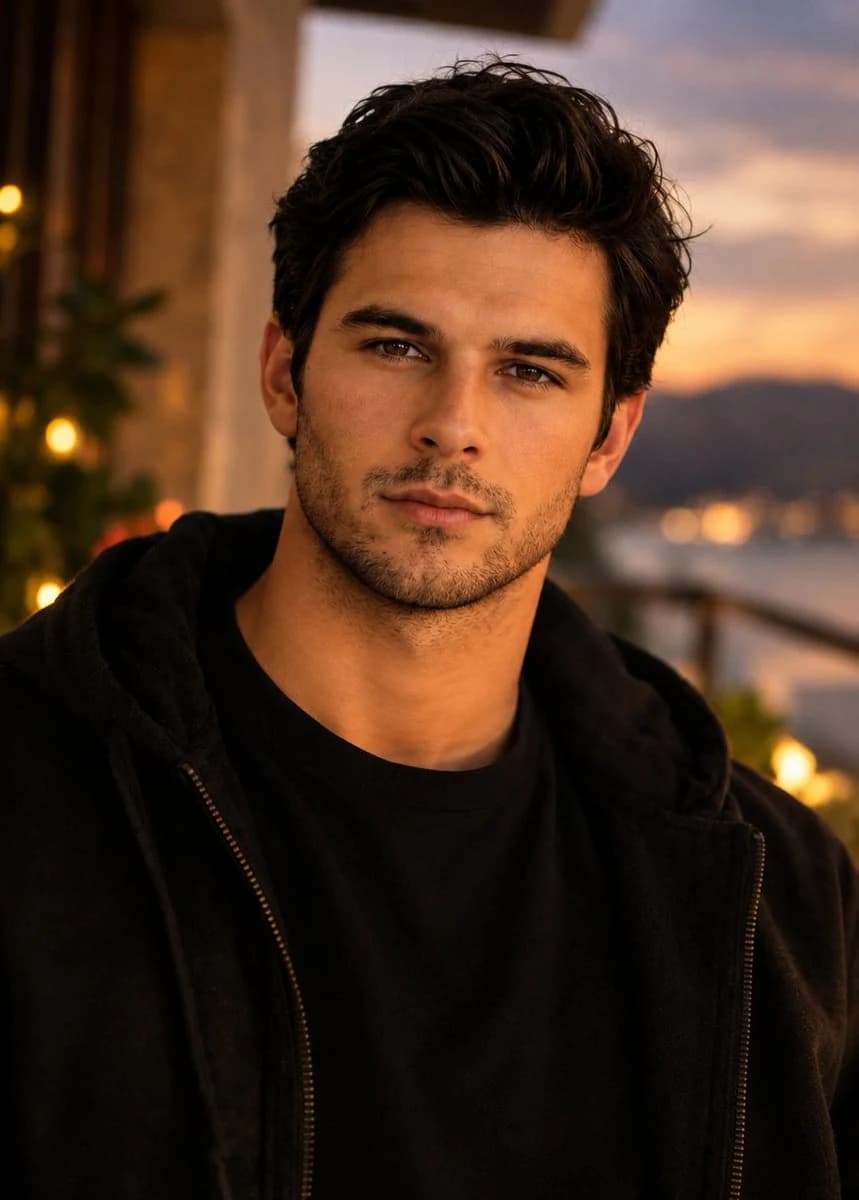
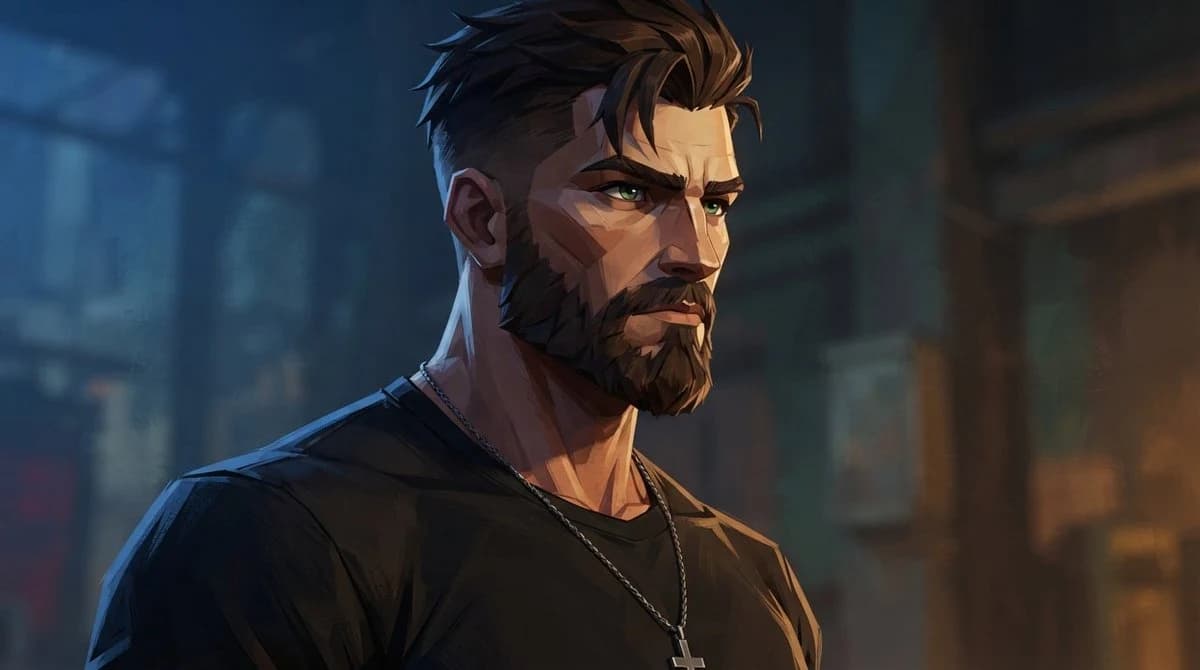
195 wordsCreate a cinematic close-up portrait of {argument name="character name" default="a rugged adult man"} in a dramatic semi-realistic Western anime / AAA game concept-art style. He is shown from the chest up in a three-quarter view facing right, with a stern, focused expression, thick angular eyebrows, piercing {argument name="eye color" default="green"} eyes, a strong nose, sharp cheekbones, and a full neatly shaped dark beard. His {argument name="hair color" default="dark brown"} hair is short on the sides and swept upward into textured spiky layers. He wears a plain black crew-neck T-shirt and a thin silver chain necklace with a small cross pendant. The lighting is moody and cinematic: cool blue rim light from the left edge, warm amber light from the right, strong painterly shadows across the face and neck, high contrast but not photorealistic. The background is a blurred nighttime urban alley or industrial street interior with blue and orange bokeh, indistinct windows, pipes, and architectural shapes, keeping all attention on the character. Use sharp stylized facial planes, confident brush strokes, clean edges on the face, painterly texture in the clothing and background, shallow depth of field, widescreen composition, no text, no watermark, no extra characters.About this prompt
Cinematic Bearded Man Portrait is a ready-to-use portrait prompt for GPT Image 2 on Image 2. Copy the 195 words below, paste them into the Create form, and you will get a result close to the preview above. Tweak the Social Media, Portrait, Fashion tag if you want to push it somewhere new.
Use it as a starting point, then adjust the subject, lighting, or composition to suit your idea. The credit cost stays the same whether you use it as written or customize it.
Use case
A strong starting point for Portrait
Start here when you want a portrait image inspired by Cinematic Bearded Man Portrait. The prompt already sets the look and composition; replace the subject, product, colors, or scene details to match your project.
Easy places to tweak
- Subject Swap in your person, product, place, or object without changing the overall composition.
- Look and mood Tune the lighting, palette, camera angle, or materials so the image fits your brand.
- Final format Set the aspect ratio, background, text, or layout notes before you generate.
More prompt paths to explore
Find more GPT Image 2 prompts with a similar style, use case, or subject.
How to use it
- Step 1
Copy the prompt
Hit the Copy button above to grab the full text.
- Step 2
Open Image 2 Create
Head to the Create form and paste it in.
- Step 3
Generate
Hit Generate. Your version lands in seconds.
Make it yours
Load the prompt into the Create form with one click, then start tweaking.