Prompt
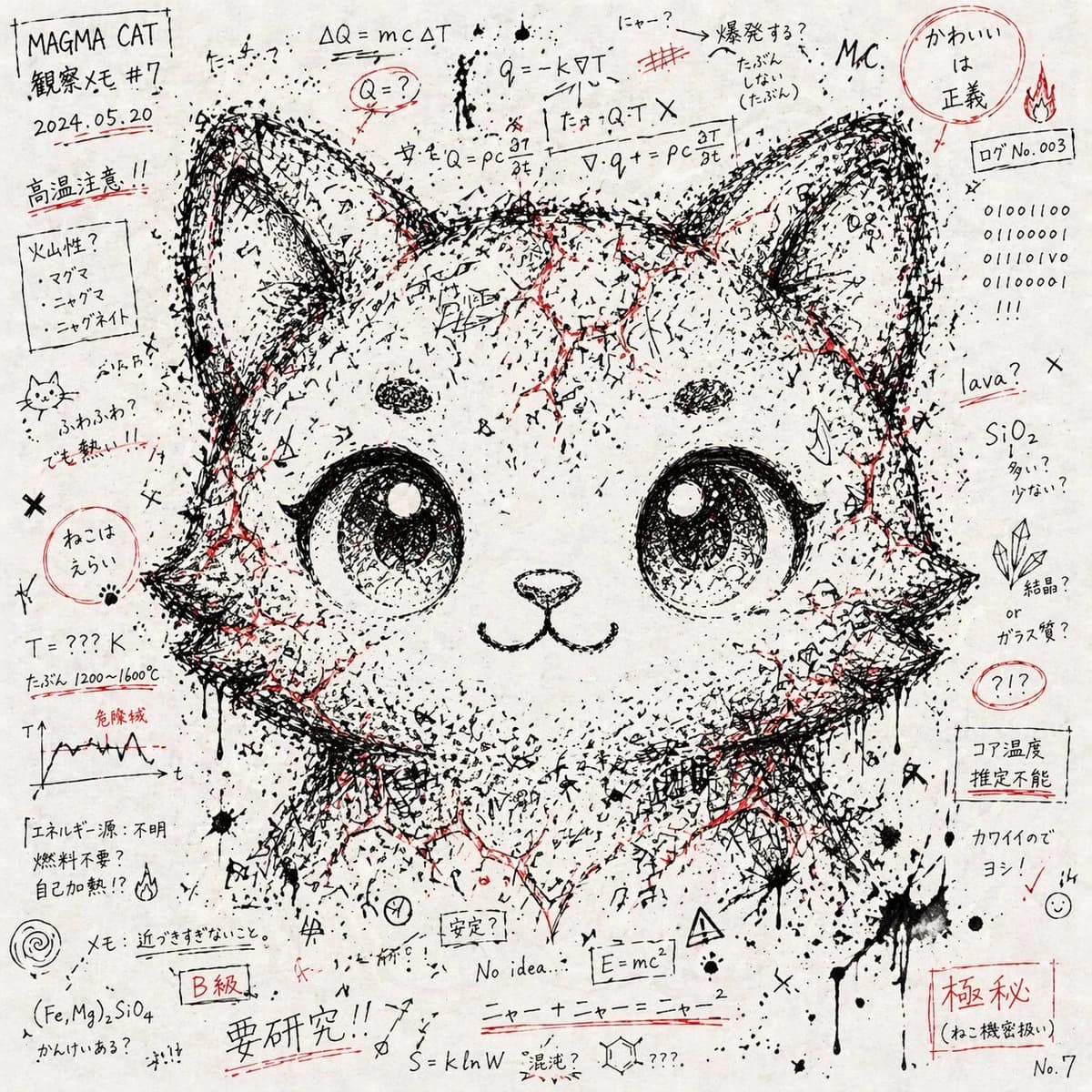
61 words# 混沌としたメモ書き・記号の集合体からキャラクターの顔を浮かび上がらせるアート --- スタイル - 白い紙の上に黒インクで描かれた大量の手書きメモ、数式、記号、ランダムな線。 - 紙いっぱいに散らばる書き殴り風のカオス。 - 所々に赤インクの強調(ライン、塗り潰し、マーカー風の塊)。 - アナログのノート落書きのような質感。 --- 構図 - ランダムなメモや記号が全体を覆い尽くす。 - 黒インクの線や文字の密度が「キャラクターの顔」の位置に集中する。 - 結果として、混沌の中から「与えられたキャラクターの顔のシルエット・表情」がうっすら浮かび上がる。 - 顔は写実的ではなく、カオスの断片が集まって形を成す。 --- 色彩 - モノクロ(黒・白)を主体に構成。 - 赤インクをアクセントとして散発的に配置。 - 彩度は抑えめ、アナログの紙とインク感を重視。 --- 表現要素 - 読めるようで読めない文字列、日本語や英数字が混在。 - 数式記号、矢印、点、斜線、クロス、ドリップ(インクの飛び散り)。 - キャラクターの顔の目や髪の輪郭は、メモや記号の配置の「余白」や「濃淡」で浮かび上がる。 --- 禁止事項 - 顔を直接的に描き込む写実ポートレート。 - デジタル処理的で整然とした幾何学模様。 - カラフルな彩色や過飽和表現。 - ロゴ、透かし、人工的なCG感。 --- Definition of Done (DoD) - 全体は「混沌としたメモ・記号の集合体」として成立している。 - 与えられたキャラクターの顔が、混沌の濃淡・配置から自然に浮かび上がる。 - 色はモノクロ+赤アクセントのみ。 - 紙とインクの手描き的質感を保持している。
About this prompt
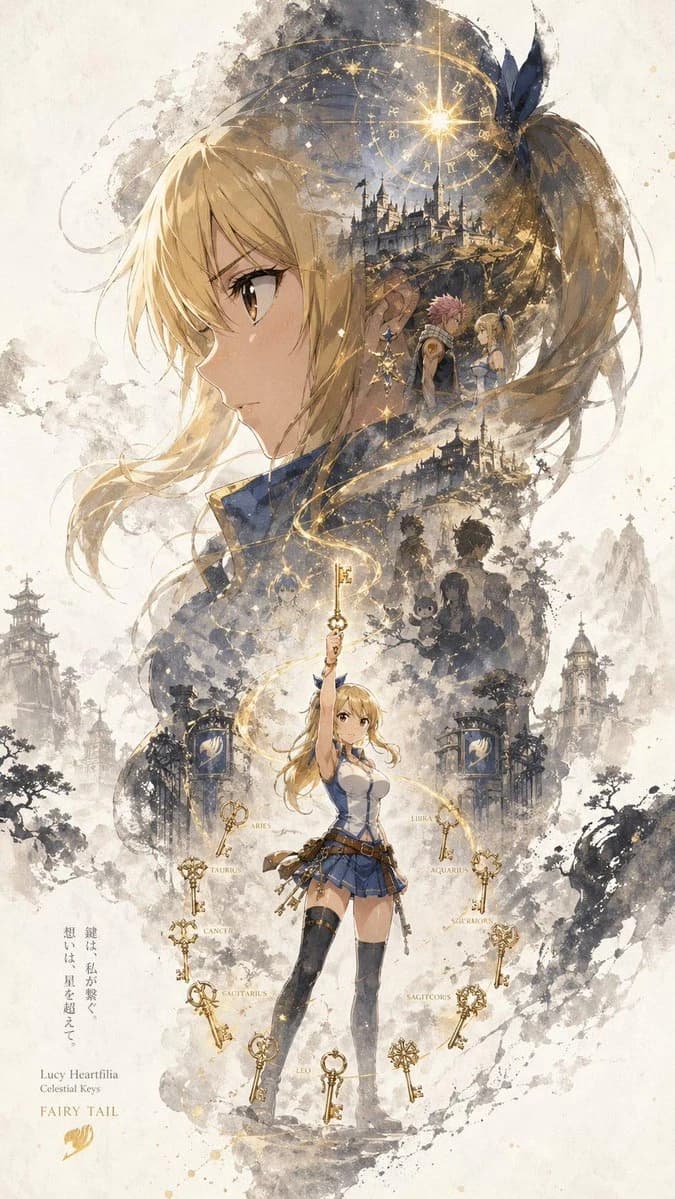
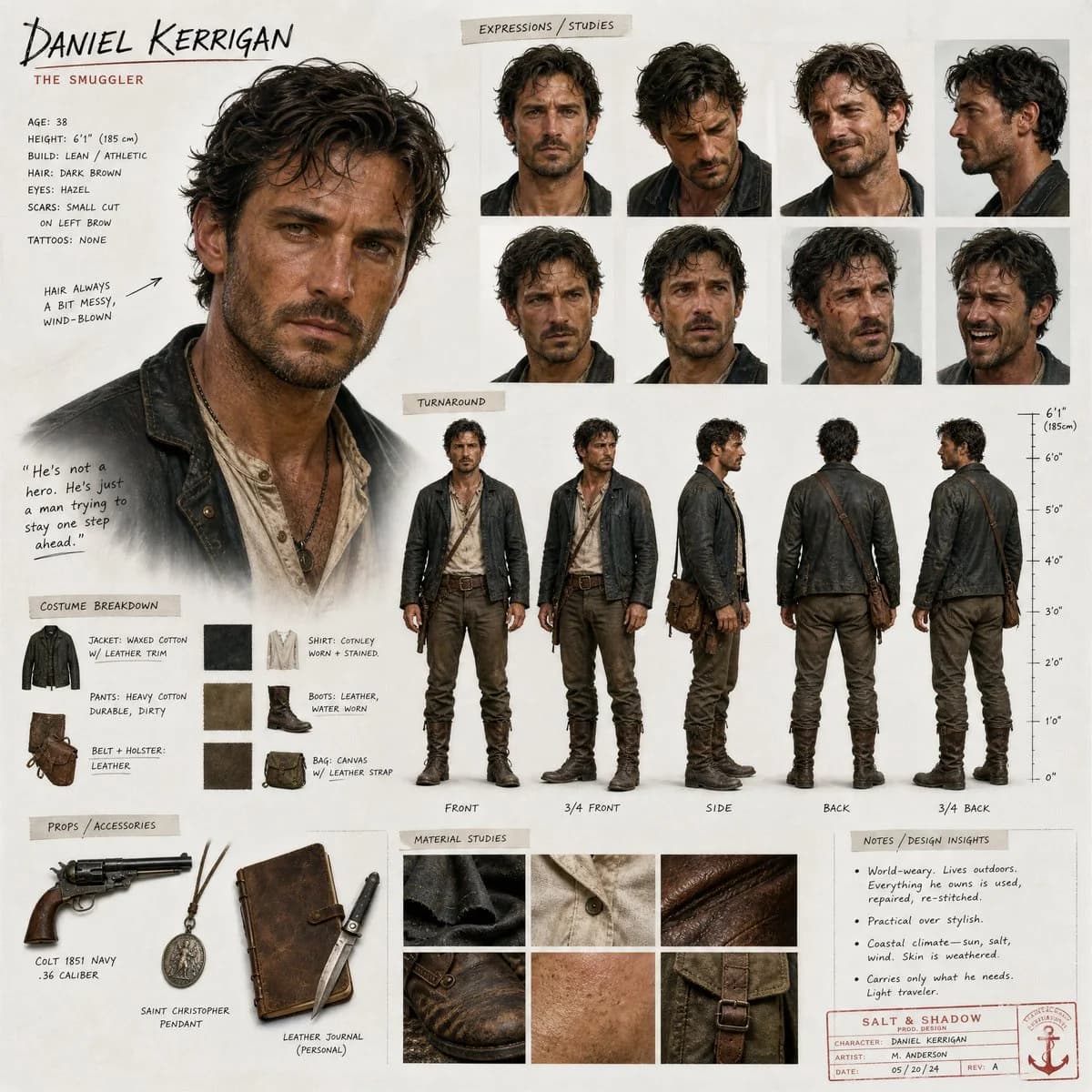
Chaos Notes Hidden Face Character Art is a ready-to-use character design prompt for GPT Image 2 on Image 2. Copy the 61 words below, paste them into the Create form, and you will get a result close to the preview above. Tweak the Character, Character Sheet tag if you want to push it somewhere new.
Use it as a starting point, then adjust the subject, lighting, or composition to suit your idea. The credit cost stays the same whether you use it as written or customize it.
Use case
A strong starting point for Character Design
Start here when you want a character design image inspired by Chaos Notes Hidden Face Character Art. The prompt already sets the look and composition; replace the subject, product, colors, or scene details to match your project.
Easy places to tweak
- Subject Swap in your person, product, place, or object without changing the overall composition.
- Look and mood Tune the lighting, palette, camera angle, or materials so the image fits your brand.
- Final format Set the aspect ratio, background, text, or layout notes before you generate.
More prompt paths to explore
Find more GPT Image 2 prompts with a similar style, use case, or subject.
How to use it
- Step 1
Copy the prompt
Hit the Copy button above to grab the full text.
- Step 2
Open Image 2 Create
Head to the Create form and paste it in.
- Step 3
Generate
Hit Generate. Your version lands in seconds.
Make it yours
Load the prompt into the Create form with one click, then start tweaking.