Prompt
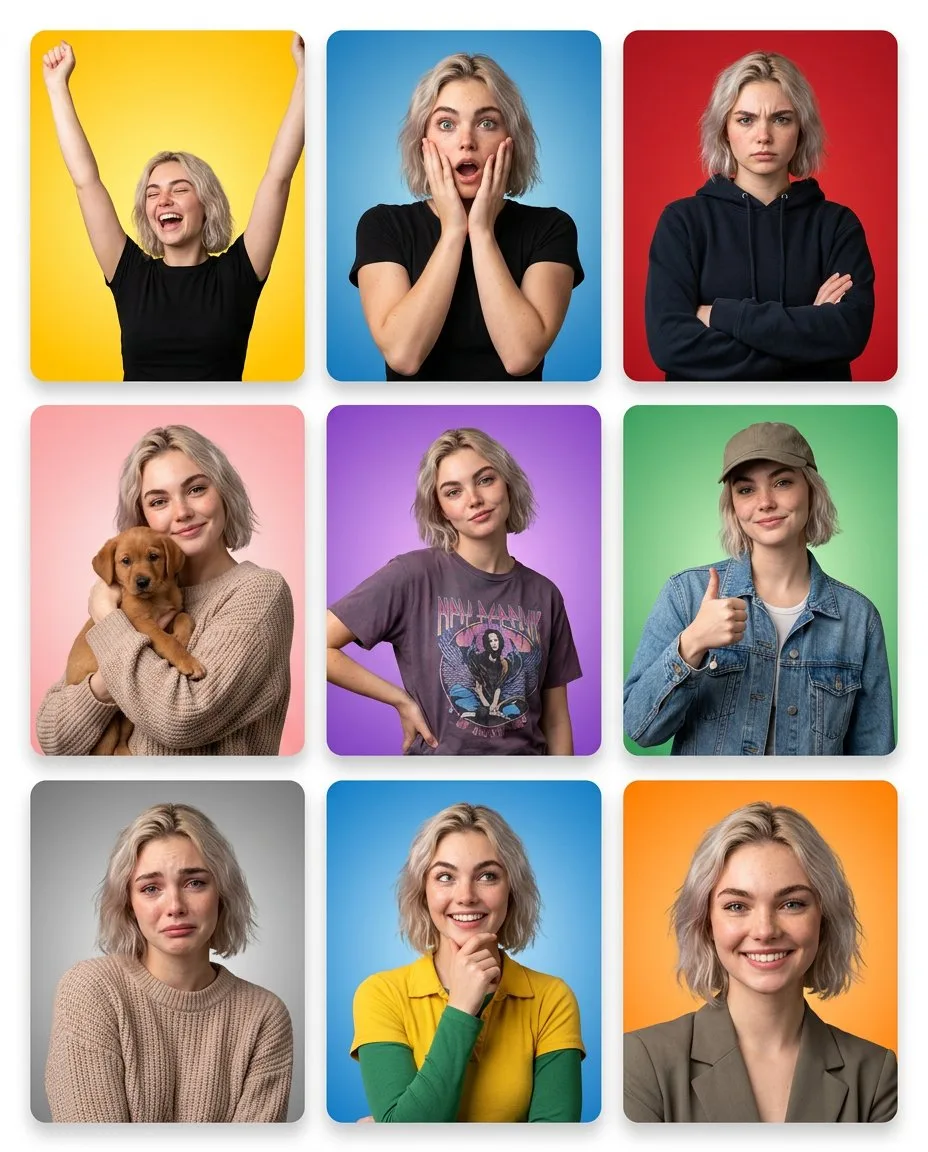
148 wordsGrid layout with thin white gaps between panels and a subtle outer white border around the entire composition. Clean, modern UI aesthetic with slight rounded corners on every tile. Panel 1: Joyful (Yellow). Warm yellow gradient. Arms raised overhead. Eyes shut. Wide open laugh. High-energy pose. Panel 2: Shocked (Blue). Blue gradient. Both hands cupping cheeks. Eyes wide open. Mouth agape. Eyebrows arched high. Panel 3: Stern (Red). Solid red background. Arms folded. Brows furrowed. Lips pressed tight. Dark hoodie. Panel 4: Affectionate (Pink). Soft pink gradient. Cradling a small brown dog. Gentle smile. Cozy knit sweater. Panel 5: Confident (Purple). Purple gradient. One hand resting on hip. Slight smirk. Graphic tee. Easy, relaxed stance. Panel 6: Approving (Green). Green gradient. Baseball cap and denim jacket. Thumbs up. Relaxed smile. Panel 7: Melancholy (Gray). Gray gradient. Eyes angled slightly downward. Inner brows slightly raised. Lips gently curved down.
About this prompt
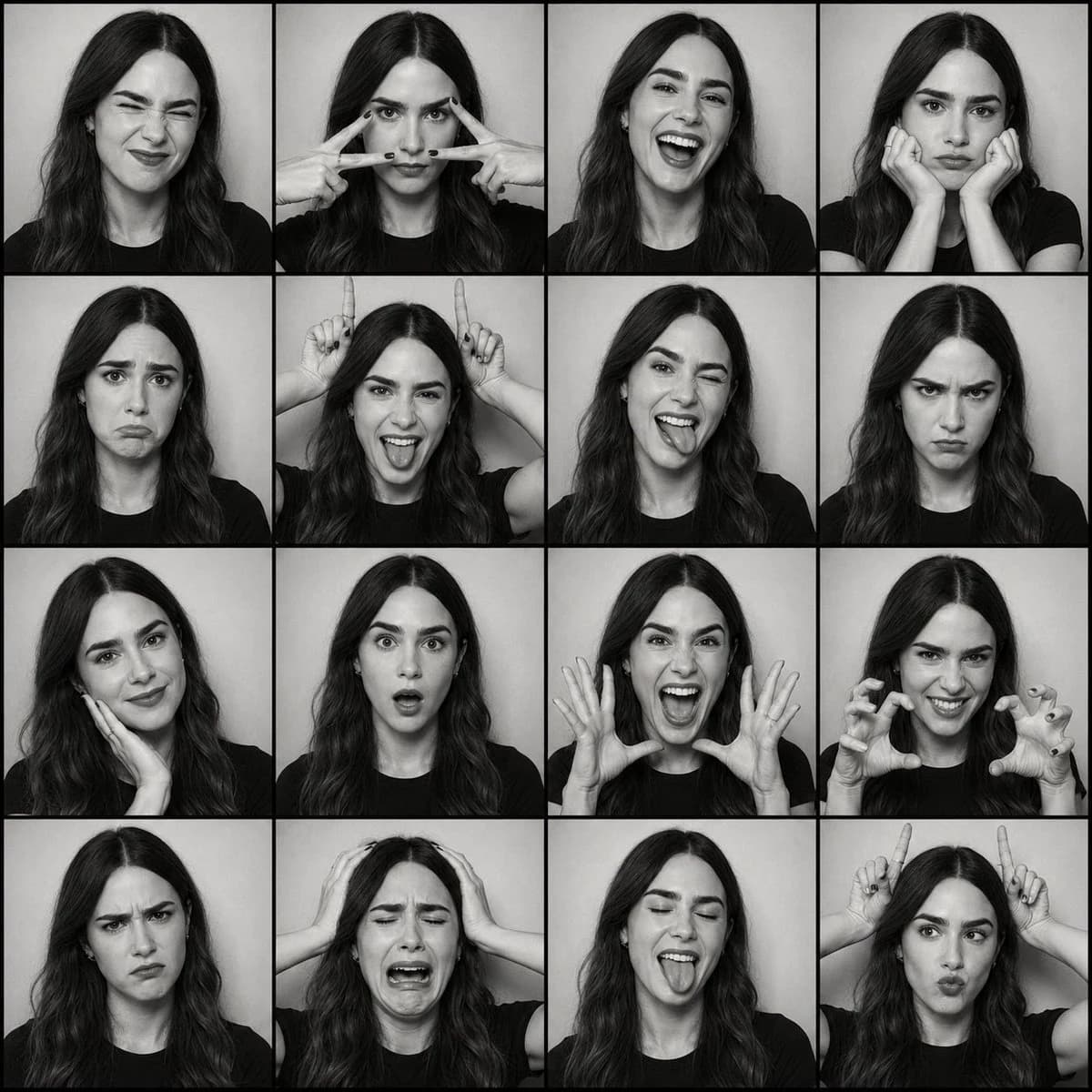
7-Panel Emotion Grid Portrait is a ready-to-use portrait prompt for GPT Image 2 on Image 2. Copy the 148 words below, paste them into the Create form, and you will get a result close to the preview above. Tweak the Storyboard, Portrait, Fashion tag if you want to push it somewhere new.
Use it as a starting point, then adjust the subject, lighting, or composition to suit your idea. The credit cost stays the same whether you use it as written or customize it.
Use case
A strong starting point for Portrait
Start here when you want a portrait image inspired by 7-Panel Emotion Grid Portrait. The prompt already sets the look and composition; replace the subject, product, colors, or scene details to match your project.
Easy places to tweak
- Subject Swap in your person, product, place, or object without changing the overall composition.
- Look and mood Tune the lighting, palette, camera angle, or materials so the image fits your brand.
- Final format Set the aspect ratio, background, text, or layout notes before you generate.
More prompt paths to explore
Find more GPT Image 2 prompts with a similar style, use case, or subject.
How to use it
- Step 1
Copy the prompt
Hit the Copy button above to grab the full text.
- Step 2
Open Image 2 Create
Head to the Create form and paste it in.
- Step 3
Generate
Hit Generate. Your version lands in seconds.
Make it yours
Load the prompt into the Create form with one click, then start tweaking.