Prompt
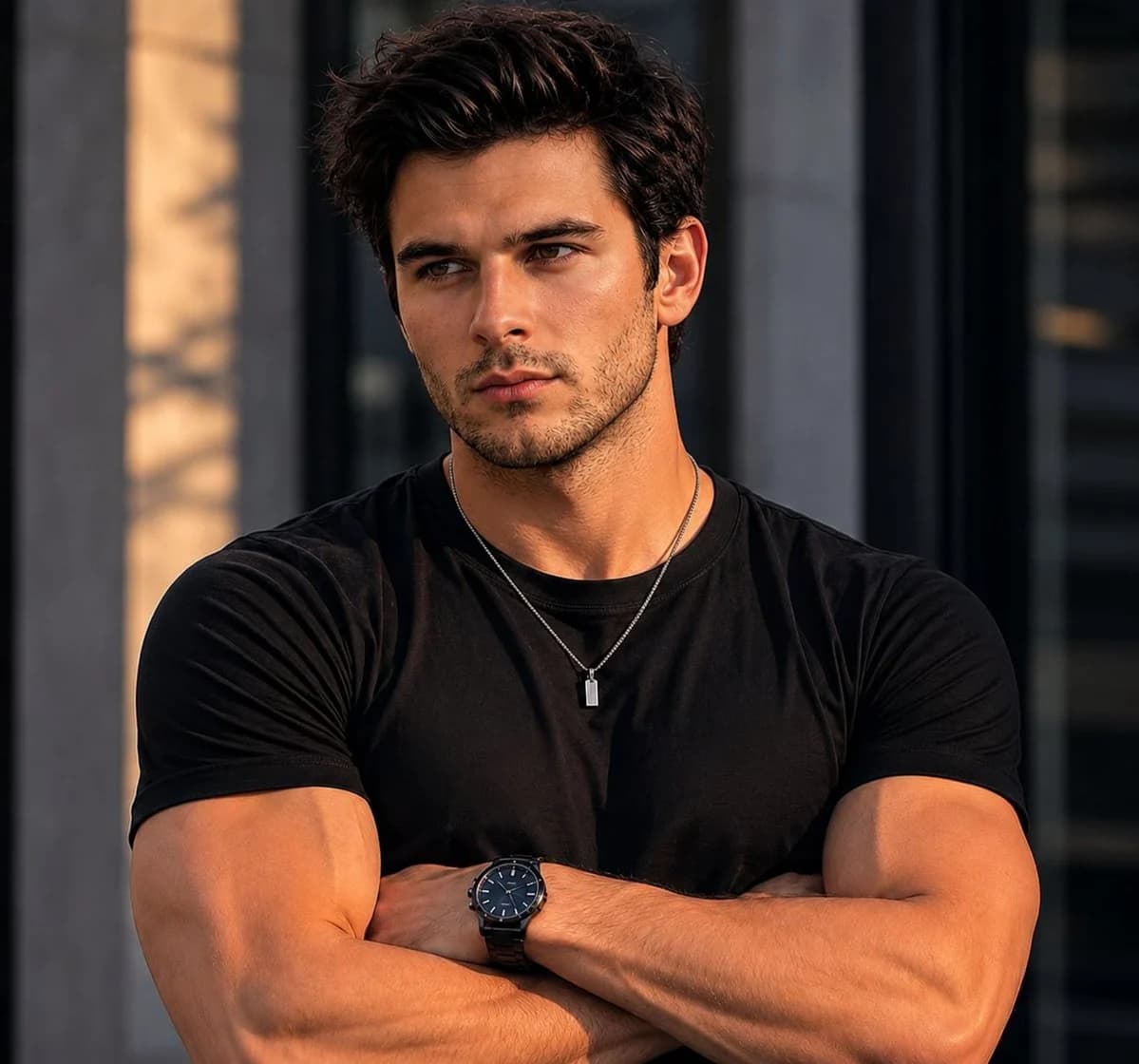
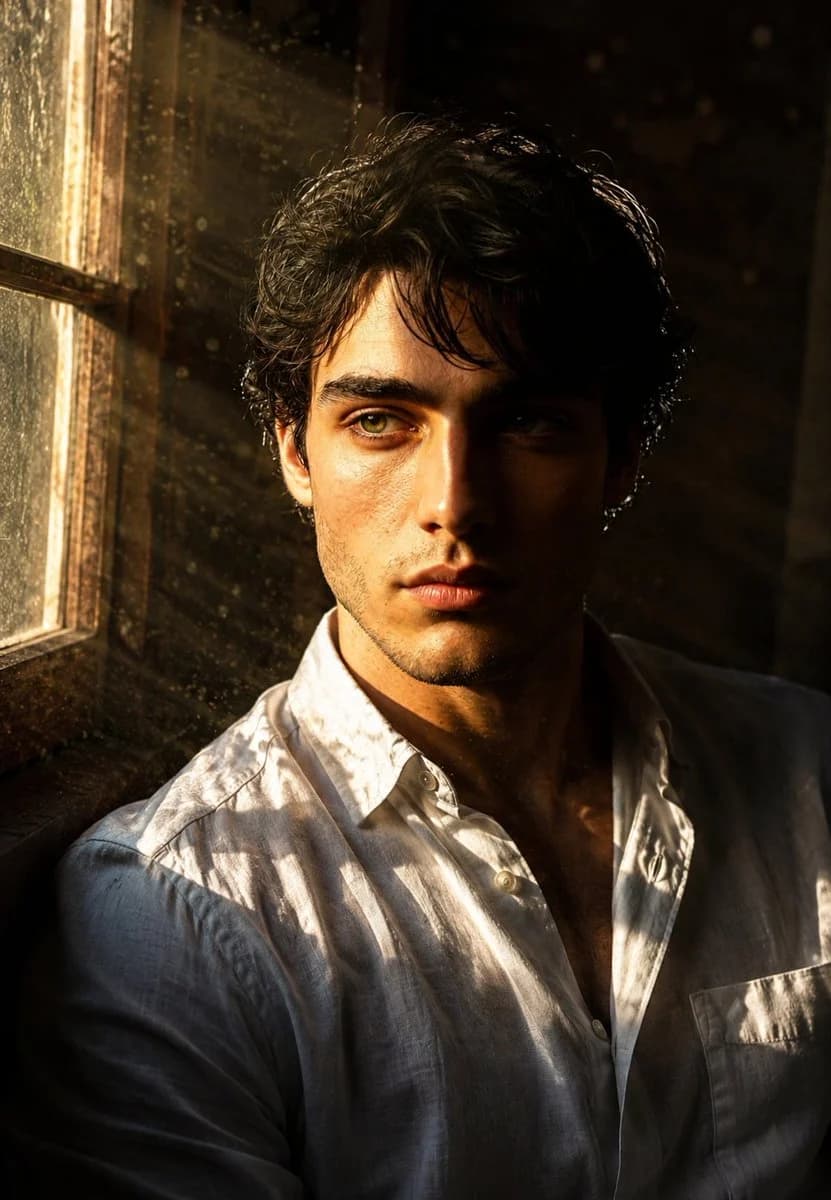
159 wordsUse the exact same face from the reference image and generate a Ultra realistic cinematic portrait of that man with defined facial features, dark tousled hair, intense eyes. Shot from mid-chest up. Scene: sitting beside a large old wooden-framed window in a minimal dark room, early morning golden sunlight streaming through the glass in dramatic god rays visible light beams cutting through floating dust particles in the air. The window light strikes directly across one side of his face, creating razor-sharp light and shadow divide. Half his face brilliantly golden, half consumed in deep natural shadow. The window frame casts a cross-shadow pattern across his chest and shoulder. Dust particles visibly floating and glowing in the light beams. Wearing a simple white linen shirt slightly unbuttoned. Background: dark moody room interior barely visible. Expression: contemplative, lost in thought, gazing toward the window light. Raw, natural, cinematic perfection. Vertical 9:13 format. Ultra photorealistic, 8K, no text overlays, cinematic color grading.
About this prompt
Window-Light Cinematic Portrait is a ready-to-use portrait prompt for GPT Image 2 on Image 2. Copy the 159 words below, paste them into the Create form, and you will get a result close to the preview above. Tweak the Portrait, Architecture, Cinematic tag if you want to push it somewhere new.
Use it as a starting point, then adjust the subject, lighting, or composition to suit your idea. The credit cost stays the same whether you use it as written or customize it.
Use case
A strong starting point for Portrait
Start here when you want a portrait image inspired by Window-Light Cinematic Portrait. The prompt already sets the look and composition; replace the subject, product, colors, or scene details to match your project.
Easy places to tweak
- Subject Swap in your person, product, place, or object without changing the overall composition.
- Look and mood Tune the lighting, palette, camera angle, or materials so the image fits your brand.
- Final format Set the aspect ratio, background, text, or layout notes before you generate.
More prompt paths to explore
Find more GPT Image 2 prompts with a similar style, use case, or subject.
How to use it
- Step 1
Copy the prompt
Hit the Copy button above to grab the full text.
- Step 2
Open Image 2 Create
Head to the Create form and paste it in.
- Step 3
Generate
Hit Generate. Your version lands in seconds.
Make it yours
Load the prompt into the Create form with one click, then start tweaking.