Prompt
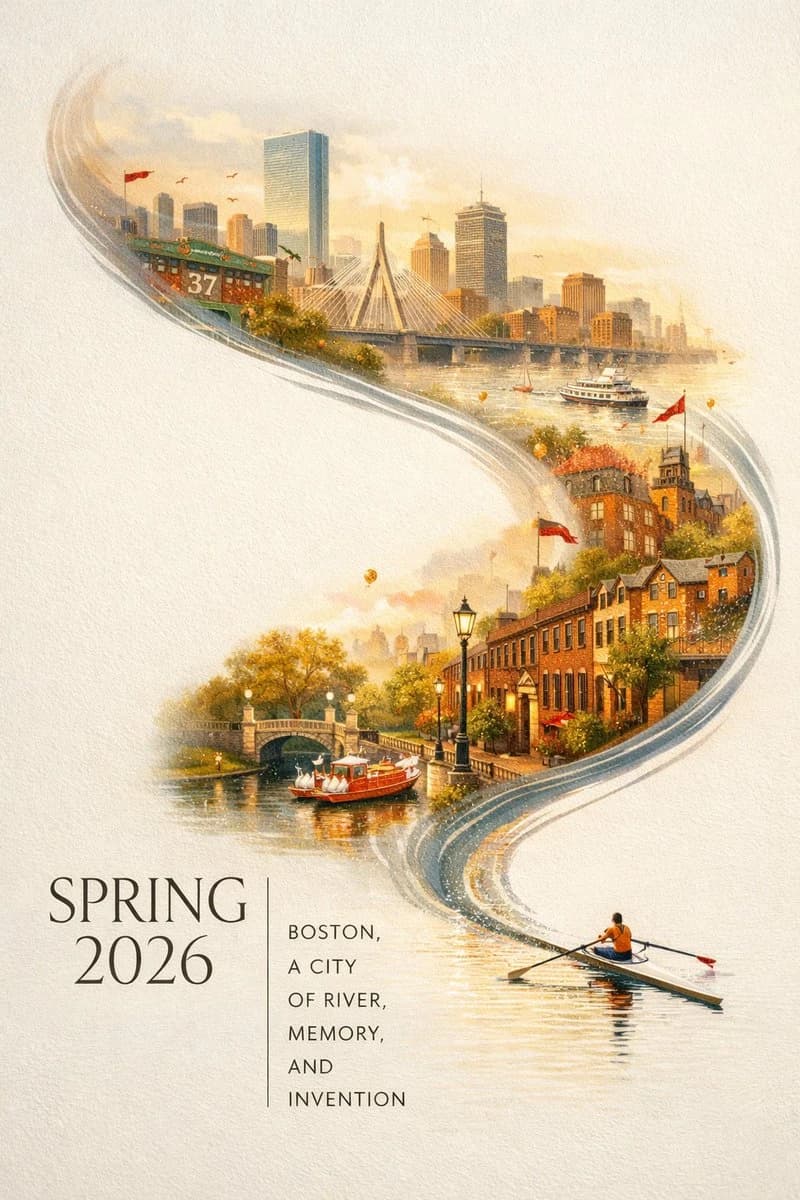
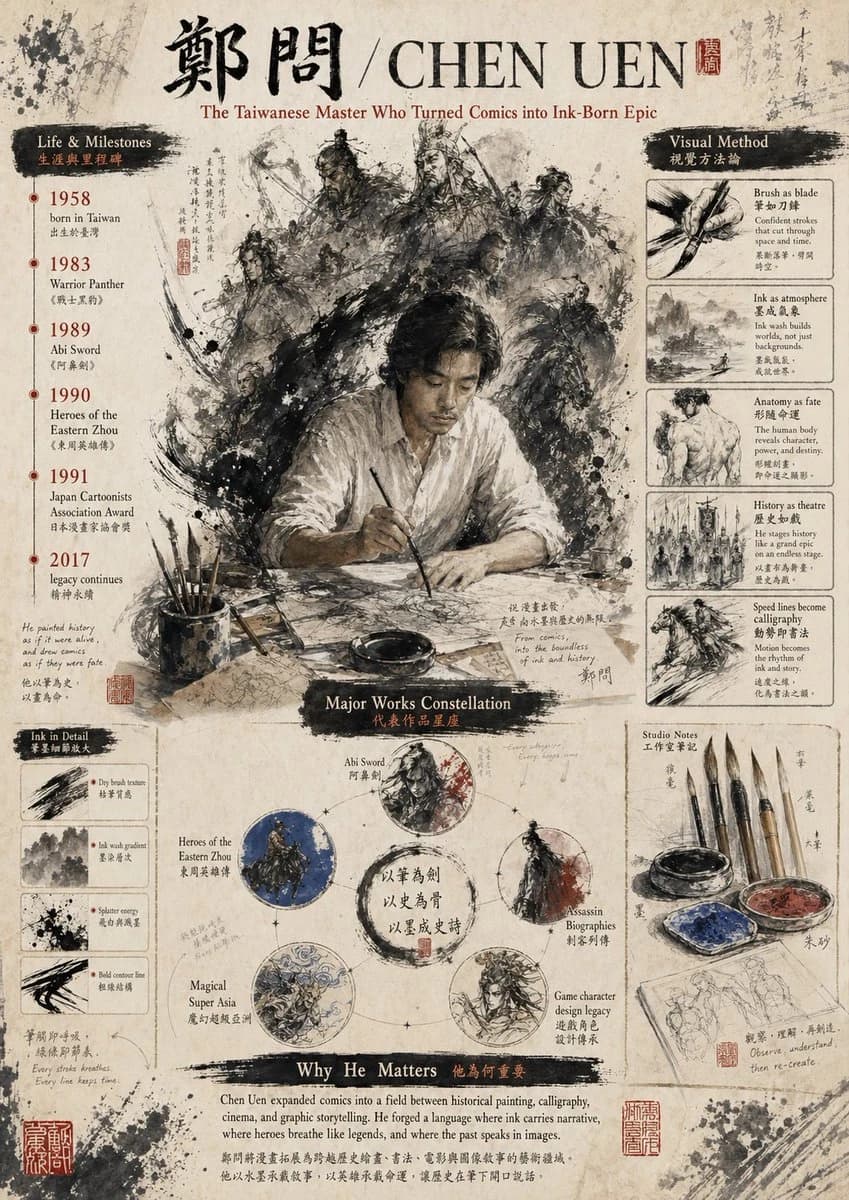
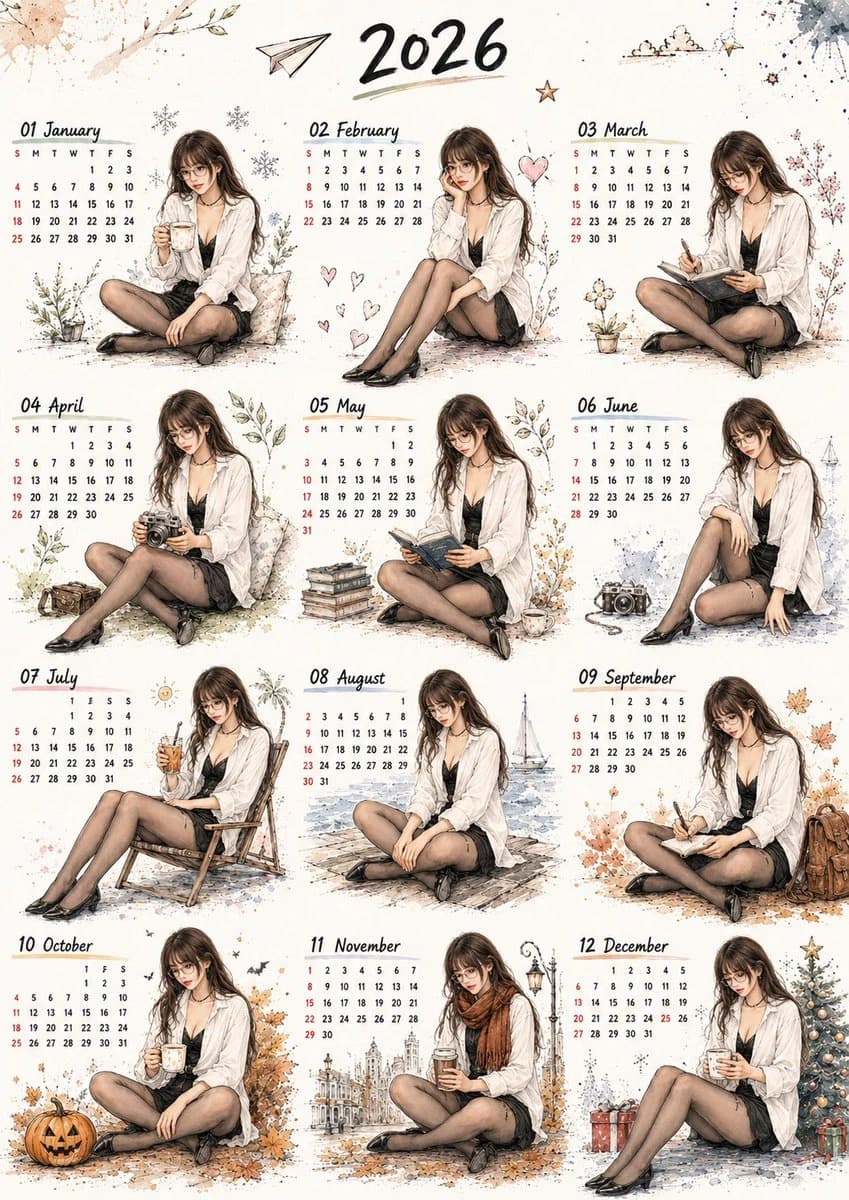
89 words使用上传的第一张图作为【整体风格与版式参考】,使用上传的第二张图作为【人物身份参考】。 请生成一张完整的 2026 年全年日历插画海报。 画面风格: 保留参考图一的手绘水彩插画风格,温暖米白纸张背景,细腻墨线勾勒,柔和水彩晕染,轻微纸张纹理,带有季节感的小装饰元素,如花草、雪花、爱心、纸飞机、星星、云朵、树叶、相机、书本、咖啡杯、礼物、圣诞树等。整体氛围温柔、治愈、干净、生活感强,像一本手账风全年日历。 版式要求: 采用 3 列 × 4 行的全年月历排版,共 12 个月份。 顶部居中写大标题:“2026”,使用手写感黑色笔刷字体。 每个月份标题格式为: “01 January” “02 February” “03 March” 一直到 “12 December”。 每个月份区域都包含: 1. 月份英文标题 2. 小型日历日期表 3. 一位人物插画 4. 对应季节的小场景装饰 人物要求: 将参考图一中的男性人物全部替换为参考图二中的女性人物。 保持参考图二人物的核心特征: 年轻亚洲女性,长棕黑色头发,空气刘海,戴细框眼镜,五官精致,表情温柔自然,略带安静、微醺、慵懒感。 人物服装参考: 宽松白色衬衫,黑色内搭,黑色短裙,黑色丝袜,黑色鞋子,细项链或 choker。 服装需要融入手绘水彩风,不要像照片硬贴上去。 每个月人物动作不同: 1 月:坐着捧热咖啡,冬日温暖感 2 月:托腮坐着,周围有爱心元素 3 月:低头写手账或笔记本 4 月:拿着复古相机 5 月:坐着看书,旁边有书堆和茶杯 6 月:休闲坐姿,旁边有相机和蓝色水彩装饰 7 月:坐在躺椅上喝冰饮,夏日感 8 月:坐在海边木栈道,远处有帆船 9 月:坐着写日记,旁边有背包和秋叶 10 月:喝咖啡,旁边有南瓜灯和万圣节元素 11 月:围着棕色围巾,手拿热咖啡,背景有城市街景 12 月:坐在圣诞树旁,手捧热饮,旁边有礼物盒 日历要求: 年份必须是 2026。 所有月份日期必须符合真实 2026 年日历。 星期排列为: S M T W T F S 星期日和部分日期可使用红色点缀,其余为黑色。 日期尽量清晰可读,保持手写日历质感。 整体要求: 画面必须像一张完整的全年日历海报,而不是拼贴照片。 人物与背景要统一成同一种手绘水彩风格。 保持参考图一的原有构图、温柔季节感、手账插画质感和高级可爱氛围。 不要出现真实照片感,不要过度写实,不要赛博风,不要厚重油画风。
About this prompt
Watercolor 2026 Calendar Poster is a ready-to-use poster prompt for GPT Image 2 on Image 2. Copy the 89 words below, paste them into the Create form, and you will get a result close to the preview above. Tweak the Poster, Watercolor tag if you want to push it somewhere new.
Use it as a starting point, then adjust the subject, lighting, or composition to suit your idea. The credit cost stays the same whether you use it as written or customize it.
Use case
A strong starting point for Poster
Start here when you want a poster image inspired by Watercolor 2026 Calendar Poster. The prompt already sets the look and composition; replace the subject, product, colors, or scene details to match your project.
Easy places to tweak
- Subject Swap in your person, product, place, or object without changing the overall composition.
- Look and mood Tune the lighting, palette, camera angle, or materials so the image fits your brand.
- Final format Set the aspect ratio, background, text, or layout notes before you generate.
More prompt paths to explore
Find more GPT Image 2 prompts with a similar style, use case, or subject.
How to use it
- Step 1
Copy the prompt
Hit the Copy button above to grab the full text.
- Step 2
Open Image 2 Create
Head to the Create form and paste it in.
- Step 3
Generate
Hit Generate. Your version lands in seconds.
Make it yours
Load the prompt into the Create form with one click, then start tweaking.