Prompt
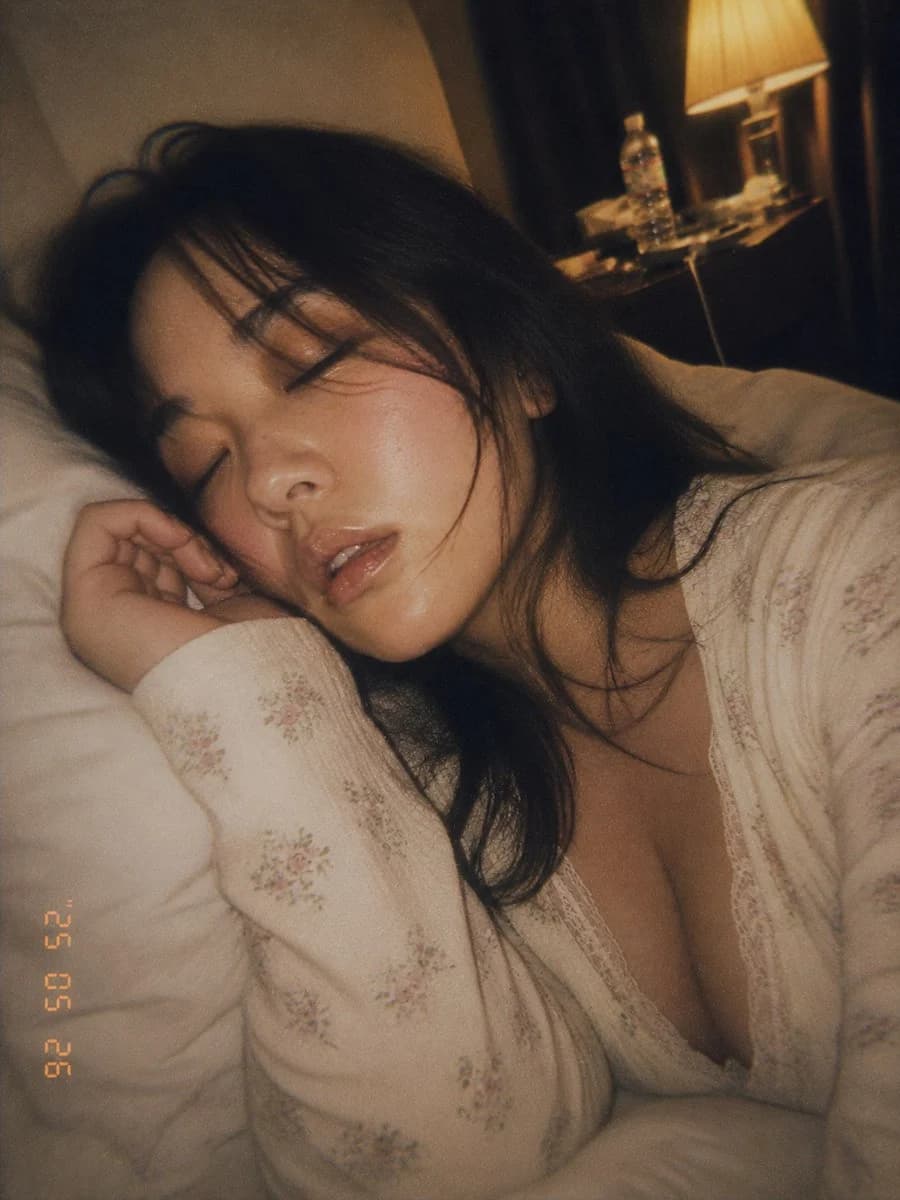
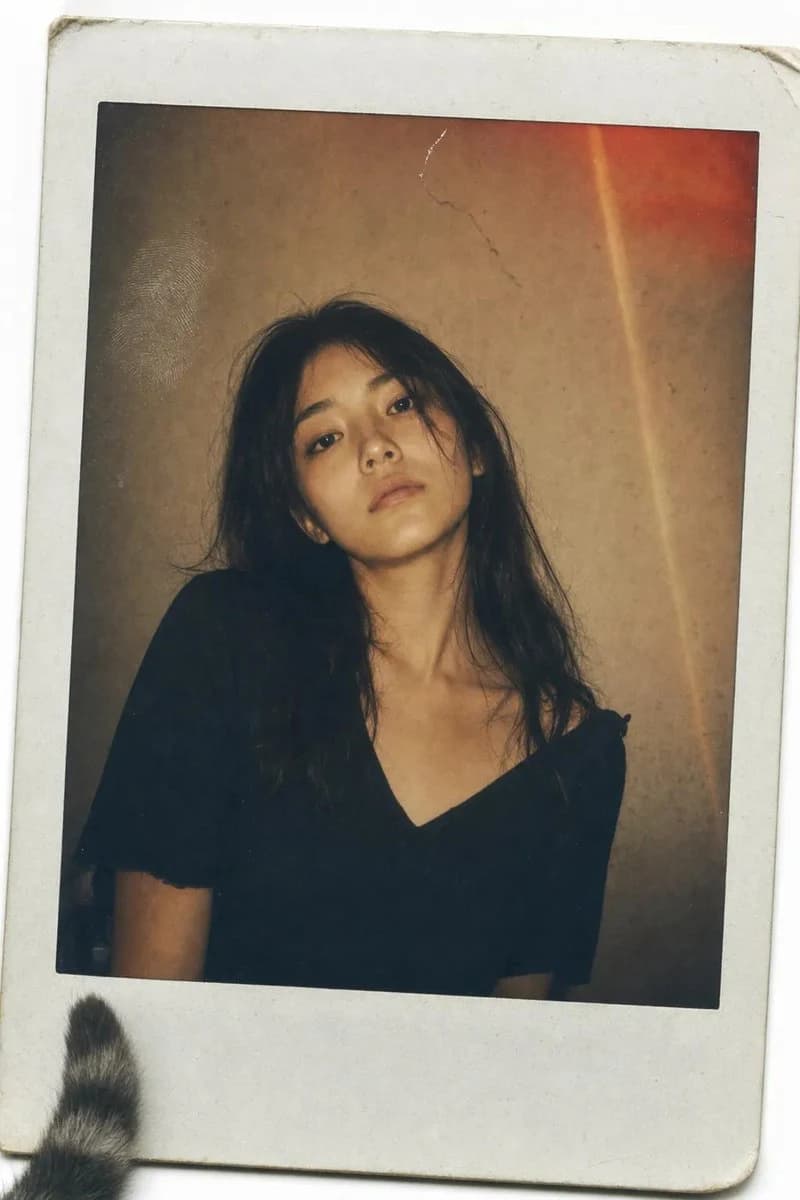
193 wordsA vintage Polaroid instant photograph with a classic thick white border, slightly curled at the edges. The image has been handled roughly—a faint fingerprint visible on the glossy surface, a tiny scratch near the top. A {argument name="subject" default="young Japanese woman"} with {argument name="hair style" default="long, dark, slightly messy hair"} stares directly into the camera. Her expression is not posed—a quiet, tired stillness, her chin slightly raised, her mouth a flat line, as if she was caught between thoughts. She wears a simple {argument name="outfit" default="black V-neck top"}, slightly wrinkled at the shoulder. The lighting is flat and warm, the kind from a cheap living room lamp. The background is a mottled brown-grey wall, unevenly lit, with a small crack near the top. A distinct, reddish-orange light leak bleeds across the upper right corner, and a faint vertical lens flare streaks down the frame—accidents of a dying flash. Soft film grain, slightly desaturated warm sepia tones, muted shadows. The photo feels like it was found in a shoebox, forgotten for twenty years. A stray cat tail peeks from the bottom left corner of the white border.
dutch angle, stray cat tail --ar 9:16About this prompt
Vintage Polaroid Portrait is a ready-to-use social media prompt for GPT Image 2 on Image 2. Copy the 193 words below, paste them into the Create form, and you will get a result close to the preview above. Tweak the Social Media, Fashion, Architecture tag if you want to push it somewhere new.
Use it as a starting point, then adjust the subject, lighting, or composition to suit your idea. The credit cost stays the same whether you use it as written or customize it.
Use case
A strong starting point for Social Media
Start here when you want a social media image inspired by Vintage Polaroid Portrait. The prompt already sets the look and composition; replace the subject, product, colors, or scene details to match your project.
Easy places to tweak
- Subject Swap in your person, product, place, or object without changing the overall composition.
- Look and mood Tune the lighting, palette, camera angle, or materials so the image fits your brand.
- Final format Set the aspect ratio, background, text, or layout notes before you generate.
More prompt paths to explore
Find more GPT Image 2 prompts with a similar style, use case, or subject.
How to use it
- Step 1
Copy the prompt
Hit the Copy button above to grab the full text.
- Step 2
Open Image 2 Create
Head to the Create form and paste it in.
- Step 3
Generate
Hit Generate. Your version lands in seconds.
Make it yours
Load the prompt into the Create form with one click, then start tweaking.