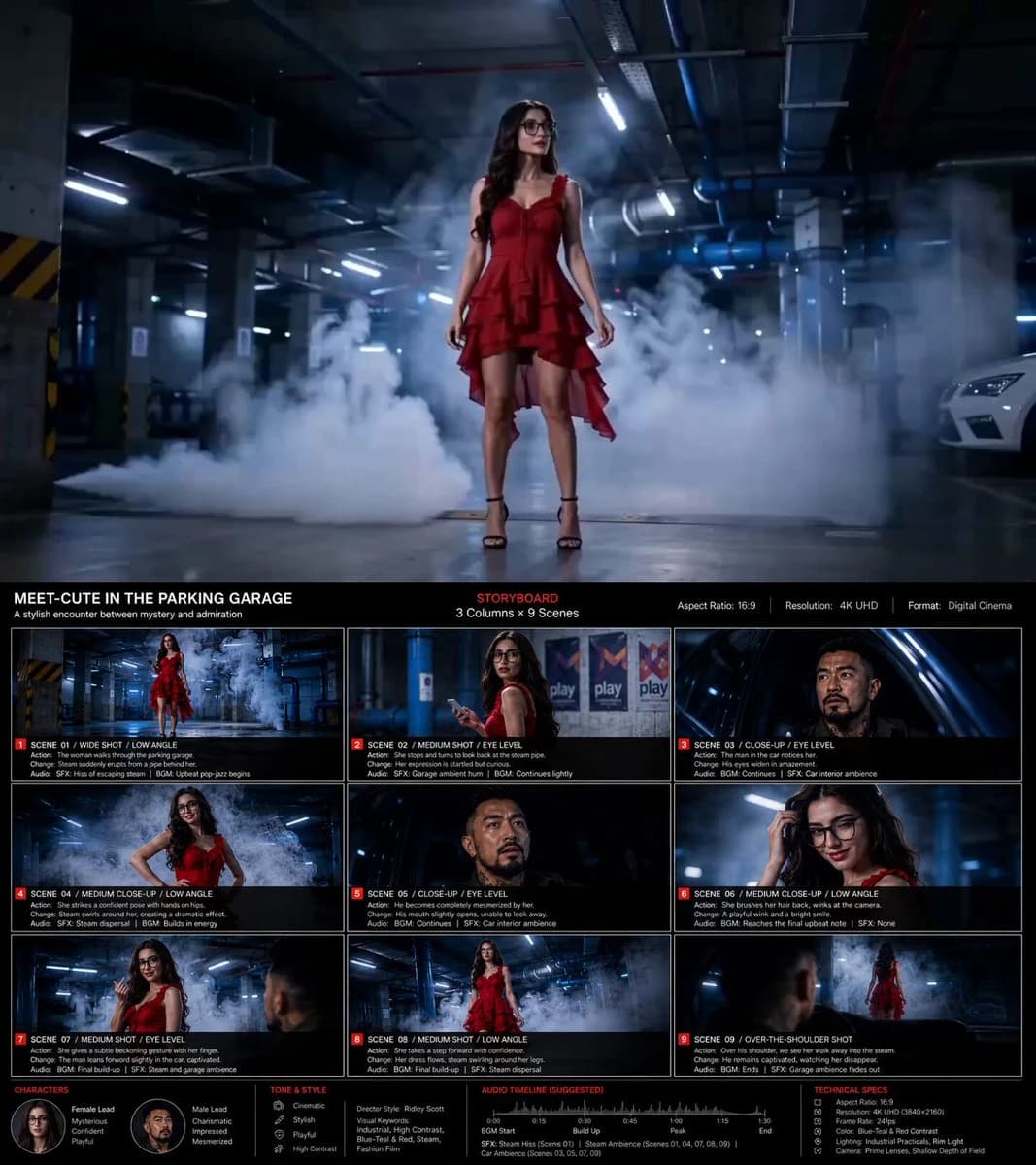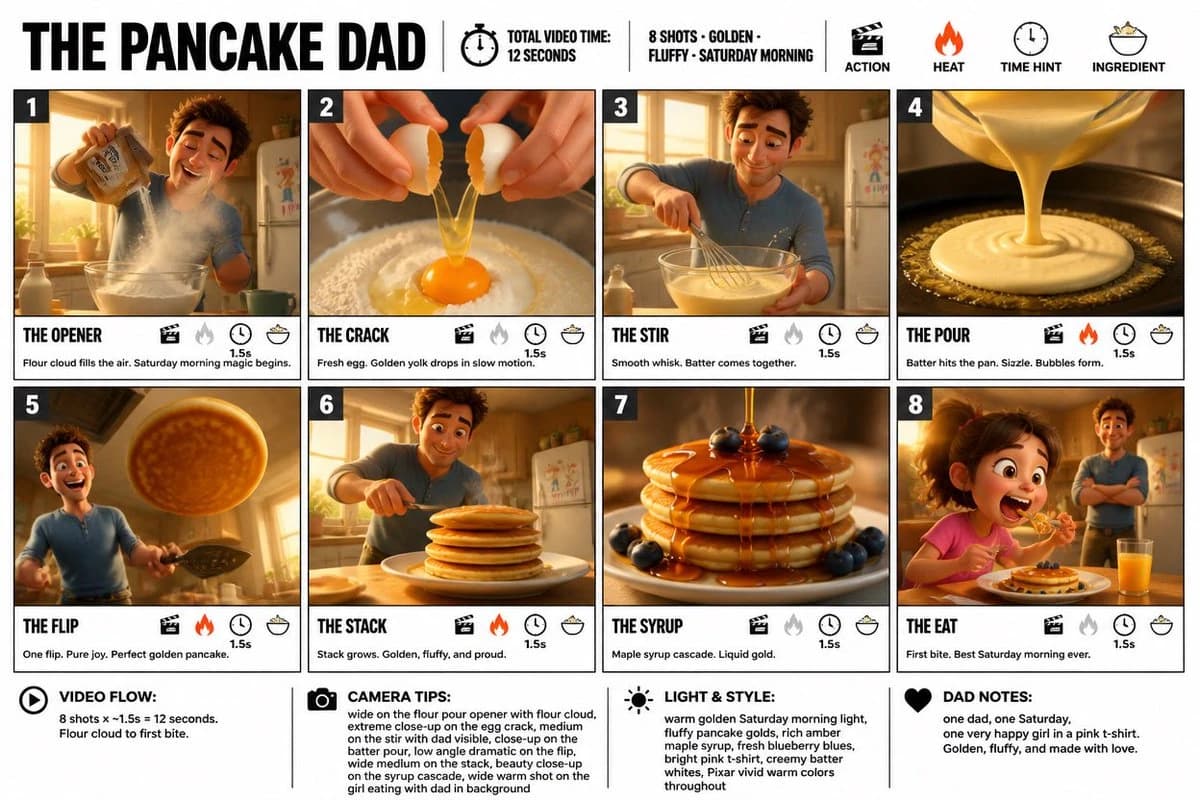
Prompt
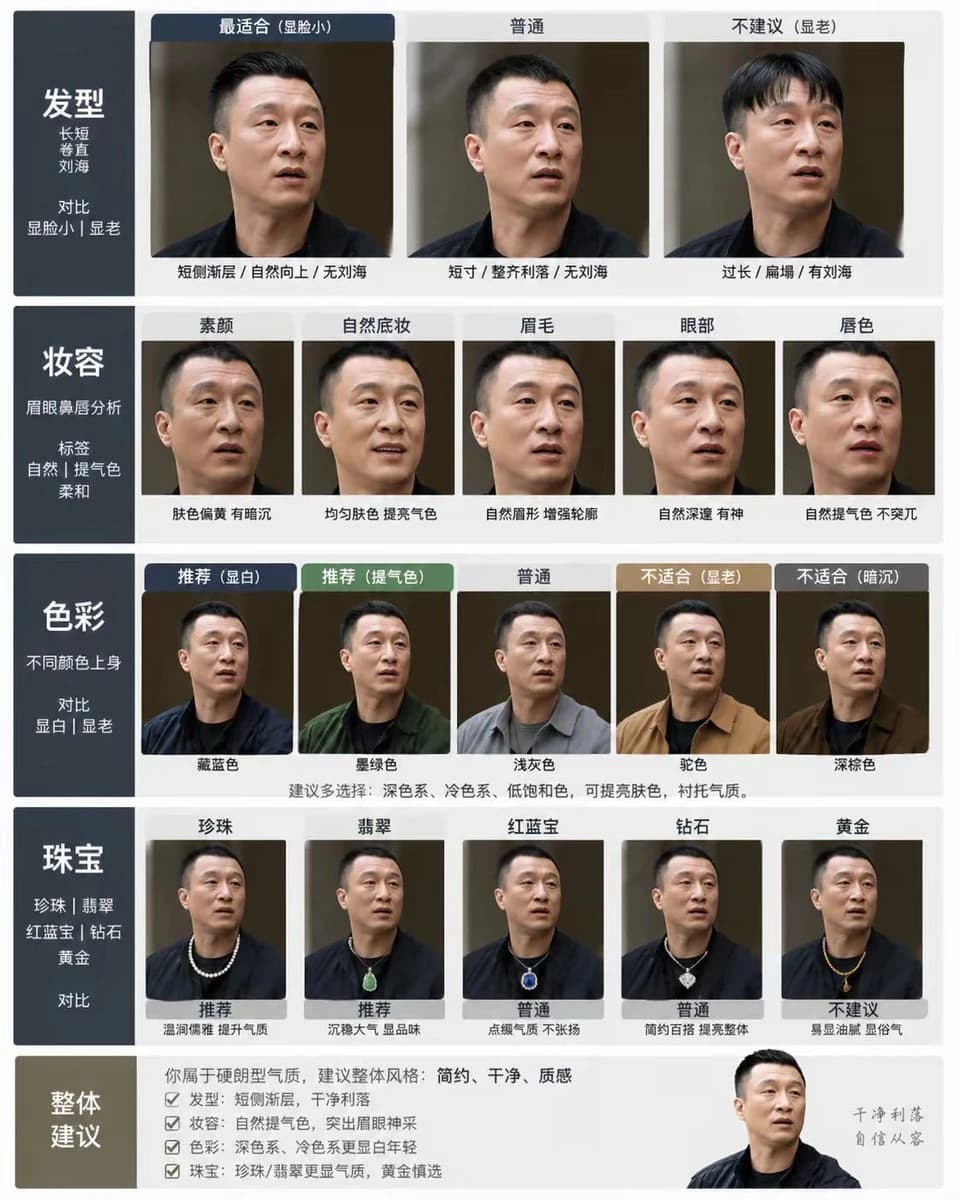
10 wordsGPT-Image-2的一个妙用形象 这个提示词是一个老哥发我的 我试了下,效果也太强了 如果放在一年前 你可能三天三夜的ComfyUI工作流 才能做出来 提示词: 请根据我上传的人像照片,做一套个人形象分析图卡,包含发型、妆容、色彩和珠宝。要求:保留五官脸型肤色,不要过度修图,所有变化在同一张脸真实展示,风格干净高级。发型:长短、卷直、刘海,对比最适合/ 普通/不建议(显脸小、显老)妆容:眉眼鼻唇分析,标签(自然、提气色、柔和)色彩:不同颜色上身,对比推荐/普通/不适合(显白、显老)珠宝:珍珠、翡翠、红蓝宝、钻石、黄金,对比推荐/普通/不建议 整体:视觉为主,文字简短,4:5比例
About this prompt
个人形象分析图卡 is a ready-to-use ui mockup prompt for GPT Image 2 on Image 2. Copy the 10 words below, paste them into the Create form, and you will get a result close to the preview above. Tweak the UI, Mockup tag if you want to push it somewhere new.
Use it as a starting point and keep iterating: change the subject, lighting, or composition until it looks right. The credit cost stays the same whether you run it as-is or remix it.
Use case
A strong starting point for UI Mockup
Start here when you want a ui mockup image in the same direction as 个人形象分析图卡. The prompt already sets the look and structure; swap in your own subject, product, colors, or scene details for the brief you have in mind.
Easy places to tweak
- Subject Swap in your person, product, place, or object without changing the overall composition.
- Look and mood Tune the lighting, palette, camera angle, or materials so the image fits your brand.
- Final format Set the aspect ratio, background, text, or layout notes before you generate.
More prompt paths to explore
Find more GPT Image 2 prompts with a similar style, use case, or subject.
How to use it
- Step 1
Copy the prompt
Hit the Copy button above to grab the full text.
- Step 2
Open Image 2 Create
Head to the Create form and paste it in.
- Step 3
Generate
Hit Generate. Your version lands in seconds.
Make it yours
Load the prompt into the Create form with one click, then start tweaking.