Prompt
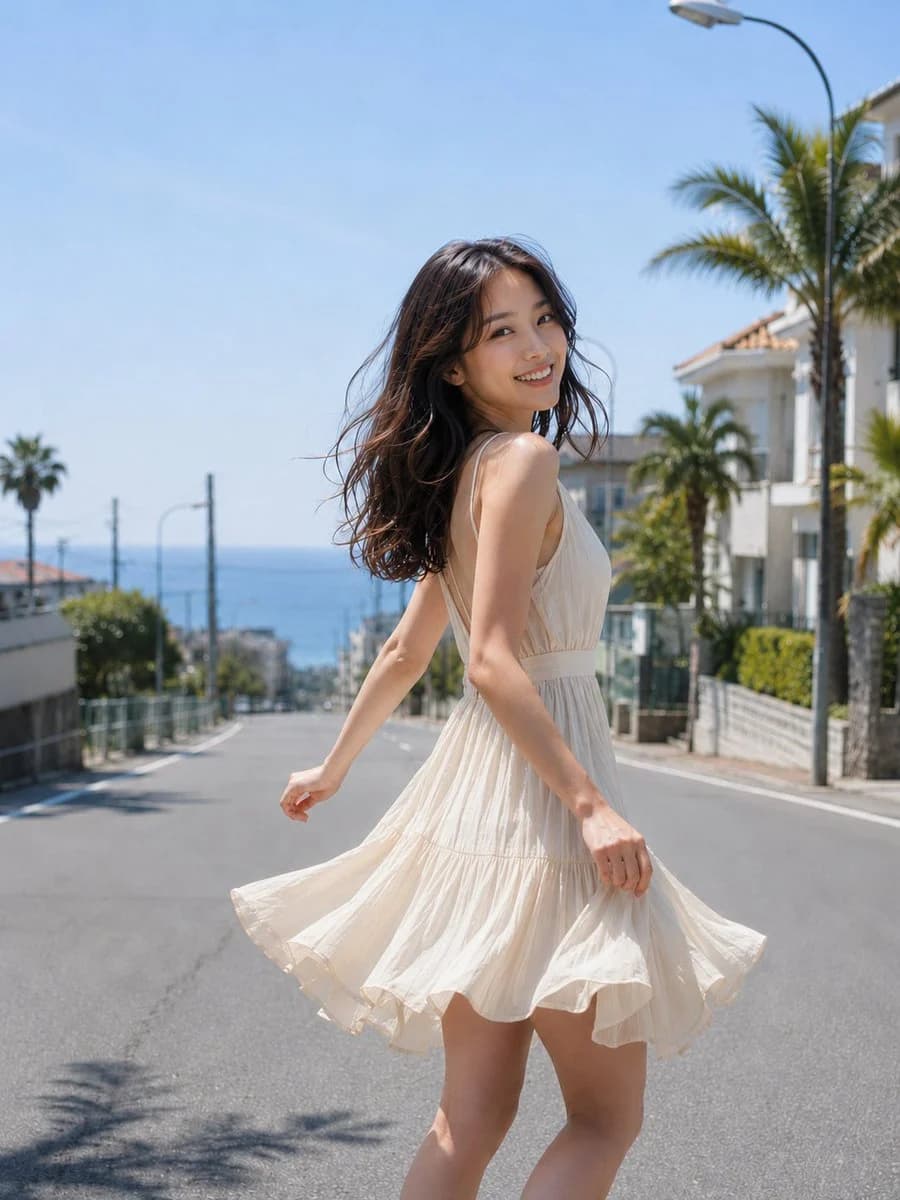
413 wordsSubject: Sea Breeze Slope
Person/Expression:
{argument name="age" default="20-something woman"}. Natural and mature atmosphere, healthy expression without childishness. Blackish-brown medium hair loosely curled, with ends flowing lightly in the sea breeze. Transparent Japanese photography makeup, thin base, natural complexion, realistic skin texture. Looking back over the shoulder at the camera with a bright and open smile.
Clothing/Pose:
Maintain the person, expression, background, and composition of the generated photo, adjusting only the clothing to an atmosphere close to the reference image. {argument name="clothing" default="Light ivory sleeveless dress"}, thin shoulder straps, clean open back design, chest elegantly covered, naturally cinched at the waist. Short, airy pleated skirt material, with the hem drawing a circle with the wind and rotation. Right hand lightly pinches the edge of the skirt, left arm flows naturally behind. The body makes a half-turn while moving toward the back of the slope, weight on one leg. Exposure is elegant, avoiding transparency or excessive sexual expression.
Background/Light:
{argument name="location" default="Slope with a view of the sea"}. Blue sea in the background, white houses on the left and right, palm trees, low walls, and blurred cityscape in the distance. Sunny summer day, the sky is a clear pale blue. Main light is strong sunlight from the upper right, brightly illuminating the hair outline and shoulders. Soft reflected light from buildings and roads on the left. Shadows fall from the feet to the lower left, with faint palm leaf shadows on the road surface.
Composition/Camera:
Vertical composition. Full-body leaning portrait from above the knees to above the head. Person is slightly right of center, body occupying about 65% of the screen. Depth is created by the slope road lines and housing on both sides, leaving visual guidance toward the sea. Camera at chest height, relatively close-range eye level. Shallow background blur, focus on the face and skirt hem. Natural telephoto-like compression.
Texture/Style:
High-quality Japanese photography. Meticulously depicting summer sunlight, fine wrinkles in white cloth, shadows of thin cotton material, fine hair strands, and natural skin pores. Bright high-key bias but not overexposed, with blue sky and ivory clothes harmonizing refreshingly. Avoid excessive HDR or overly artificial AI vibes, opting for natural photographic expression with a sense of daily life.
Negative:
Underage-looking expressions, neoteny, excessive exposure, see-through clothes, exposed points, unnatural faces or gaze, duplication of the same face, extra or missing fingers, fused limbs, broken joints, fabric movement defying gravity, unnatural shadows, excessive skin correction, plastic skin, text, logos, watermarks, background signboard text, excessive HDR.About this prompt
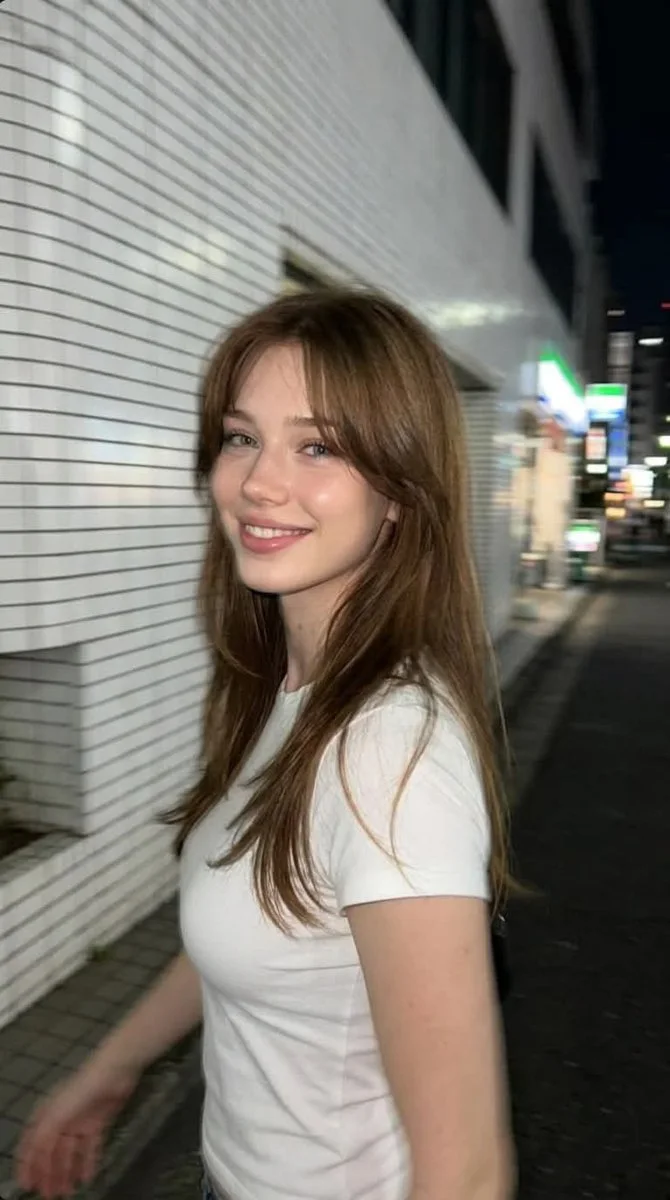
Seaside Slope Summer Portrait is a ready-to-use social media prompt for GPT Image 2 on Image 2. Copy the 413 words below, paste them into the Create form, and you will get a result close to the preview above. Tweak the Social Media, Fashion, Travel tag if you want to push it somewhere new.
Use it as a starting point, then adjust the subject, lighting, or composition to suit your idea. The credit cost stays the same whether you use it as written or customize it.
Use case
A strong starting point for Social Media
Start here when you want a social media image inspired by Seaside Slope Summer Portrait. The prompt already sets the look and composition; replace the subject, product, colors, or scene details to match your project.
Easy places to tweak
- Subject Swap in your person, product, place, or object without changing the overall composition.
- Look and mood Tune the lighting, palette, camera angle, or materials so the image fits your brand.
- Final format Set the aspect ratio, background, text, or layout notes before you generate.
More prompt paths to explore
Find more GPT Image 2 prompts with a similar style, use case, or subject.
How to use it
- Step 1
Copy the prompt
Hit the Copy button above to grab the full text.
- Step 2
Open Image 2 Create
Head to the Create form and paste it in.
- Step 3
Generate
Hit Generate. Your version lands in seconds.
Make it yours
Load the prompt into the Create form with one click, then start tweaking.