Prompt
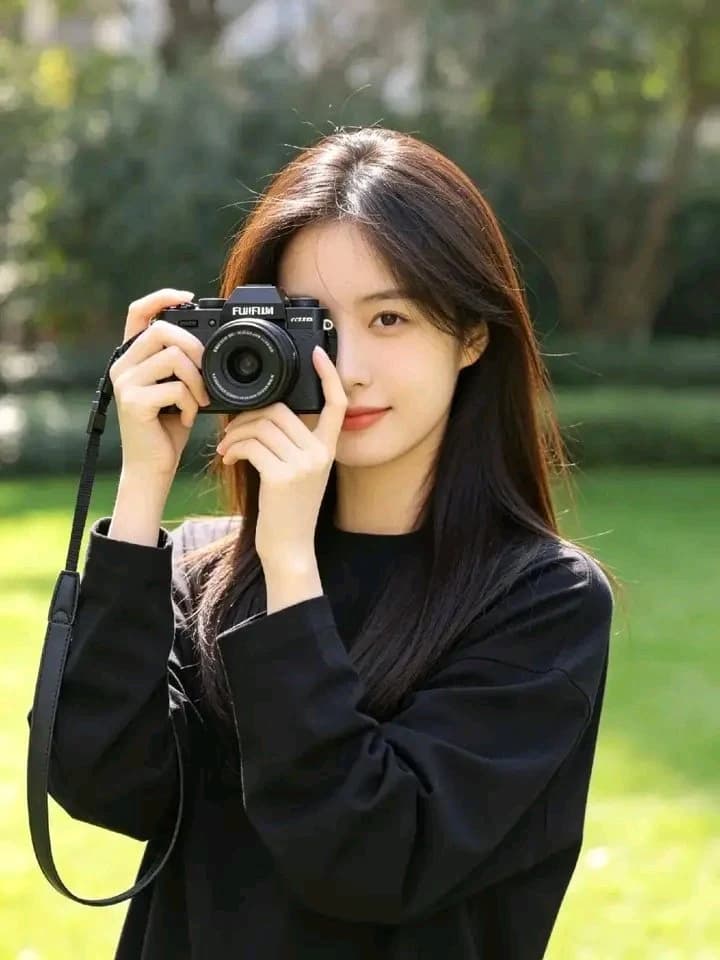
137 wordsUltra-realistic Korean lifestyle portrait of a {argument name="subject" default="beautiful young East Asian woman"} standing in a lush green park on a bright sunny morning, holding a premium black mirrorless camera close to one eye as if taking a photograph. Long silky dark-brown hair flowing naturally with a soft side part, glowing fair skin, delicate facial features, gentle smile, minimal natural makeup, expressive brown eyes. Casual {argument name="outfit" default="oversized solid black (or pure white) sweatshirt"} with relaxed sleeves, no logos. Fresh outdoor atmosphere with vibrant green trees, soft sunlight filtering through leaves, creamy background bokeh, authentic candid photography vibe. Natural colors, realistic skin texture, cinematic depth of field, {argument name="lens" default="85mm lens"}, f/1.8, DSLR quality, ultra-detailed, editorial fashion photography, 8K, clean composition, peaceful Korean aesthetic, no heavy AI look, no extra fingers, no blur, no watermark, no text.About this prompt
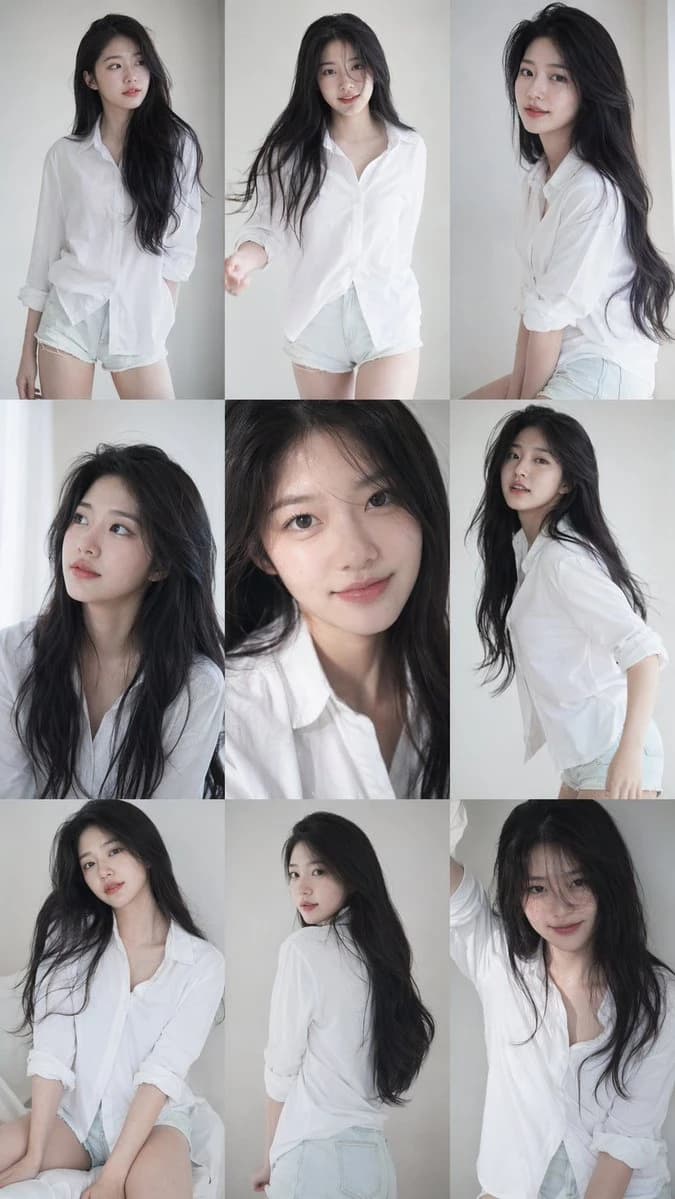
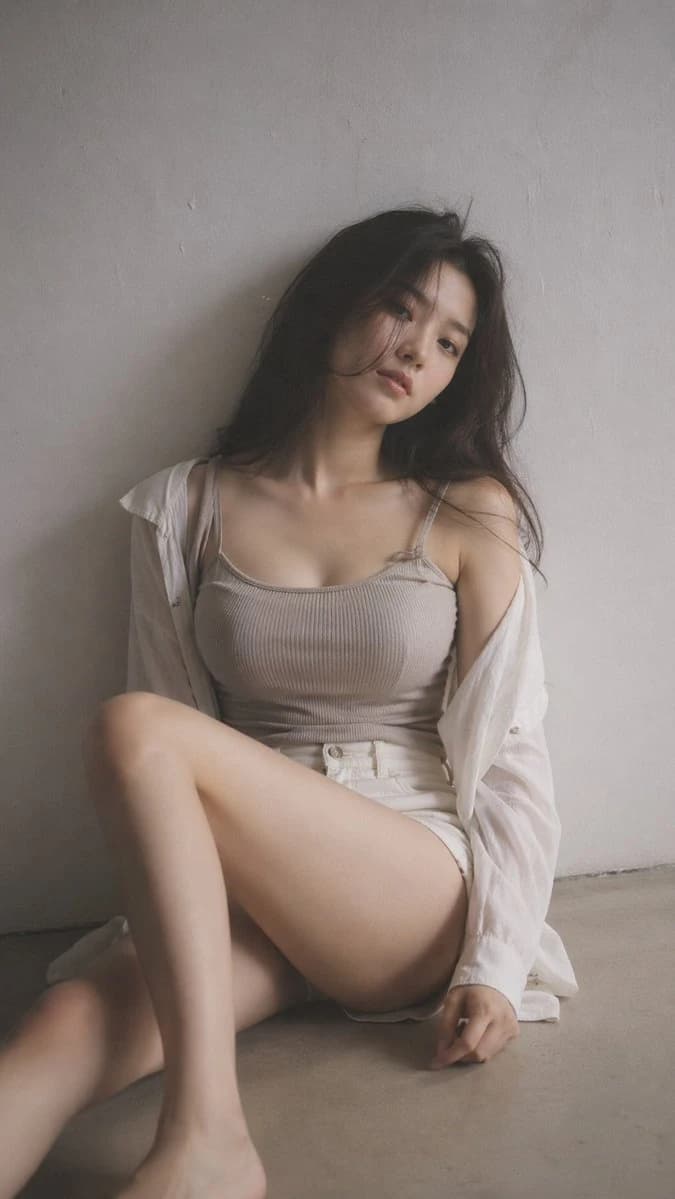
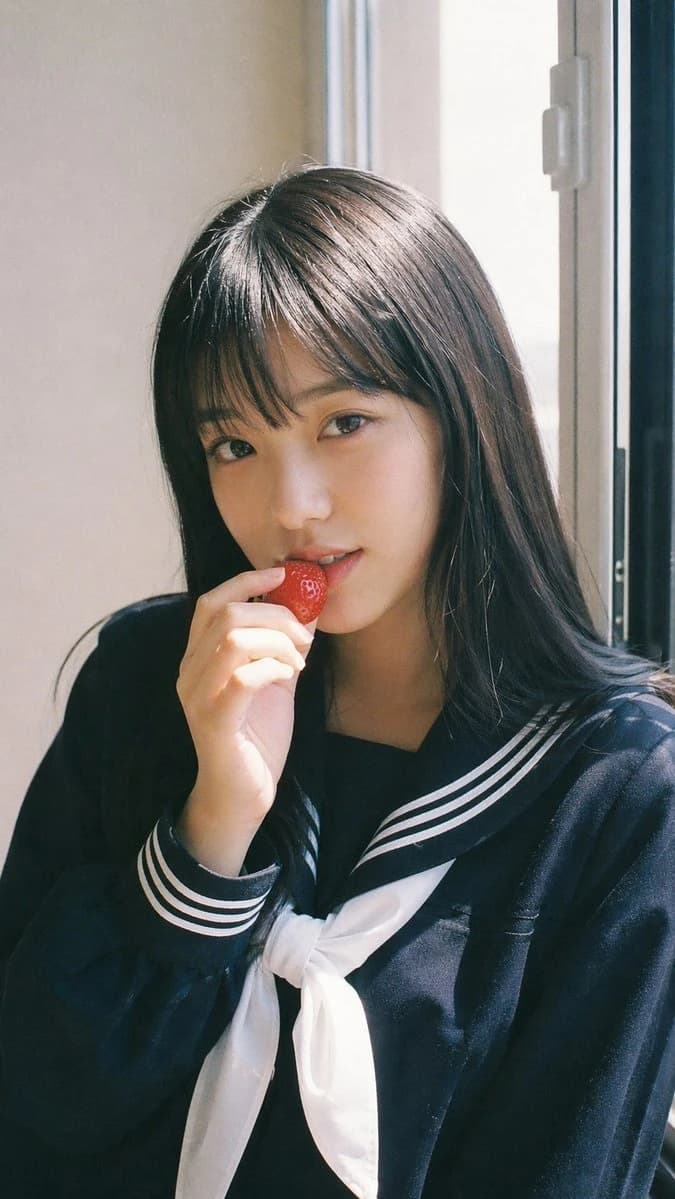
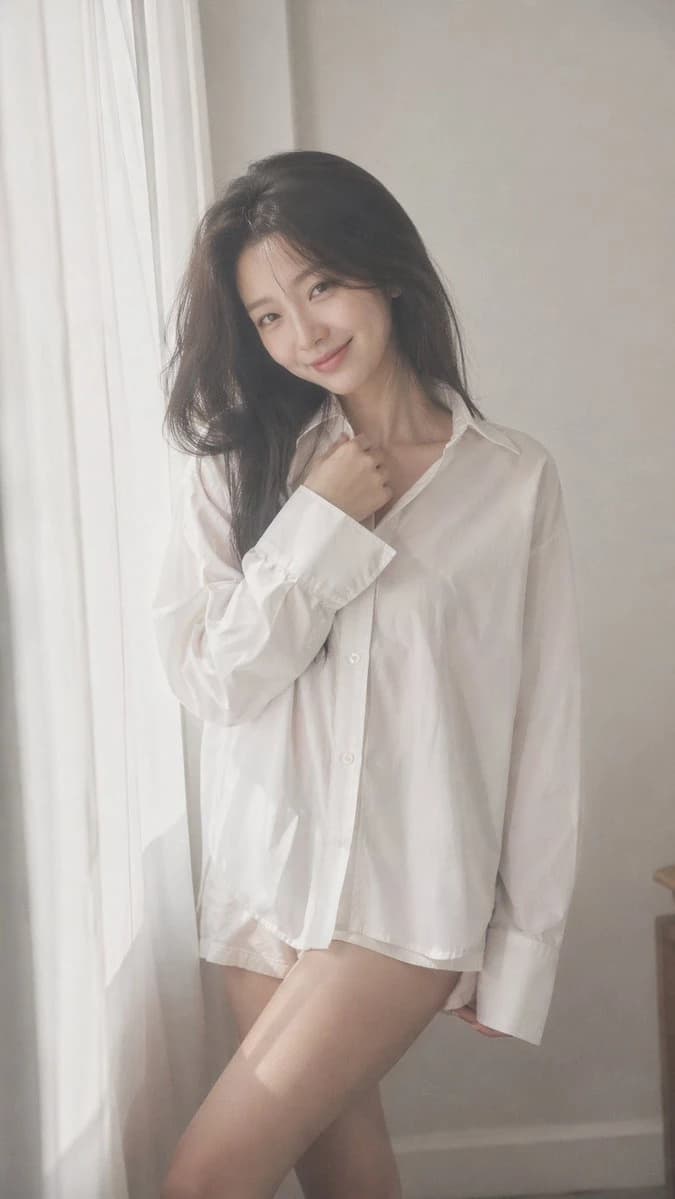
Photorealistic Korean Photographer Portrait is a ready-to-use portrait prompt for GPT Image 2 on Image 2. Copy the 137 words below, paste them into the Create form, and you will get a result close to the preview above. Tweak the Portrait, Fashion, Beauty tag if you want to push it somewhere new.
Use it as a starting point, then adjust the subject, lighting, or composition to suit your idea. The credit cost stays the same whether you use it as written or customize it.
Use case
A strong starting point for Portrait
Start here when you want a portrait image inspired by Photorealistic Korean Photographer Portrait. The prompt already sets the look and composition; replace the subject, product, colors, or scene details to match your project.
Easy places to tweak
- Subject Swap in your person, product, place, or object without changing the overall composition.
- Look and mood Tune the lighting, palette, camera angle, or materials so the image fits your brand.
- Final format Set the aspect ratio, background, text, or layout notes before you generate.
More prompt paths to explore
Find more GPT Image 2 prompts with a similar style, use case, or subject.
How to use it
- Step 1
Copy the prompt
Hit the Copy button above to grab the full text.
- Step 2
Open Image 2 Create
Head to the Create form and paste it in.
- Step 3
Generate
Hit Generate. Your version lands in seconds.
Make it yours
Load the prompt into the Create form with one click, then start tweaking.