Prompt
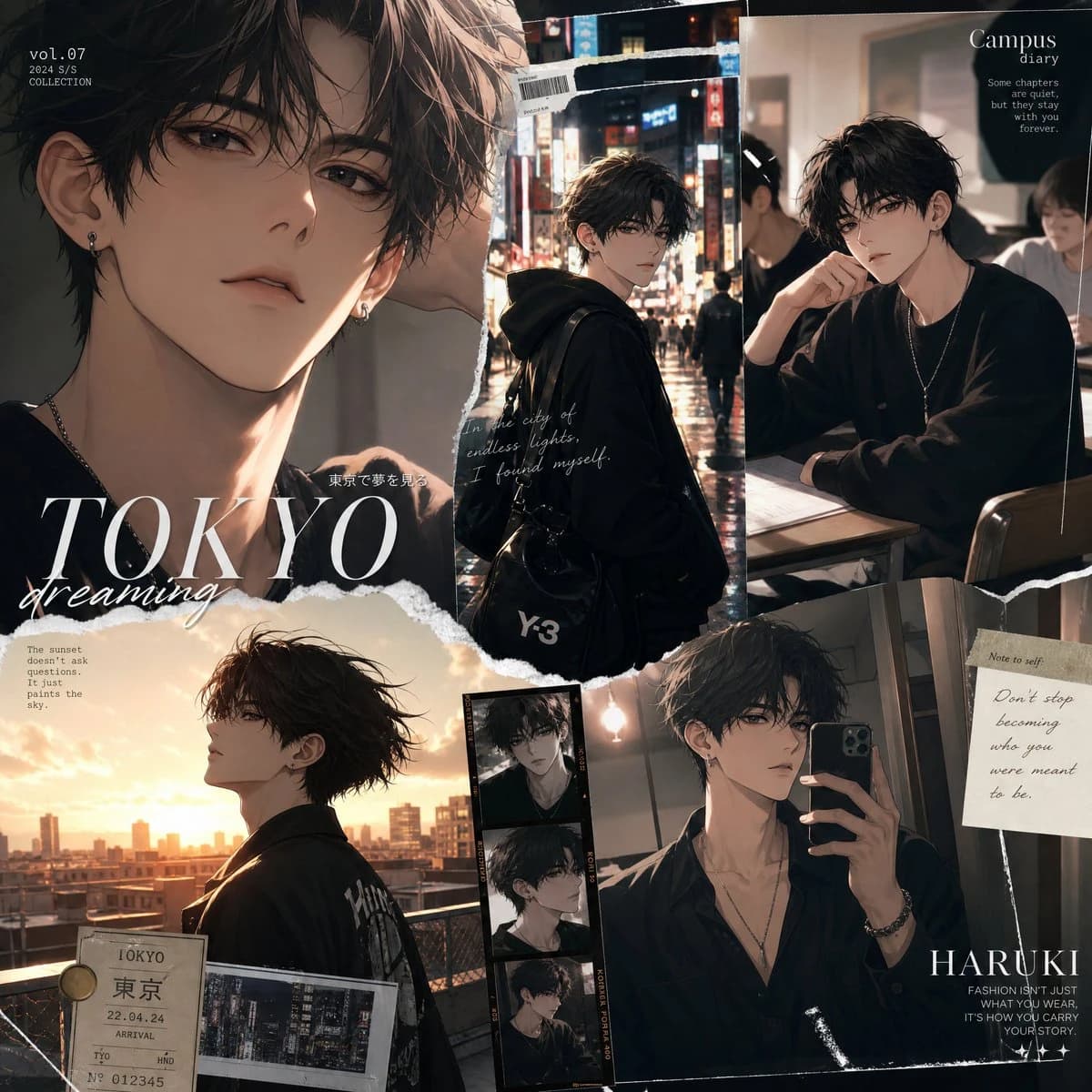
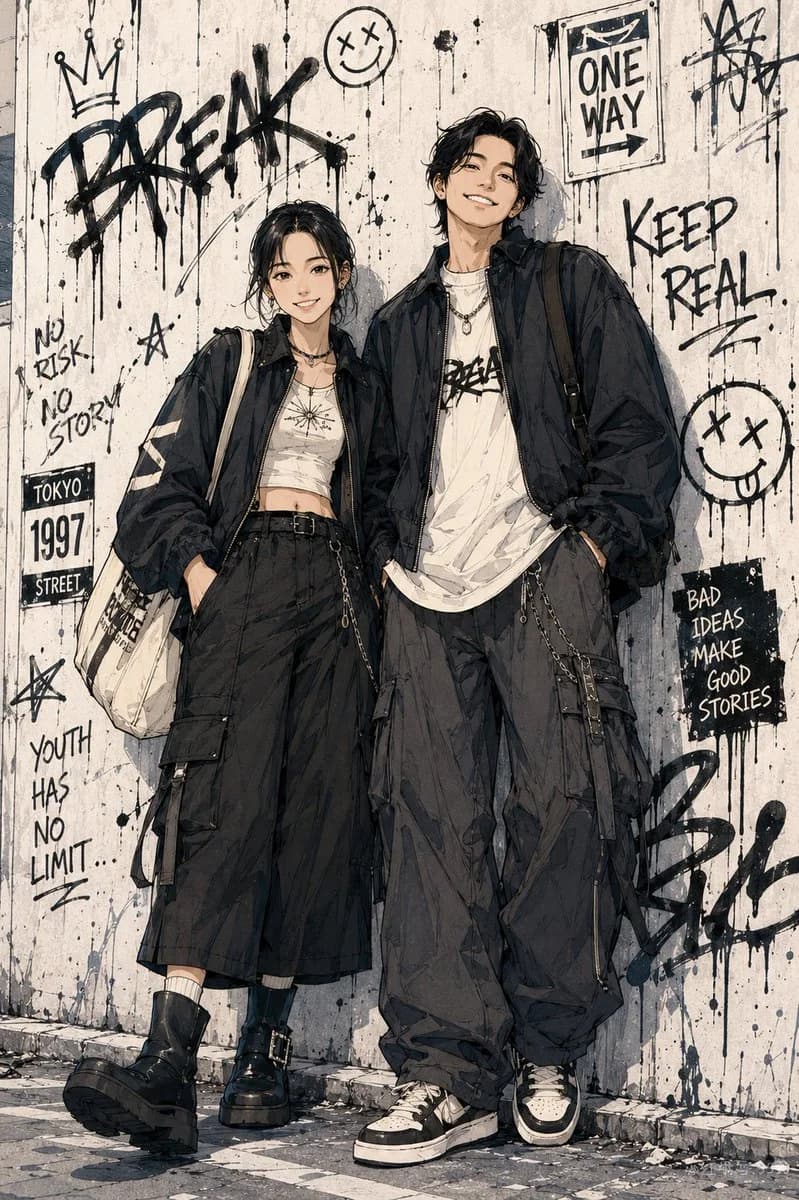
24 words把任意人物照片变成日系热血少年漫画 【每日 GPT Image 2 提示词分享】👇 请基于用户上传的真人照片进行二创,将照片中的人物转化成日系热血少年漫画风 / 都市街头动漫角色海报。 请保留每个人的真实身份特征,包括脸型、五官比例、发型基础、肤色、年龄感、体型关系和整体气质。请重新创作一张全新的全身动漫插画,让所有人物完整入镜,从头到脚都清晰可见。 画风参考:日系少年漫画彩页、都市街头动漫海报、干净有力的黑色线稿、明显动漫化五官、锋利有层次的发丝、清晰衣服褶皱、轻微铅笔草稿感、局部水彩或马克笔上色、低饱和色调、纸张纹理。 请为人物自由设计 Tokyo street fashion 穿搭,风格年轻、松弛、酷感、现实可穿。可以使用 oversized 外套、短款上衣、宽松 T 恤、工装裤、阔腿裤、百褶裙、帆布鞋、厚底鞋、单肩包、耳机、项链、手机、咖啡杯等元素。多人画面中,穿搭需要有颜色或配饰呼应,但不要完全一样。 请自由设计更有动漫海报感的站位和姿势,不要普通并排合照。可以是一前一后、背靠背、走路抓拍、靠墙、坐在台阶与站立错位、一个看镜头一个看侧方、一个走在前面一个回头,整体要有角色关系和分镜感。 请根据人物气质、人数、姿势和穿搭,自由创作一个日系都市漫画场景。可以是东京街头巷口、便利店门口、地铁站出口、旧公寓楼下、学校天台、街边楼梯、复古商店橱窗前、自动贩卖机旁、咖啡店外、夜晚路灯下、雨后街道、城市天桥下、旧海报墙、漫画感城市街区等。 背景可以加入线稿、喷绘、涂鸦、旧海报、门牌号、街头贴纸、手写文字、墨水滴落、箭头、星星、皇冠、小表情、砖墙、台阶、玻璃窗、路牌、自动贩卖机、栏杆、电线、街灯等元素。背景要有空间层次和生活感。 整体氛围:日系少年漫画、都市街头、青春、松弛、酷感、轻微叛逆、时尚杂志插画感、漫画彩页感。
About this prompt
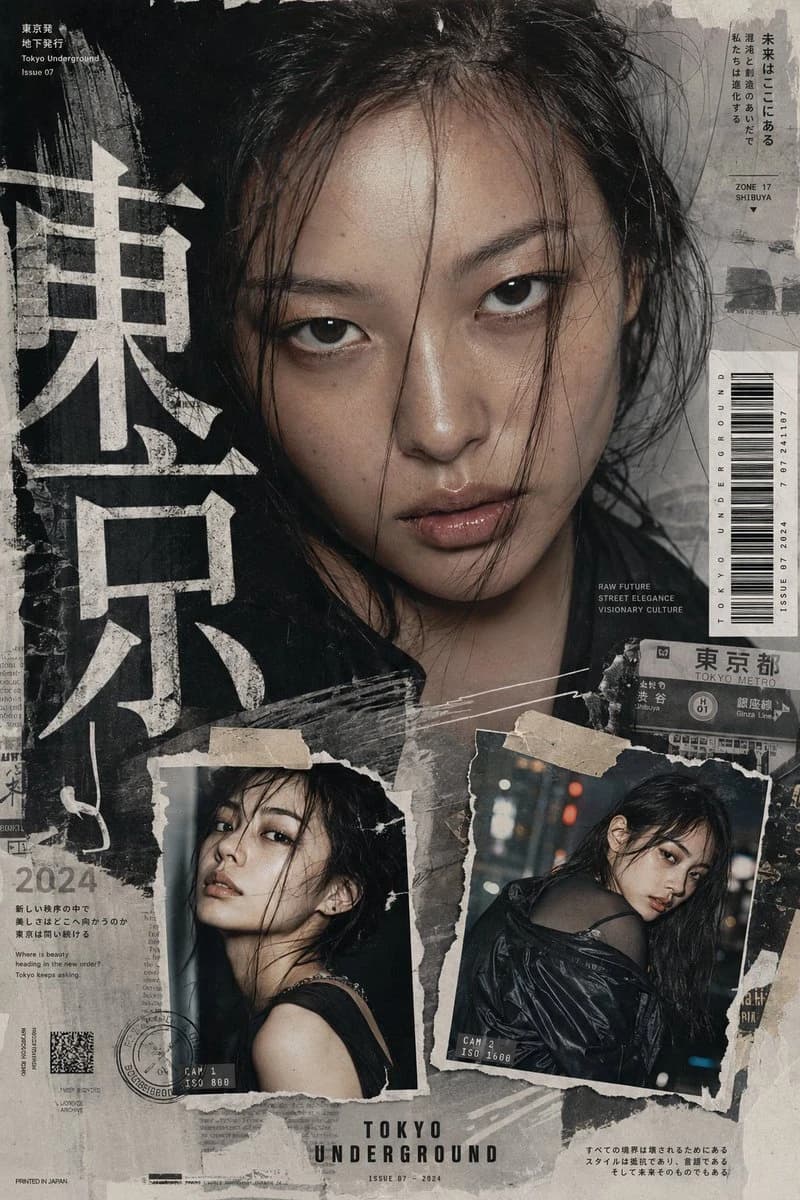
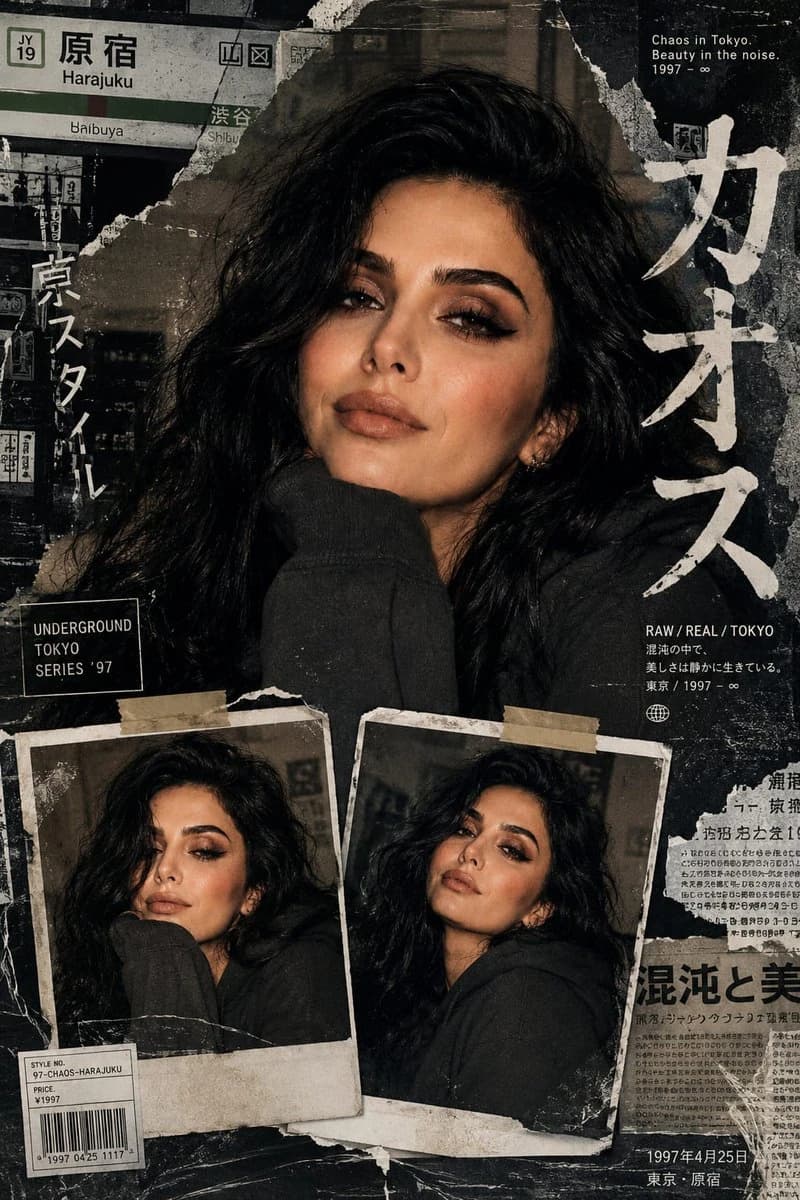
Photo to Tokyo Anime Manga Poster is a ready-to-use portrait prompt for GPT Image 2 on Image 2. Copy the 24 words below, paste them into the Create form, and you will get a result close to the preview above. Tweak the Portrait, Fashion, Travel tag if you want to push it somewhere new.
Use it as a starting point, then adjust the subject, lighting, or composition to suit your idea. The credit cost stays the same whether you use it as written or customize it.
Use case
A strong starting point for Portrait
Start here when you want a portrait image inspired by Photo to Tokyo Anime Manga Poster. The prompt already sets the look and composition; replace the subject, product, colors, or scene details to match your project.
Easy places to tweak
- Subject Swap in your person, product, place, or object without changing the overall composition.
- Look and mood Tune the lighting, palette, camera angle, or materials so the image fits your brand.
- Final format Set the aspect ratio, background, text, or layout notes before you generate.
More prompt paths to explore
Find more GPT Image 2 prompts with a similar style, use case, or subject.
How to use it
- Step 1
Copy the prompt
Hit the Copy button above to grab the full text.
- Step 2
Open Image 2 Create
Head to the Create form and paste it in.
- Step 3
Generate
Hit Generate. Your version lands in seconds.
Make it yours
Load the prompt into the Create form with one click, then start tweaking.