Prompt
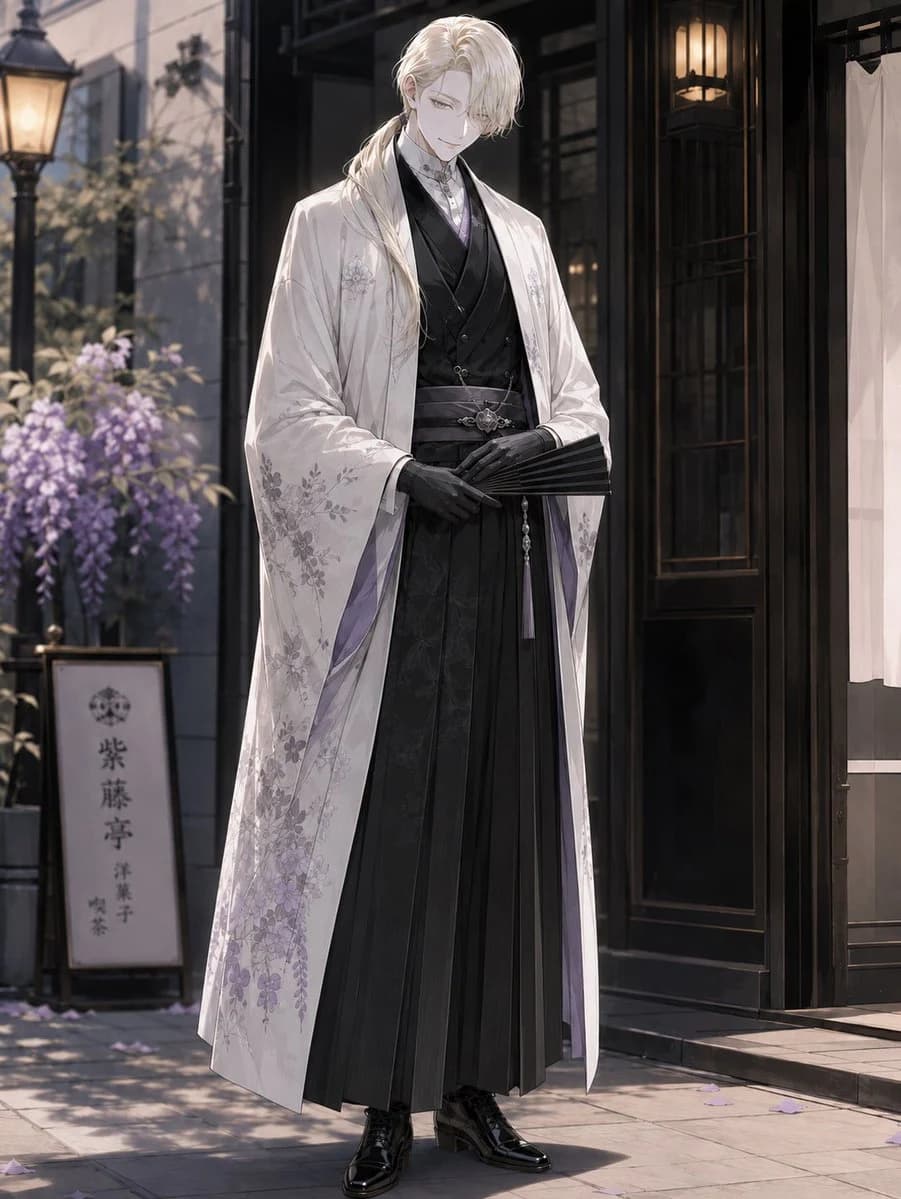
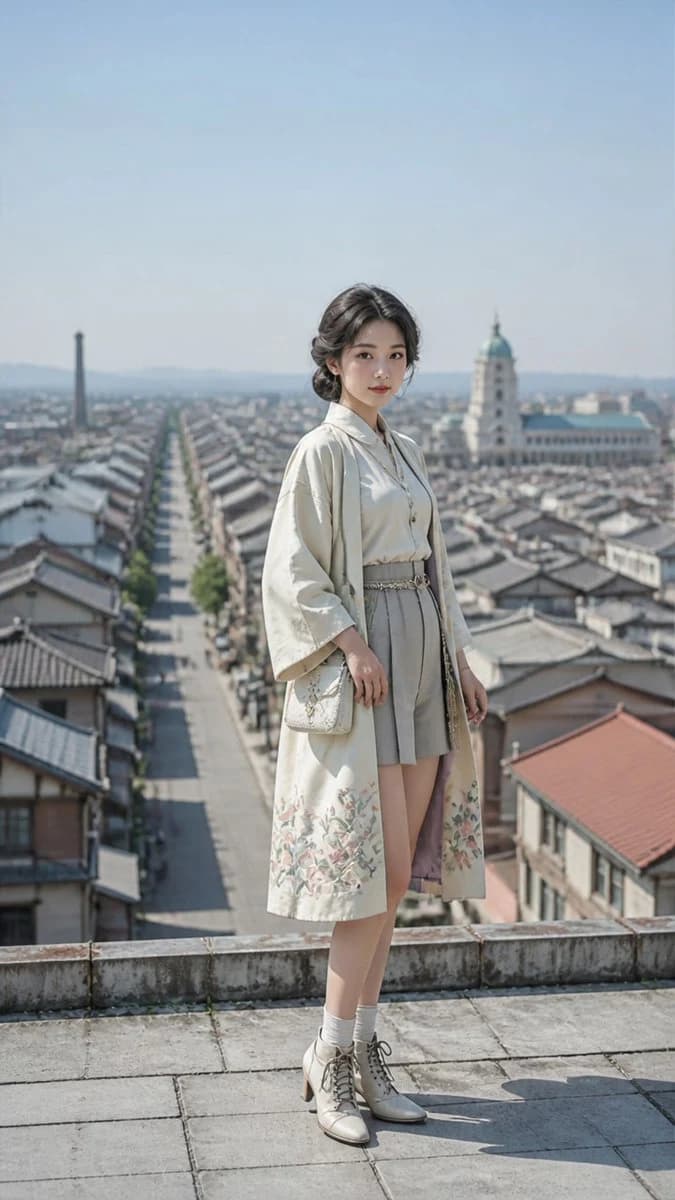
126 wordsA realistic Meiji romance editorial portrait of an adult {argument name="age" default="18-year-old"} {argument name="subject" default="Japanese woman"}, Petite, spring season only, clear sunny daytime, bright blue sky, crisp daylight, elegant side bun with a polished finish, mysterious gentle smile, looking at viewer, wearing {argument name="clothing" default="vintage clothes, kimono"}, 1920s fashion, miniskirt, boots, bright light-colored clothing palette, soft pastel colors, airy cheerful styling, background: city, 9:16 vertical composition, portrait orientation, aerial drone shot capturing scene with grid-like patterns, background remains coherent with the subject and naturally recognizable, standing pose only, full body or three-quarter standing portrait, no sitting, no seated pose, elegant modest vintage styling, refined posture, subject centered, natural perspective, realistic shadows, natural fabric texture, Meiji-era atmosphere, high quality realistic photography, photographic realism, no illustrated sky effectsAbout this prompt
Meiji Romance Editorial Portrait is a ready-to-use social media prompt for GPT Image 2 on Image 2. Copy the 126 words below, paste them into the Create form, and you will get a result close to the preview above. Tweak the Social Media, Fashion, Vintage tag if you want to push it somewhere new.
Use it as a starting point, then adjust the subject, lighting, or composition to suit your idea. The credit cost stays the same whether you use it as written or customize it.
Use case
A strong starting point for Social Media
Start here when you want a social media image inspired by Meiji Romance Editorial Portrait. The prompt already sets the look and composition; replace the subject, product, colors, or scene details to match your project.
Easy places to tweak
- Subject Swap in your person, product, place, or object without changing the overall composition.
- Look and mood Tune the lighting, palette, camera angle, or materials so the image fits your brand.
- Final format Set the aspect ratio, background, text, or layout notes before you generate.
More prompt paths to explore
Find more GPT Image 2 prompts with a similar style, use case, or subject.
How to use it
- Step 1
Copy the prompt
Hit the Copy button above to grab the full text.
- Step 2
Open Image 2 Create
Head to the Create form and paste it in.
- Step 3
Generate
Hit Generate. Your version lands in seconds.
Make it yours
Load the prompt into the Create form with one click, then start tweaking.