Prompt
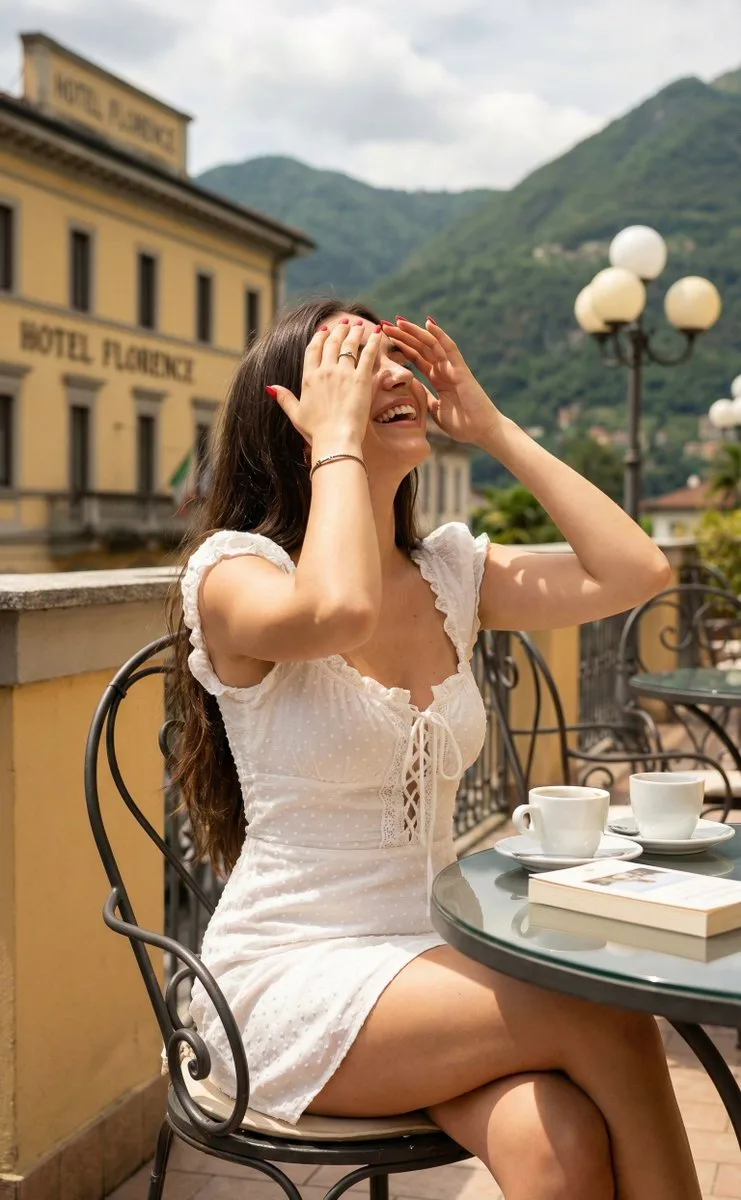
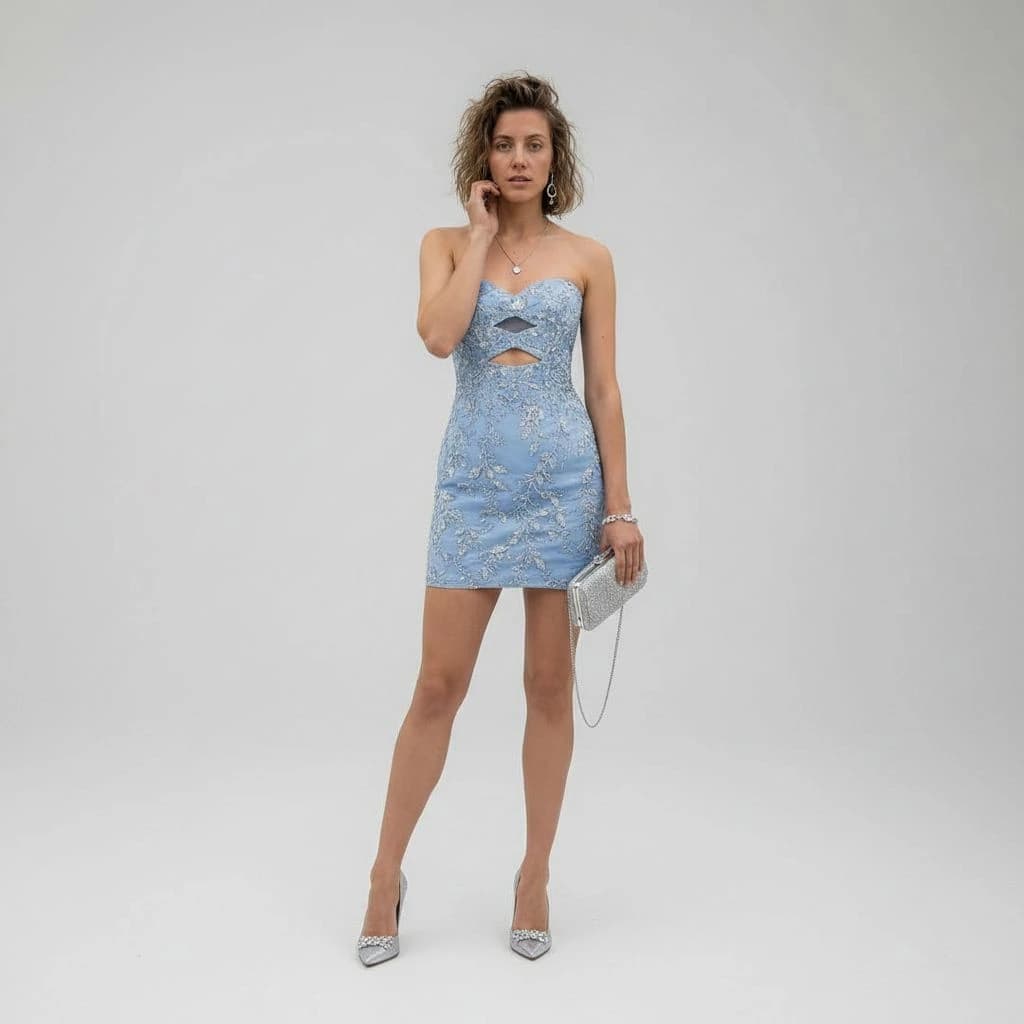
125 wordsUsing REFERENCE_0 as the subject base, transform the casual desert snapshot into a full-body luxury fashion studio portrait. Replace the denim jacket, tank top, and shorts with a fitted strapless mini cocktail dress in {argument name="dress color" default="powder blue"} with ornate silver floral embroidery and exactly 2 geometric cutouts at the chest and upper waist. Change the setting to a clean seamless light-gray studio background with polished high-end editorial styling. Add 1 silver clutch with a thin chain strap in the subject's right hand and 1 pair of pointed silver high heels. Refine the pose into an elegant standing fashion pose with one hand near the face, keep the same person and hair identity, and apply soft cinematic luxury lighting with crisp 8K fashion-photography detail.About this prompt
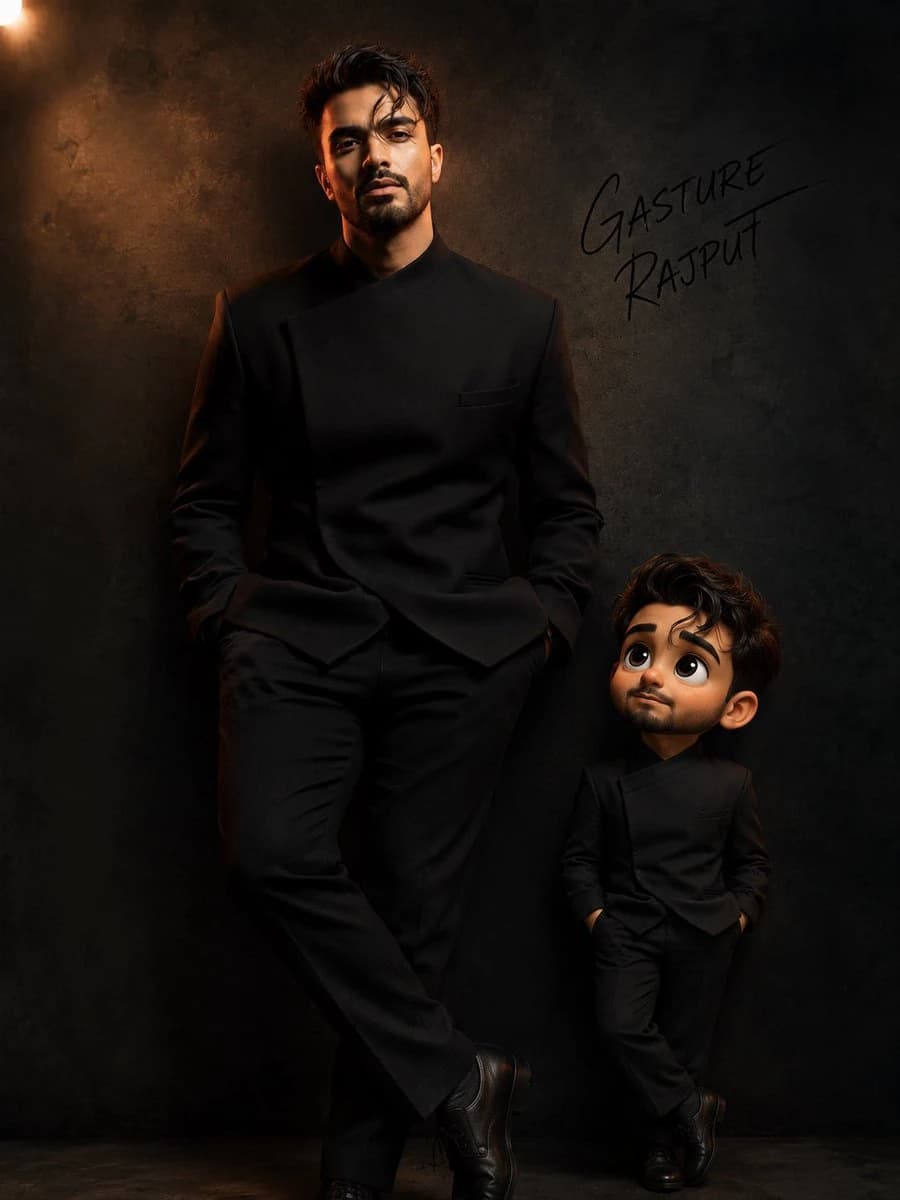
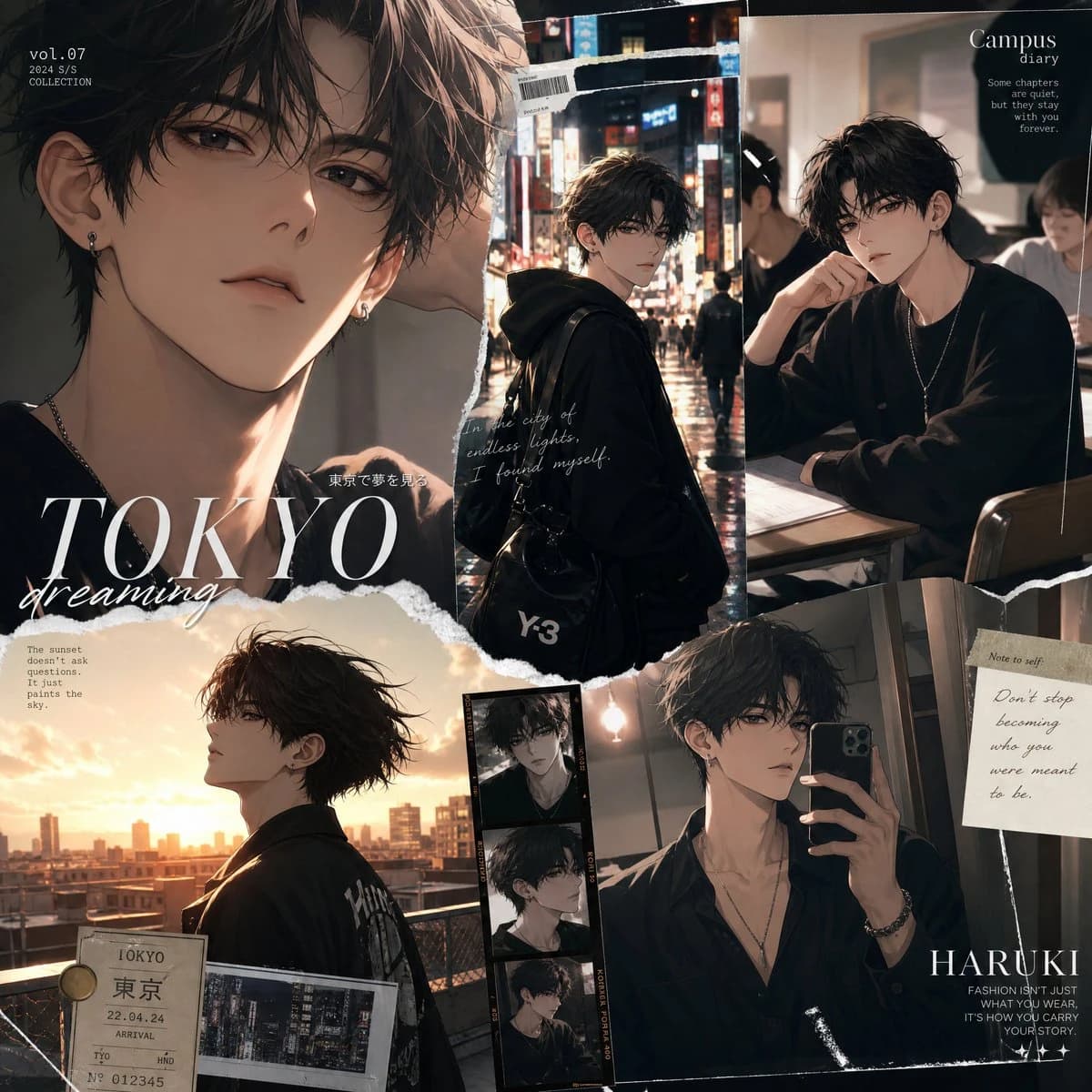
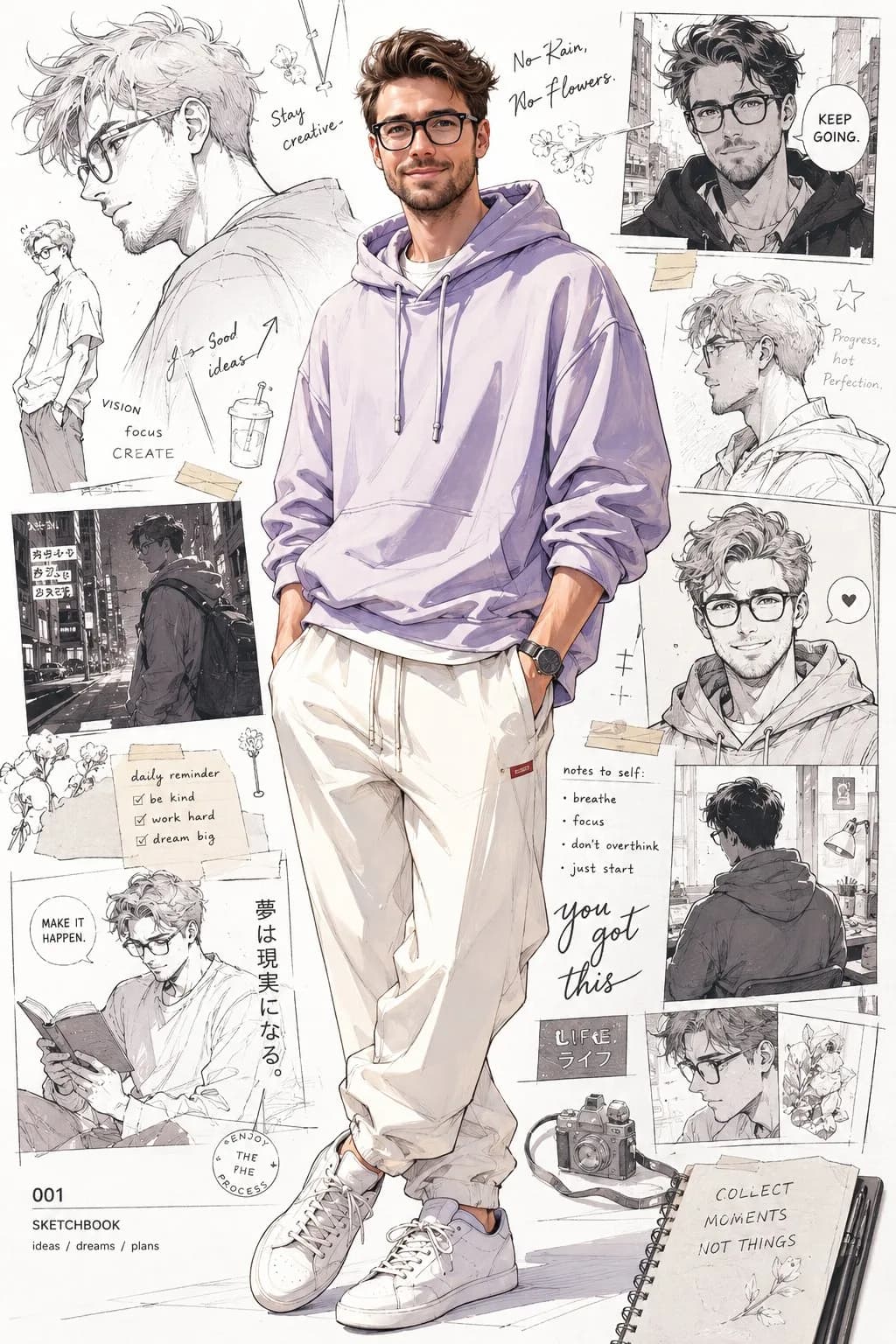
Luxury Studio Outfit Transformation is a ready-to-use portrait prompt for GPT Image 2 on Image 2. Copy the 125 words below, paste them into the Create form, and you will get a result close to the preview above. Tweak the Portrait, Fashion, Luxury tag if you want to push it somewhere new.
Use it as a starting point, then adjust the subject, lighting, or composition to suit your idea. The credit cost stays the same whether you use it as written or customize it.
Use case
A strong starting point for Portrait
Start here when you want a portrait image inspired by Luxury Studio Outfit Transformation. The prompt already sets the look and composition; replace the subject, product, colors, or scene details to match your project.
Easy places to tweak
- Subject Swap in your person, product, place, or object without changing the overall composition.
- Look and mood Tune the lighting, palette, camera angle, or materials so the image fits your brand.
- Final format Set the aspect ratio, background, text, or layout notes before you generate.
More prompt paths to explore
Find more GPT Image 2 prompts with a similar style, use case, or subject.
How to use it
- Step 1
Copy the prompt
Hit the Copy button above to grab the full text.
- Step 2
Open Image 2 Create
Head to the Create form and paste it in.
- Step 3
Generate
Hit Generate. Your version lands in seconds.
Make it yours
Load the prompt into the Create form with one click, then start tweaking.