Prompt
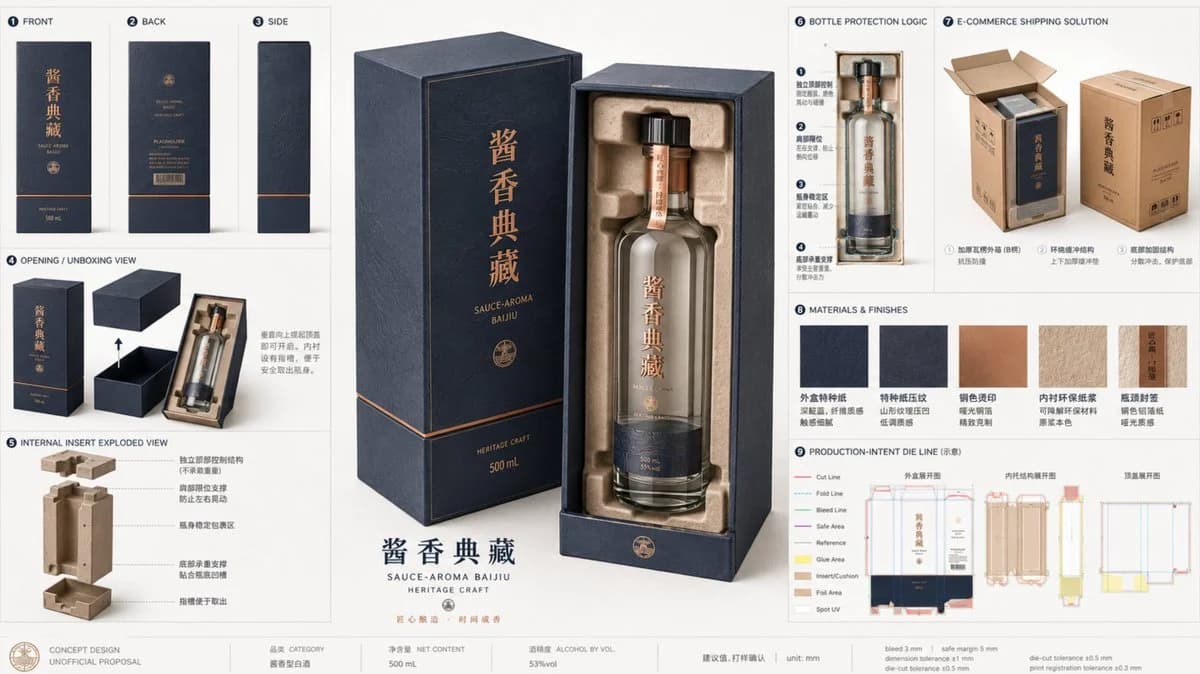
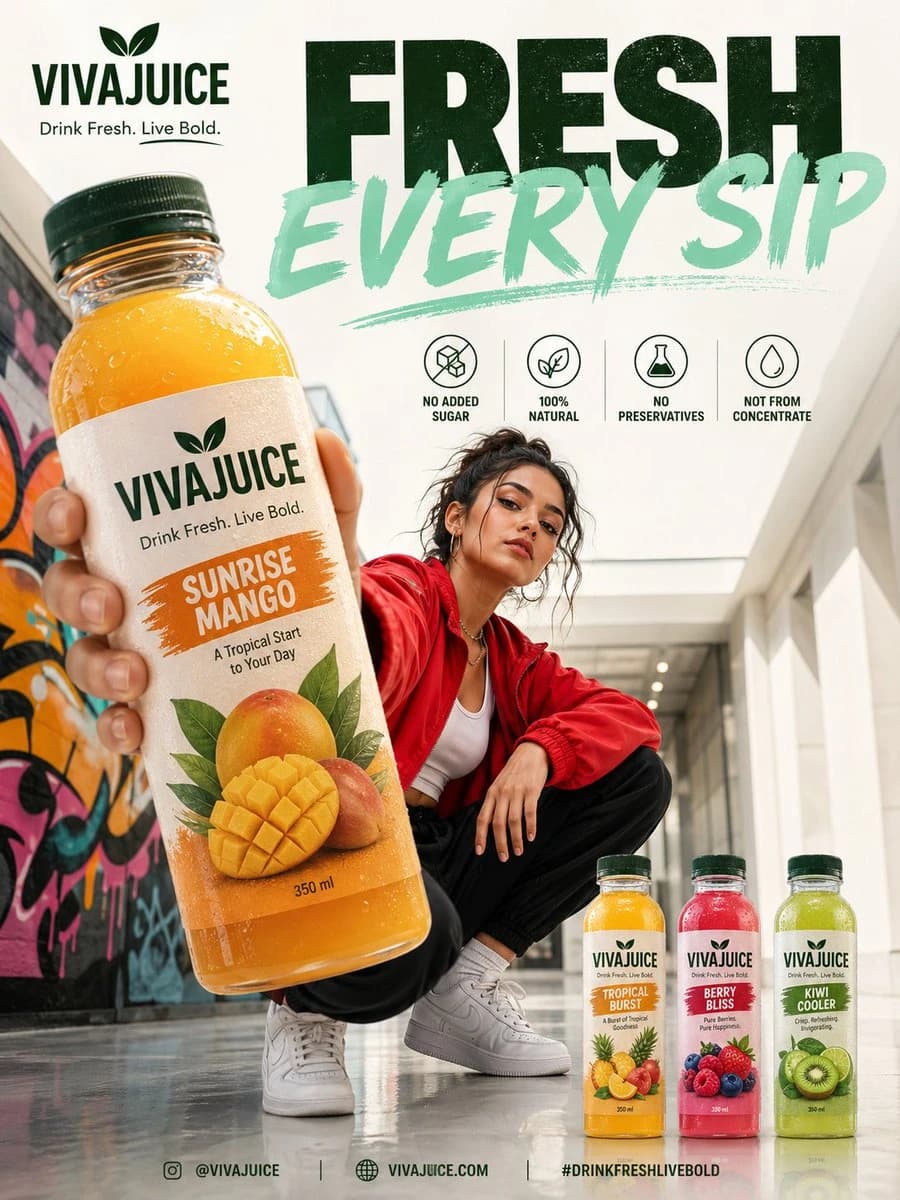
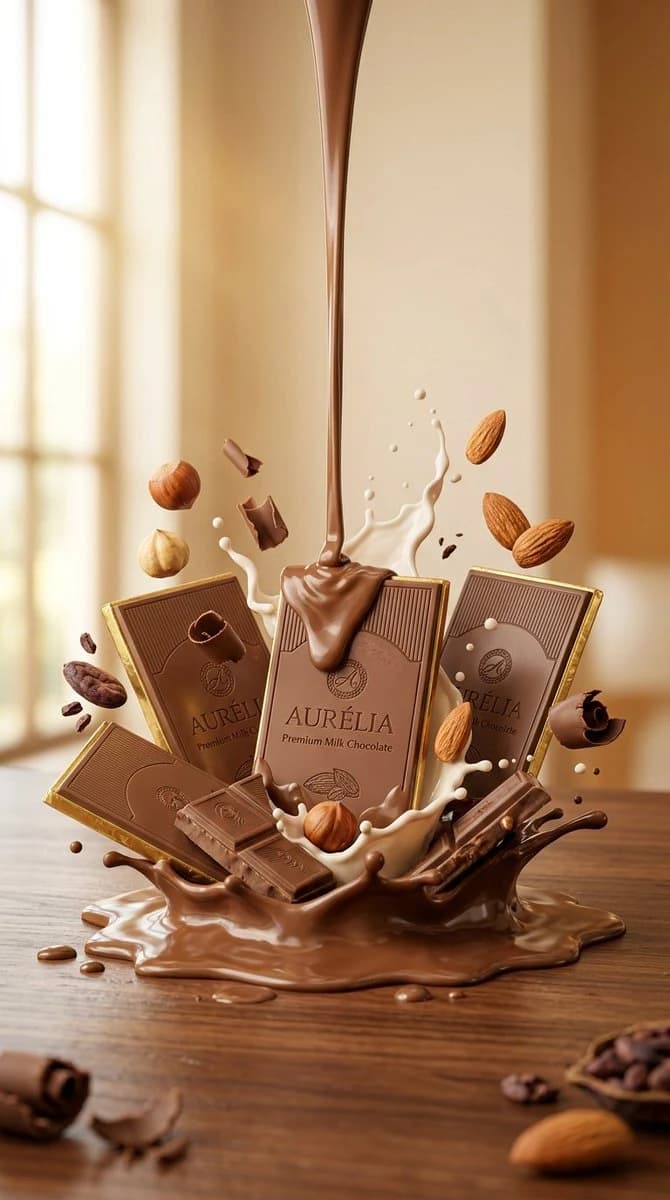
160 wordsUltra-realistic luxury commercial product photography of premium dark chocolate bars elegantly stacked on a glossy black marble surface. Rich melted chocolate flows smoothly around the bars, with chocolate shards, cocoa powder, roasted cocoa beans, and subtle floating chocolate particles creating a sense of motion. Deep brown and black background with luxurious golden highlights, dramatic cinematic lighting, premium confectionery advertising, ultra-detailed, photorealistic, 8K, sharp focus, shallow depth of field, elegant composition, luxury branding aesthetic, clean negative space for logo and text, portrait aspect ratio 4:5. Ultra-realistic luxury commercial product photography of premium milk chocolate bars arranged elegantly on a polished wooden surface. Smooth melted milk chocolate pours around the bars with creamy milk splashes, whole hazelnuts, almonds, cocoa beans, and delicate chocolate curls floating naturally. Warm caramel and cream-colored background with soft golden sunlight, cinematic studio lighting, ultra-detailed, photorealistic, 8K, premium food advertisement, luxurious composition, appetizing textures, shallow depth of field, clean negative space for branding and text, portrait aspect ratio
About this prompt
Luxury Dark Chocolate Commercial Photography is a ready-to-use ad creative prompt for GPT Image 2 on Image 2. Copy the 160 words below, paste them into the Create form, and you will get a result close to the preview above. Tweak the Product Ad, Ad Creative, Product tag if you want to push it somewhere new.
Use it as a starting point, then adjust the subject, lighting, or composition to suit your idea. The credit cost stays the same whether you use it as written or customize it.
Use case
A strong starting point for Ad Creative
Start here when you want a ad creative image inspired by Luxury Dark Chocolate Commercial Photography. The prompt already sets the look and composition; replace the subject, product, colors, or scene details to match your project.
Easy places to tweak
- Subject Swap in your person, product, place, or object without changing the overall composition.
- Look and mood Tune the lighting, palette, camera angle, or materials so the image fits your brand.
- Final format Set the aspect ratio, background, text, or layout notes before you generate.
More prompt paths to explore
Find more GPT Image 2 prompts with a similar style, use case, or subject.
How to use it
- Step 1
Copy the prompt
Hit the Copy button above to grab the full text.
- Step 2
Open Image 2 Create
Head to the Create form and paste it in.
- Step 3
Generate
Hit Generate. Your version lands in seconds.
Make it yours
Load the prompt into the Create form with one click, then start tweaking.