Prompt
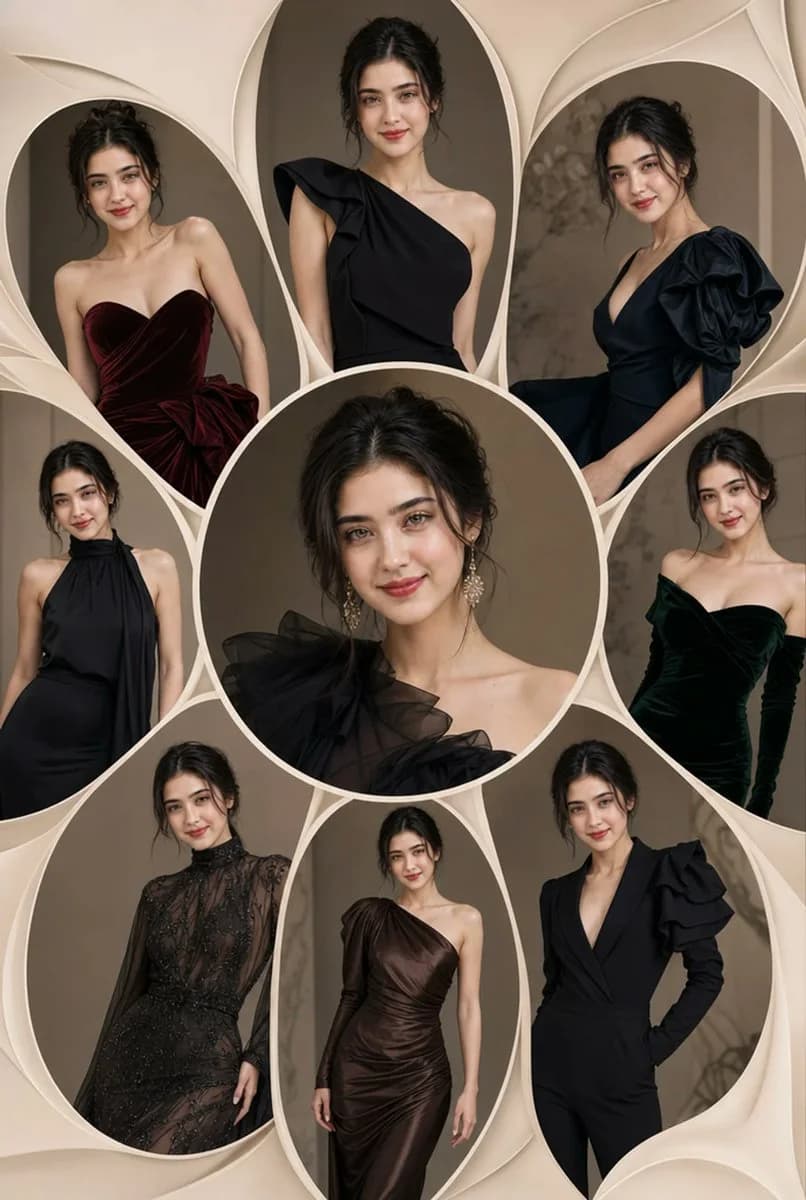
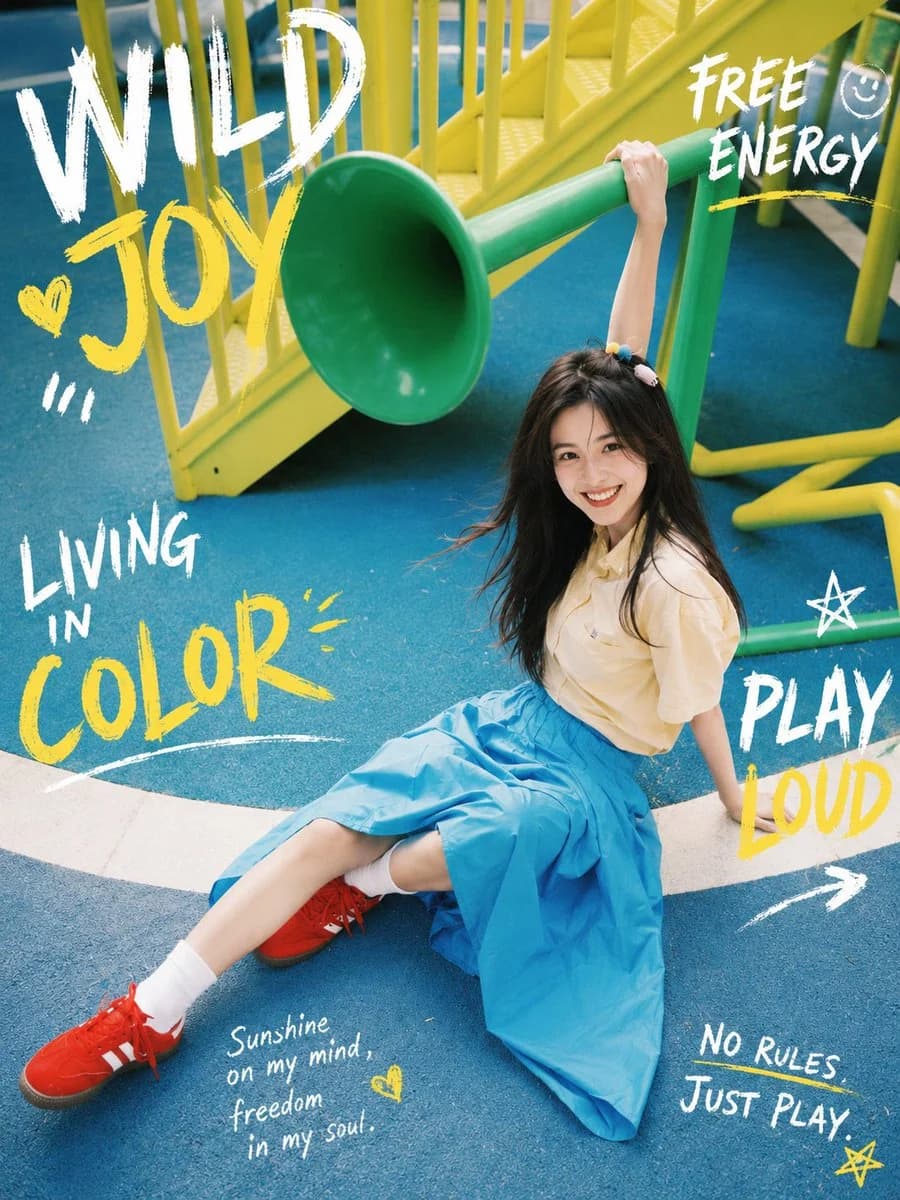
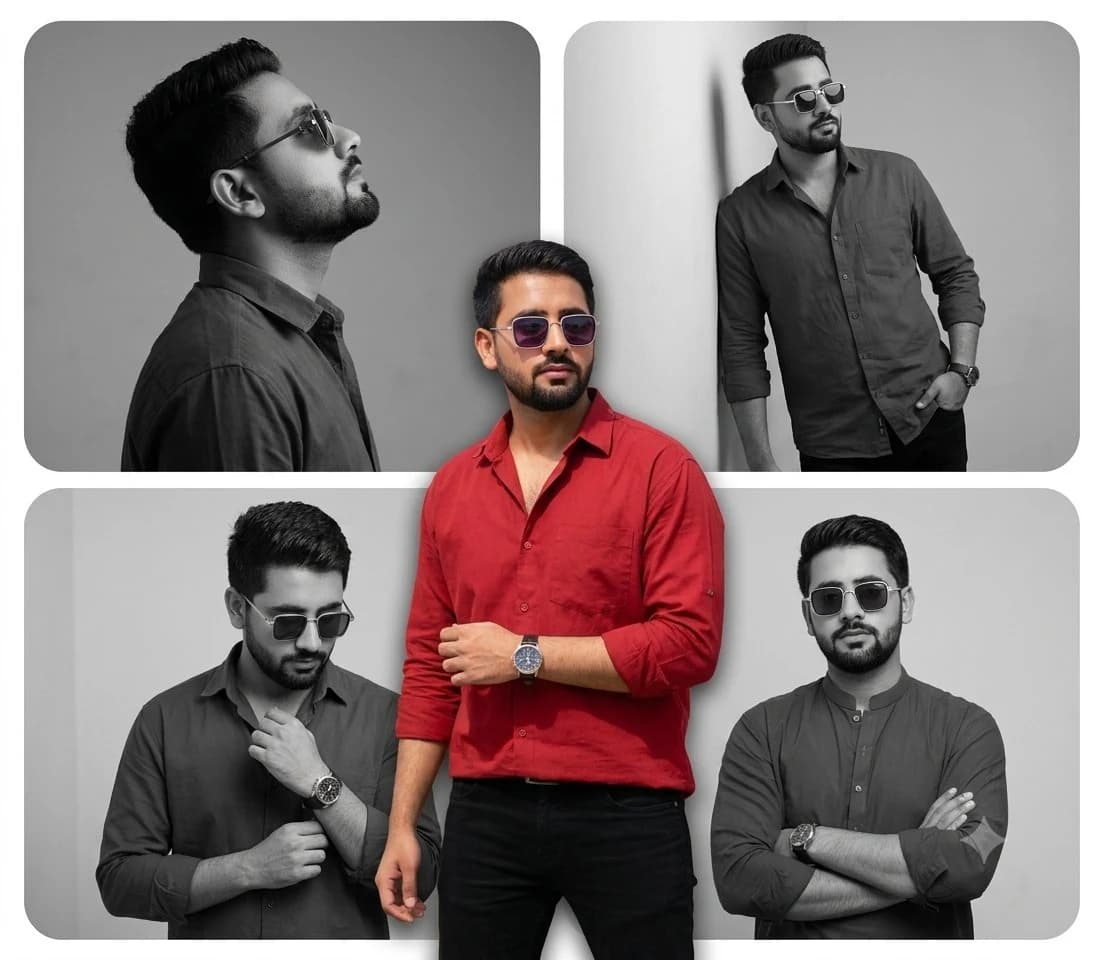
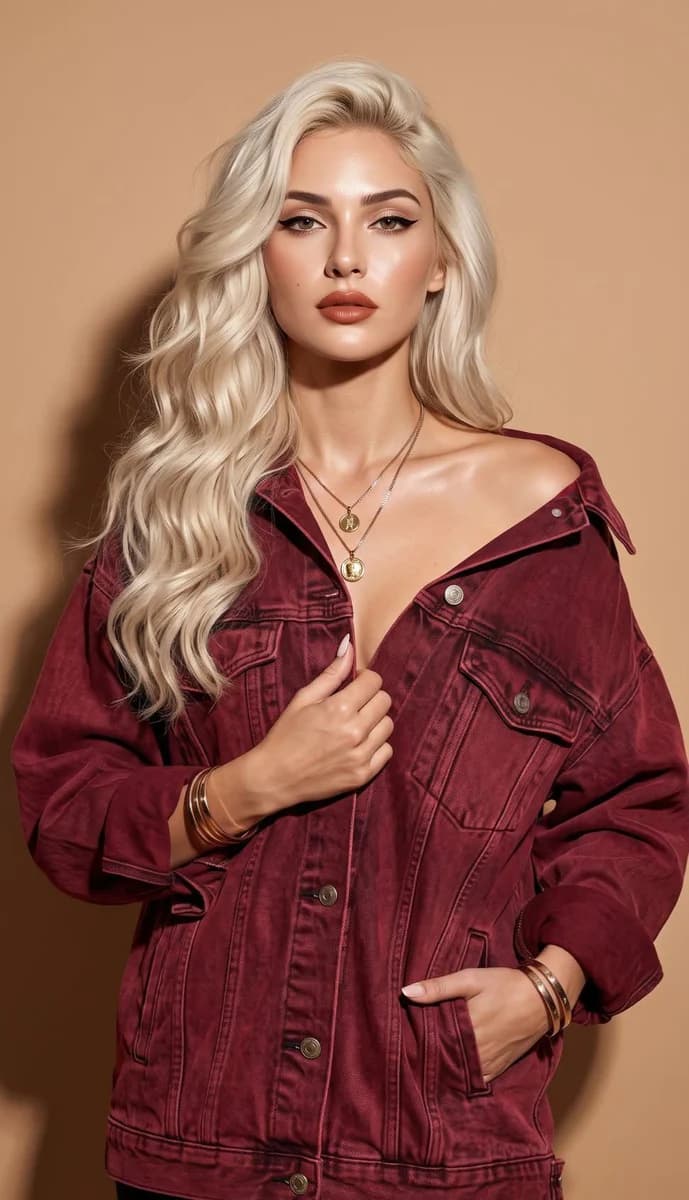
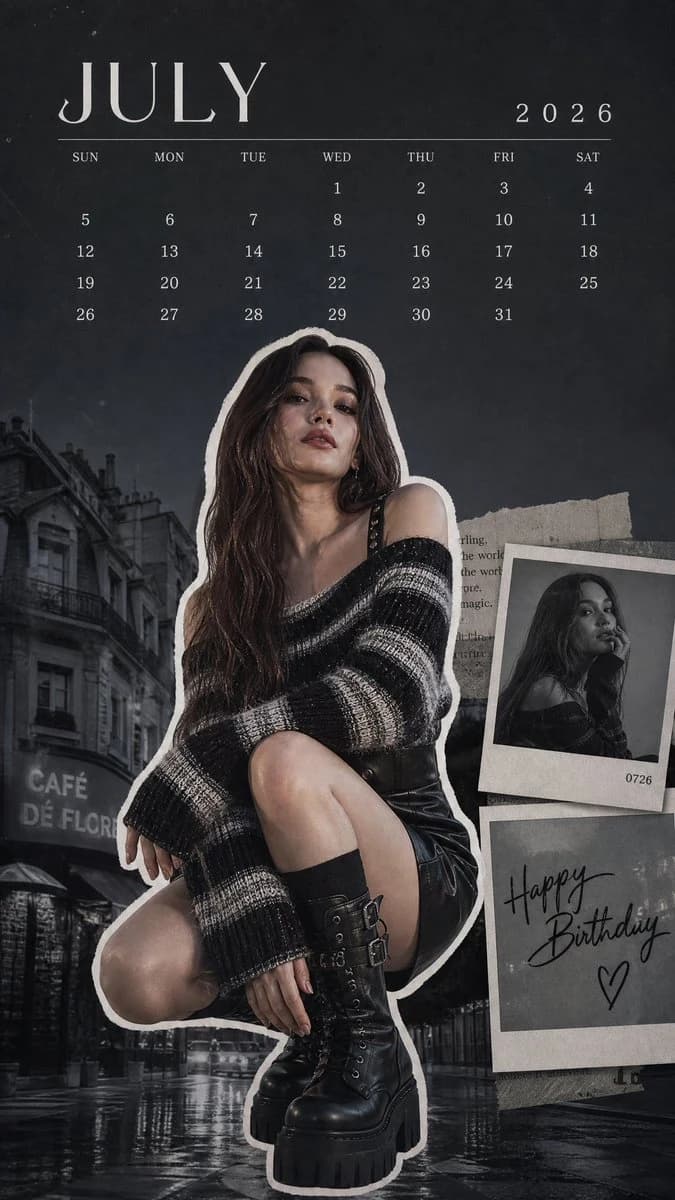
85 wordsA vertical mobile wallpaper, digital collage style, magazine editorial. {argument name="subject" default="A young female K-pop idol"} posing facing the camera, showcasing stylish clothing details. Detailed stripes on her off-shoulder knitwear, edgy platform leather boots. Trendy {argument name="color palette" default="cool-toned (silver, charcoal, deep black)"}. White cutout border around the character. Upper: clean July 2026 calendar typography. Lower: desaturated urban street background. Lower right: layered Polaroid overlay with "{argument name="text" default="Happy Birthday"}" handwritten script. Cinematic lighting, muted moody tones, film grain, artistic fashion spread, ultra-detailed --ar 4:5About this prompt
K-pop Idol Editorial Mobile Wallpaper is a ready-to-use ad creative prompt for GPT Image 2 on Image 2. Copy the 85 words below, paste them into the Create form, and you will get a result close to the preview above. Tweak the Product Ad, Ad Creative, Fashion tag if you want to push it somewhere new.
Use it as a starting point, then adjust the subject, lighting, or composition to suit your idea. The credit cost stays the same whether you use it as written or customize it.
Use case
A strong starting point for Ad Creative
Start here when you want a ad creative image inspired by K-pop Idol Editorial Mobile Wallpaper. The prompt already sets the look and composition; replace the subject, product, colors, or scene details to match your project.
Easy places to tweak
- Subject Swap in your person, product, place, or object without changing the overall composition.
- Look and mood Tune the lighting, palette, camera angle, or materials so the image fits your brand.
- Final format Set the aspect ratio, background, text, or layout notes before you generate.
More prompt paths to explore
Find more GPT Image 2 prompts with a similar style, use case, or subject.
How to use it
- Step 1
Copy the prompt
Hit the Copy button above to grab the full text.
- Step 2
Open Image 2 Create
Head to the Create form and paste it in.
- Step 3
Generate
Hit Generate. Your version lands in seconds.
Make it yours
Load the prompt into the Create form with one click, then start tweaking.