Prompt
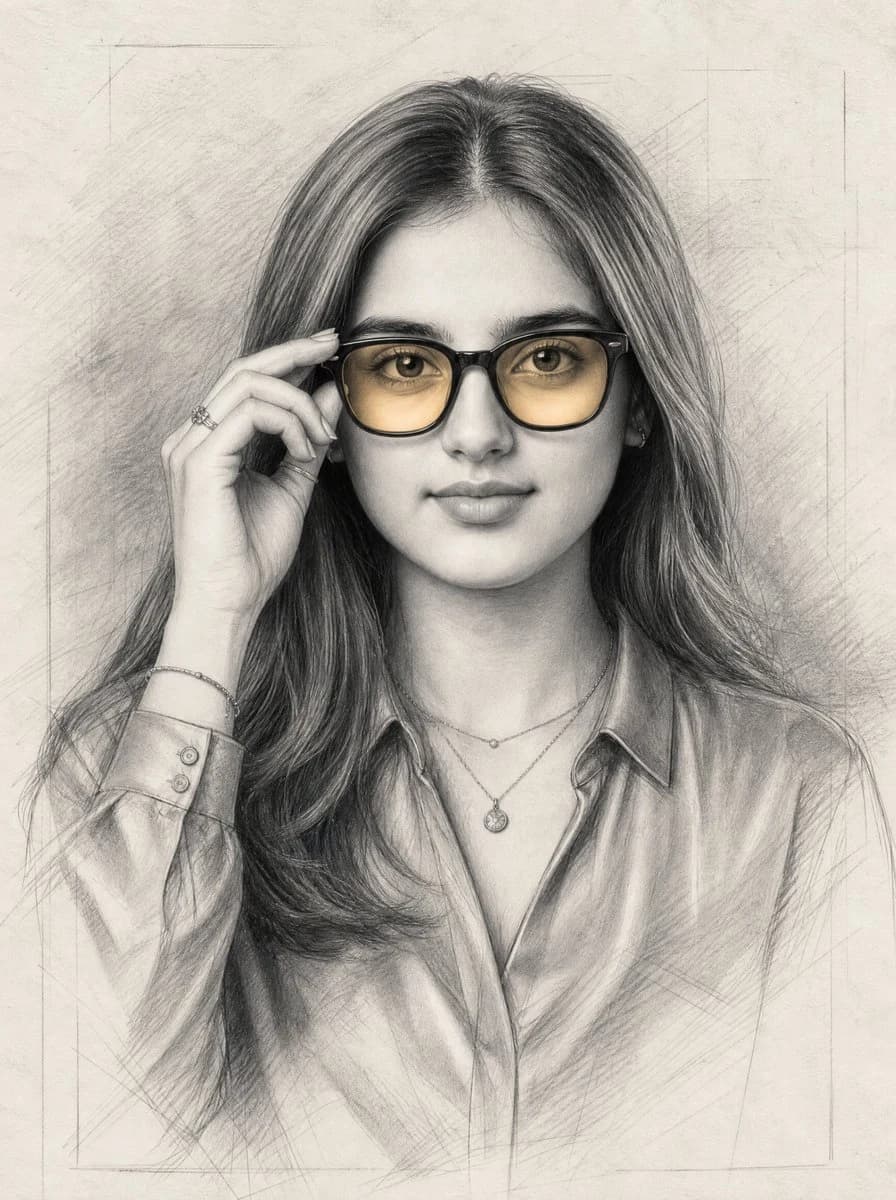
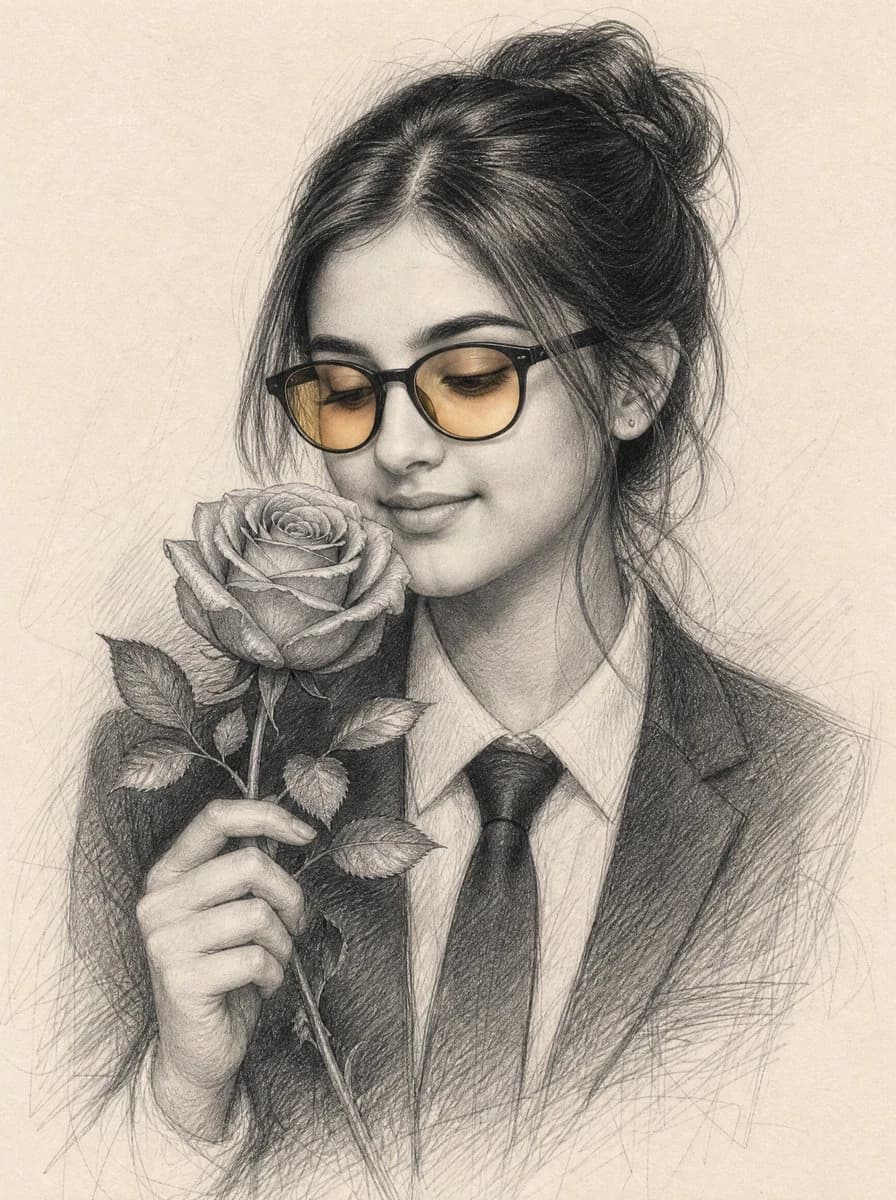
215 wordsCreate an ultra-realistic museum-quality graphite pencil sketch portrait on warm off-white textured drawing paper. The subject is a beautiful young {argument name="ethnicity" default="South Asian"} woman shown from the chest up in a three-quarter view, looking downward with a soft closed-mouth smile while holding a single fully bloomed rose close to her nose. She has long dark hair gathered into a loose messy bun with wispy strands around her face, delicate facial features, and small stud earrings. She wears black rectangular-round eyeglasses with warm amber-tinted lenses as the only subtle color accent, plus a formal dark blazer, white collared shirt, and black tie. Her left hand gently holds the rose stem near her chest; the flower is large and detailed, with exactly 1 fully bloomed rose head, 1 long stem, and 6 visible leaves. Render the rose petals, leaves, fingers, hair strands, glasses, blazer, shirt collar, and tie with highly detailed pencil shading, crosshatching, smudged graphite gradients, fine linework, and realistic paper grain. Use a soft natural composition with the rose on the left side of the face, the woman centered slightly right, and faint loose sketch construction strokes fading into the background. Keep the image monochrome graphite except for the amber glasses lenses, avoid text, avoid watermark, and maintain an elegant romantic fine-art portrait mood.About this prompt
Graphite Portrait Woman With Rose is a ready-to-use portrait prompt for GPT Image 2 on Image 2. Copy the 215 words below, paste them into the Create form, and you will get a result close to the preview above. Tweak the Social Media, Portrait, 3D tag if you want to push it somewhere new.
Use it as a starting point, then adjust the subject, lighting, or composition to suit your idea. The credit cost stays the same whether you use it as written or customize it.
Use case
A strong starting point for Portrait
Start here when you want a portrait image inspired by Graphite Portrait Woman With Rose. The prompt already sets the look and composition; replace the subject, product, colors, or scene details to match your project.
Easy places to tweak
- Subject Swap in your person, product, place, or object without changing the overall composition.
- Look and mood Tune the lighting, palette, camera angle, or materials so the image fits your brand.
- Final format Set the aspect ratio, background, text, or layout notes before you generate.
More prompt paths to explore
Find more GPT Image 2 prompts with a similar style, use case, or subject.
How to use it
- Step 1
Copy the prompt
Hit the Copy button above to grab the full text.
- Step 2
Open Image 2 Create
Head to the Create form and paste it in.
- Step 3
Generate
Hit Generate. Your version lands in seconds.
Make it yours
Load the prompt into the Create form with one click, then start tweaking.