Prompt
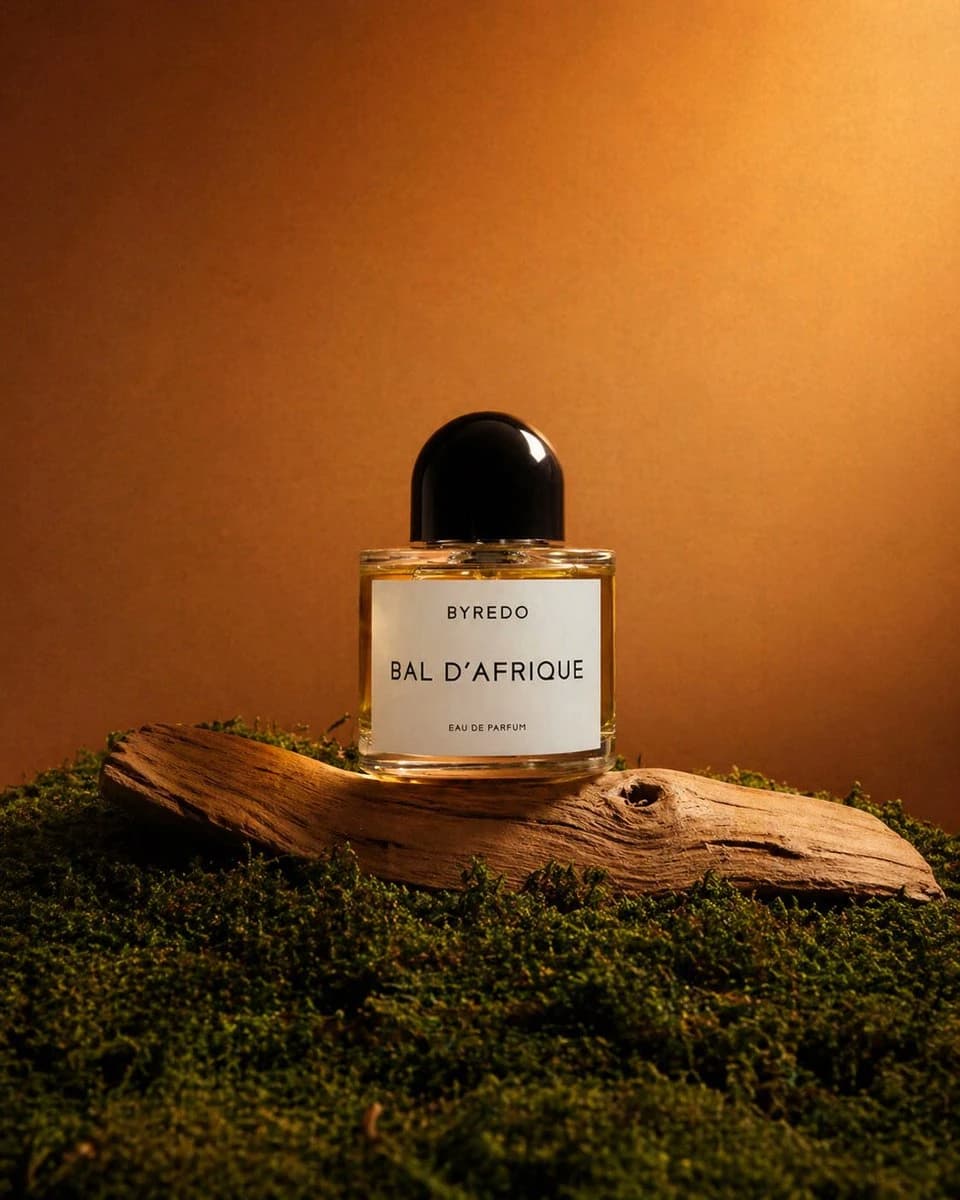
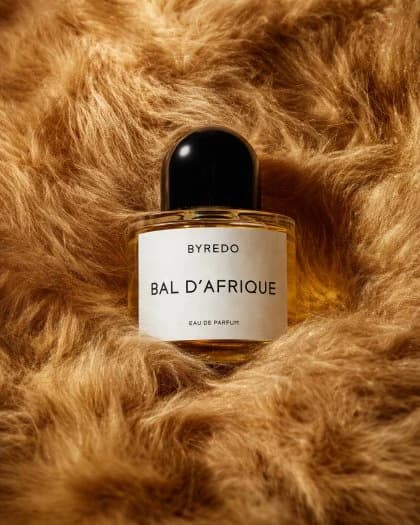
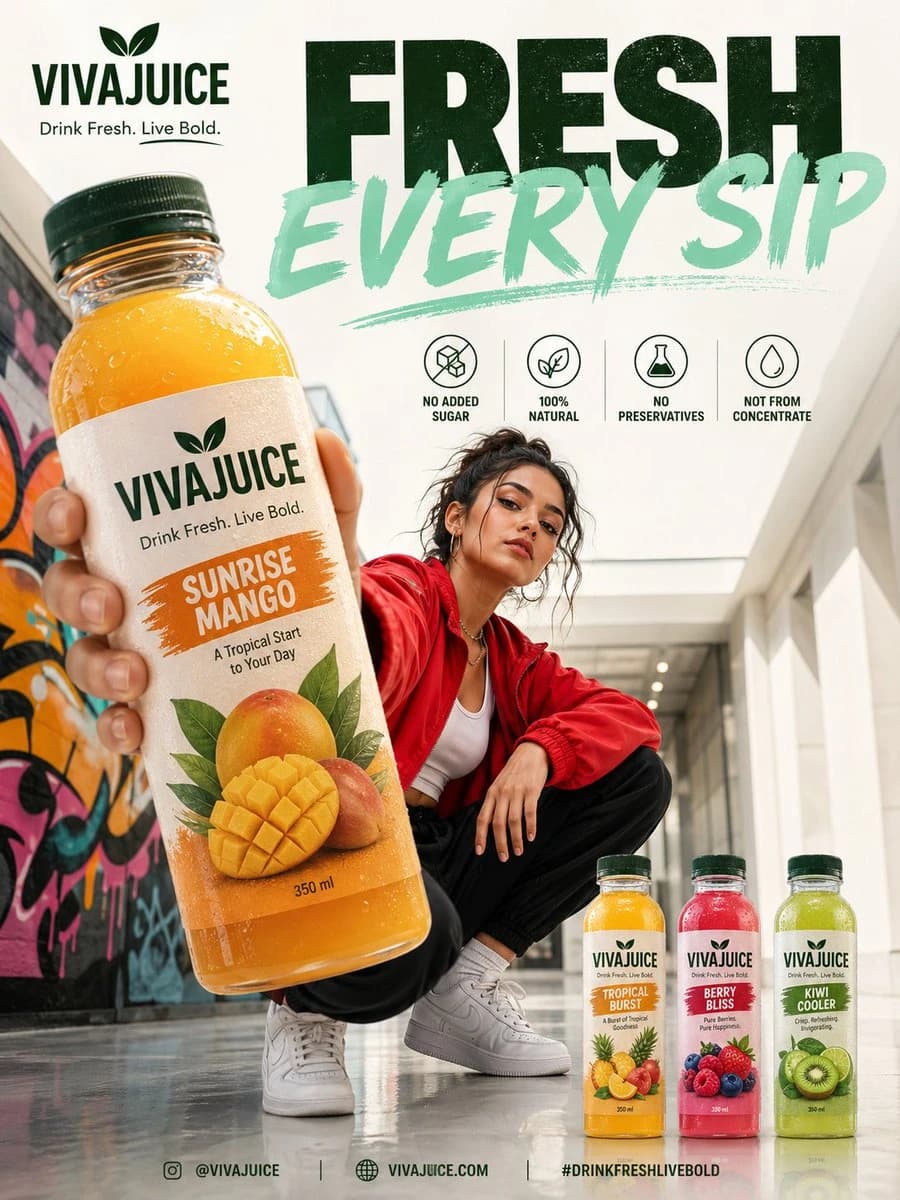
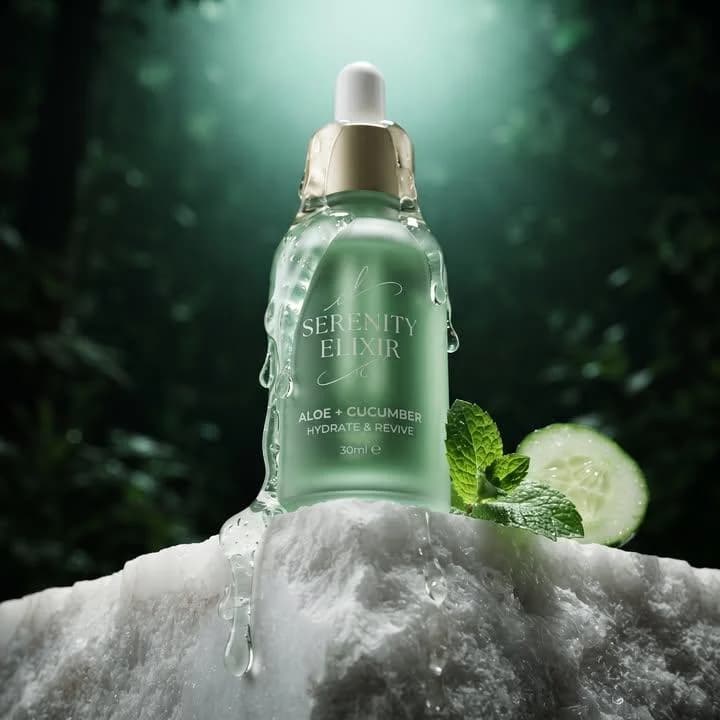
123 wordsUltra-premium cinematic commercial product photography. {argument name="product setup" default="The product is hero-centered on a beautifully textured natural pedestal that complements its identity"}. Dramatic studio-quality lighting with soft volumetric rays, rich atmospheric depth, subtle floating particles, premium reflections, realistic condensation or texture details where appropriate, and perfectly balanced highlights. Surround the product with {argument name="styled elements" default="carefully styled ingredients, materials, or visual elements that naturally represent its category"} without overpowering the composition. Shallow depth of field with creamy bokeh, ultra-realistic textures, luxurious color grading, clean premium branding visibility, elegant composition, photorealistic, macro-level detail, high-end advertising campaign aesthetic, award-winning product photography, 8K, HDR, ultra sharp focus, realistic shadows, global illumination, ray tracing, editorial luxury commercial, minimal yet sophisticated environment, visually striking, premium lifestyle brand aesthetic.About this prompt
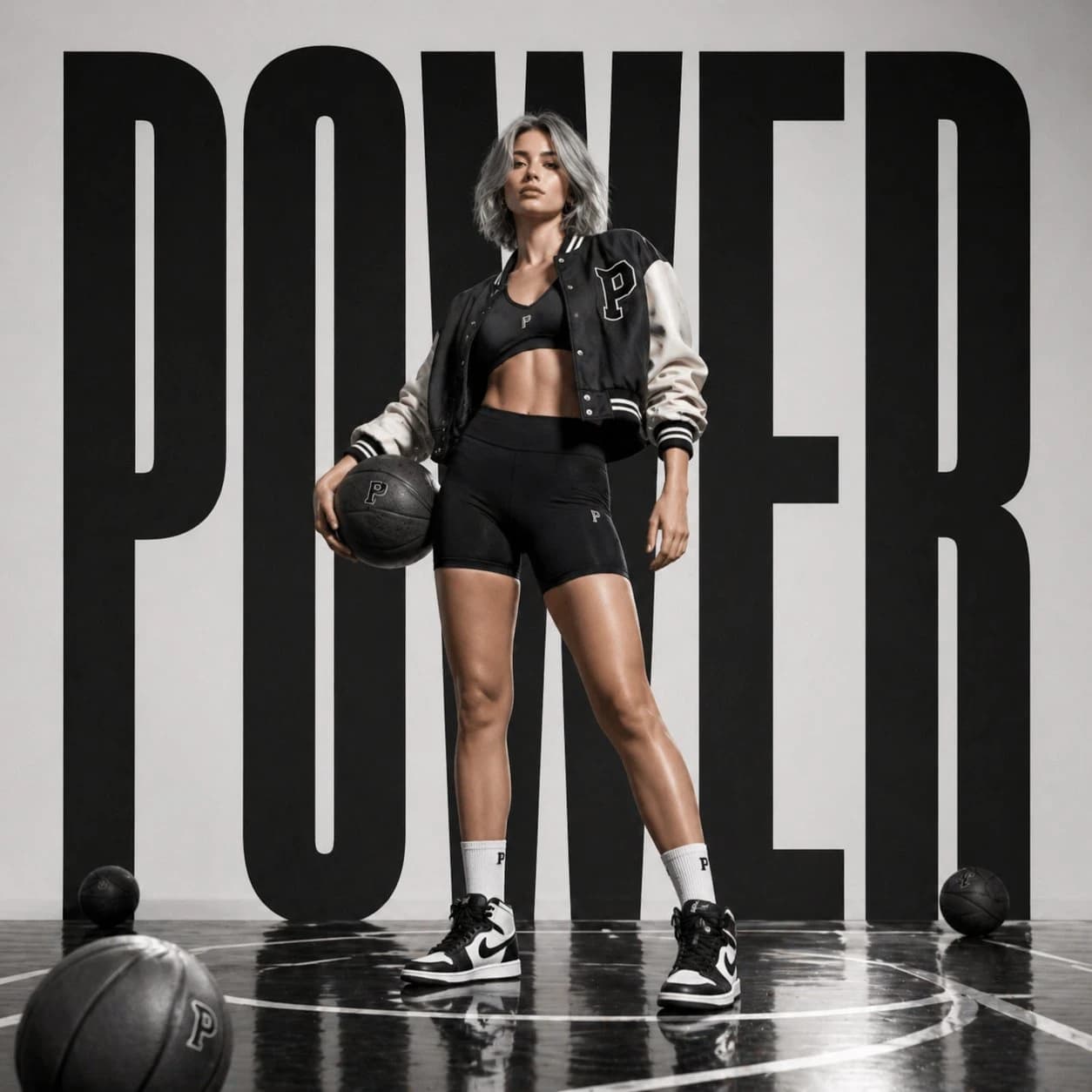
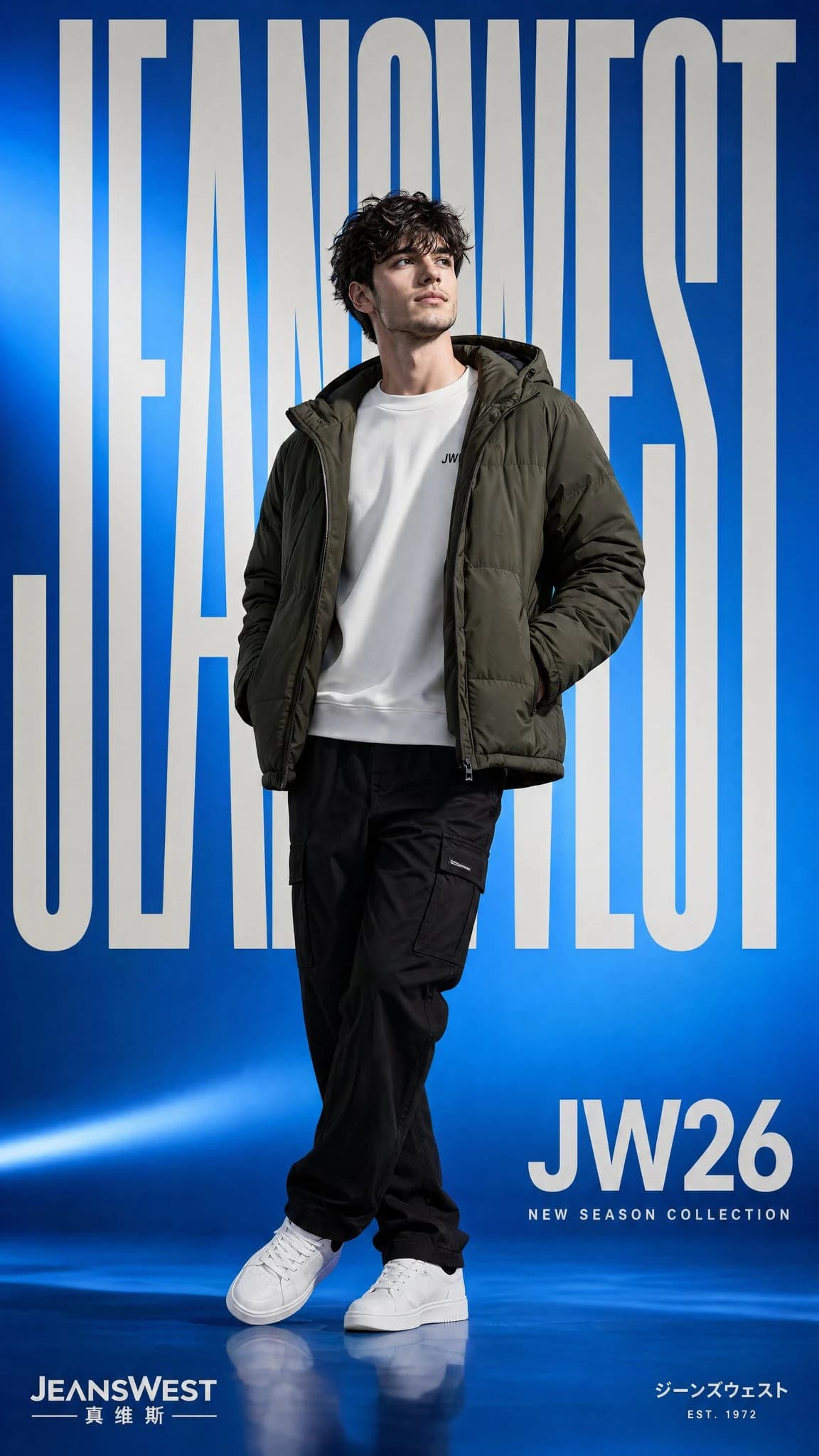
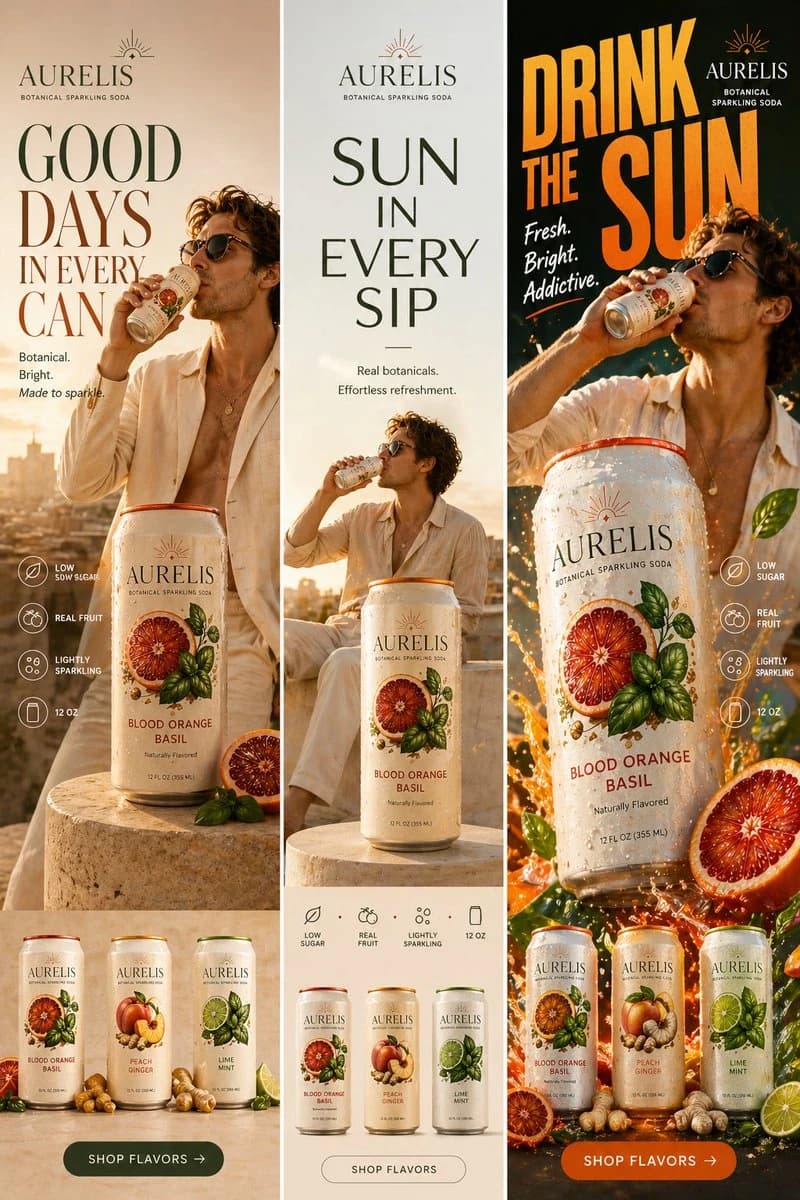
Commercial Product Photography is a ready-to-use ad creative prompt for GPT Image 2 on Image 2. Copy the 123 words below, paste them into the Create form, and you will get a result close to the preview above. Tweak the Product Ad, Ad Creative, Product tag if you want to push it somewhere new.
Use it as a starting point, then adjust the subject, lighting, or composition to suit your idea. The credit cost stays the same whether you use it as written or customize it.
Use case
A strong starting point for Ad Creative
Start here when you want a ad creative image inspired by Commercial Product Photography. The prompt already sets the look and composition; replace the subject, product, colors, or scene details to match your project.
Easy places to tweak
- Subject Swap in your person, product, place, or object without changing the overall composition.
- Look and mood Tune the lighting, palette, camera angle, or materials so the image fits your brand.
- Final format Set the aspect ratio, background, text, or layout notes before you generate.
More prompt paths to explore
Find more GPT Image 2 prompts with a similar style, use case, or subject.
How to use it
- Step 1
Copy the prompt
Hit the Copy button above to grab the full text.
- Step 2
Open Image 2 Create
Head to the Create form and paste it in.
- Step 3
Generate
Hit Generate. Your version lands in seconds.
Make it yours
Load the prompt into the Create form with one click, then start tweaking.