Prompt
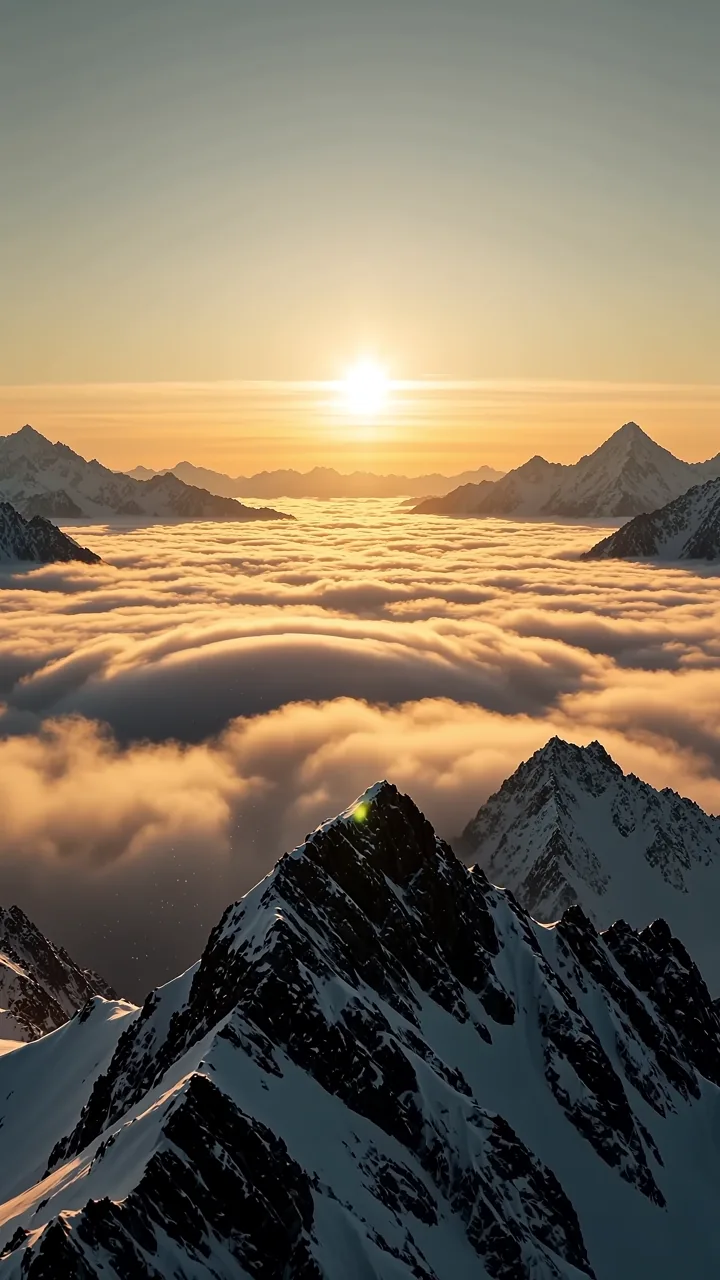
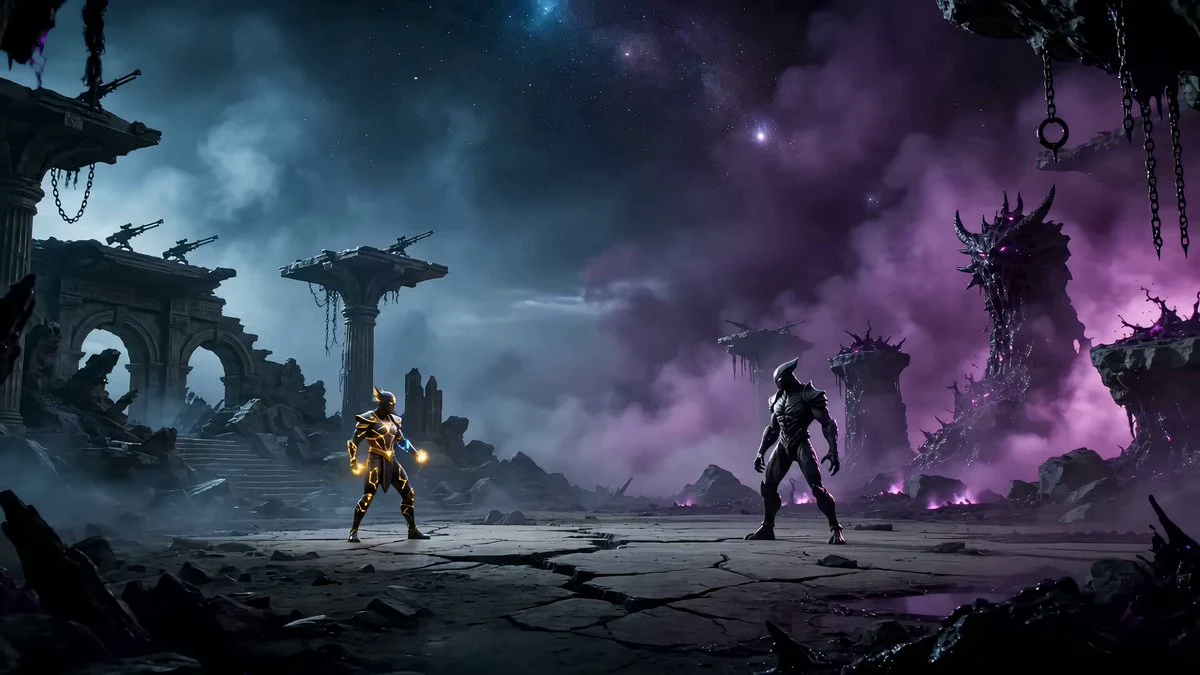
163 wordsA fearsome female valkyrie with long white hair whipping through the wind, weathered silver armor engraved with ancient runes, piercing blue eyes, and a massive winged spear glowing with divine energy. She descends from storm clouds onto a dark battlefield where skeletal warriors surround the last defenders of a fallen kingdom. The camera dives with her through rain and lightning as she lands in the center of the chaos. She charges forward with precise heroic movement, releasing divine shockwaves that scatter the skeletal army through mud, sparks, and storm light. Horses, shields, and broken banners move around her in readable cinematic action. She launches into the sky and hurls her spear like a thunderbolt, ending the battle in a colossal burst of blue-white light. Final aerial shot: the storm clears as she stands alone on the battlefield, victorious and calm. Ultra-realistic heroic fantasy, non-graphic action, divine VFX, realistic armor physics, stormy daylight, cinematic large-format scale, no gore, no text, no logos, no watermark.
About this prompt
Valkyrie Descending on Undead Battlefield is a VFX Seedance 2.0 prompt with 163 words, structured around shot timing, camera direction, motion cues, and remixable scene details.
Use the preview clip when available to understand pacing, then treat the prompt text as a production brief you can adapt for your own subject, brand, or story.
Video prompt structure
Use it for VFX videos
Best for Seedance 2.0 generations that need Cinematic, VFX, Multi-Shot. Replace the subject, setting, product, dialogue, music, and timing before sending it to the generator.
Customize before generating
- Swap the subject. Keep the camera and timing structure, but change the character, product, or environment.
- Tighten the timeline. Shorten or expand shot blocks so they match the duration you want to render.
- Add reference media. Use first frames, last frames, images, video, or audio when the prompt depends on a specific look or rhythm.
More Seedance paths to explore
Browse adjacent styles and techniques from the same Seedance 2.0 prompt library.
How to use it
- Step 1
Copy or start from this prompt
Use the full prompt as a structured draft rather than rewriting the whole video brief.
- Step 2
Open Seedance 2.0
Send the text into the Seedance generator and choose text, image, or reference mode.
- Step 3
Adapt and render
Tune duration, aspect ratio, reference media, camera notes, and dialogue before generating.
Make it a Seedance video
Start from this prompt in the Seedance 2.0 generator, then adjust the scene, duration, aspect ratio, and reference media.