Prompt
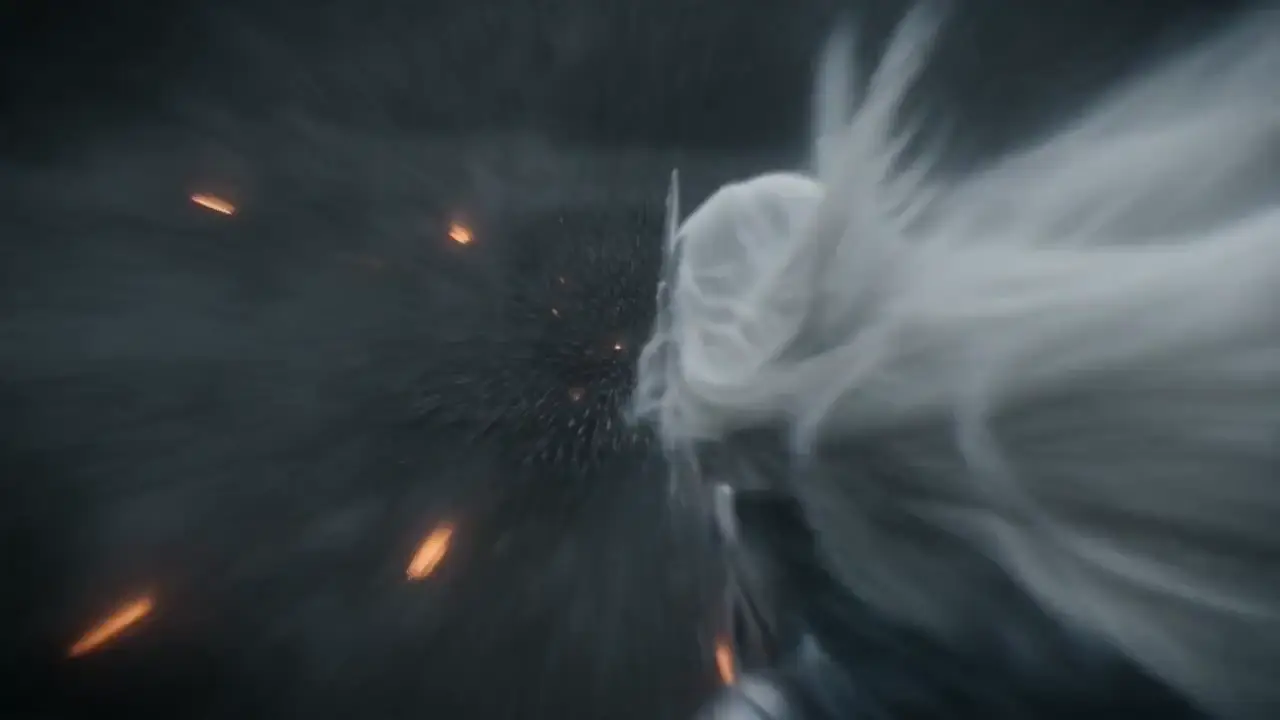
137 wordsUltra-realistic cinematic ocean battle in a massive storm. A fierce red-haired warrior in a black tactical sea suit stands on broken metal debris as a giant prehistoric sea creature rises from the waves. 0-2s: storm-cloud dive toward the ocean, lightning behind the warrior as she grips an electrified spear. 2-4s: underwater POV as the creature rockets upward, jaws breaking the surface while she flips clear. 4-6s: 360-degree tracking shot as she lands on the creature and releases blue electric energy across its armored scales. 6-8s: the creature rolls through the waves while she runs along its back, rain and sparks flying. 8-10s: top-down shot as she drives the final electric strike into the water and the shockwave calms the sea. Keep the action intense but non-graphic: no gore, no exposed wounds, no logos, no text, no watermark.
About this prompt
Cinematic Warrior vs Sea Monster Battle is a VFX Seedance 2.0 prompt with 137 words, structured around shot timing, camera direction, motion cues, and remixable scene details.
Use the preview clip when available to understand pacing, then treat the prompt text as a production brief you can adapt for your own subject, brand, or story.
Video prompt structure
Use it for VFX videos
Best for Seedance 2.0 generations that need Cinematic, VFX, Multi-Shot. Replace the subject, setting, product, dialogue, music, and timing before sending it to the generator.
Customize before generating
- Swap the subject. Keep the camera and timing structure, but change the character, product, or environment.
- Tighten the timeline. Shorten or expand shot blocks so they match the duration you want to render.
- Add reference media. Use first frames, last frames, images, video, or audio when the prompt depends on a specific look or rhythm.
More Seedance paths to explore
Browse adjacent styles and techniques from the same Seedance 2.0 prompt library.
How to use it
- Step 1
Copy or start from this prompt
Use the full prompt as a structured draft rather than rewriting the whole video brief.
- Step 2
Open Seedance 2.0
Send the text into the Seedance generator and choose text, image, or reference mode.
- Step 3
Adapt and render
Tune duration, aspect ratio, reference media, camera notes, and dialogue before generating.
Make it a Seedance video
Start from this prompt in the Seedance 2.0 generator, then adjust the scene, duration, aspect ratio, and reference media.