Prompt
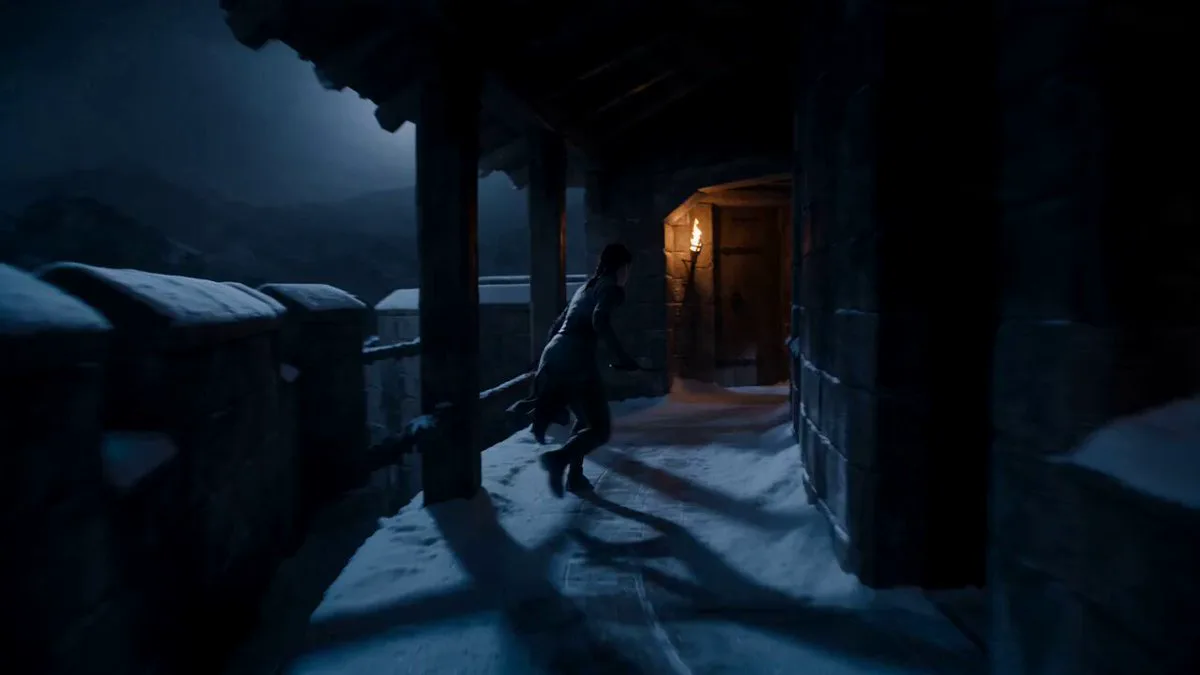
130 wordsA terrifying necromancer queen with pale skin, black crown forged from twisted metal, dark silk robes flowing in the wind, glowing crimson eyes filled with hatred - Stands before the gates of a fortified kingdom while defenders prepare for siege, camera slowly rising behind her to reveal a massive undead army stretching to the horizon; - Raises both hands as thousands of skeletal warriors and undead giants charge the walls, siege towers collapsing gates, defenders overwhelmed in brutal close combat, arrows and fire raining across the battlefield; - The kingdom's final tower collapses and the gates are breached completely, ending with the necromancer entering the ruined city while her undead army floods every street behind her Ultra-realistic dark fantasy, practical undead VFX, large-scale siege warfare, dramatic daylight, apocalyptic medieval atmosphere
About this prompt
Necromancer Queen Siege Warfare is a VFX Seedance 2.0 prompt with 130 words, structured around shot timing, camera direction, motion cues, and remixable scene details.
Use the preview clip when available to understand pacing, then treat the prompt text as a production brief you can adapt for your own subject, brand, or story.
Video prompt structure
Use it for VFX videos
Best for Seedance 2.0 generations that need VFX. Replace the subject, setting, product, dialogue, music, and timing before sending it to the generator.
Customize before generating
- Swap the subject. Keep the camera and timing structure, but change the character, product, or environment.
- Tighten the timeline. Shorten or expand shot blocks so they match the duration you want to render.
- Add reference media. Use first frames, last frames, images, video, or audio when the prompt depends on a specific look or rhythm.
More Seedance paths to explore
Browse adjacent styles and techniques from the same Seedance 2.0 prompt library.
How to use it
- Step 1
Copy or start from this prompt
Use the full prompt as a structured draft rather than rewriting the whole video brief.
- Step 2
Open Seedance 2.0
Send the text into the Seedance generator and choose text, image, or reference mode.
- Step 3
Adapt and render
Tune duration, aspect ratio, reference media, camera notes, and dialogue before generating.
Make it a Seedance video
Start from this prompt in the Seedance 2.0 generator, then adjust the scene, duration, aspect ratio, and reference media.