Prompt
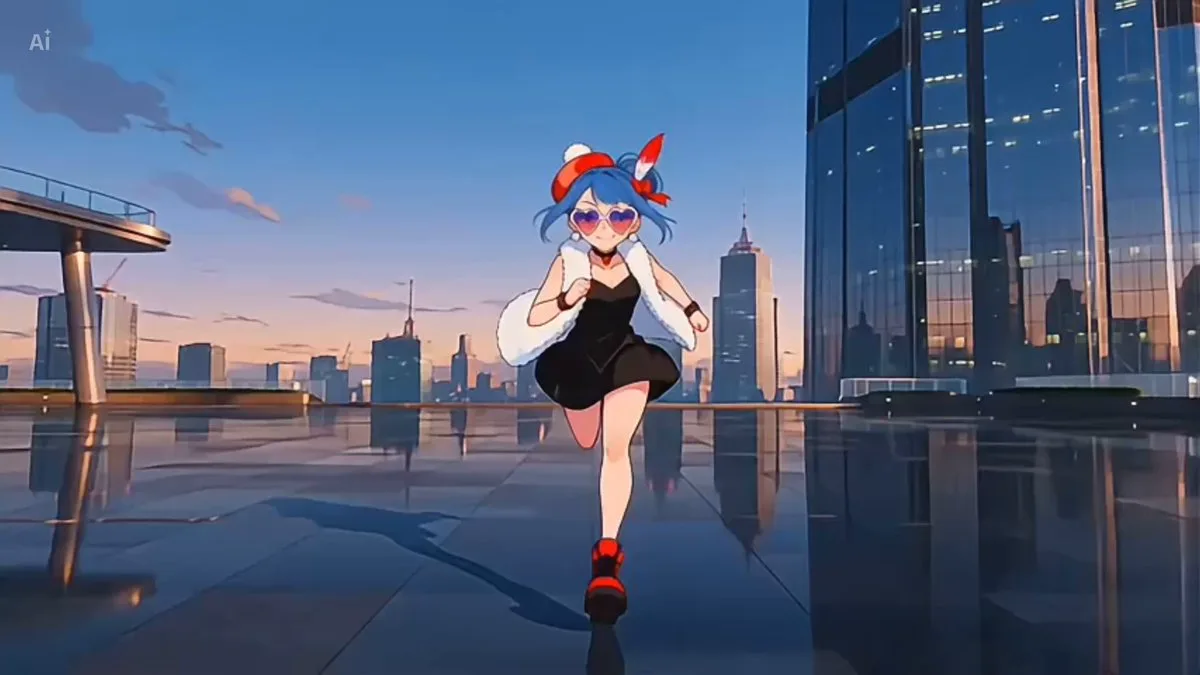
187 wordsStyle: High budget Kpop music video, glossy commercial lighting, vibrant color grading (magenta/cyan/electric blue), 4K cinematic quality, sharp focus, dynamic camera movement, idol-group choreography, fashion forward streetwear meets futuristic outfits, confident charismatic energy, beat synced cuts\nSubject: One female idol performer, toned dance-ready physique, glossy makeup, holographic/metallic outfit accents\nNegative prompt: no blurry motion, no distorted hands, no extra limbs, no text artifacts, no watermark, no low resolution, no static camera\n\n[0:00-0:03] Close up shot, performer's eyes snap open on the beat drop, quick zoom out reveal to full body pose under strobing neon backlight, hair flip, confident smirk, camera whip pans left.\n\n[0:03-0:07] Wide shot, sharp synchronized choreography (point formation), sharp isolations on snare hits, camera does a low-angle orbit around the performer, neon light trails following hand movements, fog machine haze in background.\n\n[0:07-0:11] Medium shot, performer lip-syncs main hook line with emotive expression, hand near face/mic gesture, quick cut to a rooftop-city backdrop with lens flare, wind machine blowing hair.\n\n[0:11-0:15] Fast triple cut montage (0.5s each) of three different power poses, final freeze frame on a hero pose with sparkler/confetti burst, camera punches in, fade to clean final frame.
About this prompt
K-pop Music Video Performance is a Anime Seedance 2.0 prompt with 187 words, structured around shot timing, camera direction, motion cues, and remixable scene details.
Use the preview clip when available to understand pacing, then treat the prompt text as a production brief you can adapt for your own subject, brand, or story.
Video prompt structure
Use it for Anime videos
Best for Seedance 2.0 generations that need Anime, Multi-Shot, Dialogue. Replace the subject, setting, product, dialogue, music, and timing before sending it to the generator.
Customize before generating
- Swap the subject. Keep the camera and timing structure, but change the character, product, or environment.
- Tighten the timeline. Shorten or expand shot blocks so they match the duration you want to render.
- Add reference media. Use first frames, last frames, images, video, or audio when the prompt depends on a specific look or rhythm.
More Seedance paths to explore
Browse adjacent styles and techniques from the same Seedance 2.0 prompt library.
How to use it
- Step 1
Copy or start from this prompt
Use the full prompt as a structured draft rather than rewriting the whole video brief.
- Step 2
Open Seedance 2.0
Send the text into the Seedance generator and choose text, image, or reference mode.
- Step 3
Adapt and render
Tune duration, aspect ratio, reference media, camera notes, and dialogue before generating.
Make it a Seedance video
Start from this prompt in the Seedance 2.0 generator, then adjust the scene, duration, aspect ratio, and reference media.