Prompt
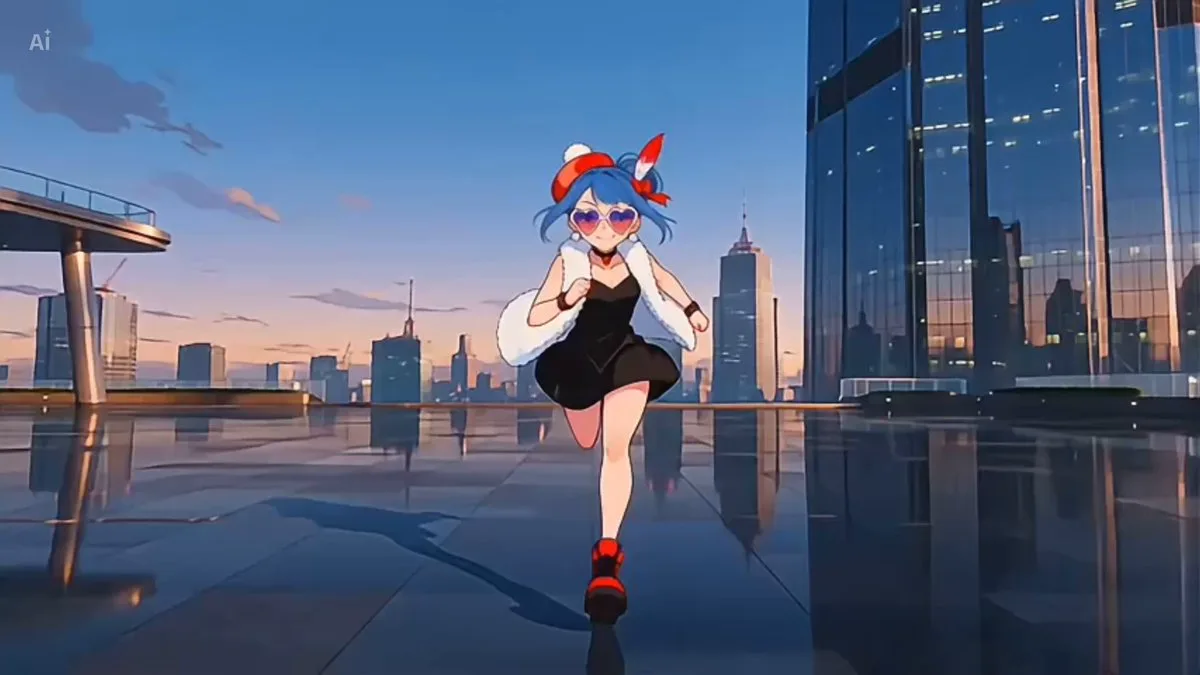
124 wordsA charismatic cyberpunk heroine with short white hair, neon-blue eyes, sleek futuristic combat suit and glowing energy blades, rendered in ultra-premium Japanese anime rendering, Anime-inspired sakuga, sharp manga linework, cinematic neon lighting, dynamic motion smears and glowing VFX - 0–4s: walks through a futuristic megacity while elite mercenaries descend from hovering aircraft, camera tracking low through rain-soaked streets; - 4–10s: launches into an insane rooftop chase, sprinting across skyscrapers, cutting drones in half and dodging explosions while neon reflections flood the frame; - 10–15s: reaches the tallest tower and performs a giant energy slash that destroys the entire drone swarm at once, ending with the city skyline glowing behind her as debris rains from the sky + High-energy cyberpunk anime spectacle, breathtaking sakuga action.
About this prompt
Cyberpunk Anime Heroine Action Scene is a Anime Seedance 2.0 prompt with 124 words, structured around shot timing, camera direction, motion cues, and remixable scene details.
Use the preview clip when available to understand pacing, then treat the prompt text as a production brief you can adapt for your own subject, brand, or story.
Video prompt structure
Use it for Anime videos
Best for Seedance 2.0 generations that need Anime, Multi-Shot. Replace the subject, setting, product, dialogue, music, and timing before sending it to the generator.
Customize before generating
- Swap the subject. Keep the camera and timing structure, but change the character, product, or environment.
- Tighten the timeline. Shorten or expand shot blocks so they match the duration you want to render.
- Add reference media. Use first frames, last frames, images, video, or audio when the prompt depends on a specific look or rhythm.
More Seedance paths to explore
Browse adjacent styles and techniques from the same Seedance 2.0 prompt library.
How to use it
- Step 1
Copy or start from this prompt
Use the full prompt as a structured draft rather than rewriting the whole video brief.
- Step 2
Open Seedance 2.0
Send the text into the Seedance generator and choose text, image, or reference mode.
- Step 3
Adapt and render
Tune duration, aspect ratio, reference media, camera notes, and dialogue before generating.
Make it a Seedance video
Start from this prompt in the Seedance 2.0 generator, then adjust the scene, duration, aspect ratio, and reference media.